Biometric wallets are not yet a universal replacement for your physical cards, but they are becoming a reliable backup that can save your family trip when you misplace your wallet. If you are a parent juggling passports, boarding passes, and restless kids, the shift toward palm-vein or facial recognition payments is less about “future tech” and more about solving the age-old problem of losing your primary payment method in a foreign country.
- Biometrics are a secondary layer: Never travel relying solely on biometric payments; they are currently limited to specific merchants and transport hubs.
- Data privacy is the real trade-off: Unlike a physical card that can be cancelled, your biometric signature is permanent, making the choice of provider (e.g., bank-backed vs. third-party apps) critical.
- Regional disparity is high: While cities like Tokyo, London, and Singapore have advanced biometric transit and retail systems, many rural or developing regions still rely entirely on physical cards or cash.
We have all been there. You are at the security checkpoint, your child has dropped their toy, your spouse is holding the passports, and you realize your wallet—the one containing your debit card and local currency—is nowhere to be found. It is the kind of stress that ruins the first day of a vacation. The “biometric wallet”—the concept of using your unique physical traits to authorize payments—promises to end this specific nightmare. But is it ready for prime time? For a parent in their 30s or 40s, the answer is a nuanced “yes, but with conditions.”

The Reality of Biometric Payments in Transit
When we talk about biometric wallets, we are usually discussing two distinct technologies: facial recognition and palm-vein scanning. In major international transit hubs like London’s Heathrow or Tokyo’s Haneda, these systems are already changing how travelers move. You register your payment method and identity once, and then you simply “scan” your way through gates or pay for duty-free items without digging for a wallet.
For a family, the efficiency gain is obvious. However, the operational reality is that these systems are currently siloed. A biometric system at a specific airport is rarely linked to the merchant in the city center. You might use your face to board a train, but you will still need a physical card to buy dinner at a small café. This is why you must treat biometric payment as an additive convenience, not a subtractive replacement for your wallet.
The most important factor for parents is the “failure rate.” If your facial recognition fails because your child is blocking the sensor or because you are wearing sunglasses, the resulting delay can be incredibly frustrating. Always keep a backup physical card or a NFC-enabled smartphone in a separate pocket. Do not rely on your face being the only way to get your family through a turnstile.
Understanding the Security Trade-offs
The biggest question most parents ask is: “Is my face or palm print safer than a PIN code?” The answer depends on how the data is stored. There are two primary models: device-side storage and server-side storage. When you use your phone to unlock a payment, the biometric template is usually stored in a “Secure Enclave”—a hardware-encrypted area of your phone that never shares your actual image or print with the merchant.
However, when you use a retail biometric terminal (like a palm scanner at a supermarket), the data is often sent to a central server. This is where the risk lies. If a bank’s database is breached, they can issue you a new credit card. If a biometric database is breached, you cannot change your face or your veins. This is a permanent security trade-off that you need to be comfortable with before enrolling in a retail biometric program.
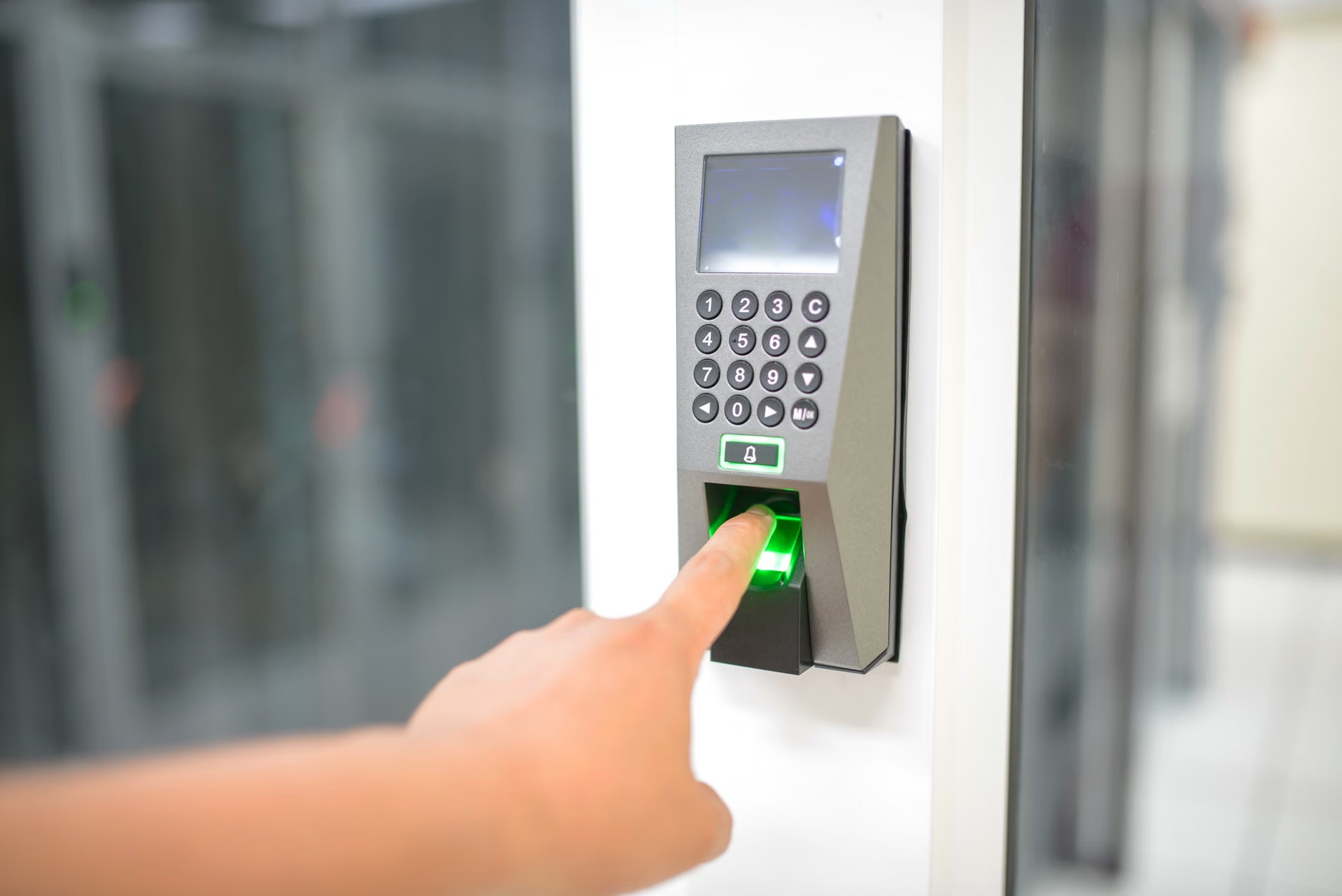
For your family, the best practice is to restrict biometric payments to high-trust environments, such as major banks or reputable international transit authorities. Avoid signing up for biometric loyalty programs at smaller, third-party retail chains where the data security standards might be less transparent. If the store’s privacy policy does not clearly state how long they keep your biometric template, skip the “convenience” of the scan.
Comparing Payment Methods for Global Travel
To help you decide what to carry, let’s look at how different payment methods stack up during a high-stress travel scenario. The following table assumes you are traveling in a major metropolitan area with mixed technology adoption.
| Method | Security Level | Global Acceptance | Best For |
|---|---|---|---|
| Physical Credit Card | Medium (can be stolen) | High | General travel & emergencies |
| Digital Wallets (Apple/Google Pay) | High (tokenized) | Medium-High | Daily spending & transit |
| Biometric Scan | High (on-device) / Low (cloud) | Low (niche) | High-volume transit hubs |
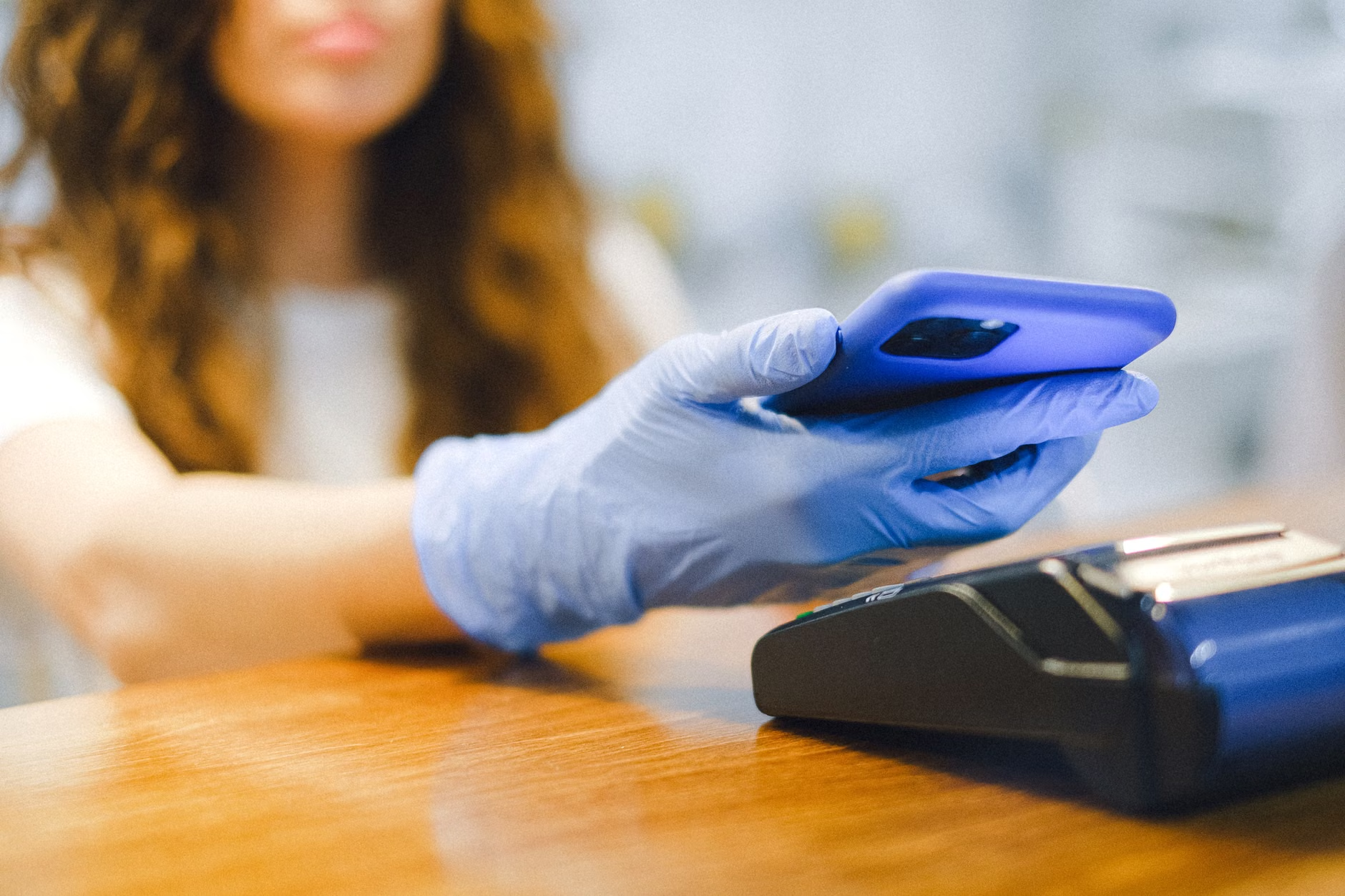
As the table shows, digital wallets (Apple Pay, Google Pay) remain the “sweet spot” for most families. They offer the speed of biometrics (since you authenticate with your face or thumb) but retain the security of tokenization—the merchant never sees your card number. Biometric scans at retail terminals are still a niche convenience that carries unnecessary data risks for the average traveler.
What to Do When the Tech Fails
Technology is wonderful until it isn’t. When you are in a foreign country and a payment terminal rejects your biometric scan, the social pressure of a line of people behind you can be intense. The first rule is: never let the technology dictate your trip.
Always carry a “travel wallet” that includes a physical debit card, a credit card with no foreign transaction fees, and a small amount of local cash. This is your “analog insurance.” If you are traveling with a partner, split these items. If your bag is lost, your partner should have access to a separate set of funds. This is a basic rule of family travel that many tech-reliant parents forget.
Furthermore, check your bank’s app settings before you leave. Many banks allow you to “freeze” a card instantly via the app. If you lose your physical card, you can block it in seconds. This speed of response is far more valuable than the convenience of a biometric scan. If you are going to spend time setting up your digital life for a trip, prioritize mastering your banking app’s “lost card” features over enrolling in local biometric payment schemes.
The Hidden Costs of Convenience
There is a hidden cost to biometric adoption that often goes unmentioned: the “data trail.” Every time you use a biometric scan to pay for a coffee or a train ticket, you are creating a precise log of your movements and habits. While this might seem harmless, consider the long-term implications of this data being sold or shared between transit authorities and advertisers. For a family, this is a privacy concern that extends to your children if you are using your biometric credentials to pay for their items.
If you are a parent who values privacy, the “friction” of using a physical card might actually be a benefit. It prevents the creation of a comprehensive digital profile that tracks your family’s every move through a city. There is a middle ground here: use your mobile wallet (Apple/Google Pay) for convenience, as these companies generally have stronger privacy protections than local retail biometric systems, and keep your “offline” life as offline as possible.
Additionally, be aware of the “currency conversion” trap. Some biometric terminals in airports are set up to force you into “Dynamic Currency Conversion” (DCC). This is where the machine offers to charge you in your home currency. Always decline this and choose the local currency. The exchange rate offered by the machine is almost always significantly worse than what your bank will provide. Biometric systems make it very easy to press “Accept” quickly, which is exactly what these machines are designed to exploit.
Practical Steps for Your Next Trip
If you want to integrate modern payment security into your next family vacation, follow this step-by-step approach to ensure you are safe without being overwhelmed.
- Step 1: Audit your digital wallet. Ensure your primary credit card is added to your mobile wallet and that you have tested it at a local store before you leave.
- Step 2: Enable travel notifications. Even if your bank says it’s not necessary, it never hurts to set a travel notice to avoid fraud flags.
- Step 3: Secure your physical backups. Store your secondary card in a hotel safe or a separate bag. Never keep all your payment methods in one place.
- Step 4: Research the destination’s tech. Check if your destination (e.g., London, Singapore) uses contactless transit. If they do, you don’t need a special “biometric” setup; your phone’s tap-to-pay is already the gold standard.
- Step 5: Keep a “go-bag” of cash. Regardless of how “smart” a city is, there will always be a situation (a broken machine, a small vendor, a power outage) where cash is the only way to pay.
By following these steps, you create a system that is resilient to failure. You aren’t avoiding technology; you are using it as a tool rather than a crutch. The goal of travel is to experience the world, not to spend your energy managing the failure of a digital payment system. Keep it simple, keep it redundant, and keep your focus on your family.
Final Thoughts on Traveling Smart
The “biometric wallet” is evolving, but for the average family traveler, it is currently more of a marketing term than a travel necessity. The real power lies in the mobile wallet—that combination of your phone, a well-configured banking app, and the common sense to keep a physical backup. Don’t fall for the hype that you need to register your palm print at every tourist trap to enjoy a seamless trip. The best technology is the kind that works silently in the background, allowing you to enjoy your coffee and your kids without worrying about the next transaction.
As you prepare for your next trip, remember that the most important “security” feature is your own preparation. A well-informed traveler who carries a backup card is always more secure than a traveler who relies on the latest biometric trend. Stay safe, travel light, and keep your digital footprint as small as your actual luggage.
For more information on secure travel payments and global standards, you can refer to the official guidance from organizations like Visa and Mastercard regarding contactless and digital security protocols.
Frequently Asked Questions
- Should I register for biometric transit programs before leaving for a trip?
Generally, no. Unless you are a frequent traveler to a specific city, the time spent registering and the privacy trade-off outweigh the benefits. Standard contactless (tap-to-pay) via your phone is universally accepted in most major cities and is just as fast. - What happens if my phone dies and I’ve gone “wallet-free”?
This is the exact scenario you must avoid. Always carry at least one physical credit card and a small amount of local currency in a separate pocket or bag. Never rely solely on a device that requires a battery to function. - Are biometric payments more secure than standard chip-and-PIN cards?
It is a trade-off. Biometrics are more secure against physical theft (no one can steal your face), but they are potentially more dangerous if the database storing your biometric data is compromised. For most people, the risk of a card being stolen is much higher than the risk of a biometric database hack, but both are manageable with proper precautions.