The most effective way to protect your child’s sensitive educational information is to move parent-teacher communications away from standard, unencrypted text messages and email, and into dedicated, end-to-end encrypted platforms.
Key Takeaways
- End-to-End Encryption (E2EE) ensures that only the sender and the recipient can read messages, preventing third-party interception or data mining by service providers.
- Professional Boundaries: Using dedicated school-approved apps prevents the “always-on” expectation of personal mobile numbers, protecting both your privacy and the teacher’s personal life.
- Data Retention Control: Encrypted platforms often offer better tools for managing how long messages are stored, reducing the risk of your child’s private academic data lingering in unsecured backups.
If you are a parent in your 30s or 40s, you likely remember the days of physical “take-home folders” and the occasional handwritten note left on a teacher’s desk. Today, the feedback loop has accelerated. Parents are now expected to be in constant contact via apps, email, and sometimes even direct text messages. While this instant access is convenient, it introduces a significant privacy risk: your child’s behavioral records, health information, and academic performance are now floating through digital channels that were never designed for sensitive data.
When you send a message about a learning difficulty or a social issue your child is facing, that data is often stored on company servers. If those platforms are not encrypted, that information becomes a target for data breaches or, worse, is harvested for advertising profiles. This is why the shift toward encrypted, school-managed communication tools is not just a tech trend—it is a necessary evolution in child safety.

Why Standard Communication Channels Fail Privacy Standards
Most of us use standard communication tools because they are convenient. However, convenience often comes at the cost of security. When you send an email or an SMS to a teacher, that data is often stored in plain text on servers controlled by major tech corporations. This means the content of your discussion—which might include your child’s name, their specific struggles, or even medical details—could be scanned by algorithms to build a digital profile of your family.
The core problem is data ownership and visibility. In a standard email chain, the service provider (Google, Microsoft, or your local ISP) holds the “keys” to the data. If a subpoena is issued or a server is hacked, your private conversations are exposed. For parents, this risk is often overlooked until a data leak makes headlines. In your 30s and 40s, as you balance professional responsibilities and parenting, you are likely already managing a complex digital footprint. Adding your child’s school records to this unencrypted pool creates a significant vulnerability.
Furthermore, standard SMS is notoriously insecure. It is susceptible to “SIM swapping” and interception. If you are discussing sensitive disciplinary issues or emotional support needs with a teacher via standard text, you are effectively leaving that conversation open to anyone with the right technical tools to intercept mobile signals. Switching to an encrypted platform, such as Signal, or a school-adopted enterprise tool like ClassDojo (when used with proper privacy settings) or Seesaw, changes the fundamental architecture of that communication.
The Technical Reality of End-to-End Encryption (E2EE)
You do not need a degree in computer science to understand why E2EE matters, but you do need to understand the mechanism. In a standard “secure” connection, the data is encrypted while it moves from your phone to the server, and from the server to the teacher’s phone. But the server itself can “see” the content. It is like mailing a letter in a clear envelope; the post office can read the contents, even if they deliver it safely.
End-to-end encryption changes this. It uses a mathematical process that scrambles the message on your device, and it can only be unscrambled on the recipient’s device. The service provider—the company hosting the app—does not have the key to unlock those messages. Even if the company’s servers were seized by a third party, they would find only gibberish data.
| Feature | Standard Email/SMS | E2EE Messaging App |
|---|---|---|
| Data Access | Provider can read content | Only sender and recipient |
| Data Mining | Commonly used for ads | None |
| Vulnerability | Server-side breaches | Endpoint security only |
For a parent, the decision between these two is clear when dealing with sensitive information. If you are discussing a routine field trip, email is likely sufficient. If you are discussing a behavioral plan, an IEP (Individualized Education Program) update, or a personal health matter, you should insist on a more secure, encrypted channel. If the school does not offer one, consider using a dedicated, private encrypted messaging app if the teacher is willing to participate.
Setting Boundaries: The “Always-On” Trap
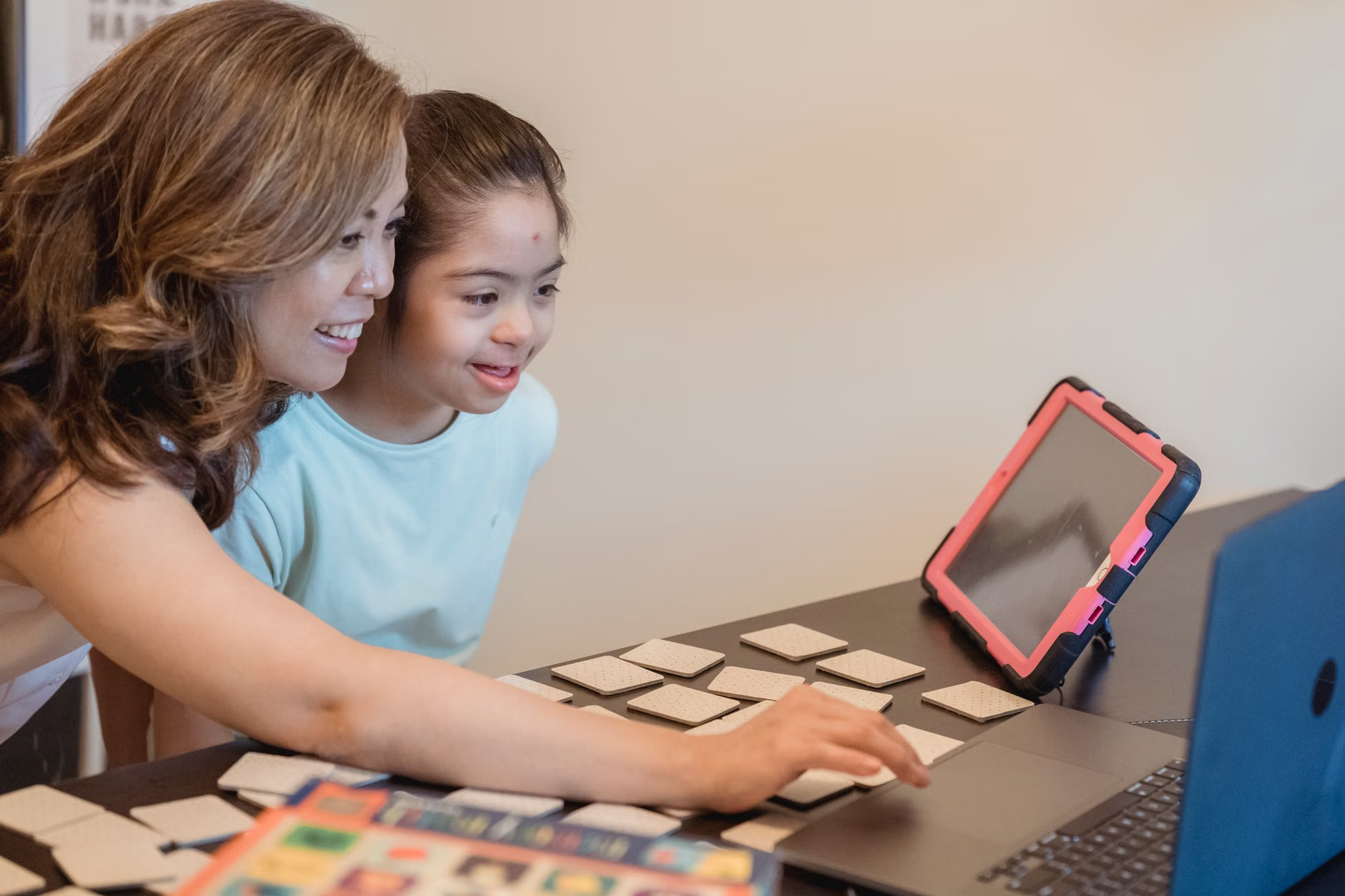
Privacy is not just about data encryption; it is also about behavioral boundaries. When parents and teachers communicate via personal phone numbers, the line between “school time” and “personal time” evaporates. This leads to burnout for teachers and an unhealthy, high-pressure feedback loop for parents.
Consider the scenario where a parent sends a text at 9:00 PM on a Tuesday about a project due the next day. The teacher, feeling the pressure of instant connectivity, responds, even though they are off the clock. This creates an expectation that the teacher is available 24/7. When the teacher inevitably stops responding, the parent feels ignored. This cycle is detrimental to the partnership required for a child’s success.
Encrypted, school-approved apps often include features that allow teachers to set “Do Not Disturb” hours. These platforms act as a buffer. They signify that while the communication is important, it is professional, not personal. By adopting these tools, you are not just securing your data; you are respecting the professional limitations of the educators who work with your children every day.
If your child’s school does not have a formal policy on communication, take the initiative to establish one. A simple, polite email at the start of the year can set the tone: “I want to ensure we stay connected regarding [Child’s Name]’s progress. What is the preferred, most secure way you prefer to communicate? I’m happy to use the school portal or an encrypted app to ensure we keep our discussions private and respect your off-hours.”
What to Look for in a Secure Communication App
Not all “secure” apps are created equal. When evaluating a tool for parent-teacher communication, look for these three specific markers of trust:
- Verification of Encryption: Does the company explicitly state “End-to-End Encryption” (not just “encrypted in transit”)?
- Data Ownership Policies: Does the Terms of Service explicitly state that they do not sell user data to third parties?
- Auditability: Can you export your own chat history? This is crucial for maintaining a record of your child’s educational progress, which you may need for future school transitions or specialized evaluations.
One common mistake is assuming that because a platform is “education-focused,” it is inherently private. Many popular school apps are free because they monetize user data or use your child’s information to drive engagement with other products. Always check the “Privacy Policy” section, specifically looking for mentions of “third-party data sharing” or “targeted advertising.” If you see these terms, the platform is likely trading your privacy for a free service.
Managing the Feedback Loop: A Practical Strategy
To build a healthy, secure, and effective feedback loop, follow these four steps:
- Centralize: Choose one primary communication channel. Avoid mixing emails, text messages, and app notifications. This ensures you have a searchable, secure history of your child’s development.
- Audit: Once a semester, review the information you have shared. If there are documents or sensitive discussions that are no longer needed, use the app’s “delete” or “archive” features to remove them from the active conversation.
- Formalize: When discussing sensitive topics (e.g., medical, behavioral, or academic performance), use the “Subject” line or a clear opening sentence to define the nature of the conversation. This helps the teacher categorize the information and handle it with the appropriate level of confidentiality.
- Respect: Always adhere to the school’s communication policy. If they request that you use a specific portal, use it, but pair it with your own local backups—downloading important progress reports or feedback summaries to your personal, encrypted storage (like a password-protected hard drive or an encrypted cloud folder).
Remember, the goal is not to create a wall between you and the school, but to build a bridge that is secure, respectful, and sustainable. By moving away from the “convenience-first” approach and toward a “security-first” mindset, you are modeling digital responsibility for your child—a skill they will need as they grow into a world where their own digital footprint will define their opportunities.
Addressing Common Misconceptions
Many parents fear that using encrypted tools will make them look “demanding” or “suspicious.” This is a misunderstanding of what privacy means. Protecting your family’s information is not about mistrusting the teacher; it is about protecting against the systemic risks of the internet. Most teachers will actually appreciate a parent who understands and respects digital boundaries and privacy protocols.
Another misconception is that encryption is “too hard” for the average user. Modern tools like Signal or dedicated school platforms have user interfaces that are just as simple as WhatsApp or iMessage. The “complexity” is handled in the background by the software. Once you set up the account and verify your contact, the experience is identical to any other messaging app, with the added benefit of knowing your private family discussions remain private.
Finally, do not assume that “school-provided” means “government-grade security.” Schools are often under-resourced in terms of IT infrastructure. By taking an active role in how you communicate, you are effectively acting as your own cybersecurity officer. This is a small but vital component of modern parenting that, when managed correctly, significantly reduces the stress of school-related digital clutter.
Final Recommendations for Action
Your next step is simple: check your child’s school handbook for their official communication policy. If they don’t have one, or if they rely exclusively on unencrypted email, start a conversation with the administration. Ask about their data protection practices. If you are forced to use an insecure channel for sensitive matters, keep your messages brief and avoid sharing personally identifiable information (like home addresses or medical record numbers) whenever possible.
Ultimately, the parent-teacher feedback loop is the backbone of your child’s educational success. By ensuring that loop is secure, you are creating a stable environment where you can focus on what really matters: your child’s growth, their learning, and their future, rather than worrying about who else might be reading your emails.
Stay proactive, stay informed, and remember that when it comes to your family’s digital privacy, you are the final line of defense.
Frequently Asked Questions
What should I do if my child’s teacher insists on using standard SMS for all communication?
If a teacher prefers SMS, try to limit the content of those messages to logistical coordination (e.g., “Will be five minutes late for pickup”). For anything sensitive regarding your child’s performance or wellbeing, politely ask, “Since this information is private, could we move this conversation to [School Portal Name] or discuss it over a brief phone call instead?” This frames the request as a privacy concern rather than a criticism of their process.
Are school-approved apps like ClassDojo or Seesaw truly private?
These platforms are built for education, but they are still commercial products. They are generally safer than open-source social media, but you should always check their specific privacy settings. In your account settings, opt out of any “data sharing” or “third-party marketing” features. Treat these apps as a professional tool, and avoid sharing unnecessary personal details that are not directly related to your child’s schooling.
How do I start a conversation about digital privacy without sounding difficult?
Focus on the “why” rather than the “how.” Instead of saying “Your methods are insecure,” say “I’ve been learning more about digital privacy for my family, and I’m trying to be more careful with where I share sensitive information. I’d love to work with you to keep our communications as secure as possible—what works best for you?” This makes it a collaborative effort rather than a confrontation.
For further reading on digital privacy and education, check out the U.S. Department of Education’s Student Privacy Policy Office or local equivalents in your region, which provide guidelines on FERPA and student data protection.