The “Right-to-Disconnect” isn’t just a corporate buzzword; it is a fundamental shift in labor law designed to protect your personal time from the creeping encroachment of digital connectivity. If you work remotely, the most important takeaway is that your legal right to ignore work communications after hours is increasingly being codified into law, but exercising that right effectively requires you to set firm, non-negotiable boundaries with your employer and yourself.
- Legal Trends: Countries like Australia, France, and parts of Canada have implemented or are formalizing “Right-to-Disconnect” laws that protect employees from being penalized for ignoring work emails or calls outside of contracted hours.
- The “Always-On” Penalty: Living in an “always-on” state causes cognitive depletion that reduces your long-term productivity and increases the risk of caregiver burnout, especially for those in their 30s and 40s.
- Practical Implementation: You do not need to wait for local legislation to act; setting “digital sunset” rituals and using automated status updates are the most effective ways to reclaim your time today.
If you are in your 30s or 40s, you likely remember a time when “work” was a place you went to, and “home” was where you stayed. Today, that line has been permanently blurred. You might find yourself answering a Slack message while waiting for the school bus or checking your inbox during dinner. The “Right-to-Disconnect” movement is the societal pushback against this reality. It asserts that your time belongs to you, not your employer, and that the inability to unplug is a structural problem, not a personal failure.

What the “Right-to-Disconnect” Actually Means for Your Contract
At its core, the right to disconnect is the legal recognition that an employee has the right to refrain from engaging in work-related communications—emails, telephone calls, or instant messages—outside of their designated working hours. It isn’t a prohibition on working late if you choose to; it is a protection against the expectation that you must be available 24/7.
In jurisdictions like France, which pioneered these laws in 2017, companies with more than 50 employees are required to negotiate an agreement that defines the hours during which employees are not expected to be reachable. Australia recently followed suit with laws that allow employees to ignore unreasonable contact from employers. For the average worker, this translates into a legal shield: you cannot be disciplined, fired, or demoted for failing to respond to a non-urgent request at 9:00 PM on a Tuesday.
However, there is a catch: “Reasonableness.” Most of these laws include exceptions for emergencies or roles that require on-call duties. If you are a doctor, a first responder, or in a crisis-management role, the legal definition of “disconnecting” may look different than it does for a project manager or a software developer. The key for your career is to identify whether your contract includes specific on-call requirements. If it doesn’t, you are generally in the clear to set boundaries.
Why the “Always-On” Culture is Draining Your Capacity
Why does this matter so much for parents in their 30s and 40s? Because your “second shift”—the one where you manage household logistics, children, and personal health—is being cannibalized. When you are constantly checking your phone, your brain remains in “work mode.” This creates a phenomenon known as attention residue. Even when you are physically present with your family, your brain is still processing that last email or worrying about the morning’s tasks.
Research into cognitive load suggests that the human brain requires true downtime to recover. Constant connectivity keeps you in a state of low-level chronic stress. Over months and years, this leads to decision fatigue. You might notice you’re shorter with your kids, less patient with your partner, or simply unable to focus on hobbies you once enjoyed. Reclaiming your disconnect time isn’t just about “being lazy”; it’s a necessary strategy for maintaining your professional longevity and your personal well-being.
Comparing Your Rights: A Global Perspective
The implementation of these rights varies wildly depending on where you live. It is important to understand that there is no universal “global standard.”
| Region | Status of Right-to-Disconnect | What it means for you |
|---|---|---|
| France | Codified (since 2017) | Employers must negotiate disconnection policies. |
| Australia | Legislated (2024) | Employees can refuse unreasonable contact without fear of reprisal. |
| Canada (Federal) | Policy-driven | Mandates written policies for federally regulated workplaces. |
| United States | Limited/None | No federal law; protections are entirely up to company culture and individual contracts. |
If you are in the United States or a region without specific legislation, you have to be more proactive. You cannot point to a law to defend your boundaries, so you must use contractual leverage and cultural setting. This means explicitly discussing availability during your hiring phase or during your annual review. Frame it not as “I don’t want to work,” but as “I want to ensure I am performing at my highest capacity during work hours, which requires deep, focused recovery in the evenings.”
Practical Steps to Build Your “Digital Sunset”
You don’t need a legislative act to start protecting your time today. Most people fail to disconnect because they rely on willpower, which is a finite resource. Instead, you need a system. Here is how to build a “Digital Sunset” ritual that works even when your employer is demanding.
1. The “Hard Stop” Calendar Block
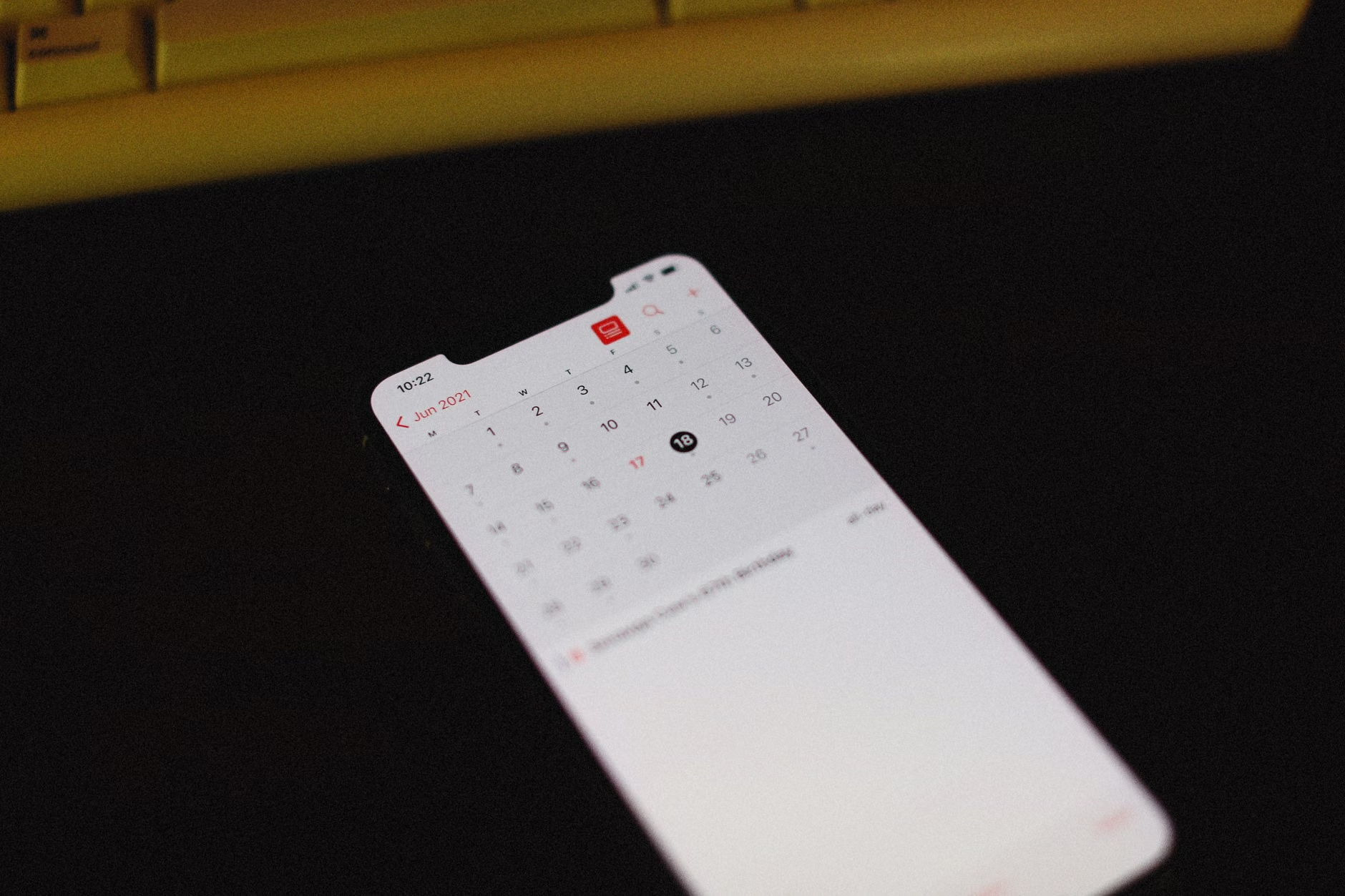
Treat your end-of-day time as a non-negotiable meeting with the most important client: yourself. Block out your calendar from 6:00 PM to 8:00 AM. When colleagues see a blocked calendar, they are less likely to schedule meetings. If they do, you are empowered to decline with a simple, professional: “I have a prior commitment during those hours. I will address this first thing tomorrow morning.”
2. Optimize Your Notification Architecture
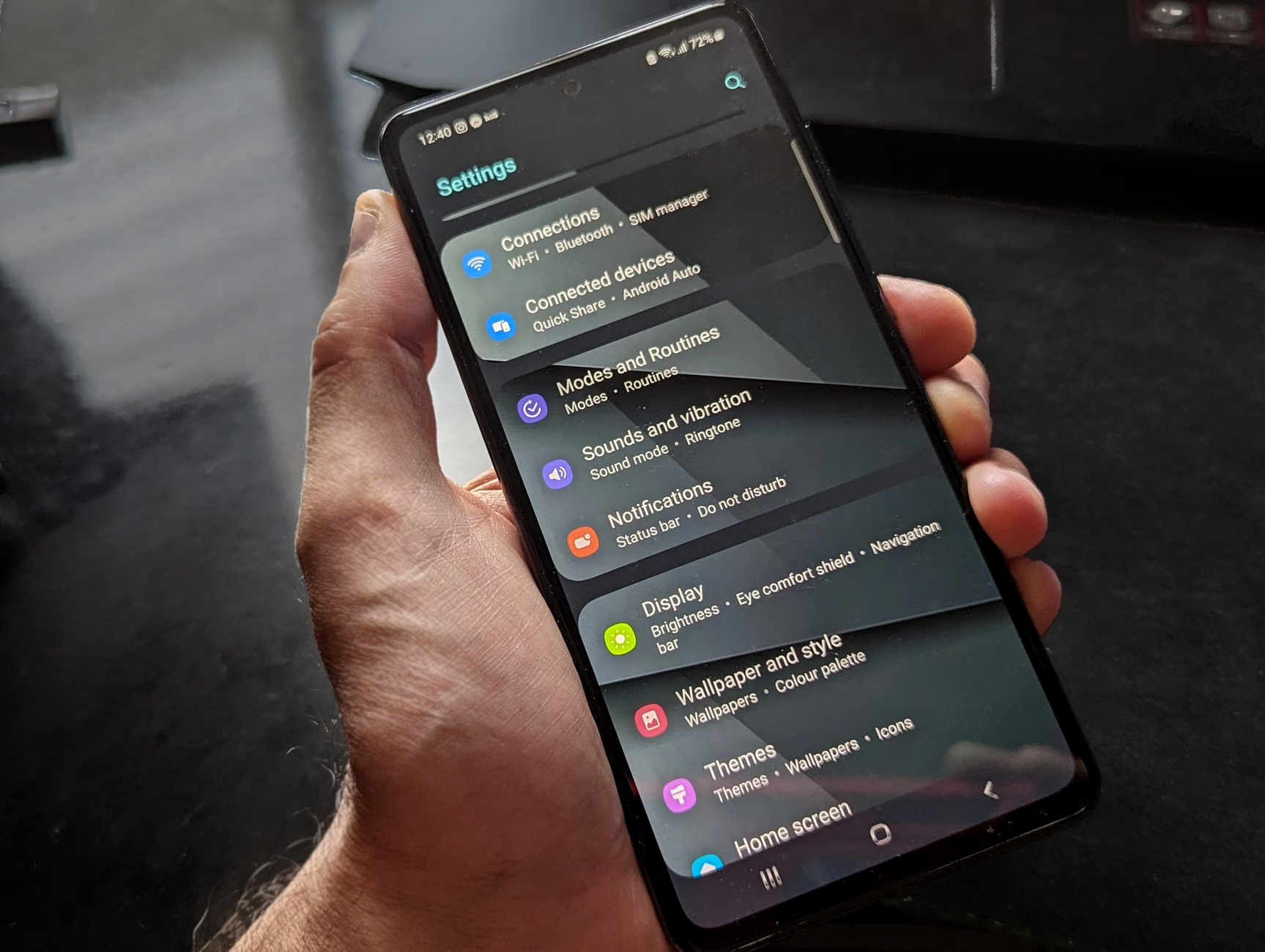
Modern devices are designed to keep you hooked. Use the “Focus” or “Do Not Disturb” modes on your phone to automate your boundaries. You can set these to trigger automatically at a specific time, such as 7:00 PM. Configure your settings so that only family members can bypass the filter. By removing the visual cue of a notification, you significantly reduce the “pull” to check your work apps.
3. Communicate Your Boundaries Proactively
The biggest mistake people make is waiting for a crisis to set a boundary. Instead, set expectations early. Put a note in your email signature: “I check emails between 9:00 AM and 6:00 PM. For anything urgent, please call me; otherwise, I will respond when I return to my desk.” This manages expectations before the other person even hits “send.”
Common Mistakes to Avoid When Setting Boundaries
Even with good intentions, many professionals fall into traps that undermine their efforts. One common mistake is “boundary inconsistency.” If you set a boundary but then occasionally respond to messages at 10:00 PM, you have signaled to your team that your boundaries are flexible. Consistency is the only way to make a boundary stick.
Another mistake is apologizing for your boundaries. You do not need to say, “I’m so sorry, but I can’t look at this right now.” Instead, use “neutral professional phrasing.” Try: “I have logged off for the evening and will pick this up tomorrow at 9:00 AM.” It is firm, professional, and removes the emotional baggage of guilt.
Finally, avoid the “urgent-everything” trap. If your boss marks everything as “urgent,” you must learn to distinguish between actual emergencies (the server is down, a client is threatening to leave) and “perceived urgency” (a boss who just had a random thought at 9:00 PM). If you treat everything as an emergency, you are training your boss to treat you as a 24/7 resource. Push back on the definition of “urgent” by asking, “Is this something that requires immediate action tonight, or can we address it as a priority tomorrow morning?”
The Hidden Cost of “Always-On” Productivity
There is a hidden cost to constant connectivity that goes beyond simple stress. It is the loss of creativity and problem-solving capacity. When you are constantly task-switching, your brain never enters the “default mode network”—a state of rest that is essential for complex problem-solving, big-picture thinking, and creativity. By staying “on,” you are essentially sacrificing your long-term strategic value for short-term tactical responsiveness.
For parents, this is even more critical. Your children are learning how to manage technology by watching you. If they see you constantly tethered to a screen, they internalize that this is the standard for adulthood. By modeling a healthy “digital sunset,” you aren’t just protecting your own mental health; you are teaching the next generation how to interact with technology in a way that serves them, rather than enslaves them.
Consider the trade-off. Is that one extra email at 9:00 PM worth the depletion of your patience for your family, the loss of your sleep quality, and the erosion of your own professional focus the next day? In almost every case, the answer is no. The work will still be there tomorrow. Your personal time, however, is a non-renewable resource.
Actionable Steps for the Next 7 Days
If you want to reclaim your evenings, don’t try to change everything at once. Use this seven-day plan to reset your habits:
- Day 1: Audit your notifications. Turn off all work-related push notifications (Slack, Teams, Email) for personal devices.
- Day 2: Set an automated “Out of Office” or status message for your evenings that clearly states your availability.
- Day 3: Establish a “physical gate.” When you finish work, close your laptop and put it in a drawer or a bag. Do not leave it on the dining table.
- Day 4: Practice the “delay” technique. If you absolutely must check a message, do not respond until the next morning. Train your brain to wait.
- Day 5: Have a conversation with your manager. Explicitly state your working hours and ask for their support in respecting them.
- Day 6: Identify one “non-work” activity to replace your evening screen time (e.g., reading, walking, cooking).
- Day 7: Reflect on your stress levels. Did the world end because you were offline? Probably not. Use that realization to reinforce your new habits.
Ultimately, the “Right-to-Disconnect” is about agency. You are the architect of your own life. While the law is catching up to the reality of remote work, you don’t have to wait for a government mandate to start living on your own terms. Set your boundaries, communicate them clearly, and hold them with the same professional rigor you apply to your most important work projects. Your future self—and your family—will thank you for it.
Frequently Asked Questions
1. What if my boss says that “being available” is part of my job description?
If your contract explicitly states that you are an on-call employee or that 24/7 availability is a core requirement, you may be limited. However, you should clarify exactly what constitutes an “emergency.” Ask for a written policy that defines these triggers so you aren’t guessing what requires a response and what doesn’t.
2. Does the right-to-disconnect apply to freelancers or contractors?
Generally, no. Right-to-disconnect laws are designed for employees under labor contracts. If you are a freelancer, you are effectively your own employer. However, you can (and should) include “availability clauses” in your own contracts with clients to set expectations for your own work-life balance from the start.
3. Can I be fired for not answering a text after hours?
In jurisdictions with strong Right-to-Disconnect laws, you cannot be penalized for ignoring non-urgent, after-hours communication. In countries without these laws, it depends on your local labor laws and your specific employment contract. Always check your local labor board’s website or consult with a local employment lawyer to understand your specific protections.
Resources for further reading: