The most effective way to lower your monthly electricity bill isn’t just turning off lights; it is identifying the “vampire loads”—the hidden devices that drain power even when you think they are off—and automating your high-consumption appliances to run during off-peak hours.
- Identify Vampire Loads: Up to 10% of your residential electricity use can come from devices in standby mode; smart plugs are the most cost-effective way to kill this power draw.
- Whole-Home vs. Plug-Level: Whole-home monitors (installed in your breaker panel) provide the “big picture,” while individual smart plugs provide the granular control needed to automate and disable specific high-draw devices.
- Timing is Everything: If your utility provider uses Time-of-Use (TOU) pricing, shifting just 20% of your heavy appliance usage (laundry, dishwashers) to off-peak hours can lead to significant monthly savings.
We have all been there: you open your monthly energy statement, see a number that feels slightly too high, and immediately start lecturing the kids about leaving the living room lights on. But here is the reality—modern LED lighting accounts for a shrinking portion of your total energy bill. The real culprits are often hiding in plain sight: the secondary refrigerator in the garage, the aging dehumidifier in the basement, or the gaming console that never truly powers down.
Transitioning from “guessing” where your money goes to “knowing” requires a shift toward smart energy monitoring. This isn’t about turning your home into a sci-fi cockpit; it is about installing a few tools that give you the data to make boring, yet highly profitable, decisions about your household budget.
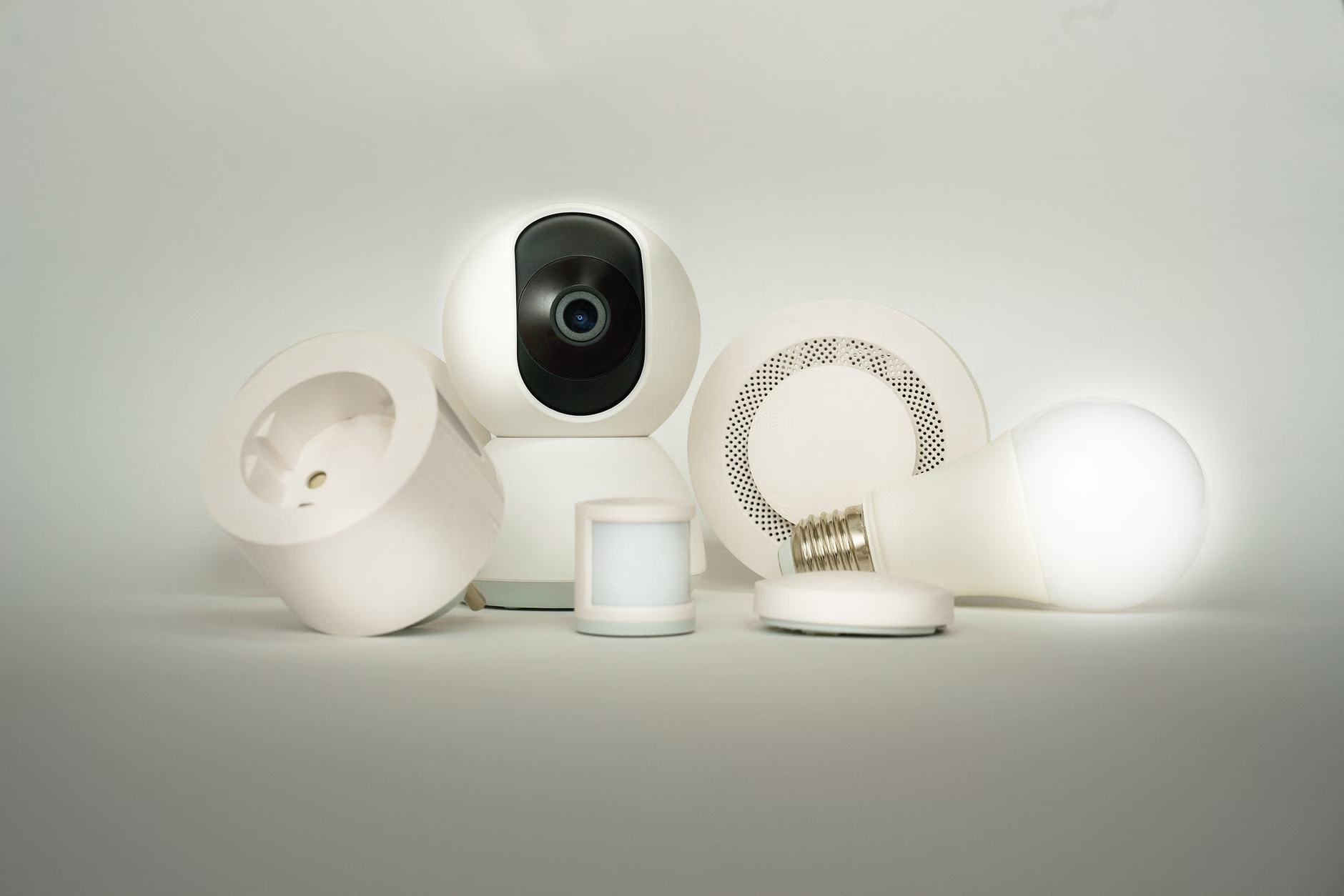
The Anatomy of Energy Waste: Why Your “Off” Devices Are Still Drawing Power
The concept of “vampire energy” or “phantom load” isn’t a myth. It refers to the electricity consumed by electronics while they are turned off or in standby mode. In a modern household, this can include everything from your television’s “instant-on” feature to the small LED clocks on your microwave and oven. According to the Lawrence Berkeley National Laboratory, these standby power loads can account for as much as 10% of a home’s total residential electricity use.
Why does this happen? Because many devices need to remain “awake” to receive a signal from a remote, maintain a Wi-Fi connection, or keep internal clocks running. While one device drawing 2 watts seems negligible, a house full of them adds up to a constant, invisible tax on your wallet. For a family in their 30s or 40s juggling multiple screens, smart home hubs, and kitchen gadgets, this adds up to hundreds of dollars in wasted potential annually.
How to Audit Your Home’s “Hidden” Consumption
Before you rush to buy a dozen smart plugs, you need a baseline. You can start by using a simple plug-in energy meter—an inexpensive device that sits between your appliance and the wall outlet. It will tell you exactly how many watts a device draws when it’s “off.”
Common culprits to test:
- Gaming Consoles: These are notorious power hogs. Many have “quick start” modes that keep the system running at a low power state 24/7.
- Older Televisions and Soundbars: Older models often lack the efficient power-management chips found in modern hardware.
- Coffee Makers and Toaster Ovens: If they have a digital display or a clock, they are drawing power.
- Internet Modems and Routers: While these must stay on, it is worth checking if your secondary mesh nodes are drawing more power than necessary during sleeping hours.
Choosing Your Monitoring Strategy: Whole-Home vs. Granular Control
When you decide to get serious about monitoring, you face a fork in the road. Do you want to see the “big picture” of your entire home, or do you want to control specific devices? Most experts suggest that the most effective strategy is a combination of both.
Whole-Home Monitors: The “Big Picture” Approach
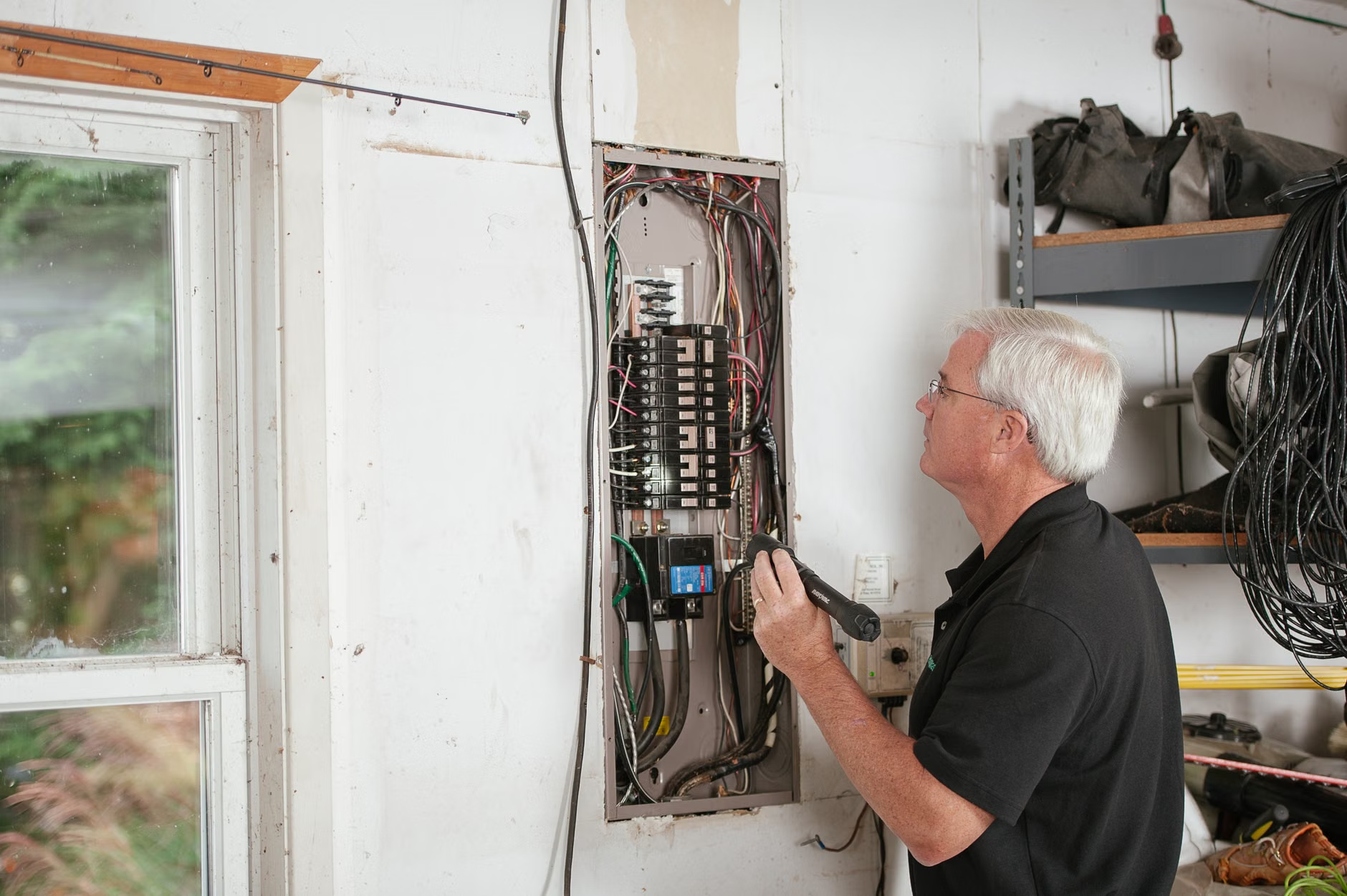
Whole-home monitors (like Sense or Emporia) are devices installed inside your main electrical panel by a professional electrician. They use current sensors (CT clamps) to monitor the electricity flowing into your home. They are incredibly powerful because they can “learn” the signature of different appliances. Over time, the AI inside the monitor can tell you, “The dishwasher just turned on,” or “The HVAC system is running more than usual.”
The Trade-off: These systems are an investment. They require professional installation and can cost several hundred dollars. They are best suited for homeowners who plan to stay in their current residence for several years and want to identify long-term efficiency problems, such as a failing refrigerator compressor or an inefficient pool pump.
Smart Plugs: The “Granular” Approach
Smart plugs are the low-hanging fruit of energy management. They are cheap, easy to install, and allow you to physically cut power to a device. If your energy monitor tells you that your home office setup is drawing 50 watts even when you aren’t working, a smart plug can be scheduled to cut all power to those devices at 8:00 PM and restore it at 8:00 AM.

| Feature | Whole-Home Monitor | Smart Plugs |
|---|---|---|
| Primary Use | Diagnostics & Trends | Control & Automation |
| Installation | Requires Electrical Panel Access | Plug and Play |
| Cost | High ($200 – $400+) | Low ($10 – $25 per plug) |
| Best For | Detecting major appliance issues | Killing vampire loads |
The Role of Time-of-Use (TOU) Pricing
One of the most overlooked aspects of energy management is *when* you use your electricity. Many utility companies in the US, UK, and Australia have transitioned to Time-of-Use (TOU) pricing models. In these systems, electricity costs significantly more during peak hours (usually late afternoon to early evening) and significantly less during off-peak hours (overnight or mid-day).
If you have a smart monitor, you can easily see if your high-draw appliances are syncing up with these peak pricing windows. For example, if you run your dishwasher at 6:00 PM every night, you are likely paying the highest possible rate for that electricity. By simply delaying that cycle to 11:00 PM, you could be paying 30% to 50% less for the same amount of power.
The “Automation” Trap
A common mistake is thinking that “smart” means “set and forget.” While automation is powerful, it can lead to unexpected trade-offs. For example, automating your water heater to turn off during the day might save money, but if it forces the system to work twice as hard to reach temperature in the evening, you might not see the net savings you expected. Always ensure that your automation doesn’t conflict with the intended design of your appliances.
Step-by-Step Implementation for the Busy Household
If you are balancing parenting and a full-time job, you don’t have time to obsess over data dashboards. Here is a pragmatic, three-step approach to implementing energy monitoring without losing your mind.
- Step 1: Get the Baseline. Purchase a single, high-quality smart plug that features energy monitoring. Move it around your house for one week at a time. Put it on the TV, then the coffee machine, then the home office. This will reveal the “vampire” devices in your home that are actually worth addressing.
- Step 2: Automate the Easy Wins. Once you identify those devices, set up schedules. If your smart plug shows the gaming console draws 20 watts while “off,” set an automation to turn off the smart plug at midnight and turn it back on at 4:00 PM the next day.
- Step 3: Review Your Utility Bill. Compare your current bill to the same month from the previous year. If you have successfully curtailed your vampire loads and shifted your heavy appliance usage to off-peak hours, you should see a measurable dip in the “kWh” consumption line on your bill, not just the dollar amount (which can fluctuate due to utility rate hikes).
Common Misconceptions and Reality Checks
There is a lot of marketing fluff surrounding “green” home tech. Let’s clear up a few points so you can make informed decisions.
Misconception 1: “Smart home devices save energy by themselves.”
No, they don’t. A smart thermostat or a smart plug is just a tool. It only saves energy if you configure it to do so. Buying a $250 smart thermostat and leaving it at a constant 72°F (22°C) is no more efficient than a basic dial thermostat.
Misconception 2: “All smart plugs are the same.”
They are not. Some smart plugs are “dumb” and only allow on/off functions. If you want to save money, you must purchase smart plugs that include energy monitoring. Without that data, you are just guessing which devices are costing you money.
Misconception 3: “Saving energy will significantly impact my comfort.”
This is the biggest barrier for many people. In reality, most energy-saving measures are invisible. Shifting your laundry to off-peak hours or cutting power to a device that isn’t in use doesn’t change your quality of life; it only changes your efficiency.
Final Thoughts: The Long-Term View
Energy monitoring is a slow-burn project. You won’t see your bills drop by 50% overnight. However, by taking the time to understand your home’s specific energy “signature,” you gain control over a recurring monthly expense that most people simply accept as inevitable. Focus on the low-hanging fruit first: the vampire loads and the timing of your heavy appliances.
Start small, gather your data, and make one change at a time. Over the course of a year, those small, informed adjustments will accumulate into significant savings, and more importantly, a more efficient, intentional home environment for you and your family.
Frequently Asked Questions
1. Will smart plugs work if my home Wi-Fi goes down?
Yes, most smart plugs are designed to follow their internal schedules even if the Wi-Fi connection is lost. They will continue to turn on and off at the times you previously programmed. However, you will not be able to manually override them via the app until the connection is restored.
2. Is it worth installing a whole-home monitor if I live in an apartment?
Generally, no. Whole-home monitors are designed for standard residential breaker panels. In many apartments, the electrical panel is either inaccessible, shared, or lacks the space to install the necessary sensors. You are much better off using individual smart plugs for your specific appliances in an apartment setting.
3. Do smart plugs themselves consume energy?
Yes, they do, but the amount is negligible—usually less than 1 watt. When you use a smart plug to cut power to a device that was drawing 10 or 20 watts in standby mode, the net result is a significant energy saving, far outweighing the tiny amount of power the plug itself consumes.
For more information on energy efficiency standards and tips, you can visit the U.S. Department of Energy’s Energy Saver guide or check your local utility provider’s website for specific off-peak pricing schedules in your region.