- Local Control is Non-Negotiable: To maintain privacy, choose smart lighting systems that process data locally rather than relying on cloud-based servers that track your habits.
- Circadian Alignment Requires Consistency: Shift workers should use “tunable white” bulbs to mimic natural sunlight, helping to suppress melatonin during wake hours and promote it during rest.
- Hardware Over Software: Prioritize Zigbee or Matter-certified devices for better interoperability and security, avoiding cheap Wi-Fi bulbs that often lack robust encryption.
If you are a shift worker, your relationship with light is fundamentally different from the rest of the world. While others are winding down as the sun sets, you might be heading to a hospital ward, a logistics hub, or a server room. The struggle to maintain a healthy sleep-wake cycle—the circadian rhythm—is the defining challenge of your professional life. And, if you’re trying to manage this with smart home technology, you’ve likely stumbled upon a secondary, equally frustrating problem: privacy.
Most “smart” devices on the market are essentially data-collection tools disguised as convenience. They log when you’re home, when you sleep, and when you wake, sending that behavioral fingerprint to servers halfway across the globe. For someone whose sleep schedule is already erratic, this data is incredibly sensitive. This guide explores how to build a lighting environment that supports your health and protects your privacy.
Why Standard Smart Lighting Fails the Shift Worker
Most mass-market smart bulbs are “cloud-dependent.” This means that every time you dim your lights or change their color temperature, your request travels from your phone to a manufacturer’s server, and then back to your light. This introduces three major issues for the shift worker.
First, there is the latency and reliability issue. If your internet connection jitters or the manufacturer’s cloud service experiences an outage, your lights might not turn on when you need them to wake up, or worse, they might flicker or stay on when you’re trying to crash after a 12-hour shift. Second, there is the privacy trade-off. By using these services, you are effectively paying with your behavioral data for the “privilege” of remote control. Third, most off-the-shelf systems lack the granular scheduling required to mimic natural sunlight cycles effectively.
The Data Privacy Risk Assessment
When you use a cloud-based smart home app, you are often agreeing to data collection that tracks your “at-home” patterns. For a shift worker, this creates a detailed map of your sleep habits. If that data is breached or sold, you are no longer just a digital profile; you are a person whose physical safety and home-security status are transparent to third parties. For families in their 30s and 40s, this is a significant, often overlooked, security vulnerability.
| Feature | Cloud-Based Systems | Local-Control Systems |
|---|---|---|
| Data Storage | Manufacturer Cloud | Your Home Hub |
| Internet Dependency | High (System fails offline) | None (Works locally) |
| Privacy Level | Low (Behavioral tracking) | High (Data stays local) |
Building a Privacy-First Lighting Ecosystem
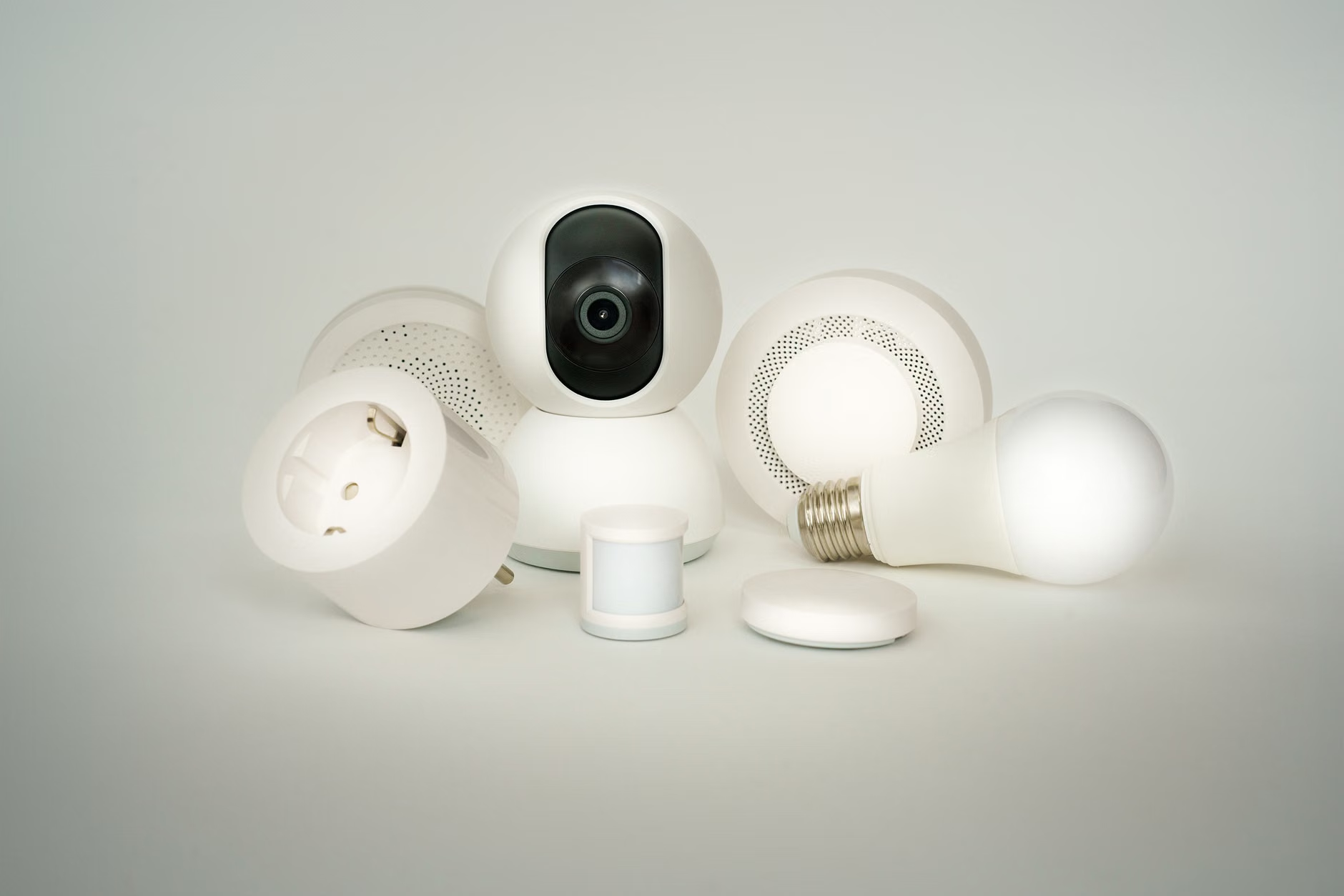
To fix this, you need to transition to a local-control architecture. This is not as difficult as it sounds. You don’t need to be a software engineer; you just need to choose the right hardware components that communicate within your own home network, rather than reaching out to the internet.
Step 1: Choose the Right Communication Protocol
Avoid Wi-Fi bulbs if you can. Wi-Fi devices are notorious for needing cloud access to function. Instead, look for devices that use Zigbee or Z-Wave. These protocols require a “hub” (like Home Assistant or a dedicated Zigbee coordinator) to talk to your lights. Because they don’t connect directly to your router or the internet, they are inherently more secure and faster.
Step 2: The Role of the Local Hub
A hub acts as the brain of your home. By using an open-source platform like Home Assistant, you can create automations that are stored entirely on your own hardware. This means your “wake-up” schedule—which might involve a gradual brightening of your bedroom lights at 2:00 PM—happens locally. No server in another country ever sees your wake-up time.
Aligning Your Circadian Rhythm
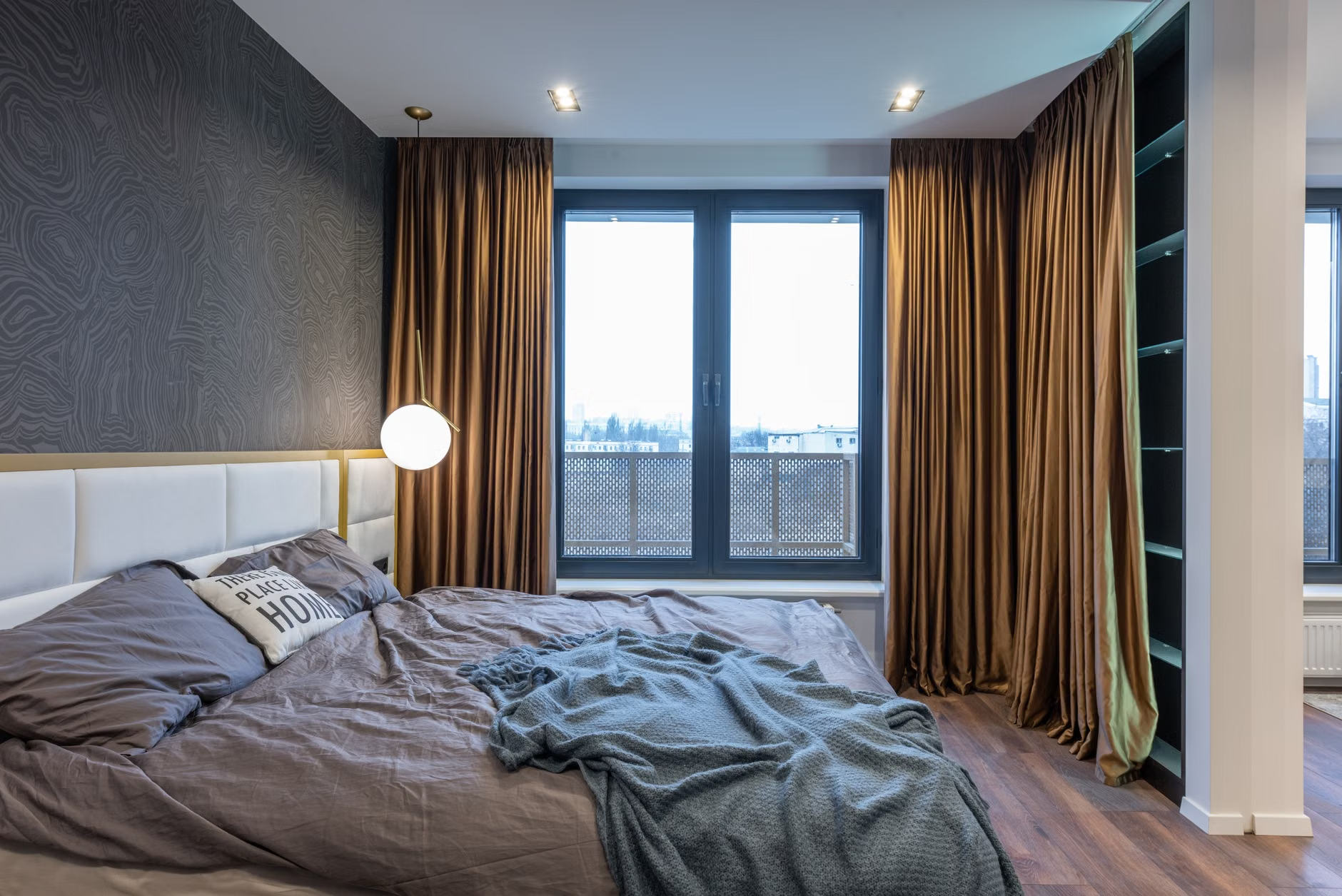
For shift workers, the primary goal of smart lighting is to manipulate the timing of melatonin production. Melatonin is the hormone that makes you sleepy, and it is highly sensitive to blue-wavelength light. During your “morning” (which might be the middle of the afternoon), you want to expose yourself to high-intensity, cool-white light to suppress melatonin and boost alertness. When it’s time to sleep, you want warm, low-intensity light to signal to your brain that it’s time to rest.
The “Tunable White” Advantage
Do not settle for RGB (color) bulbs if your goal is sleep health. They are fun, but they are rarely accurate when it comes to the specific color temperatures needed for circadian health. Invest in “Tunable White” (CCT) bulbs. These bulbs allow you to precisely control the color temperature in Kelvin (K). A range of 2000K (candlelight warm) to 6500K (daylight cool) is ideal.
Practical Application:
- The “Work” Phase: Set lights to 5000K–6500K. This mimics the sun at midday and helps you stay alert while working or completing household tasks.
- The “Wind-Down” Phase: Two hours before your target sleep time, transition lights to 2700K or lower, and dim them to 20% intensity. This mimics a sunset and prepares your body for REM sleep.
Addressing Common Pitfalls and Misconceptions
One common mistake is thinking that “smart” means “automatic.” Many users set up a schedule and then get frustrated when they have to override it manually. Remember that for a shift worker, life is rarely perfectly scheduled. If you have an unexpected overtime shift or a family emergency, your lights should not be so rigid that they become a nuisance.
The “Override” Rule
Always ensure your physical wall switches remain functional. A common mistake is to replace a standard light switch with a “smart” one that cuts power to the bulb entirely. If you lose power to the bulb, your smart automations fail. Instead, use smart bulbs with “smart switches” that send signals to the hub without cutting the power to the bulb itself. This allows you to walk into a room and flip a physical switch to override your automated schedule if needed.
Handling Interoperability
Don’t mix-and-match brands too aggressively. While the Matter standard is improving interoperability, sticking to one ecosystem (like Philips Hue with a local bridge or IKEA Tradfri with a Zigbee dongle) reduces the complexity of your setup. Complexity is the enemy of reliability. The more brands you add, the more “gateways” you need, and the higher the chance that one component will fail.
Advanced Configuration: The “Shift-Worker’s Schedule” Template
If you choose to use a platform like Home Assistant, you can create a “Dynamic Lighting” profile that shifts based on your actual shift schedule. Instead of a fixed time-based schedule, create a “helper” toggle in your app. When you toggle “Night Shift Mode” on, your light schedules automatically shift by 8 or 12 hours. This is a game-changer for those who rotate shifts.
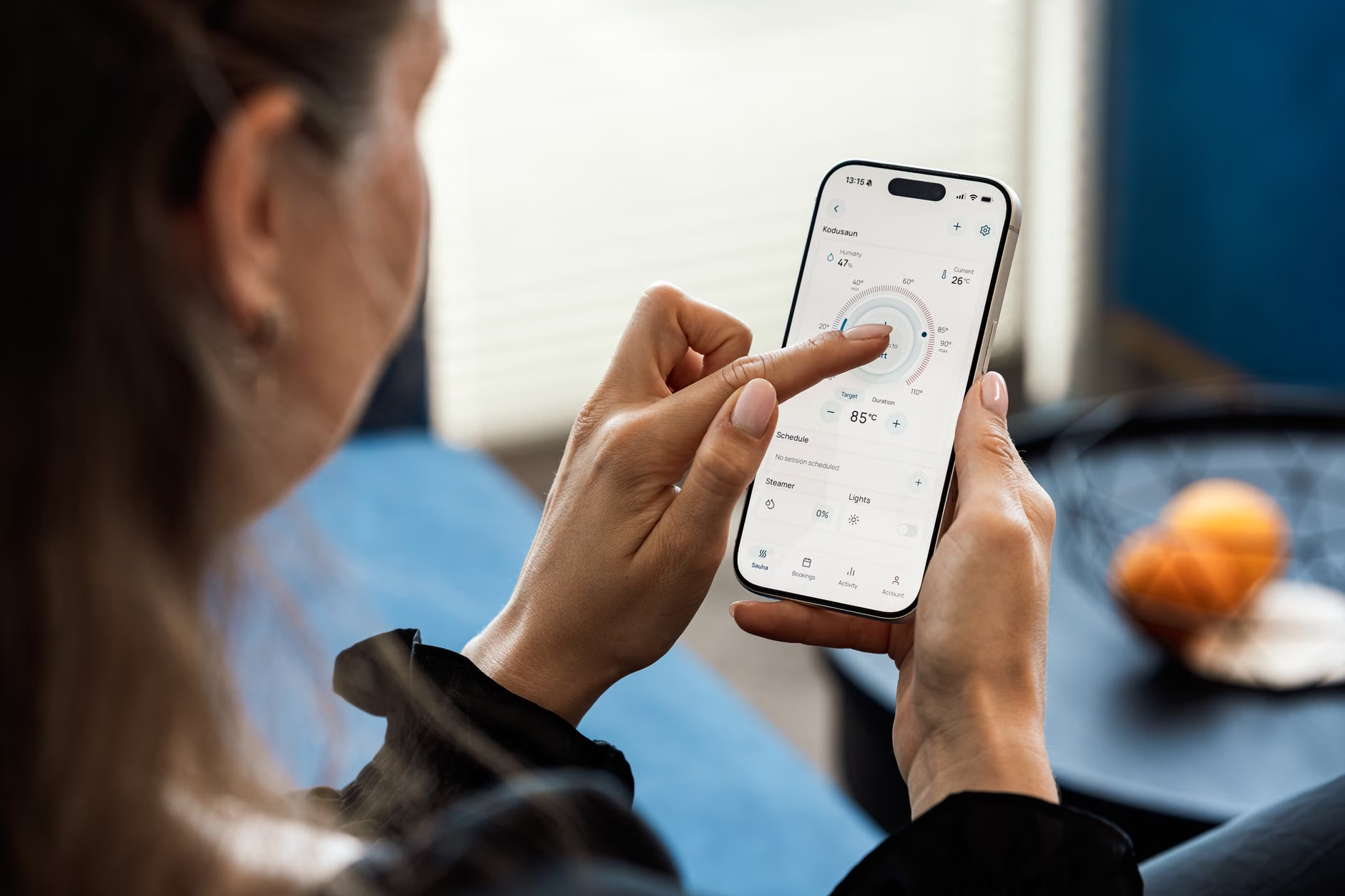
To implement this, you need to define your “anchor points”:
- Anchor A (Wake): The time you need to be alert.
- Anchor B (Sleep): The time you need to be asleep.
By setting these as variables in your home automation software, you can program the lights to automatically adjust their color temperature and brightness relative to these anchors, regardless of what the actual clock says.
Security Considerations for the Modern Family
When you bring smart tech into the home, you are expanding your “attack surface.” For families in their 30s and 40s, this is a privacy concern regarding both data and physical access.
Security Checklist:
- Isolate your IoT devices: If your router supports it, put your smart home devices on a separate “Guest” or “IoT” VLAN (Virtual Local Area Network). This ensures that if a smart bulb is compromised, the attacker cannot pivot to your laptop or personal files.
- Disable UPnP: Universal Plug and Play (UPnP) is a security nightmare. Disable it on your router to prevent devices from automatically opening ports to the outside world.
- Regular Updates: Even local-control devices need firmware updates. Set a reminder once every six months to check the manufacturer’s site or your hub’s interface for security patches.
The Hidden Costs of “Free” Services
We often ask, “Why should I pay for a hub when the smart bulb app is free?” The answer is that the “free” app is a Trojan horse. The manufacturer makes money by analyzing your usage patterns and selling that data to advertisers or insurance companies. If you are a shift worker, the data regarding your sleep patterns is highly valuable to companies that want to sell you supplements, energy drinks, or sleep-tracking apps. By opting for a local-control system, you are essentially buying back your privacy, one lightbulb at a time.
It is also worth noting that many “premium” smart lighting features are locked behind monthly subscription fees. A local-control setup has zero monthly costs. Once you buy the hardware, it is yours. There are no hidden fees, no “pro” account requirements, and no risk of your features being disabled if the company decides to pivot its business model.
Refining Your Environment for Long-Term Success
The most successful smart home setups are the ones you forget are there. If you are constantly fiddling with your phone to change the lights, you have failed. The automation should be invisible. Use motion sensors (Zigbee-based) in hallways to trigger dim, warm lighting during your “sleep” hours so you don’t have to fumble for a switch. Use contact sensors on your bedroom door to automatically initiate the “wind-down” sequence when you enter the room.
This level of automation requires patience to set up, but the payoff for your circadian health is immense. You are not just building a smart home; you are building a tool that preserves your health in an industry that often demands you ignore it.
Frequently Asked Questions
1. Does using a local-control hub mean I can’t control my lights when I’m away from home?
Not necessarily. You can still access your home network remotely if you set up a secure VPN (Virtual Private Network) or use a secure remote-access tool like Tailscale. This allows you to control your lights from your phone while traveling, without exposing your home network to the open internet via the manufacturer’s cloud.
2. Can I start with just one or two bulbs, or do I need to overhaul my entire house?
Start small. Begin with your bedroom. The goal is to optimize your sleep environment first. Once you have a reliable, local-control setup for your bedroom, you can expand to other rooms. There is no need to replace every bulb in your home at once, especially if you are on a budget.
3. What if I’m not “tech-savvy”? Is this too hard for me?
Platforms like Home Assistant have become significantly more user-friendly in recent years. If you can follow a tutorial and have a basic understanding of how to plug in a device and use a web interface, you are capable of setting this up. There are also “pre-built” local-control hubs available, such as Hubitat, which offer a more plug-and-play experience than building your own server from scratch.
Final Thoughts
The transition to a privacy-first, circadian-aware lighting system is a significant step toward reclaiming your health. It requires an initial investment of time and a shift in how you think about “convenience,” but the long-term benefits for your sleep quality and digital privacy are undeniable. Start with your bedroom, prioritize local control, and remember that the best smart home is one that works for you, not for the data brokers.
For further reading on privacy-first smart home standards, visit The Connectivity Standards Alliance (Matter) or explore community-driven documentation at Home Assistant.