- End-to-End Encryption (E2EE) is non-negotiable: If your video tool provider can access your call data, your “private” meeting is not truly private.
- Metadata is a silent leak: Even if the call is encrypted, your IP address and contact patterns reveal more about your location and habits than you think.
- Security is 50% settings, 50% software: No tool is secure if you leave “join before host” enabled or share meeting links publicly on social media.
The most dangerous part of your remote workday isn’t a malicious hacker—it’s the casual habit of clicking “Join” on a meeting link without verifying who owns the data trail you’re leaving behind. We spend our days in our 30s and 40s juggling Zoom calls, Slack huddles, and Microsoft Teams meetings while our kids play in the background or our partners walk by. We’ve normalized the idea that these platforms are “just tools,” but in reality, they are massive data-harvesting engines that track everything from your IP address to your behavioral patterns. If you value your family’s privacy and your professional integrity, it’s time to move toward “privacy-hardened” conferencing.
Why Your Current Meeting Habits Are Leaking Data
Most of us treat video conferencing like a utility, similar to electricity or running water. We assume it’s “just there” and that it’s safe. However, the architecture of most mainstream video platforms is built for convenience and data collection, not for radical privacy. When you use standard, non-hardened platforms, you are often participating in a system where the service provider acts as the “man-in-the-middle.” They hold the decryption keys, which means they can—theoretically—access your meeting content, transcripts, and metadata.
For a parent working from home, this is more than a technical concern; it’s a household security issue. Metadata, which includes the time, duration, and frequency of your calls, can be used to build a profile of your life. If a platform logs that you are on a call at 9:00 AM and off at 5:00 PM, an observer knows when your house is likely empty or when you are distracted. This is not fear-mongering; it is the reality of how digital footprints function in the 21st century.
Furthermore, many platforms suffer from “feature creep,” where they add AI-driven transcription or sentiment analysis. While these sound useful, they require the platform to process your private audio and video through their own servers. Every time you enable an AI note-taker, you are essentially inviting a third-party listener into your living room. The privacy-hardened approach requires a fundamental shift: choosing tools that treat your data as a liability, not an asset.
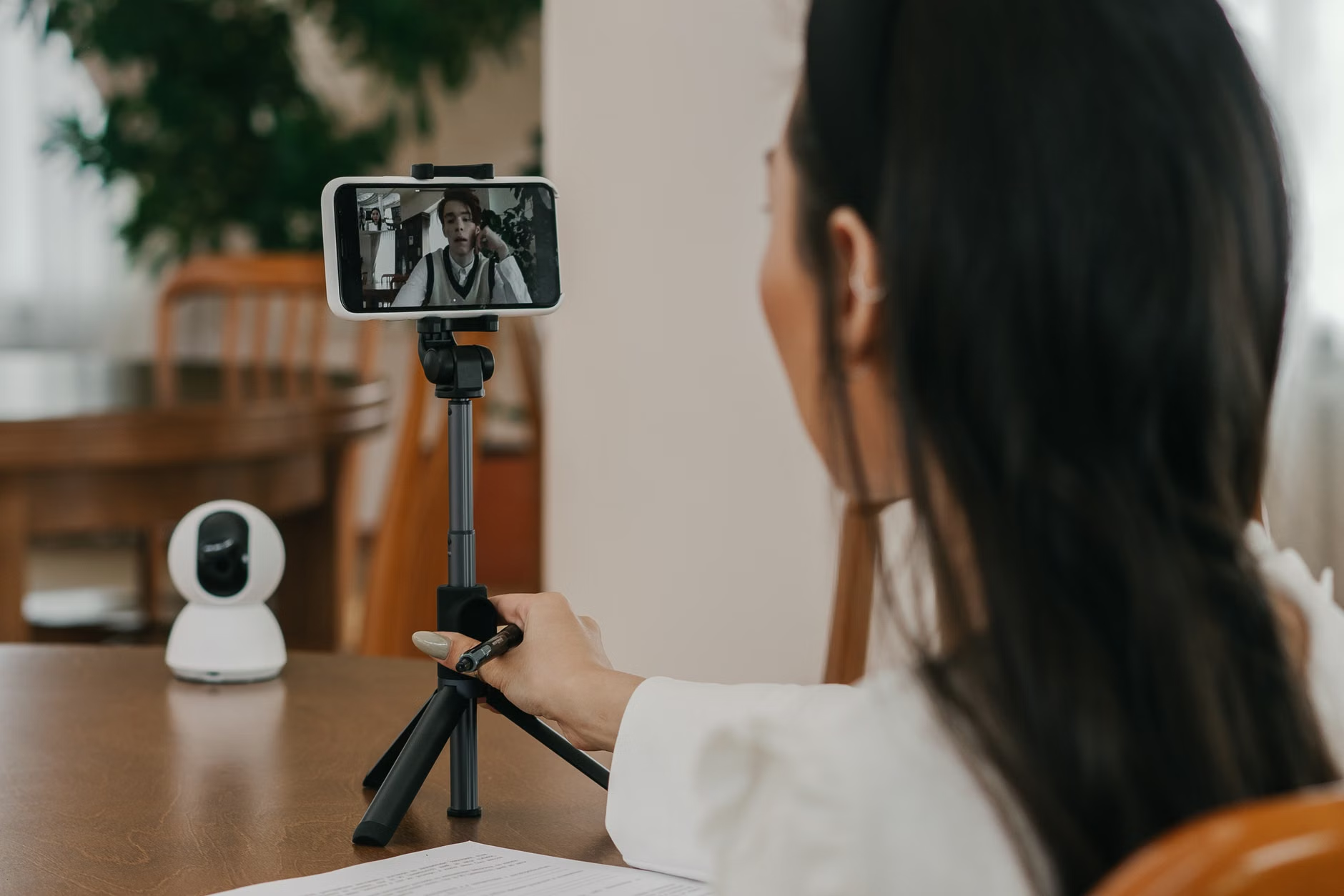
The Architecture of a Privacy-Hardened Tool
To identify a truly secure video tool, you need to look past the marketing buzzwords. Many companies claim to be “secure,” but they don’t offer true End-to-End Encryption (E2EE). In a standard encrypted call, the data is encrypted in transit, but the service provider holds the keys. If a government agency subpoenas that provider, or if the provider’s server is breached, your call is exposed.
A privacy-hardened tool, by contrast, uses client-side encryption. This means the encryption keys are generated on your device and the recipient’s device. The provider’s server only acts as a tunnel, passing the encrypted packets of data along without ever being able to read them. Even if the service provider wanted to spy on your meeting, they physically could not.
Beyond encryption, consider the platform’s metadata policy. A truly hardened tool will minimize the amount of data it collects. It won’t store your IP address logs, it won’t track your location, and it won’t sell your behavioral data to advertisers. When selecting a tool, look for these three pillars:
| Feature | Standard Tool | Privacy-Hardened Tool |
|---|---|---|
| Encryption | In-transit (Provider holds keys) | End-to-End (User holds keys) |
| Metadata | Extensive collection | Minimal/Zero collection |
| AI Features | Cloud-processed | Local-device processed or disabled |
For those of us balancing hectic schedules, the trade-off is usually between “convenience” and “privacy.” However, once you configure a hardened tool, the convenience gap shrinks significantly. The goal is to set your security to “always on” so you don’t have to think about it before every call.
Real-Life Scenario: The “Home Office” Vulnerability
Let’s look at a common mistake. Imagine you are working from home, and your child walks into the room during a sensitive business call. You quickly mute your mic and turn off your camera. On many platforms, this action is a “software” command. If your laptop has been compromised by malware or a low-level exploit, a bad actor could potentially override that software command, turning your camera back on without the indicator light turning on. This is a known, albeit rare, vulnerability in standard operating systems and conferencing software.
A privacy-hardened worker mitigates this with a two-layer defense. First, they use a physical, mechanical shutter on their camera—a sliding piece of plastic. No matter what the software says, no one is seeing your room if the shutter is closed. Second, they use a hardened conferencing client that does not rely on browser-based plugins, which are notoriously prone to security holes.
Another common issue is the “Meeting Link Leak.” We often copy and paste meeting links into shared calendars or email threads that aren’t encrypted. If someone gains access to your email, they have your entire meeting history. A privacy-hardened workflow involves using tools that generate unique, temporary meeting IDs that expire immediately after the call. If you are using a tool that reuses the same “Personal Meeting Room” link for every single call, you are essentially leaving your front door unlocked 24/7.

Step-by-Step: Hardening Your Existing Environment
You don’t always need to switch software to increase your security. You can start by “hardening” your current setup. If you are required to use specific software by your employer, focus on the configuration settings that minimize your exposure.
- Disable “Join Before Host”: This is a major security flaw. If you enable this, anyone with the link can enter your meeting room and record audio/video before you even arrive. Turn it off.
- Use a Waiting Room: Always enable the waiting room. This forces you to manually approve every participant, preventing unauthorized “Zoom-bombing” or accidental leakage of sensitive discussions.
- Disable Cloud Recording: If you must record, store the file locally on your encrypted hard drive. Never store sensitive business meetings in the provider’s cloud.
- Check for “AI” Add-ons: Go into your settings and disable any “automatic transcription” or “smart summary” features. These services often send your data to third-party AI processors.
- Use a VPN: A Virtual Private Network (VPN) masks your IP address. While it doesn’t encrypt the call content, it prevents the service provider from logging exactly where you are connecting from, which is a key piece of metadata.
The most important step is often the one people skip: The Software Audit. Once a month, review the permissions you have granted to your video conferencing app. Does it have access to your contacts? Your calendar? Your microphone even when not in use? Revoke everything you don’t absolutely need. If the app stops working because it can’t access your contacts, ask yourself why it needs that information in the first place.
The Hidden Costs of “Free” Services
In our 30s and 40s, we are conditioned to look for the “best value.” When we see a free video conferencing tool, we assume we’ve found a deal. But in the world of data, if you aren’t paying for the product, you are the product. The revenue model for many “free” platforms is based on data harvesting. They analyze the length of your meetings, the people you meet with, and the time of day you meet to build a comprehensive profile that can be used for targeted advertising or, worse, sold to third-party brokers.
Consider the “hidden cost” of lost privacy. If a platform is gathering data on your professional network, they are essentially mapping your professional influence. This information is valuable to competitors and recruiters. By choosing a paid, privacy-hardened alternative, you are not just buying a piece of software; you are buying the right to keep your professional network and your private habits to yourself.
When comparing options, look for “Open Source” projects. Open source software means the code is transparent and can be audited by independent security researchers. If a piece of software is “closed source,” you have to take the company’s word that they aren’t logging your data. With open source, you have third-party verification. For families and professionals, the peace of mind that comes with verified, transparent code is worth the monthly subscription fee.

There will be times when you cannot dictate the software. If your client or employer insists on using a specific, less-than-secure platform, you have to manage the risk. You cannot force a large corporation to change their stack, but you can control your local environment.
In these scenarios, use a “throwaway” device. If possible, run the meeting from a secondary laptop or tablet that does not contain your personal files, financial documents, or sensitive family photos. If that isn’t possible, use a virtual machine (VM) or a dedicated browser profile specifically for that meeting. This keeps the browser cookies and tracking scripts isolated from your main digital life.
Also, be mindful of your physical environment. We’ve all seen the news stories about people accidentally leaking sensitive information because a whiteboard was visible in the background or a confidential document was left on the desk. Privacy-hardening isn’t just digital; it’s physical. Use a blurred background or a physical backdrop. It’s a simple, low-tech solution that provides a high-impact layer of protection against accidental information leakage.
Common Misconceptions About Digital Security
A frequent error I see is the belief that “I have nothing to hide, so I don’t need to worry about privacy.” This is a dangerous mindset. Privacy is not about hiding illegal activity; it is about maintaining boundaries. You don’t leave your physical front door open just because you don’t have stolen goods inside. You close it because you have a right to your personal space. The same logic applies to your digital life.
Another misconception is that “encryption is enough.” Encryption only protects the *content* of the message. It does not protect the *context*. If you are having a private conversation about a salary negotiation or a family medical issue, even if the content is encrypted, the metadata (who you are talking to, when, and for how long) can still be exploited. This is why using a platform that avoids metadata collection is just as important as using one that provides E2EE.
Finally, don’t rely on “Terms of Service” to protect you. Companies change their terms often, and these documents are intentionally written to be vague. Never assume that because a company says they “respect your privacy” in a marketing email that they are legally bound to protect your data in the way you expect. Always prioritize technical controls—encryption, local storage, and minimized permissions—over legal promises.
Final Thoughts: Taking Control of Your Digital Boundaries
As we navigate the complexities of remote work, we need to treat our home offices with the same level of security rigor as we would a corporate boardroom. It’s not about becoming a paranoid hermit; it’s about establishing professional boundaries that protect your family and your career. Start by auditing your current tools, enabling the most restrictive settings, and opting for hardened, transparent software whenever you have the choice.
Your privacy is a finite resource. Once you give it away to a data-hungry platform, you cannot get it back. By making small, intentional changes to your conferencing habits today, you build a safer digital environment for tomorrow. It takes five minutes to check your settings and another ten to look into more secure alternatives. That is a small investment for the peace of mind that comes with knowing your private life stays yours.
Recommended Resources for Further Reading:
- Electronic Frontier Foundation (EFF) Security Education Companion – A deep dive into digital self-defense.
- Surveillance Self-Defense (SSD) – Practical guides for protecting yourself from digital surveillance.
- PrivacyTools.io – A community-driven resource for finding privacy-hardened software recommendations.
Frequently Asked Questions
1. Why is “End-to-End Encryption” (E2EE) better than standard encryption?
Standard encryption protects your data while it travels from your computer to the server. However, the provider can “unlock” it on their end. E2EE means only you and the recipient have the keys, so the provider can never see or store the actual content of your call.
2. Can I really stop a company from collecting my metadata?
You can’t stop a company from seeing *that* a connection occurred between two points, but you can choose platforms that explicitly state they do not store or monetize this data. Using a VPN and choosing privacy-focused services (often paid or open-source) significantly reduces the metadata footprint left behind.
3. Is it worth paying for a video conferencing tool when there are so many free options?
Yes, if you value your privacy. Free tools usually monetize your data, which means your behavioral patterns are being tracked and profiled. Paying for a privacy-hardened service ensures that you are the customer, not the product, and that the company’s business model is aligned with your security, not with data extraction.
Note: This article is for informational purposes and does not constitute professional security advice. Always check with your IT department regarding company-mandated software requirements before making changes to your professional setup.