The most effective way to secure a smart lock is to prioritize devices that support local-only operation, effectively severing the reliance on cloud servers that often serve as targets for data breaches.
- Local Control is Non-Negotiable: Choose locks that support Matter, Z-Wave, or Zigbee to avoid routing your entry logs through third-party cloud servers.
- Hardware Over Software: A physical deadbolt remains the primary security layer; ensure your smart installation does not compromise the structural integrity of the door frame.
- The “Guest Access” Trap: Avoid using permanent cloud-linked app accounts for temporary guests; use time-limited physical codes or guest-access hardware modules instead.
We have all been there: the groceries are heavy, the toddler is crying, and finding the physical key in the bottom of a bag feels like a Herculean task. Smart locks promise to solve this daily friction, but for many, the trade-off—handing over the digital keys to your home to a cloud-based service—feels like a step too far. If you are in your 30s or 40s, you likely balance a busy career, family logistics, and a growing skepticism toward how much data our household devices actually collect.
The good news is that you don’t have to choose between convenience and privacy. A “privacy-hardened” installation isn’t about avoiding technology; it’s about curating your tech stack so that your home’s security remains under your control, not a tech giant’s server.
Understanding the Threat Model: Why Your Lock’s Cloud Connection Matters
When you install a standard, mass-market smart lock, you are often implicitly agreeing to send every instance of your family coming and going to a manufacturer’s server. This data—your home entry times, your habits, and your family’s routine—is stored in the “cloud.” For a busy parent, this might seem harmless. However, consider the implications of a data breach.
If a manufacturer’s database is compromised, an attacker might not just gain access to your email address; they could potentially see patterns of when your house is empty. This is not fear-mongering; it is the reality of the Internet of Things (IoT). By choosing a lock that operates on a local network protocol, you ensure that your entry data never leaves your four walls.
Local Control vs. Cloud Control
| Feature | Cloud-Dependent Lock | Local-Only (Privacy-Hardened) |
|---|---|---|
| Data Storage | Manufacturer’s Server | Your Home Hub / Local Storage |
| Remote Access | Via App (Internet Required) | Via VPN or Local Hub |
| Reliability | Depends on Company Servers | Depends on Local Power/Network |
To achieve a “privacy-hardened” setup, you should look for devices that are compatible with standards like Matter or Z-Wave. These protocols communicate directly with a local hub (like Home Assistant or a specialized hub) rather than requiring a handshake with a third-party server every time you turn the deadbolt.

Step-by-Step: The Physical Installation for Maximum Security
The digital security of your lock is only as strong as the mechanical installation. A common mistake is assuming that because a lock is “smart,” it’s somehow more secure than a standard deadbolt. In reality, if the strike plate is poorly anchored, even the most expensive smart lock can be kicked in with minimal effort.
Step 1: The Strike Plate Reinforcement
Most residential doors come with a standard 1-inch strike plate screw. This is a security failure waiting to happen. Before you even touch the smart lock, replace these screws with 3-inch hardened steel screws that bite into the structural stud behind the door frame. This simple $5 upgrade provides more security than a $500 lock ever could.
Step 2: Calibrating the Deadbolt Travel
When installing the smart motor, ensure the deadbolt moves freely without friction. If the lock motor has to “strain” to pull the bolt back, it consumes more battery and increases the chance of a mechanical jam. Manually test the deadbolt with the door open and closed; if you feel any resistance, sand down the strike plate hole slightly until the bolt operates silently and smoothly.
Step 3: Managing the “Emergency Key” Reality
Every privacy-hardened lock should have a physical key backup. Do not hide this key under a doormat or a fake rock. If you are worried about losing your key, consider a lockbox mounted in a discreet, non-obvious location, or better yet, leave a spare with a trusted neighbor. The goal is to avoid the “digital lockout” scenario where your app fails, your battery dies, and you are left standing on your porch at 11 PM.
Network Hardening: Keeping Your Lock Off the Public Internet
The most important step in “hardening” your smart lock is to ensure it is not directly reachable from the public internet. Most modern smart devices are designed to “phone home” to a server. You can stop this by using a firewall or a VLAN (Virtual Local Area Network) to isolate your IoT devices.
Configuring Your Router for Privacy
If you are technically inclined, log into your router and place your smart lock on a guest network that has “Client Isolation” enabled. This prevents the lock from communicating with your other devices (like your personal laptop or phone) while still allowing it to talk to your smart home hub. If the lock is compromised, the attacker is trapped on a “dead-end” network segment.
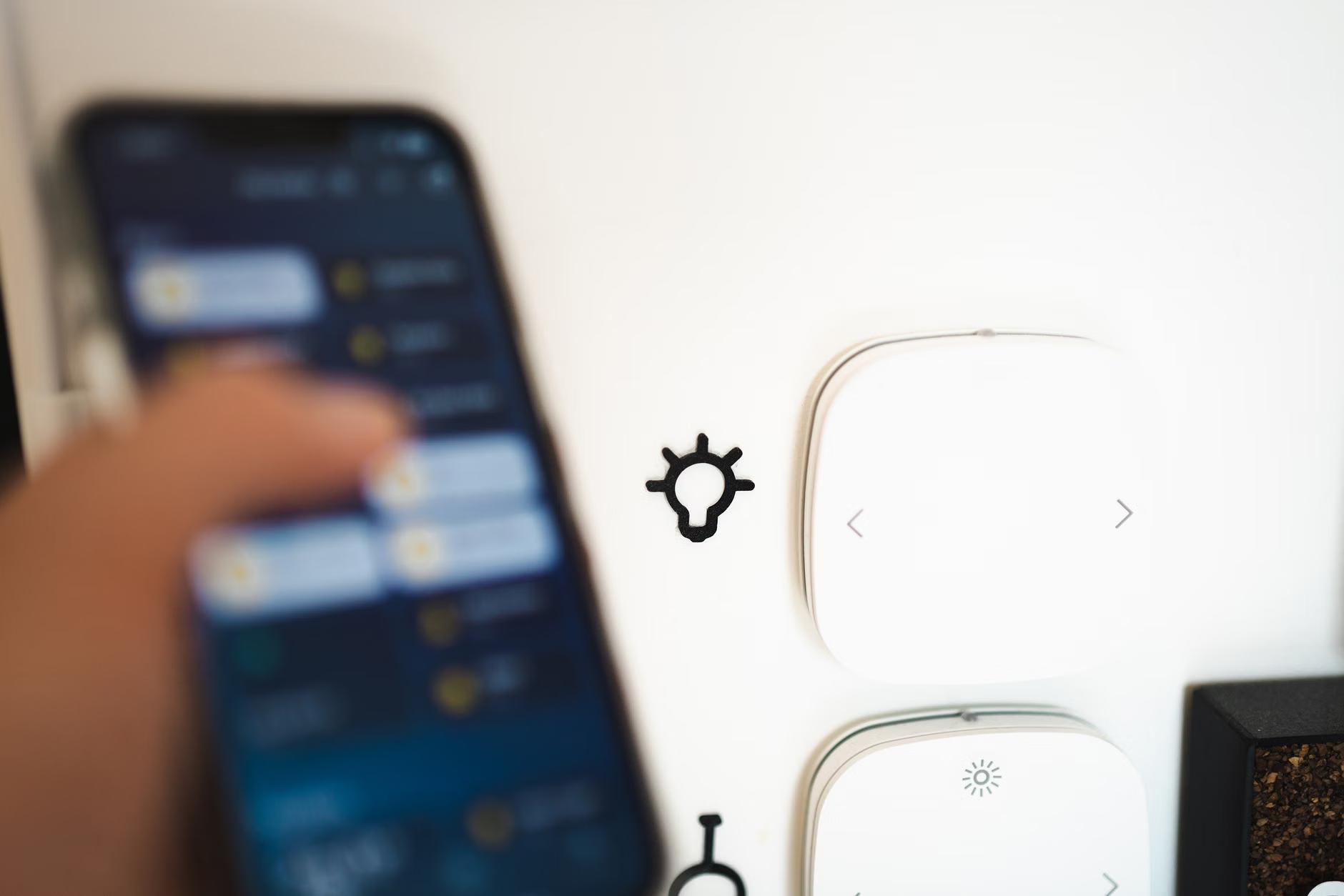
For those who prefer a less technical approach, simply choose a lock that does not require an account creation process. Many brands now offer “offline” modes where you set up codes directly on the keypad. While this sacrifices remote features like “unlocking the door from 50 miles away,” it creates an air-gapped security system that is virtually immune to remote digital attacks.
The Hidden Costs of Convenience: Battery Life and Maintenance
We often talk about the software side of smart locks, but the physical maintenance is where most people get tripped up. A smart lock that runs out of battery is just a door that doesn’t open. Privacy-hardened locks often use more power because they are maintaining a constant local connection rather than “sleeping” until the cloud pings them.
The 6-Month Rule
Set a recurring calendar reminder for every six months to check your batteries. Use high-quality lithium batteries rather than alkaline ones. Lithium batteries perform better in cold weather and have a flatter discharge curve, meaning they won’t suddenly die on you without warning. When the lock gives a “low battery” chirp, change them immediately—do not wait for the “convenience” of an extra week.
Managing User Access Without Compromising Privacy
One of the biggest benefits of a smart lock is the ability to give access to guests, dog walkers, or family members. However, many apps push you to create “guest accounts” that link to their email addresses. This is a data-collection goldmine for the manufacturer.
Instead, use the native “temporary code” feature. Generate a code that expires in 24 hours. This allows the person to enter without needing to download an app, create an account, or provide their personal data to the lock manufacturer. It is cleaner, faster, and keeps your guest’s privacy intact as well.

If you have older children, give them their own unique entry code. This helps you track who is coming home (if your hub logs this locally) without needing to give them a smartphone or an app account. It’s a small detail, but it prevents the “always-connected” pressure that kids often feel when they are forced to use tech for every basic task.
Common Mistakes That Undermine Your Security
Even with the best hardware, a few simple mistakes can leave you vulnerable. Let’s break down the most common ones we see in smart home communities.
1. The “Default Admin” Syndrome
Most locks come with a default master code (like 123456). Change this immediately. An attacker can often find the default master codes for various brands online. If you don’t change the master code, you haven’t actually secured the lock; you’ve just made it slightly harder to operate.
2. Ignoring Firmware Updates
While we want to avoid cloud dependency, security patches are vital. If your lock has a known vulnerability, the manufacturer will issue a firmware update. Check for these updates once every quarter. If your lock doesn’t support manual firmware updates via a local cable or a secure, non-cloud app, consider that a major red flag for a privacy-hardened setup.
3. Over-Automating Entry
Some locks offer “Auto-Unlock” based on your phone’s GPS. This is convenient, but it can be dangerous. If your phone is stolen or if your GPS signal drifts, the door might unlock when you aren’t actually home. Use “Auto-Lock” (to lock the door when you leave) but avoid “Auto-Unlock” (to open it when you arrive). The minor effort of tapping a button or entering a code is a small price to pay for the assurance that your door only opens when you intend for it to.
Evaluating Your Specific Needs: Which Technology to Choose?
Not all smart locks are created equal. Depending on your current setup, your needs will differ. If you are already invested in the Apple ecosystem, a HomeKit-compatible lock that supports “Thread” is often the best choice for privacy. Thread is a mesh networking protocol that is designed for low power and high reliability, and it works locally without needing to talk to the manufacturer’s cloud.
If you are an Android user or prefer a more “do-it-yourself” approach, Z-Wave locks are the gold standard. They require a hub (like a SmartThings hub or a dedicated Z-Wave stick), but they are incredibly reliable and do not require an internet connection to function. You can set them up, disconnect your internet entirely, and they will continue to work perfectly.
The Philosophy of the “Invisible” Smart Home
The best smart home tech is the kind you forget is there. When you properly harden your smart lock, it stops being a “gadget” and becomes a silent, reliable servant. You aren’t checking your phone to see if the door is locked; you know it is locked because you’ve set a local automation to ensure it. You aren’t worried about a data breach because your entry logs are sitting on a local server in your office closet, not on a server in a data center halfway around the world.
This approach requires more upfront work. It requires reading the manual, perhaps learning a little bit about your router, and making conscious choices about which products to buy. But for those of us navigating the chaos of our 30s and 40s, this sense of control is worth it. It’s one less thing to worry about in a world that is already full of digital noise.
Ultimately, your home is your sanctuary. By applying these privacy-hardened principles, you are not just securing your door; you are reclaiming your digital boundaries. Start with the strike plate, move to the network, and finish with the habits. Your future self—and your family—will thank you for the peace of mind.
Frequently Asked Questions
1. Is it truly possible to have a smart lock without any internet connection at all?
Yes. Many high-end smart locks offer a “standalone” mode where you manage codes directly on the keypad. These locks function perfectly without ever being connected to Wi-Fi or an app, providing the ultimate in privacy. You lose features like remote access or push notifications, but you gain total immunity from cloud-based hacks.
2. What is the most secure protocol for a smart lock: Zigbee, Z-Wave, or Bluetooth?
For privacy-hardened setups, Z-Wave is generally considered the most robust because it operates on a dedicated frequency (not 2.4GHz Wi-Fi), which reduces interference and prevents your lock from “competing” with your home’s internet traffic. Matter-over-Thread is the modern successor and is highly recommended if you are buying new hardware today, as it is designed for local, interoperable communication.
3. If I use a local hub like Home Assistant, is my data really safe?
It is significantly safer than using a manufacturer’s cloud. In a local hub setup, you are the custodian of the data. As long as you keep your hub’s software updated and secure your local network with a strong password, your entry logs and device status remain within your control. It effectively removes the “third-party” risk that comes with using a corporate cloud service.
Official Resources for Further Research: