Digital legacy planning is no longer a futuristic concept; if you don’t designate a “Legacy Contact” or build a digital vault today, your family will likely be locked out of decades of photos, videos, and financial assets due to strict privacy laws that favor tech giants over next of kin.
- Privacy laws protect the deceased, not the survivors: Without pre-authorized access (like Apple’s Legacy Contact), tech companies are legally bound to deny your family access to your accounts, even with a death certificate.
- The ‘Big Three’ tools are free: Google, Apple, and Meta already have built-in legacy features that take less than 10 minutes to set up but save months of legal headaches.
- 2FA is a double-edged sword: Your strongest security measure is also the biggest barrier for your heirs; a digital vault must include a plan for bypassing or accessing physical security keys and SMS codes.
Let’s be honest: most of us in our 30s and 40s are currently drowning in “digital clutter.” We have 40,000 photos of our kids on iCloud, three dormant Gmail accounts from our university days, a random assortment of crypto in a forgotten wallet, and a dozen streaming subscriptions we can barely keep track of. We spend our weekends trying to manage the chaos of parenting and work, so the idea of “estate planning” feels like something for people in their 70s who own sailboats.
But here is the reality check. We are the first generation to live a truly “hybrid” life. Our parents had shoeboxes of Polaroids; our children have terabytes of data stored on servers owned by corporations. If you disappeared tomorrow, your spouse or children wouldn’t just lose you—they would lose the “keys” to the family history. They would face a wall of “Access Denied” screens because, in the eyes of a server in California or Dublin, your privacy rights don’t end when your life does.
This isn’t about being morbid. It’s about being “SoCooly” prepared. It’s about building a digital vault that acts as a bridge between your current busy life and your family’s future security.
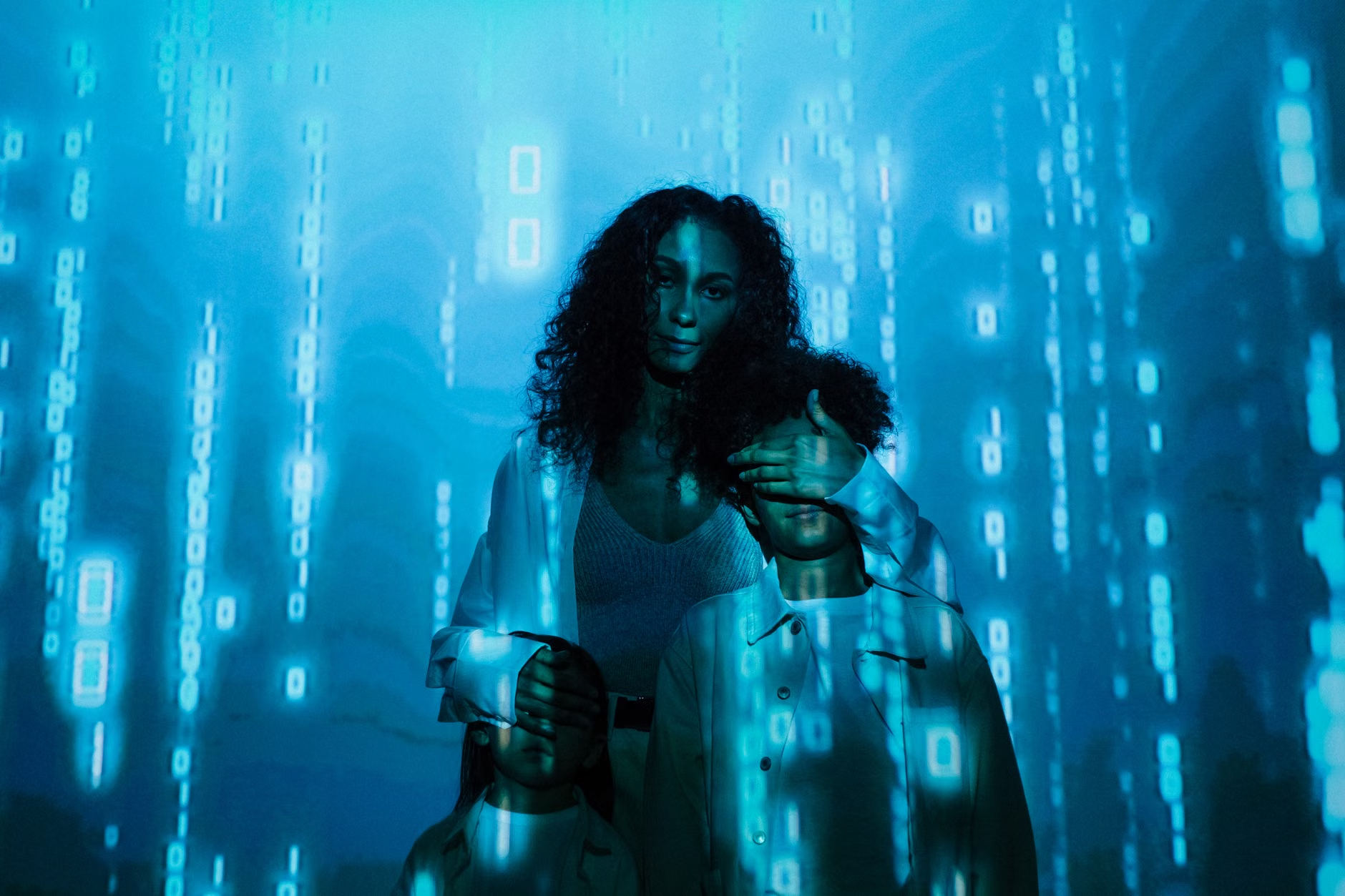
The Invisible Inheritance: Why Your Cloud Storage Is a Ticking Time Bomb
We often think of an inheritance as a house, some jewelry, or a bank account. In 2024, an inheritance is also a 1Password vault, a Google Photos library, and a Steam account with $2,000 worth of games. The problem is that digital assets are legally distinct from physical ones. When you buy a book, you own it. When you “buy” a movie on Amazon, you are often just buying a non-transferable license to view it.
Most Terms of Service (ToS) agreements—those 50-page documents we all click “Accept” on without reading—explicitly state that accounts are non-transferable. This means that even if you leave your laptop to your daughter in your will, she doesn’t necessarily have the legal right to log into your Facebook or Gmail.
The “Privacy vs. Access” Paradox
Tech companies have faced massive lawsuits regarding user privacy. As a result, their default stance is: “We protect the user’s data from everyone, including their grieving family.” Without a specific “Legacy” designation made while you are alive, your family might need a court order just to look at your photos. In many jurisdictions, obtaining such an order can cost thousands of dollars and take over a year.
For parents in their 30s and 40s, this is a critical risk. We are the “chief memory officers” of our homes. If the person who manages the shared family calendar, the school portal logins, and the cloud storage for the baby photos is suddenly gone, the daily logistics of the family can collapse within 48 hours.
The Emotional Cost of Locked Data
Imagine your child, ten years from now, wanting to see the video of their fifth birthday party. It’s stored in a “Locked Folder” in Google Photos. Because you didn’t set up a legacy contact, that video is effectively deleted the moment the account is flagged as inactive. This isn’t just about money; it’s about the narrative of your family’s life.
The Big Tech Safety Nets: Setting Up Your ‘In Case of Emergency’ Buttons Today
The good news is that the major platforms have realized how messy this is and have built tools to handle it. You don’t need to be a tech genius to use them, but you do need to spend 15 minutes today setting them up.
Apple’s Legacy Contact (The Gold Standard)
If you use an iPhone or Mac, this is your most important step. Apple’s “Legacy Contact” program allows you to choose one or more people who can access your data after you pass away.
- How it works: You generate an “Access Key” in your settings. You can send this to your contact via iMessage or print it out.
- What they get: Photos, messages, notes, files, and device backups.
- What they DON’T get: Your Apple Pay information or your saved passwords in Keychain (for security reasons).
Action Step: Go to Settings > [Your Name] > Password & Security > Legacy Contact. Add your spouse or a trusted sibling right now.
Google’s Inactive Account Manager (The ‘Dead Man’s Switch’)
Google takes a different approach. Instead of a “Legacy Contact” that requests access, you set up a “Dead Man’s Switch.”
- The Trigger: You tell Google, “If I don’t log in for 3 months, consider me inactive.”
- The Grace Period: Google will text and email you for a month before doing anything.
- The Handover: If you don’t respond, Google will send a link to your designated contact, allowing them to download specific folders (Photos, Drive, Gmail) that you’ve pre-selected.
Action Step: Search for “Google Inactive Account Manager” and set your timeout to at least 6 months to avoid accidental triggers during a very long tech-free holiday.
Meta (Facebook and Instagram) Memorialization
Facebook allows you to choose a “Legacy Contact” who can manage a memorialized account. They can’t read your private messages (thank goodness for your university-era secrets), but they can post a final tribute and manage new friend requests.

Beyond Google and Apple: When You Need a Professional Digital Vault
While the free tools are great for photos, they aren’t enough for a complete “life handover.” If you have a complex digital life—think freelance business files, crypto wallets, or multiple bank accounts—you need a dedicated digital vault.
A digital vault is a secure, encrypted space specifically designed to hold sensitive information and release it to “beneficiaries” under specific conditions. Unlike a standard Dropbox folder, these services use Zero-Knowledge Encryption. This means the service provider cannot see your data; only you and your designated heirs have the keys.
| Service Type | Best For… | Key Feature | Cost Level |
|---|---|---|---|
| Password Managers (e.g., Bitwarden, 1Password) | Daily security + Emergency access to logins. | “Emergency Access” feature with a waiting period. | Low ($0 – $40/year) |
| Dedicated Legacy Vaults (e.g., Trustworthy, Clocr) | Family “Life OS” (Deeds, Wills, IDs). | Organized categories for legal and financial docs. | Medium ($100 – $240/year) |
| Physical Encrypted Drives (e.g., Samsung T7 Shield) | High-res family video archives and bulk backups. | No recurring fees; total physical control. | One-time ($80 – $200) |
Why Password Managers Aren’t Enough
Many people think, “I’ll just give my spouse my Master Password.” This is a huge mistake. If you have Two-Factor Authentication (2FA) turned on (and you should!), the password alone won’t get them in. They will also need your physical phone or your hardware security key (like a YubiKey).
A professional vault service handles this by allowing you to upload “Recovery Codes” for your 2FA. These are the one-time codes Google or Apple gives you when you set up security. If your spouse has the password *and* the recovery codes from the vault, they are in. Without them, they are locked out—permanently.
The Digital Inventory: What Actually Belongs in Your Vault?
When you start building your vault, don’t just dump everything in. Think about what your family would need in the first 72 hours, the first 30 days, and the first year after you are gone.
1. The “First 72 Hours” Essentials:
- Device Passcodes: Your phone’s 6-digit PIN. This is often the biggest hurdle.
- Home Logistics: The code for the security alarm, the smart lock PIN, and the password for the Wi-Fi.
- Immediate Financials: Access to the account that pays the mortgage and utility bills.
2. The “30-Day” Administrative Items:
- Subscription List: A list of everything that auto-charges your credit card (Netflix, Gym, Adobe, Amazon Prime).
- Employer Contacts: How to reach HR to claim life insurance or pension benefits.
- Social Media Preferences: Do you want your accounts deleted or memorialized?
3. The “Legacy” Archives:
- The Master Photo Library: A clear instruction on where the “real” photos are (e.g., “The 2023-2024 Family Album is in the ‘Final’ folder on iCloud”).
- Personal Letters/Videos: Many parents use vaults to store “Time Capsule” messages for their children’s future milestones (weddings, graduations).
- The ‘Story’ of the Assets: Don’t just list a bank account; explain what it’s for (e.g., “This savings account is specifically for Maya’s college fund”).
The “Instruction Manual for the House”
One of the most overlooked digital assets is the “How-To” knowledge. In many 30s/40s households, one person handles the tech, the boiler, or the taxes. If that person is you, consider recording a few short videos on your phone: “How to reset the router,” “Where the main water shut-off valve is,” or “How to navigate our confusing insurance portal.” Upload these to your vault. It’s a practical act of love.

The 2FA Trap: How Your Security Measures Might Lock Your Family Out Forever
We are constantly told to use Two-Factor Authentication (2FA) to stay safe from hackers. It’s great advice for living, but a nightmare for digital legacy. If your 2FA is tied to a physical SIM card in your phone, and your spouse doesn’t know your phone’s passcode, they can’t see the 2FA text message.
The Solution: The “Break Glass” Kit
You need a physical component to your digital vault. This can be a simple fireproof envelope in a home safe that contains:
- A printed list of Backup Codes for your primary email and password manager.
- A Spare Security Key (like a YubiKey) that is already registered to your accounts.
- A Legacy Key (the QR code or string of text) for your Apple Legacy Contact.
Common Mistake: Storing your digital vault password *inside* the digital vault. It sounds ridiculous, but people do it. Your beneficiary needs a way to get into the vault itself. Most services provide a “PDF Starter Kit” for beneficiaries. Print it out. Put it in the physical envelope.
Legal Realities: Why Your Will Might Be Useless for Your Digital Life
In many countries, traditional law hasn’t caught up with digital life. In the US, the Revised Uniform Fiduciary Access to Digital Assets Act (RUFADAA) has been adopted by most states, which helps executors access accounts—but *only* if the deceased person explicitly gave permission in a will or through the platform’s own tools.
In the EU and UK, GDPR (General Data Protection Regulation) focuses heavily on the privacy of the individual. Once that individual is deceased, the “right to be forgotten” or strict data protection often prevents companies from handing over data to heirs unless there is a very specific legal mandate.
The “Digital Will” vs. The Traditional Will
You don’t necessarily need a separate “Digital Will,” but your primary Will should include a “Digital Assets Clause.” This clause should:
- Grant your executor the power to manage your digital assets.
- Refer to an external “Memorandum of Digital Assets” (your vault) so you don’t have to update your legal Will every time you change a password.
- Explicitly state your intent regarding privacy (e.g., “I want my spouse to see my photos, but I want my private chat logs deleted”).
A Note on Crypto and NFTs: These are “bearer assets.” If the private key is lost, the money is gone. There is no “Forgot Password” button for the blockchain. If you hold crypto, a digital vault with a clear, step-by-step instruction on how to use your hardware wallet is the only way to ensure your family doesn’t lose that wealth.
The 4-Step Weekend Audit: Building Your Legacy Without the Burnout
Don’t try to do this all in one go. You’ll get overwhelmed and quit. Follow this “SoCooly” plan over one weekend:
Step 1: The Big Tech Setup (Saturday Morning – 30 Mins)
Set up your Apple Legacy Contact and Google Inactive Account Manager. This covers 80% of your most important data (photos and emails) for free.
Step 2: The Password Manager Audit (Saturday Afternoon – 1 Hour)
If you don’t use a password manager (like Bitwarden, Dashlane, or 1Password), start today. Move your most important 10-20 logins into it. Enable the “Emergency Access” feature and invite your partner.
Step 3: The “Life OS” Inventory (Sunday Morning – 1 Hour)
Create a folder (either in a dedicated vault service or an encrypted cloud folder) for “Vital Documents.” Scan your passport, marriage certificate, house deeds, and insurance policies. If you already have these, check that the versions are current.
Step 4: The Physical “Break Glass” Kit (Sunday Afternoon – 30 Mins)
Find a secure place in your home. Put the recovery codes and passcodes in a sealed envelope. Tell your “Legacy Contact” exactly where that envelope is. You don’t have to give it to them now; they just need to know where it is in an emergency.
A Pro-Tip for the Busy Parent
Use your phone’s “Shared Albums” feature for family photos. If you and your spouse both contribute to a shared album, the photos exist in both of your libraries. If one account is lost, the photos remain in the other. It’s a simple, low-tech way to create redundancy for your most precious memories.
The Bottom Line for Your Saturday Afternoon
We spend so much time worrying about our kids’ screen time and our own digital productivity, but we rarely think about the “end state” of all this data. Building a digital vault isn’t a dark or depressing task. It’s actually a huge relief. Once it’s done, you can stop worrying about the “what ifs” and get back to the “what’s now”—like actually enjoying those 40,000 photos instead of just storing them.
Start with the Apple Legacy Contact. It’s the easiest win. Then, move on to the rest. Your future family will thank you for the one inheritance that doesn’t come with a tax bill or a legal headache: the gift of their own history, unlocked and ready for them.
Official Resources for Your Setup:
- Apple Official Guide: How to add a Legacy Contact for your Apple ID
- Google Account Help: About Inactive Account Manager
- UK Government Guidance: Personal representatives and digital assets
- STEP (Society of Trust and Estate Practitioners): Managing Digital Assets Guide
Frequently Asked Questions
Q: Can I just put my passwords in a Google Doc and share it with my spouse?
A: You *can*, but you shouldn’t. If your Google account is hacked, the hacker has every single one of your passwords in a neat list. Shared Docs are also not designed for “emergency release.” A password manager or a dedicated vault is much more secure because it uses specialized encryption and has specific protocols for when access should be granted.
Q: What happens to my paid subscriptions after I die?
A: Most companies will continue to charge the credit card on file until the card is canceled or the account is closed. This is why having a “Subscription List” in your vault is vital. It allows your family to quickly identify and cancel services like Netflix, Spotify, or professional software, preventing “vampire charges” from draining your estate’s bank account.
Q: Will my Legacy Contact be able to see my “Deleted” photos or private browsing history?
A: Generally, no. Legacy tools like Apple’s usually only provide access to the data currently stored in your cloud library at the time of death. If you deleted it and emptied the “Recently Deleted” folder, it’s gone. However, they *will* see everything currently in your main library and messages, so if there’s anything you truly want private, the best time to curate your digital life is while you’re still here!
Final Thought: Technology moves fast, but the human need for connection and memory is constant. Take the time to bridge the gap today. Stay prepared, stay “SoCooly.”