The most cost-effective way to manage your high-end home office gear is to stop treating it as disposable and start building a “repair-first” habit, which can save you up to 40% in annual equipment overhead while extending the lifespan of your workspace essentials by years.
- Financial Efficiency: Repairing a high-end ergonomic chair or monitor usually costs less than 20% of the replacement value.
- The “Circular” Mindset: Prioritize gear from manufacturers that sell individual replacement parts (e.g., casters, gas cylinders, or bezels) rather than those with glued-shut components.
- Skill Acquisition: Basic maintenance of office gear is a low-barrier skill; most repairs require nothing more than a standard hex key set and a basic understanding of component modularity.
If you are in your 30s or 40s, your home office is likely the engine room of your professional life. Between the Zoom calls, the spreadsheet marathons, and the occasional late-night side project, your equipment takes a beating. We have been conditioned by the consumer electronics industry to believe that when a chair starts creaking or a monitor develops a flicker, the only logical step is to head to an online retailer and click “Buy Now.”
But the “Circular-Repair” movement is changing that narrative. It isn’t about being a hobbyist engineer; it is about protecting your investment. High-end office gear—the kind that costs a premium specifically because it’s meant to last—is often modular by design. When you throw it away because of a broken $15 component, you are essentially throwing away a $1,000 asset. Let’s look at how to stop this cycle and regain control of your workspace budget.
Understanding the Economics of Repair vs. Replacement
Most of us fall into the trap of “convenience replacement.” We think, “It’s faster to just buy a new one than to figure out how to fix this.” But is it really? Let’s break down the actual cost of replacement for a standard high-end ergonomic chair.
If you bought a premium ergonomic chair five years ago for $1,200, it is likely still an excellent piece of hardware. When the gas cylinder—the part that controls the height—begins to sink, the chair feels “broken.” The impulse is to replace it. However, the cost of a replacement chair is now likely $1,400 to $1,600 due to inflation. Conversely, a high-quality replacement gas cylinder costs roughly $30 to $50, and the labor involves about 30 minutes of effort.
The math is simple: you are paying a massive premium for the convenience of not doing 30 minutes of manual work. When you multiply this across your monitor arms, mechanical keyboards, and standing desk motors, you are losing thousands of dollars every few years. The circular economy is not just an environmental goal; it is a personal financial strategy.

The “Modular” Filter: How to Choose Gear That Lasts
The secret to a long-lasting home office isn’t just taking care of things; it is buying things that *can* be taken care of. Before you purchase your next piece of gear, use the “Modular Filter.” Ask yourself three questions:
- Can I buy spare parts directly from the manufacturer’s website? If the answer is no, you are buying a disposable product.
- Are the fasteners standard? If a product uses proprietary, triangle-headed screws or is held together entirely by industrial-grade glue, it is designed to be unrepairable.
- Is there a community? Search for the product name on forums like Reddit or specialized repair wikis. If you find a dedicated community of users sharing “how-to” guides, that is a green flag.
This approach moves you away from “lifestyle branding” and toward “engineering quality.” High-end brands that cater to corporate procurement departments are often better for home offices than trendy consumer brands because they have to provide parts for thousands of chairs in a single office building. Their service manuals are usually public, and their parts are standardized.
Building Your Home Maintenance Kit: The Essentials
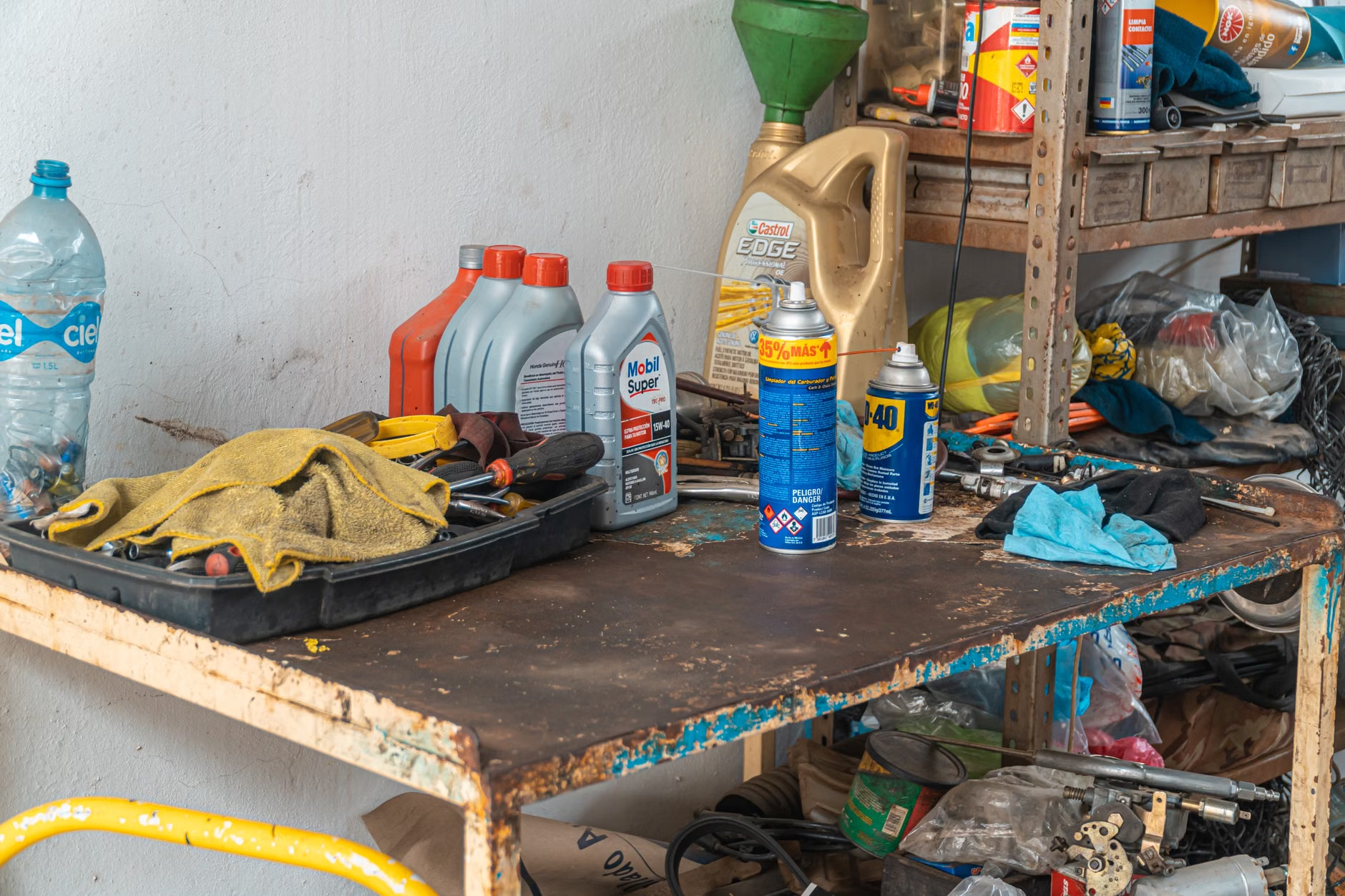
You don’t need a professional workshop to maintain your gear. Most modern home office equipment is designed for assembly, which means it is also designed for disassembly. A basic “Home Office Repair Kit” should cost less than $50 and will pay for itself during your first repair.
| Tool | Purpose | Why it’s essential |
|---|---|---|
| Metric Hex Key Set | Most office furniture assembly | Virtually all high-end chairs and desks use hex bolts. |
| Precision Screwdriver Set | Electronics and peripherals | Necessary for opening keyboard casings or monitor stands. |
| Contact Cleaner Spray | Electronic switches/ports | Fixed “ghosting” keys or intermittent port connections for pennies. |
| Rubber Mallet | Removing stuck parts | Used for tapping out stubborn gas cylinders or chair bases. |
The most important tool, however, is the digital one: the service manual. Never toss the manual that comes in the box. Even if you don’t read it now, store it in a designated folder. If you lose it, search for the “[Product Name] + Service Manual PDF” online. Many manufacturers—especially those targeting the B2B market—provide exploded-view diagrams that make identifying the exact part number for a replacement trivial.
Common Mistakes That Shorten the Life of Your Gear
Even with the best equipment, common habits often lead to premature failure. Identifying these can save you from needing repairs in the first place.
1. Over-tightening fasteners: We often assume that “tighter is stronger.” In reality, over-tightening bolts into plastic or aluminum housings can strip threads or crack the chassis. Use a firm hand, but stop once the bolt is snug. If you are worried about bolts backing out over time, use a small drop of low-strength (blue) threadlocker.
2. Ignoring “Creaks and Squeaks”: In a mechanical environment, a noise is a symptom. A squeaky chair isn’t just annoying; it is a sign that a joint is under stress or lacks lubrication. Ignoring it for six months can lead to metal fatigue, which is significantly harder to fix than a simple lubrication job.
3. Using the wrong cleaning agents: Many of us use generic household cleaners on our tech. Harsh chemicals can degrade the protective coating on your monitor’s anti-glare screen or cause the synthetic leather on your chair to crack. Always stick to a microfiber cloth and a 50/50 mix of distilled water and isopropyl alcohol for electronics, and manufacturer-recommended upholstery cleaners for chairs.
The “Repair Cafe” Concept for Home Professionals
The “Repair Cafe” movement—a global phenomenon where people meet to help each other repair broken items—is a great model for your own home life. While you might not have a local cafe nearby, you can adopt the mindset. If you have a group of friends or neighbors who are also working from home, start a “gear pool.”
Perhaps you have a high-quality torque wrench or a specialized monitor calibration tool, and your neighbor has a soldering iron. Sharing these tools saves everyone money and encourages a culture of repair. If you are hesitant to start, look for local maker-spaces or community workshops. These places often have 3D printers that can be used to manufacture obsolete plastic parts, like broken knobs or monitor stand clips, for a fraction of the cost of a replacement unit.

Step-by-Step: The Lifecycle of a Repair
When something breaks, don’t panic. Follow this systematic approach to decide whether to repair or replace:
- Diagnose the Symptom: Is it a mechanical failure (broken part) or an electrical one (software/circuitry)? Mechanical issues are almost always repairable.
- Search for the Part: Check the manufacturer’s website first. If they don’t sell it, check sites like eBay for “salvage” units. Often, someone is selling a broken unit for parts that has the exact component you need.
- Find the Guide: Search YouTube or iFixit for the specific model. If you can’t find your exact model, look for a similar one from the same brand; manufacturers often use the same internal components across different product tiers.
- Evaluate the Risk: If you are dealing with high-voltage electronics (like the interior of a monitor power supply), do not attempt a repair unless you are trained. Stick to modular components like cables, stands, or mechanical switches.
- The “Time vs. Value” Test: If the repair will take you more than three hours and the replacement cost is under $100, evaluate if your time is worth more than the savings. If the item costs $500+ to replace, even a three-hour repair is well worth your time.
Refining Your Workflow: Maintenance as a Ritual
Treat your home office like a professional studio. Once every six months, perform a “System Audit.” This shouldn’t be a chore; it’s a way to ensure your environment remains frictionless. During this audit, tighten all chair bolts, clean your mouse sensors, dust your PC fans (which prevents overheating and extends the life of your components), and check your cable management for frayed wires.
This ritual prevents the “death by a thousand cuts” scenario, where small, ignored issues accumulate until the entire system fails. By catching a loose bolt during your audit, you prevent the structural damage that would have required a $200 repair six months later.
The Hidden Costs of “New”
Beyond the price tag, there is a hidden cost to replacing gear: the environmental impact and the setup time. Every time you replace a monitor, you have to recalibrate your color settings, rearrange your mount, and deal with the packaging waste. When you repair, you are maintaining your “flow state.” Your gear remains exactly as you like it, perfectly tuned to your preferences.
Furthermore, the manufacturing quality of many “new” products has actually declined over the last decade. A chair built in 2015 might have a heavier steel frame than its 2024 equivalent. By repairing your older, higher-quality gear, you are often keeping a superior product in service compared to what you would buy to replace it.
Final Thoughts: Embracing the Circular Mindset
The circular-repair movement isn’t about being cheap; it’s about being discerning. It’s about recognizing that the value of your home office equipment lies in its function, not its novelty. By shifting your perspective from “disposable consumer” to “responsible steward” of your workspace, you save money, reduce waste, and build a more reliable, personalized environment.
Start small. The next time a piece of gear gives you trouble, resist the urge to shop. Take a look, open the casing, and see if there is a simple fix. You might be surprised at how capable you are, and how much longer your gear can serve you.
For more information on the right to repair and how to find parts, check out resources like iFixit, which provides comprehensive guides on repairing almost anything. Additionally, the Repair Association offers excellent advocacy and information on the legislative efforts behind the right to repair movement globally.
Frequently Asked Questions
1. Is it safe for me to repair my own office equipment?
Mechanical repairs, such as tightening bolts or replacing chair casters, are generally very safe. However, avoid opening power supplies or units with high-voltage capacitors unless you have electrical training. If you are unsure, stick to external, modular components.
2. What if I can’t find replacement parts for an older model?
If the manufacturer no longer stocks parts, check secondary markets like eBay or specialized forums. Often, you can buy a “for parts” unit of the same model to harvest the specific component you need. Alternatively, 3D printing services can often replicate simple plastic parts like knobs or clips.
3. How do I know if a repair is worth the cost?
A general rule of thumb is the 50% rule: if the cost of parts and your estimated time equals less than 50% of the replacement cost, it is almost always worth repairing. Beyond the financial aspect, consider that repairing keeps a higher-quality, known-working piece of equipment in your office.