A biometric hardware wallet is no longer just a tool for crypto enthusiasts; it is the most reliable “digital vault” for a parent to secure family emergency funds and sensitive identity backups while navigating the chaos of international travel.
Key Takeaways for Traveling Parents:
- Unmatched Physical Security: Unlike PIN-based devices, biometric wallets require your unique fingerprint, making them useless to pickpockets or curious children.
- Digital Emergency Kit: These devices can store encrypted copies of passports, insurance policies, and emergency crypto funds that remain accessible even if your phone and physical bags are stolen.
- Air-Gapped Protection: High-end biometric wallets often use “air-gapped” technology (QR codes or Bluetooth), ensuring your private data never touches a public airport Wi-Fi network.
We’ve all been there: standing in a crowded terminal in a foreign country, one hand gripping a toddler’s wrist, the other juggling three passports, two boarding passes, and a half-eaten granola bar. In that moment of “parent brain” overload, security usually takes a backseat to survival. But for those of us in our 30s and 40s who have spent years building a digital life, the risk of losing access to our primary accounts or having our identity compromised while abroad is a nightmare that keeps us up at night.
Standard leather wallets are easy targets for opportunistic thieves in tourist hotspots. Even your smartphone, while convenient, is a single point of failure. If your phone is snatched while it’s unlocked for navigation, a thief has access to your banking apps, emails, and photos. This is where the biometric hardware wallet enters the scene—not as a flashy gadget, but as a practical, ironclad backup for the modern family traveler.
The Evolution of the Travel Safety Net
In the 1990s, our parents carried traveler’s checks. In the 2010s, we shifted to “burn” credit cards and hidden money belts. Today, our most valuable assets are digital. A biometric wallet is essentially a specialized piece of hardware—roughly the size of a credit card or a small remote—that stores your private keys and sensitive data offline. The “biometric” part means it only wakes up when it recognizes your fingerprint.
Why does this matter for a parent? Because kids are unpredictable. I’ve seen a five-year-old accidentally delete a banking app while “playing” with a phone. I’ve seen a toddler toss a parent’s wallet into a fountain. A biometric wallet is immune to these domestic disasters. It’s rugged, it’s encrypted, and it doesn’t care if it gets sticky fingers on it—it only opens for the registered adult.
When we talk about “wallets” in this context, we aren’t just talking about Bitcoin. We are talking about self-sovereignty. If the local ATM swallows your debit card in a remote village in Portugal, having a biometric wallet with a small “emergency fund” of stablecoins (digital dollars) can be the difference between a minor hiccup and a stranded family. It is the ultimate “break glass in case of emergency” tool.
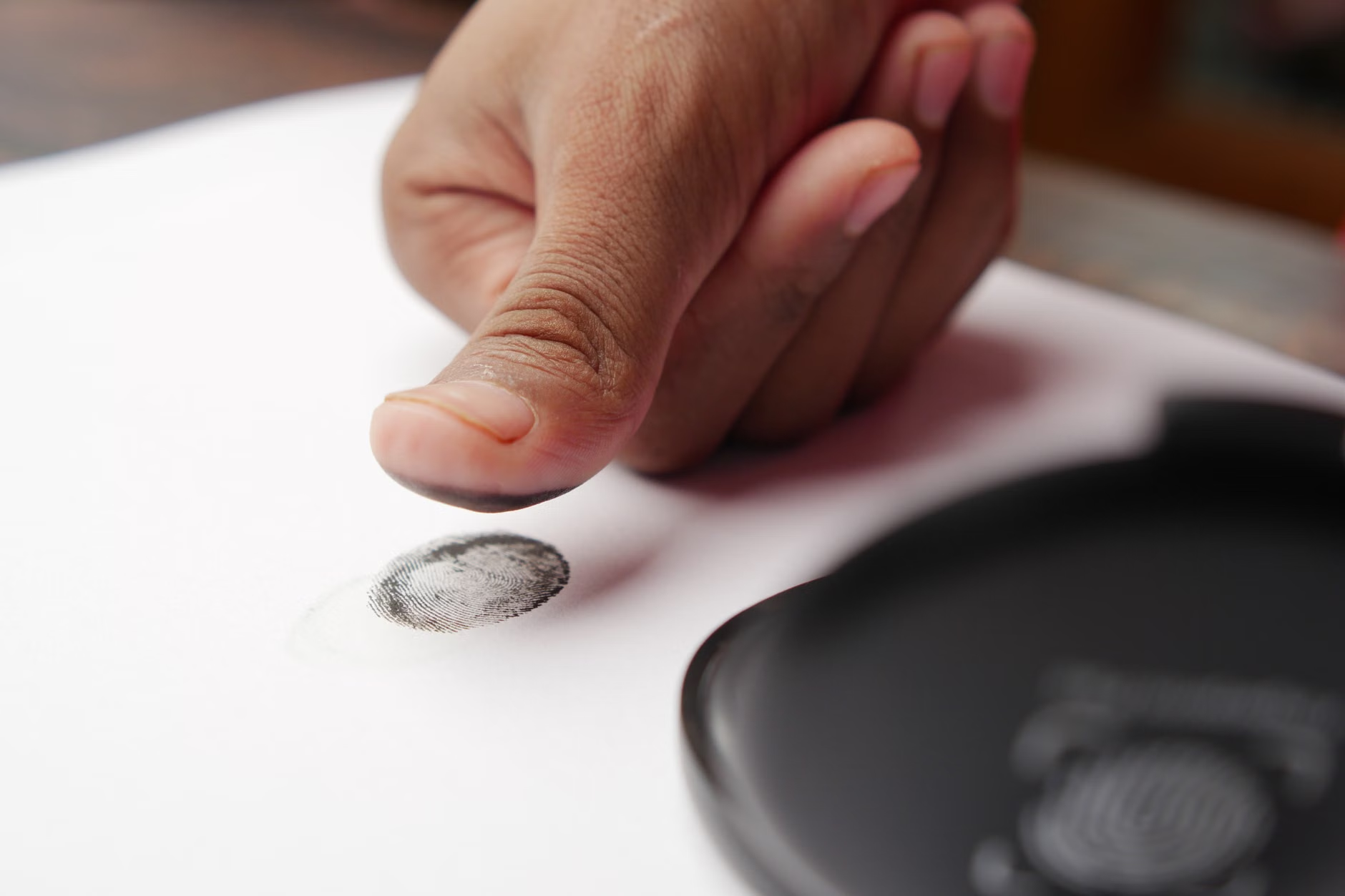
How Biometric Security Actually Protects Your Data
To understand why these devices are superior to a PIN on your phone, we have to look at the Secure Element (SE). Most high-quality biometric wallets, like those from D’CENT or the newer Ledger models, use EAL5+ or EAL6+ certified chips. These are the same security standards used in passports and credit card chips.
In a standard smartphone, the fingerprint sensor is often a software-level gatekeeper. In a dedicated biometric hardware wallet, the fingerprint sensor is physically wired to the Secure Element. The “private keys” (the codes that prove you own your data) never leave that chip. Even if you plug the device into a computer riddled with viruses, the hacker cannot “see” your keys because the transaction is signed inside the wallet only after your thumbprint is verified.
For a parent, this provides a specific type of peace of mind. You can leave the device in a hotel safe or even in your backpack without worrying that a thief—or a tech-savvy teenager—could guess a 4-digit PIN. The security is tied to your biology. If the device doesn’t see your specific ridge patterns, it remains a useless piece of plastic and metal.
The “Air-Gapped” Advantage
Many biometric wallets utilize QR code communication. This means the device has no Wi-Fi, no Bluetooth, and no USB data connection when in use. To authorize a move, the device shows a QR code, you scan it with your phone, and vice versa. For a traveler, this is huge. Public Wi-Fi in airports and hotels is a playground for “man-in-the-middle” attacks. An air-gapped biometric wallet is invisible to those networks.
Real-World Scenarios Where Parents Need This
Let’s move away from the tech specs and into the reality of a family vacation. Imagine you are in Barcelona. It’s beautiful, it’s sunny, and your backpack—containing your physical wallet and your phone—is snatched while you’re helping your child tie their shoe. This is the “Total Loss” scenario.
If you have a biometric wallet tucked into a separate, secure location (like a hidden pocket or the hotel safe), you aren’t actually stuck. Here is how that plays out:
| Scenario component | Standard Travel Prep | Biometric Wallet Prep |
|---|---|---|
| Emergency Funds | Cash/Cards in the bag (Gone) | Stablecoins on the device (Safe) |
| Identity Access | Physical Passports (Gone) | Encrypted Digital Copies (Accessible) |
| Recovery Time | Days at the embassy/bank | Minutes to access digital funds |
| Kid-Proofing | PINs can be watched/learned | Fingerprint cannot be copied |
The table above illustrates that the biometric wallet isn’t replacing your passport; it’s providing a redundant system. By storing a small amount of liquid digital currency and encrypted access to your cloud storage keys, you can book a new hotel or buy a flight home even if your primary banking is locked due to the phone theft.
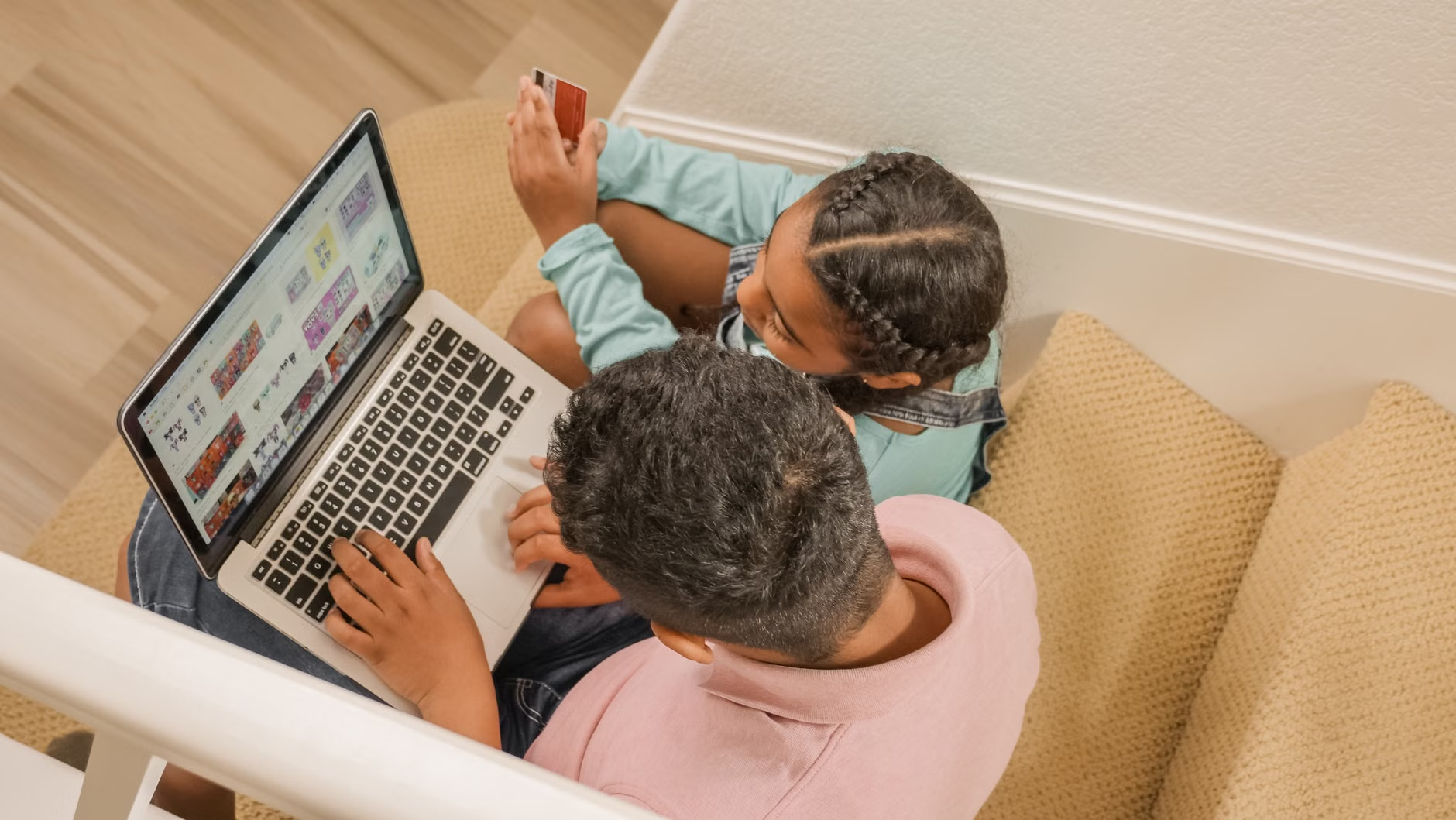
Choosing the Right Device for a Busy Parent
Not all biometric wallets are created equal. When you’re balancing a mortgage, a career, and kids, you don’t want a device that requires a PhD to operate. You want something with a clear screen, a reliable sensor, and a long-lasting battery.
1. D’CENT Biometric Wallet
This is often cited as the gold standard for biometric hardware. It features a built-in fingerprint scanner and a large OLED screen. The interface is intuitive, which is vital when you’re stressed.
Best for: Parents who want a standalone device that feels like a “pro” tool but remains easy to navigate.
2. Ledger Stax / Flex
Ledger is the biggest name in the space. Their newer “Stax” and “Flex” models focus on a better user experience with E-ink touchscreens. While the Stax uses secure PINs and high-end encryption, the integration of biometric-unlocking via the paired smartphone app makes it a sleek choice for the tech-forward parent.
Best for: Those who want the most “iPhone-like” experience and wide support for various digital assets.
3. Tangem Wallet (The “Backup” Choice)
Tangem is slightly different—it’s a card. It uses NFC to talk to your phone. While it doesn’t have a fingerprint sensor *on* the card, it uses your phone’s biometrics (FaceID/TouchID) to authorize transactions.
Best for: Parents who want something that fits in a card slot and has zero battery to worry about.
The Setup: A Step-by-Step Guide for the Non-Techie
The biggest hurdle for parents is often the “setup anxiety.” You don’t want to mess this up and lose your data. Here is the realistic, 20-minute process to get travel-ready.
- The “Quiet Hour” Rule: Do not set this up while the kids are awake. You need to focus. One mistake in writing down your “Seed Phrase” (the 12-24 words that recover your wallet) can be permanent.
- Initialize and Update: Plug the device into your computer and update the firmware. Manufacturers release security patches frequently.
- The Fingerprint Scan: Register at least two fingers (usually both thumbs). Travel can involve dry skin or minor cuts, so having a backup finger registered is a smart move.
- The Seed Phrase Security: The device will give you a list of words. Never take a photo of these. Write them on the provided card. Pro Tip: Buy a small “metal seed storage” plate. It’s fireproof and waterproof—perfect for a household where a water leak or a “creative” toddler with a crayon could ruin a piece of paper.
- Test a Small Transaction: Send $10 worth of a stablecoin (like USDC) to the wallet. Ensure you can see it and, more importantly, ensure you can send it back out using your fingerprint.
Common Mistake: Many parents set up the wallet, put it in a drawer, and forget how to use it until the day they are at the airport. Use it once a month to pay for a small subscription or move some savings. Familiarity is a security feature in itself.
Managing the Risks: What if Things Go Wrong?
As a researcher and a realist, I have to address the “What Ifs.” The most common question I get is: “What if someone cuts off my finger to open the wallet?”
Let’s be grounded. If you are in a situation where someone is threatening physical violence to that degree, the wallet is the least of your concerns. However, most biometric wallets have a “Duress PIN” feature. You can set a secondary PIN that opens a “decoy” account with a small amount of money, keeping your main family savings hidden.
What if the device breaks?
This is the beauty of the system. Your money and data are not *inside* the plastic device. They are on the blockchain/cloud. The device is just the key. As long as you have your 24-word seed phrase hidden safely back at home (or in a bank vault), you can buy a new device and “restore” everything in minutes. For a traveling parent, this means that even if the kids drop the wallet into the ocean, your family’s digital future is still safe.
The Battery Life Trade-off
Biometric sensors require power. Unlike simple USB sticks, these devices need to be charged.
Actionable Advice: Always charge your biometric wallet to 100% the night before your flight. Most have a standby time of several weeks, but you don’t want to be hunting for a specialized charging cable in a rural guesthouse.
The Cost-Benefit Analysis for a Family Budget
A good biometric wallet costs between $120 and $250. When you’re already paying for flights, hotels, and overpriced theme park tickets, this might feel like an unnecessary “extra.”
But consider the Hidden Costs of Insecurity:
- Identity theft recovery takes an average of 200+ hours of phone calls and paperwork.
- Emergency wire transfers from overseas can cost $50-$100 in fees plus terrible exchange rates.
- The psychological stress of being “digitally stranded” with children is immeasurable.
If you view the $150 as a one-time “digital insurance premium” that lasts for 5-10 years, the math starts to make a lot of sense. It is a piece of infrastructure for your family, much like a high-quality car seat or a home security system.
Final Thoughts: Your Digital Passport to Peace of Mind
Travel is supposed to be about making memories, not managing crises. By moving your most sensitive digital “keys” and emergency funds into a biometric hardware wallet, you are effectively removing one of the biggest stressors of modern international movement.
You wouldn’t travel without health insurance or a sturdy stroller. In an age where our identities are digital, you shouldn’t travel without a hardware-level security plan. The key conclusion is simple: Biometric wallets provide a physical barrier to digital threats that a smartphone simply cannot match. For the parent in their 30s or 40s, it’s the ultimate tool to ensure that no matter what happens on the road, the family’s digital and financial foundation remains untouched.
Start by researching the D’CENT Biometric Wallet or the Ledger Flex. Pick a device that fits your hand and your tech comfort level. Set it up during a quiet evening, and then tuck it away. You’ll breathe a little easier during that next long-haul flight, knowing your “digital vault” is protected by the one thing a thief can’t steal: you.
Sources for further research:
– Official D’CENT Wallet Security Features: https://dcentwallet.com/features
– Ledger Security Certifications (EAL5+): https://www.ledger.com/academy/security/what-is-eal6-plus
– NIST Guidelines on Biometric Security: https://www.nist.gov/programs-projects/biometrics
Frequently Asked Questions
1. Can my child accidentally lock me out of my biometric wallet?
Most devices have a limit on failed fingerprint attempts before they require a secondary PIN or a “cool-down” period. While a child might trigger a temporary lockout, they cannot permanently “brick” the device or delete your funds without the seed phrase. Just keep the device out of reach like any other electronic tool.
2. Does a biometric wallet work if I don’t have internet access?
Yes. The wallet itself does not need the internet to function; it only needs power. You can check your balances (if they were previously synced) or sign transactions offline. You only need a connection on your paired smartphone or laptop to actually “broadcast” a transaction to the world. This makes it perfect for long flights or remote camping trips.
3. What happens if my fingerprint changes due to an injury while traveling?
This is a common concern. High-quality biometric wallets always have a PIN backup. If the sensor cannot read your finger (due to a bandage or extreme cold), you can bypass the biometrics using a secure 6-to-8-digit PIN that you set during the initial configuration. Biometrics are for convenience and high security, but the PIN is your failsafe.
Note: This article is for informational purposes and does not constitute financial or legal advice. Always perform your own due diligence before purchasing security hardware.