The most effective safety strategy for a parent traveling solo isn’t a single high-tech gadget, but a redundant system of connectivity, identity protection, and offline readiness that ensures you are reachable even when your phone dies or the network fails.
- Redundancy is your primary safety net: Never rely on a single device; always carry a secondary power source and a paper backup of critical documents.
- Digital boundary setting: Using features like “Find My” sharing and secure cloud vaults allows you to maintain independence while providing family members with the ability to locate you in an emergency.
- Connectivity isn’t just about social media: Using e-SIM technology and offline maps ensures that you have navigation and communication tools that function immediately upon landing in a new country.
If you are a parent in your 30s or 40s, the idea of a solo trip often feels like a logistical mountain rather than a relaxing getaway. We are so accustomed to the “mental load” of managing family schedules, school runs, and household logistics that the prospect of being responsible only for ourselves can be both exhilarating and terrifying. The anxiety isn’t just about the flight or the hotel; it’s the lingering “what if” that plagues every parent: “What if I get sick? What if I get lost? What if someone needs me back home?”
Technology has shifted from being a distraction to a vital component of personal security for solo travelers. It is no longer just about having a phone; it is about how you configure that phone and the peripheral tools you carry to act as a digital guardian. Let’s break down how to build a safety ecosystem that allows you to actually enjoy that time away without constantly checking your phone for emergencies.
The Essential Hierarchy of Connectivity
Before you even pack your bags, you need to establish a connectivity hierarchy. This is the difference between being stranded in a foreign city and simply being “off the grid” by choice. The most common mistake parents make is assuming that hotel Wi-Fi is a reliable substitute for a cellular data plan. It isn’t.
1. The E-SIM Revolution: If your phone supports e-SIMs, this is the single most significant upgrade you can make. Services like Airalo or Holafly allow you to purchase data plans for specific countries before you leave home. This means the moment your plane touches down, you have data. You aren’t hunting for a local SIM card kiosk at 2:00 AM, and you aren’t paying exorbitant international roaming fees to your home carrier.
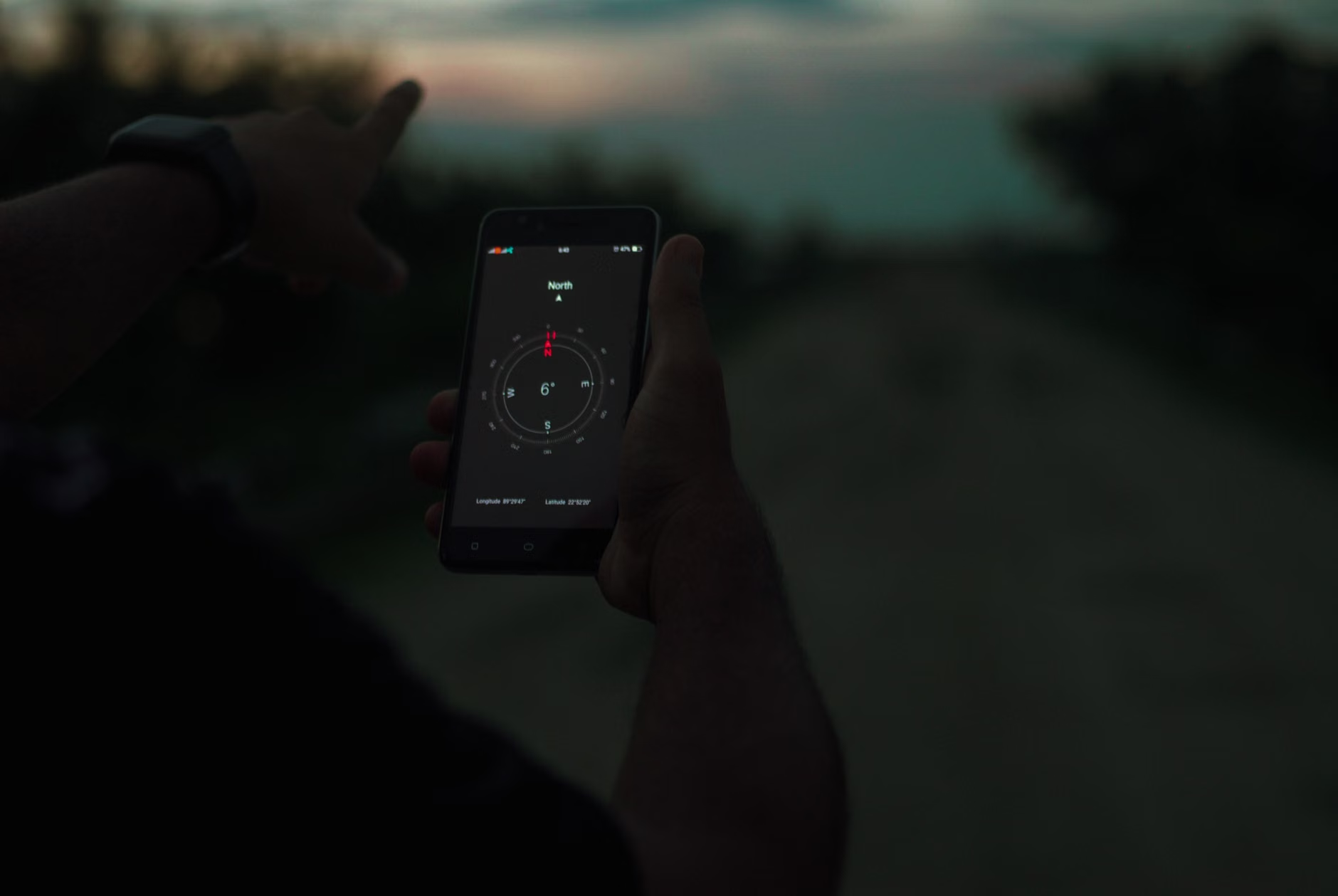
2. Offline Maps and Translation: Never assume you will have a stable signal. Download Google Maps for your destination area for offline use. This is a life-saver when you are navigating subway systems in cities with spotty underground coverage. Similarly, download the language packs for the Google Translate app. Being able to translate a menu or a sign when the network is down provides a massive sense of confidence.
3. The Secondary Power Source: A dead phone is a major safety hazard. When you are traveling solo, your phone is your map, your bank, your translator, and your emergency beacon. Invest in a high-capacity power bank (at least 10,000mAh) that supports fast charging. Avoid the cheap, unbranded ones; they often fail when you need them most. Look for brands like Anker or Belkin that offer reliable, compact options that won’t add excessive weight to your carry-on.
Managing Digital Identity and Financial Security
When you travel alone, you are a walking target for digital and physical theft. Parents are often more vulnerable because we are used to multitasking and might be less vigilant about our surroundings. Your digital security should be as rigid as your physical security.
Use a Virtual Private Network (VPN): Public Wi-Fi in airports, cafes, and hotels is notoriously insecure. Using a reputable VPN (like NordVPN or ExpressVPN) encrypts your internet traffic, preventing others on the same network from intercepting your data. This is non-negotiable if you plan to check your bank account or log into your email while on the road.
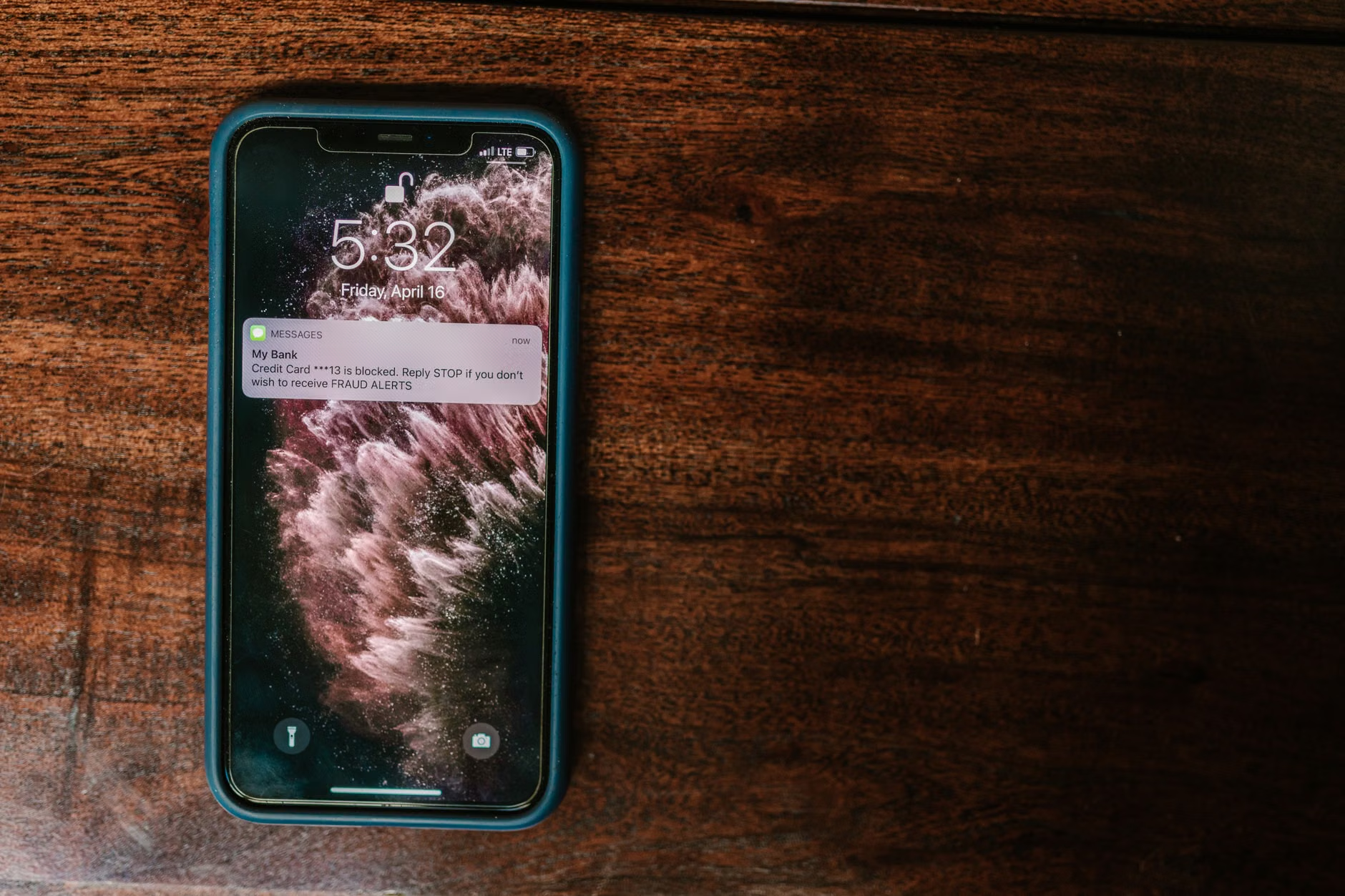
The “Travel Wallet” Protocol: Do not carry all your credit cards and cash in one place. Keep your primary credit card in a secure place, and carry a secondary card (ideally with no foreign transaction fees) in a separate bag or a hidden pocket. Use a digital wallet like Apple Pay or Google Pay whenever possible; it is more secure than handing over a physical card because it uses tokenization, meaning the merchant never sees your actual card number.
Cloud-Based Document Vault: Use a secure, encrypted cloud storage service (like Proton Drive or a password-protected folder in iCloud) to store copies of your passport, travel insurance policy, vaccination records, and emergency contact list. If you lose your physical bag, you can access these documents from any device in a consulate or police station.
GPS Tracking and Emergency Sharing
This is the “parental” part of the tech stack. You might feel like you are being monitored, but for solo parents, the ability for a trusted partner or friend to see your location can be the difference between a minor delay and a genuine panic. The goal is to provide transparency without feeling like you are under surveillance.
Location Sharing Settings: Both iOS and Android have built-in, sophisticated location-sharing features. Use the “Share My Location” feature in the “Find My” app (iOS) or “Google Maps” (Android). Crucially, set this to “Until I turn it off” or for the duration of your trip. Don’t worry about the battery drain; these systems are optimized to be efficient.
Emergency SOS Features: Modern smartphones have built-in emergency SOS triggers. On an iPhone, for instance, pressing and holding the side button and one of the volume buttons triggers an emergency call and notifies your emergency contacts with your location. You should know exactly how to activate this on your specific model before you leave the house. Take five minutes to practice it—without calling the police, obviously—so it becomes muscle memory.
| Safety Category | Recommended Tech/Tool | Why It Matters |
|---|---|---|
| Connectivity | E-SIM (e.g., Airalo) | Immediate data access upon arrival without roaming fees. |
| Power | 10,000mAh Power Bank | Ensures your phone stays functional throughout long travel days. |
| Security | VPN Subscription | Protects your sensitive data on public hotel/airport Wi-Fi. |
| Navigation | Offline Google Maps | Reliable navigation even in areas with zero cellular service. |
The table above summarizes the core pillars of a solo traveler’s safety kit. If you are choosing which to prioritize based on a limited budget, start with the power bank and the e-SIM. These are the most immediate tools for maintaining contact and navigation, which are the two most critical aspects of feeling secure.
Common Pitfalls and How to Avoid Them
Even with the best tech, human error is the most common cause of travel mishaps. Here are a few things that usually go wrong for parents who are out of practice with solo travel.
The “Over-Sharing” Trap: We are so used to sharing our kids’ photos and our daily routines that we often forget to apply the same caution to our solo trips. Avoid posting your location in real-time on social media. Wait until you have left a location to post photos. It’s a small adjustment that significantly increases your physical security by preventing strangers from knowing exactly where you are at any given moment.
Ignoring Local Laws and Customs: Tech can’t help you if you run afoul of local regulations. Before you travel, spend ten minutes reading the “Entry Requirements” or “Local Laws” section on your government’s travel advisory website (e.g., travel.state.gov for US citizens, or the equivalent government site for your country). For example, some countries have strict rules about the use of drones or photography near government buildings. Knowing these beforehand prevents embarrassing and potentially dangerous encounters with authorities.
The “Hotel Wi-Fi” Assumption: Many hotels have clunky, restrictive Wi-Fi login pages that don’t play well with VPNs or certain security protocols. Always have a backup plan, which is why the e-SIM is so critical. If the hotel Wi-Fi is failing or insecure, you have your own data connection to fall back on to manage your accounts or call a ride-share service.
The Psychological Shift: From “Parent” to “Traveler”
The most challenging part of solo travel for a parent isn’t the technology; it’s the mental switch. We are so used to being the “fixer”—the one who has the snacks, the tissues, the band-aids, and the solution to every problem. When you are alone, you have to be your own fixer. This requires a level of self-trust that can feel uncomfortable at first.
Use your tech to build that trust. If you are nervous about navigating a new city, use a route-planning app like Citymapper to look at your path before you leave your hotel. If you are worried about dining alone, keep a book or a podcast ready. These aren’t just distractions; they are tools that allow you to occupy your space with confidence. You are not “doing it wrong” if you feel a bit overwhelmed in the first 24 hours. That is a normal adjustment period.
Remember that safety tech is meant to be a background hum, not the main focus of your trip. The goal of this preparation is to reach a state where you don’t have to think about these things. When you have your power bank, your offline maps, your VPN, and your emergency contacts set up, you have effectively “outsourced” your anxiety to your tools. This leaves you free to actually enjoy the silence, the local food, or that extra hour of sleep you haven’t had since your children were born.
Practical Next Steps for Your Next Trip
If you have a trip coming up, don’t try to implement all of this the night before. Start a “travel tech checklist” two weeks out. Check if your phone is carrier-unlocked (essential for using e-SIMs). Test your power bank by letting it charge your phone fully once to ensure it holds a charge. Update all your apps and ensure you have two-factor authentication enabled on your banking and email accounts—and ensure you have the backup codes saved in your secure cloud vault.
Finally, trust your intuition. Technology is a powerful tool, but it is not a replacement for your gut feeling. If a neighborhood feels “off,” or a person seems too persistent, listen to that internal alarm. You don’t need to be polite; you need to be safe. Use your phone to move to a more crowded, well-lit area or to call a verified ride-share service. The tech is there to support your instincts, not to override them.
Solo travel as a parent is a profound act of self-care. It reminds you that you are an individual with your own interests and capabilities. By taking the time to prepare your digital and physical safety net, you are giving yourself the freedom to explore, make mistakes, and come back home feeling refreshed—not just as a parent, but as a person.
Frequently Asked Questions
1. Should I buy a physical GPS tracker, or is my smartphone enough?
For most casual solo travelers, a smartphone is more than sufficient. Modern phones have highly accurate GPS chips and, when paired with reliable data, are better than dedicated trackers because they allow for two-way communication. Only consider a dedicated satellite communicator (like a Garmin inReach) if you are planning on hiking or traveling in extremely remote areas where cellular service is non-existent.
2. What is the biggest mistake parents make with their phones while traveling?
The biggest mistake is leaving “Location Services” or “Find My” off to save battery. In an emergency, these are the most critical tools for your family to assist you. Instead of turning them off, carry a high-quality power bank so you can keep your phone charged throughout the day. Modern phones are very efficient; the battery drain from location services is negligible compared to the safety benefit.
3. Is a VPN really necessary if I’m just browsing the web?
Yes. Even if you aren’t logging into sensitive accounts, a VPN prevents your internet service provider (or anyone monitoring the public Wi-Fi) from seeing your browsing history and potentially injecting malicious code into your browser. It is a low-cost, high-impact security layer that is essential for anyone traveling with a smartphone or laptop.
For further reading on travel safety and global advisories, you can consult the U.S. Department of State Travel Advisories or your local government’s equivalent travel portal. Always verify entry requirements and local laws for your specific destination at least one month before your departure date.