- Don’t rely on a single cloud service: Account lockouts or subscription lapses can permanently delete your family history.
- Implement the 3-2-1 rule: Keep three copies of your data, on two different media types, with one copy stored off-site.
- Digital inheritance is a legal necessity: You must explicitly nominate a ‘Digital Legacy Contact’ in your account settings to ensure your family can access your photos if something happens to you.
Your child’s first steps, the holiday in 2018, the blurred but hilarious birthday cake smash—these aren’t just files on a phone. They are your family’s history. Yet, most of us treat our digital memories with the same casual security we give to a grocery list. We assume that because our photos are “in the cloud,” they are immortal. The reality is much colder: if you lose access to your password, if your subscription payment fails, or if a tech giant decides to change their terms of service, those decades of memories can vanish in an instant.
For parents in their 30s and 40s, this is a ticking clock. You are the digital curators of your household. Building a “Digital Legacy Vault” isn’t about being paranoid; it’s about ensuring that your family’s story remains intact long after your current smartphone hits the recycling bin.

Why “The Cloud” Is Not a Long-Term Preservation Strategy
Many of us fall into the trap of believing that Google Photos or iCloud is a permanent archive. While these services are excellent for convenience, they are built for syncing, not archiving. There is a fundamental difference. Syncing means that if you delete a photo on your phone to save space, it is deleted from the cloud, too. If your account is compromised or locked due to a suspected violation of terms, your access to those memories is frozen—sometimes permanently.
Consider the “Account Recovery Loop.” Many service providers require secondary verification methods that you might lose access to over time, such as an old phone number or a defunct email address. If you are locked out, you lose the keys to your entire digital life. Furthermore, cloud providers are businesses. If their business model shifts, or if they decide to terminate support for certain file types or storage tiers, you are at their mercy. A true digital legacy vault must be independent of any single corporation’s health or policies.
To build a robust system, you must shift your mindset from “storing” to “preserving.” Preservation involves redundancy, hardware independence, and periodic integrity checks. It means moving away from the convenience of “set it and forget it” and toward a structured, periodic maintenance plan that protects your data against both technical failure and human error.
The 3-2-1 Rule: The Gold Standard for Data Security
The most effective strategy for preserving digital assets is the 3-2-1 rule. This is not just for IT professionals; it is a practical framework that any parent can implement at home with a few hours of effort and a modest budget.
| Component | Action | Why It Matters |
|---|---|---|
| 3 Copies | Keep three distinct versions of your photo library. | Redundancy protects against simultaneous hardware failure. |
| 2 Media Types | Store data on two different storage formats (e.g., Cloud and Local HDD). | Protects against specific hardware format corruption. |
| 1 Off-site | Keep at least one copy in a physically separate location. | Protects against fire, theft, or natural disaster at your home. |
This rule works because it addresses the three most common causes of data loss: hardware failure, human error, and environmental catastrophe. If your house suffers a fire, your local backup is gone, but your cloud copy remains. If your cloud account is hacked, your local offline drive remains untouched. This tiered approach is the only way to ensure that your family’s legacy is truly secure.

How to Designate a Digital Executor
One of the most overlooked aspects of digital legacy is the legal and procedural access for your family. If you pass away or become incapacitated, your family will likely struggle to access your accounts. Most major platforms now have specific features to address this, but you have to set them up before the need arises.
For Google users, the “Inactive Account Manager” allows you to designate a trusted contact who will be notified if your account remains inactive for a specific period (e.g., 3, 6, or 12 months). You can choose exactly what data they can access, ranging from your Gmail to your Google Photos library. Apple’s “Legacy Contact” feature is even more direct: you provide a designated person with an access key (either printed or stored digitally) that allows them to request access to your Apple ID and stored data after your death.
Common Mistake: Many people simply write their password on a post-it note and stick it to the fridge or leave it in a desk drawer. While this might work in the short term, it is not a secure or reliable method. Passwords change, and if you have two-factor authentication enabled, a simple password is useless without access to your secondary verification device. Always use the built-in “Legacy” tools provided by the platforms, as they are designed to bypass these security hurdles legally and effectively.
Hardware Selection: Why Your Storage Needs to Be “Cold”
When we talk about long-term preservation, we need to discuss “cold storage.” This refers to data that is not connected to the internet or a power source. Hard drives left spinning 24/7 in a NAS (Network Attached Storage) device are prone to mechanical failure. A true, multi-generational vault should include an offline, archival-grade storage medium.
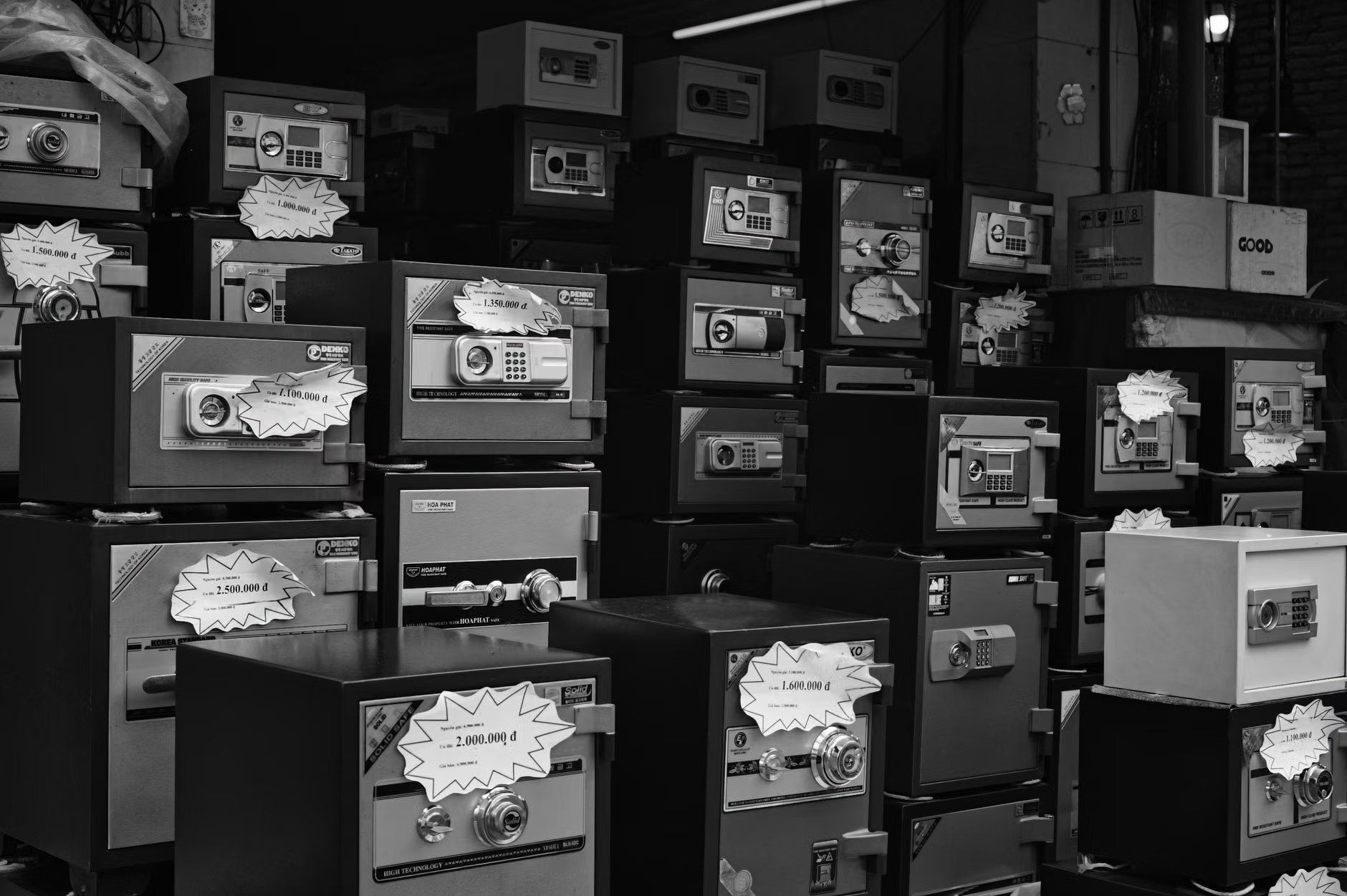
For most households, this means purchasing two high-quality external SSDs or HDDs. One lives in your home, and the other lives in a fireproof, waterproof safe—or even at a relative’s house. You should update this “cold” copy once or twice a year. This is a great habit to adopt during a predictable time, such as during your child’s birthday month or the New Year.
The Hidden Cost of Format Obsolescence: We often forget that file formats change. A file format that is popular today might be unreadable in 20 years. While JPEG is currently a universal standard, it is wise to periodically check if your archive needs to be migrated to newer, more efficient, or more widely supported formats. Every five years, perform a “format check.” If a specific file type is becoming difficult to open, batch-convert your archive to a standard format like JPEG or TIFF. This is the price of keeping digital history alive—it requires active management, not just passive storage.
Step-by-Step: Building Your Vault Today
If you are feeling overwhelmed, start here. Do not try to organize 15 years of photos in one day. Focus on creating the system first, then fill it with content.
- Choose Your Primary Cloud: Select one service as your “working” library. This is where you sync your daily photos.
- Create the Offline Archive: Buy two high-capacity external drives. One is your “Primary Local” and the other is your “Off-site Backup.”
- Perform the First Sync: Use a tool like “FreeFileSync” or native backup software to mirror your cloud library to your local drives.
- Set Up Legacy Contacts: Log into your Apple, Google, and social media accounts today and add your spouse or a trusted family member as your legacy contact.
- Document the Access: Create a “Digital Emergency Sheet.” This should include where the offline drives are, how to access them, and instructions on how to use the legacy contact tools you’ve set up. Keep this with your physical will or important documents.
This process might take an afternoon, but it provides a lifetime of security. You are not just backing up files; you are protecting the only record of your family’s evolution. In an era where everything is transient, taking control of your digital archives is one of the most responsible things you can do for your children.
The Reality of Digital Maintenance
You might wonder: “Is this really necessary?” The answer depends on what you value. If your photos are just images to be posted on social media and forgotten, then perhaps not. But if you view these photos as the inheritance you are leaving for your children, then yes, it is essential. Technology is inherently fragile. Hard drives fail, companies go bankrupt, and software updates can render old files incompatible.
One common misconception is that “data in the cloud is safe forever.” In reality, cloud providers are only obligated to maintain your data as long as you pay the bill and follow their rules. If you lose your primary email account, you may lose the ability to recover your cloud password, effectively severing your connection to your entire digital past. By maintaining a local, offline copy, you ensure that you are the sole owner of your history, regardless of what happens to the tech industry.
Another overlooked variable is the “noise” in our digital libraries. We take hundreds of duplicate, blurry, or accidental photos. Part of the archiving process should be occasional pruning. By deleting the duplicates, you make your archive easier to navigate for your future family members. A well-curated library of 10,000 meaningful photos is far more valuable than 100,000 photos that include 90,000 blurry screenshots and accidental pocket-photos.
Final Recommendations for the Future
As you move forward, remember that the best backup system is the one you actually use. If you make it too complicated, you will stop doing it. Start with the 3-2-1 rule and keep it simple. If you can, automate as much as possible. Use software that syncs your folders automatically to your external drives so that you don’t have to remember to do it every week.
Finally, treat your digital legacy with the same importance as your financial legacy. We spend decades planning for our children’s financial future, but their emotional and historical future—the stories of their lives—is just as important. Take the time to secure these memories. It is a quiet, unsung act of love that your children will appreciate decades from now when they want to look back and remember exactly who they were, and who you were, at the start of their journey.
Frequently Asked Questions
- What if I don’t have enough space for an offline backup?
External hard drives have become incredibly affordable. A 4TB portable hard drive can often be found for under $100. Given the thousands of photos you likely have, this is one of the most cost-effective investments you can make for your family’s history. If space is an issue, start by backing up only your “best of” folder before moving to your full library. - Should I use M-DISC or other “archival” media?
While M-DISCs are marketed for 1,000-year storage, they require specific optical drives to write, which are becoming obsolete. For most people, high-quality solid-state drives (SSDs) or traditional mechanical hard drives, updated every few years, are more practical and reliable. The key is not the media itself, but the frequency of your data migration. - How do I handle encrypted photos or passwords?
If you use a password manager, ensure your partner or a trusted family member has access to your “Master Password” via a secure, physical location (like a safe). Without the master password, your encrypted digital vault will be impossible to open. Never store your master password on your computer; keep it in a physical, offline location.
For more information on managing your digital legacy, you can visit the official support pages for major providers: