If you are a parent who feels like your nervous system is constantly humming at a high frequency, your home office is likely the battleground where your productivity—and your sanity—goes to die. The most effective way to reclaim your focus as a Highly Sensitive Person (HSP) isn’t by trying to “power through” the noise, but by fundamentally redesigning your environment to protect your sensory threshold from the start of your workday.
- Visual Clutter is Cognitive Load: Reducing desk items by 70% significantly lowers the “background noise” your brain constantly processes, freeing up mental bandwidth for deep work.
- Acoustic Management is Mandatory: Passive noise reduction (carpets, curtains) paired with active technology (ANC headphones) is the only reliable way to block out household sounds.
- Lighting Dictates Energy Levels: Switching from harsh overhead cool-white LEDs to warm, task-specific lighting prevents the late-afternoon fatigue and irritability common in HSPs.
Why Your Home Office is Draining Your Battery
For most of us in our 30s and 40s, the “home office” is a makeshift corner of the kitchen table or a spare room that doubles as a dumping ground for laundry and toys. If you identify as an HSP, this isn’t just an inconvenience; it’s a physiological stressor. HSPs possess a nervous system that processes sensory data more deeply. While this trait makes us empathetic and observant, it also means that the hum of the refrigerator, the flickering of a fluorescent bulb, or a pile of unread mail on your desk isn’t just background noise—it’s information your brain is forced to process, categorize, and struggle to ignore.
The “why it matters” is simple: when your environment is loud, your brain is busy filtering that noise instead of solving complex problems. By the time you actually sit down to write that report or join that Zoom call, you’ve already spent 30% of your daily “battery” just trying to reach a baseline of calm. This is why you feel exhausted by 2:00 PM, even if your actual workload wasn’t particularly heavy.
1. The “Visual Reset” Strategy: Managing Clutter
Visual clutter is essentially a series of “open tabs” in your brain. Every object in your peripheral vision is a potential distraction. For an HSP, a desk covered in stray cables, coffee mugs, and scattered papers creates a constant, low-level alarm signal.
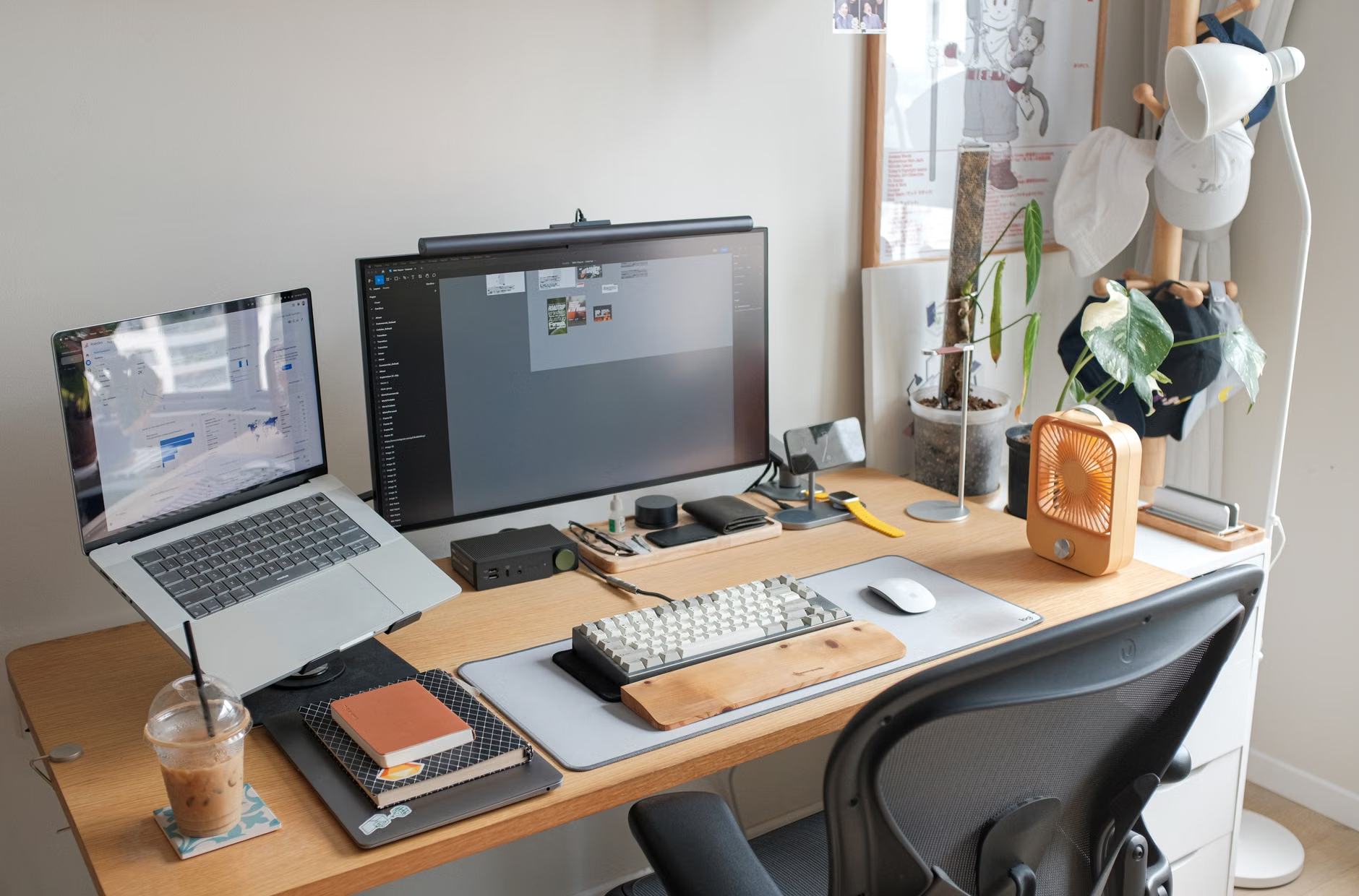
The Fix: Implement the “Clear Surface Rule.” At the end of every workday, your desk must be wiped clean, with only your essential tools remaining. If you don’t use an item daily, it does not belong on your desk. Use cable management sleeves to hide the “visual spaghetti” of wires—our brains are hardwired to notice movement and tangled shapes, and exposed wires are a major, often overlooked source of visual agitation.
Common Mistake: Many people try to “organize” by buying more storage containers. This is a trap. More containers just mean more things to manage. Instead, reduce the items themselves. If you have 10 pens, keep two and put the others in a drawer. You are not “losing” them; you are removing the need to choose between them every time you reach for one.
2. Mastering the Acoustic Environment
Sound is perhaps the most invasive sensory trigger for parents working from home. Whether it’s the muffled sound of a television in the next room or the high-pitched whine of a laptop fan, these sounds break your concentration flow state. Research on auditory processing suggests that even “background” noise that we think we are ignoring actually triggers the amygdala—the brain’s threat detection center—causing a subtle but persistent spike in cortisol.
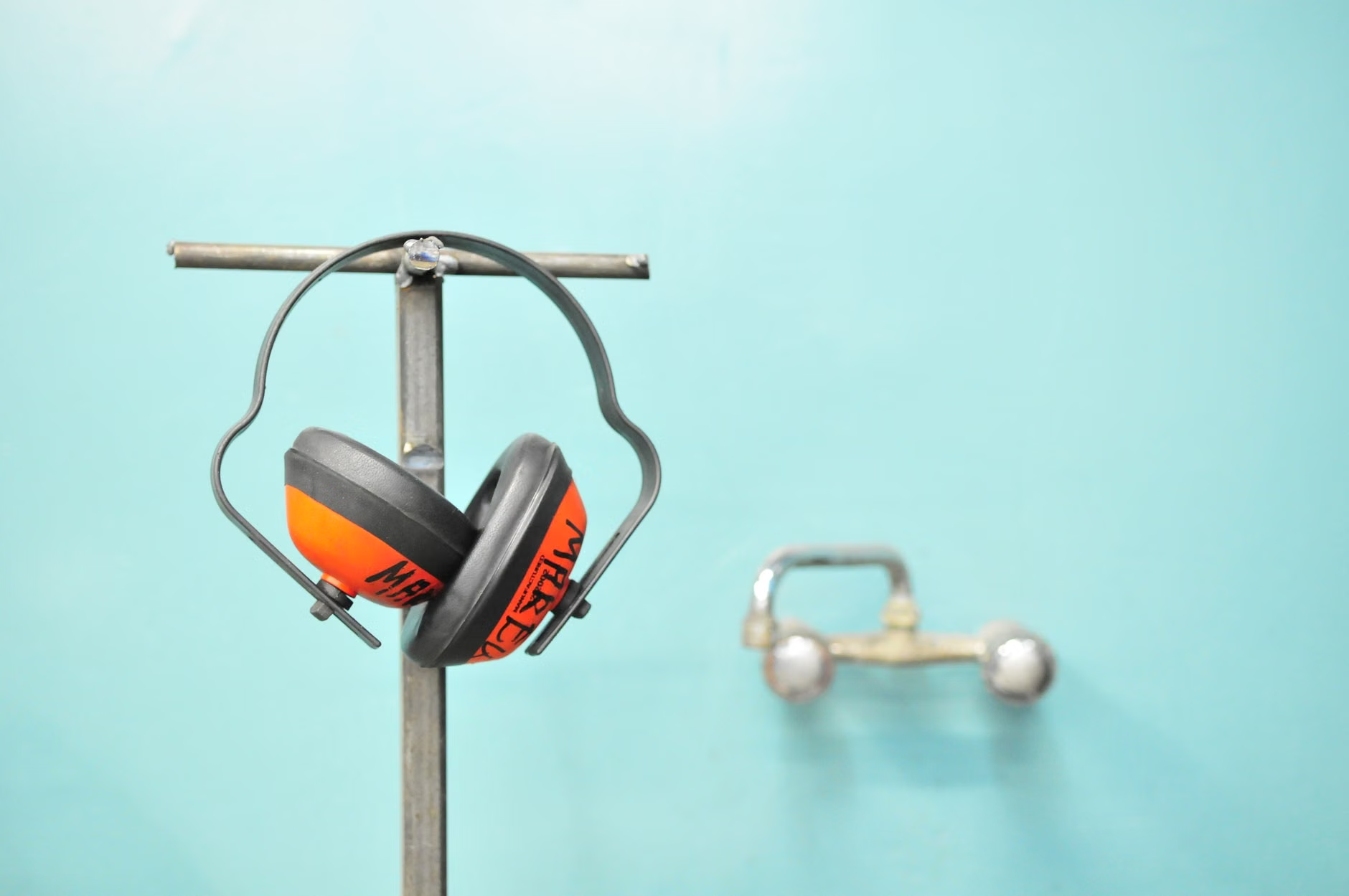
The Strategy: You need a two-pronged approach. First, treat the room. Hard surfaces reflect sound, making it echo and feel “sharp.” Soft surfaces absorb sound. Adding a simple area rug or heavy curtains can dampen the “tinny” quality of room noise. Second, invest in high-fidelity Active Noise Canceling (ANC) headphones. Do not settle for budget brands; look for models with “Transparency Mode” so you can quickly switch to hearing your family if an emergency arises, without needing to take the headset off and on.
Decision Criteria: If you work in a high-traffic area (like near a kitchen or hallway), consider a “white noise” machine or a dedicated app that plays brown noise. Unlike white noise, which can be harsh, brown noise has a lower, rumbling frequency that is much more soothing for sensitive nervous systems.
3. Lighting: The Hidden Trigger for Fatigue
Most home offices are lit by standard “cool white” bulbs, which mimic harsh daylight. While this is fine for a garage, it is often too stimulating for an HSP working for 6-8 hours. It forces your eyes to work harder and keeps your brain in a state of high alertness that eventually leads to “crash” by the late afternoon.
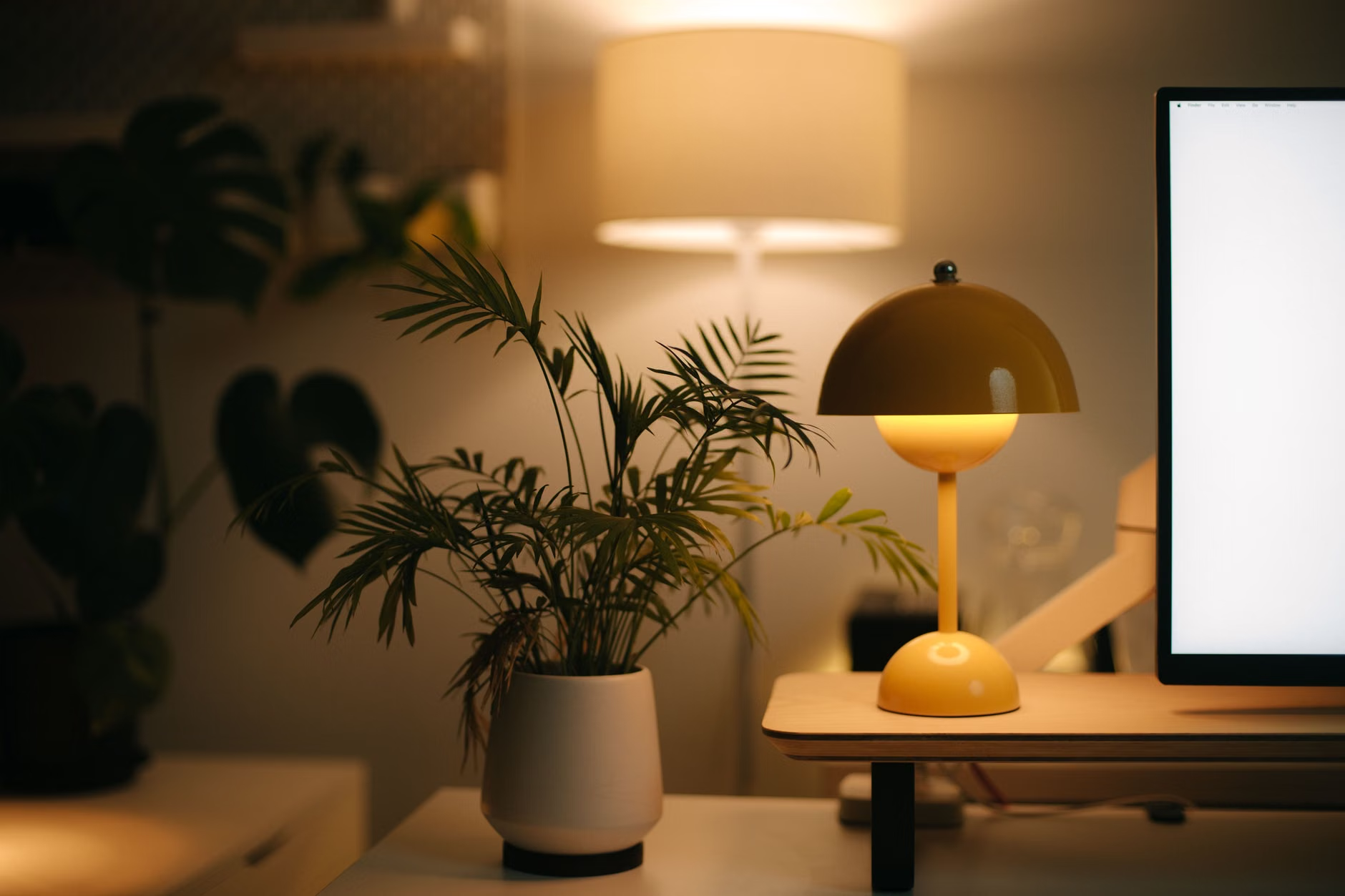
Practical Adjustment: Switch to “Warm White” or “Soft White” bulbs (look for 2700K to 3000K on the packaging). Better yet, use a dedicated desk lamp with adjustable color temperature. In the morning, you might want a slightly cooler, brighter light to wake up, but as the day progresses, dimming the lights and shifting to a warmer hue can help your nervous system stay regulated.
The “Light Bar” Advantage: If you use a monitor, consider a screen light bar. These sit on top of your monitor and illuminate the desk surface without hitting your eyes directly or creating screen glare. It’s a game-changer for reducing eye strain—a major contributor to sensory-induced headaches.
4. The Ergonomic Foundation: Reducing Physical Tension
Physical discomfort is a primary sensory input. If your chair is slightly too low or your keyboard forces your wrists into an awkward angle, your body is sending “pain” signals to your brain all day. For an HSP, this physical sensation is amplified. You might feel “restless” or “anxious” when, in reality, your body is just uncomfortable.
| Component | Standard Setup | HSP-Optimized Setup |
|---|---|---|
| Chair | Standard office chair | High-back chair with lumbar support and adjustable depth |
| Keyboard | Flat laptop keyboard | Split or ergonomic mechanical keyboard |
| Monitor | Laptop screen | External monitor at eye level |
Why this matters: By raising your monitor to eye level, you eliminate the “forward head posture” that causes tension headaches. A chair that supports your lower back prevents that “fidgety” feeling that makes it impossible to focus on deep, complex tasks. This isn’t about luxury; it’s about removing physical friction from your day.
5. Managing Digital Sensory Overload
It’s not just the physical room that needs protection; it’s your digital workspace. Notifications are designed to interrupt. For an HSP, every “ping” from Slack or email is a mini-shock to the system. You are likely already aware of this, but the implementation is where most parents fail.
The “Notification Firewall”: Turn off ALL non-essential notifications. Not just sounds—turn off the banners, the badges, and the pop-ups. If you are in a deep work block, put your phone in another room. The mere presence of a smartphone within reach has been shown in studies to reduce cognitive capacity, even if it is turned off. If you are a parent, use a “Do Not Disturb” mode that allows calls from your partner or childcare provider, but silences the barrage of work-related pings.
6. Creating “Transition Rituals”
One of the hardest parts of working from home is the lack of a physical commute to “reset” the brain. HSPs often struggle to switch from “parent mode” to “work mode” because the sensory environment is largely the same. You need a ritual to signal to your nervous system that the transition is happening.
The 5-Minute Reset: Before starting work, spend five minutes doing something that engages your senses in a calming way—like drinking a cup of warm herbal tea, stretching, or listening to a specific instrumental playlist. When you finish your day, perform a “closing ritual” where you physically shut down your laptop, tidy your desk, and walk out of the room. This physical act of leaving the space is a powerful psychological boundary that helps you “turn off” your work brain so you can be fully present with your family.
7. The “Emergency Exit” Protocol
There will be days when the house is just too loud, or your brain is too fried to function. You need an “emergency exit” plan. This is a pre-determined course of action for when your sensory threshold has been breached. It might mean moving to a local library for two hours, going to a quiet coffee shop, or even just sitting in your car in the driveway with the engine off for 15 minutes of total silence.
Don’t wait until you are at your limit to decide what to do. If you wait until you are overstimulated, your ability to make rational decisions is compromised. Write down your “emergency exit” options when you are calm, and keep them in a note on your phone. When the sensory overwhelm hits, you won’t have to think—you will just execute the plan.
The Hidden Cost of Ignoring Sensory Needs
The most dangerous misconception for HSP parents is the idea that you can “get used to” a noisy or chaotic environment. You can’t. You might learn to ignore the obvious distractions, but your nervous system remains in a state of high-alert, which inevitably leads to burnout. This burnout manifests as “short temper” with your children, brain fog, and an inability to enjoy your downtime.
By treating your sensory health as a legitimate business expense—investing in the right headphones, the right lighting, and the right boundaries—you are not being “picky.” You are optimizing your performance. You are acknowledging that your brain works differently and that you require a specific environment to produce your best work. This is the ultimate form of professional self-care.
Frequently Asked Questions
Is it really necessary to spend money on specialized ergonomic gear, or is that just marketing?
While some ergonomic gear is overpriced, the core principles—eye-level monitors, lumbar support, and proper lighting—are grounded in biomechanics. For an HSP, the goal is to eliminate “micro-stressors.” If your chair makes you shift every 10 minutes, that shifting is an energy drain. If you can’t afford a high-end chair, start with a lumbar pillow and a monitor stand or a stack of books to get your screen to the right height. The goal is to reduce physical friction, not to buy the most expensive equipment.
What should I do if my living space is too small to have a dedicated, separate office room?
If you don’t have a spare room, the concept of a “sensory-safe zone” still applies. Use a folding room divider or a curtain to visually separate your work area from the rest of the room. When you are “at work,” your desk should face a wall, not the room. This minimizes peripheral distractions. When the workday is over, pack your work gear into a designated box or cabinet. The act of “putting work away” is just as important as the physical space itself.
How do I handle the guilt of needing “silence” when my kids are home?
It is common to feel guilty for needing quiet, but remember that a regulated parent is a better parent. If you are constantly overstimulated, your patience will be significantly lower. Explain to your children (in age-appropriate terms) that “Mom/Dad needs to focus so I can finish my work quickly and play with you later.” Use visual cues, like a sign on the door or wearing headphones, to create a boundary. It teaches your children that work requires respect and focus, which is a valuable lesson for them to learn as well.
For more information on sensory processing and workplace accommodations, you can review resources from The Highly Sensitive Person (Dr. Elaine Aron’s official site), which offers detailed insights into how the HSP trait affects professional life. Additionally, consider checking the OSHA eTool for Computer Workstations for evidence-based standards on ergonomic setups that minimize strain.
Final Recommendation: Do not try to implement all these changes at once. Start with the “Visual Reset” this weekend, then address your lighting next week. Small, consistent changes to your environment will yield more significant results than a single, overwhelming overhaul. You deserve a workspace that supports your nervous system, not one that drains it.