If you are currently holding a phone with a cracked screen or a battery that dies by noon, you might be tempted to just buy the latest model. But before you tap “buy” on that $1,000 device, it is worth knowing that the “Right-to-Repair” movement is finally changing the game, potentially saving your family hundreds of dollars a year. The core reality is that while modular phones and repair-friendly policies are gaining momentum, they are not a silver bullet for everyone; the value depends entirely on your willingness to trade a bit of your time for significant long-term savings.
- Financial Reality: Opting for a modular or highly repairable phone can extend your device’s lifespan by 2–3 years, effectively cutting your annual tech expenditure by 40%.
- The Time Trade-off: DIY repairs require patience and basic tools; if your time is worth more than the $150 repair fee in billable hours, professional repair remains the better choice.
- Policy Impact: Thanks to new Right-to-Repair laws in regions like the EU and parts of the US, manufacturers are now legally mandated to provide parts and guides, making “unrepairable” devices a thing of the past.
Why Does the Right-to-Repair Matter When You Are Just Trying to Get Through the Week?
Let’s be honest: when you are juggling school runs, work deadlines, and grocery shopping, the last thing you want to do is spend a Saturday afternoon squinting at a tiny ribbon cable inside your phone. For most of us in our 30s and 40s, tech is a utility. We need it to work. However, the “planned obsolescence” model—where manufacturers glue batteries shut and make screens nearly impossible to replace without specialized industrial equipment—has essentially forced us into a cycle of constant, expensive upgrades.
The Right-to-Repair movement is an international push to force companies to make devices that can be opened, fixed, and maintained by the user or independent shops. It matters because it shifts the power from the manufacturer back to you. When you have the right to repair, you are no longer at the mercy of a “Genius Bar” appointment that tells you your two-year-old phone is “vintage” and requires a $600 replacement rather than a $50 battery swap.
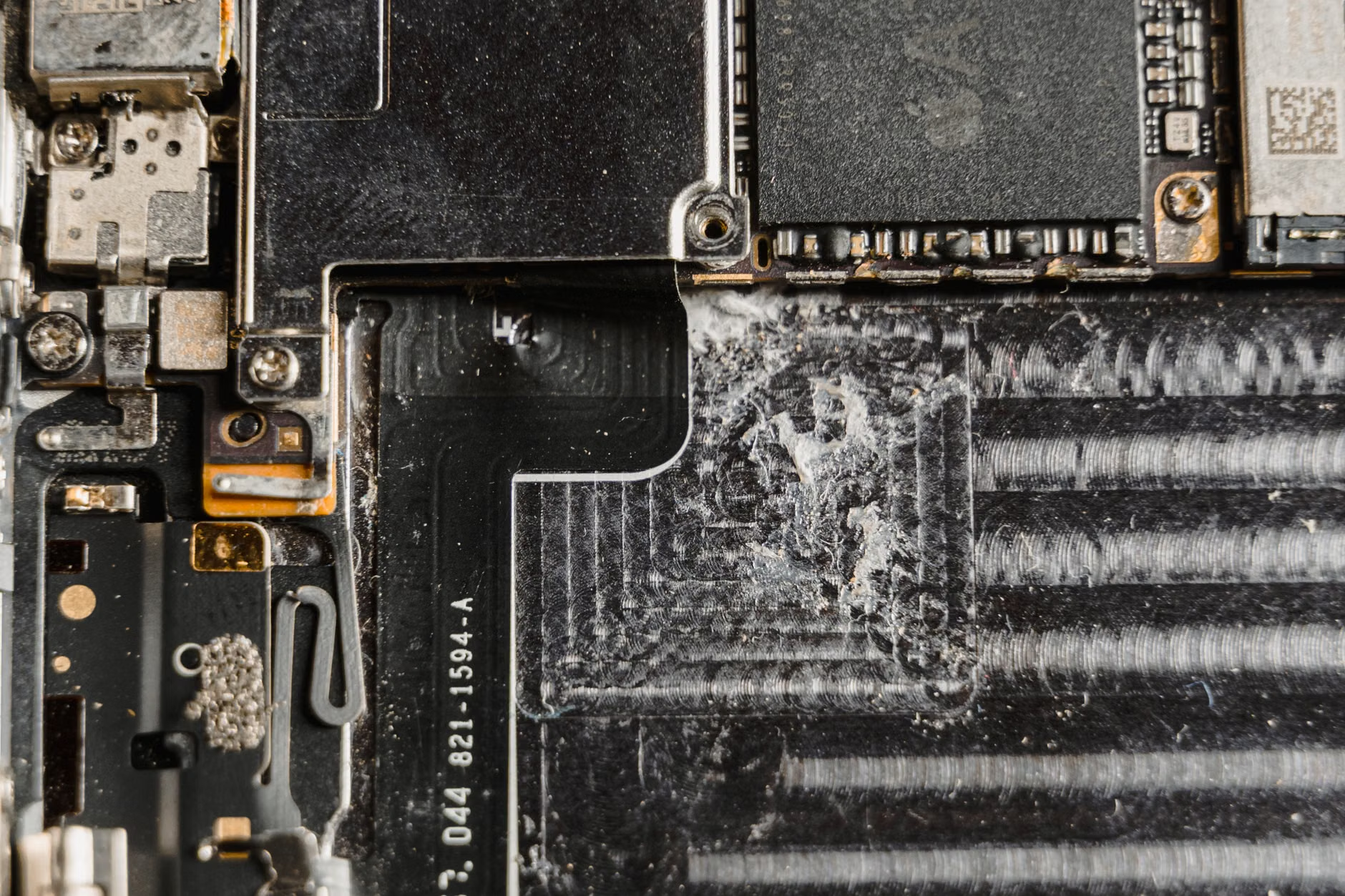
Consider the scenario of a broken charging port. In a non-modular device, this might be soldered to the main logic board, meaning the entire phone is effectively dead once that port fails. In a modular or repair-friendly phone, that port is often a standalone, replaceable module that costs $20 and takes ten minutes to swap. This isn’t just about environmental impact; it is about keeping your hard-earned money in your pocket instead of funding a new device you didn’t actually need.
The Reality of Modular Smartphones: Are They Actually Practical?
Modular smartphones, like those produced by companies such as Fairphone or Framework (for laptops), are designed with the assumption that you will eventually want to swap out a camera, a battery, or a screen. But how does this translate to the average household?
In practice, modularity is a spectrum. On one end, you have devices that are strictly modular—you can pull out the camera module and snap in a better one. On the other end, you have “repairable” devices—phones that use standard screws instead of industrial-strength adhesive, allowing you to get inside without destroying the casing. For a busy parent, the latter is often the more practical choice.
Let’s look at the trade-offs in a realistic context:
| Feature | Standard “Glued” Phone | Modular/Repairable Phone |
|---|---|---|
| Battery Replacement | Difficult, requires heat/solvents | Easy, user-swappable |
| Screen Repair | Expensive, often requires full assembly | Moderate, often just the glass/digitizer |
| Upgradability | None | Limited (e.g., camera or storage) |
| Durability | High (sealed against water) | Variable (often lower water resistance) |
The biggest misconception is that a modular phone will feel “cheap” or “flimsy.” While early iterations did have this reputation, modern modular designs are quite sturdy. However, you do sacrifice that sleek, seamless glass-and-metal feel for a more functional, utilitarian design. If you are someone who keeps their phone in a rugged case anyway, the difference is negligible.
Evaluating the Hidden Costs: Is DIY Repair Actually Cheaper?
It is easy to assume that doing it yourself is always cheaper. But we need to account for “hidden costs.” If you attempt a repair and accidentally snap a delicate ribbon cable, you have just turned a $50 repair into a $500 disaster. You must assess your own risk tolerance.
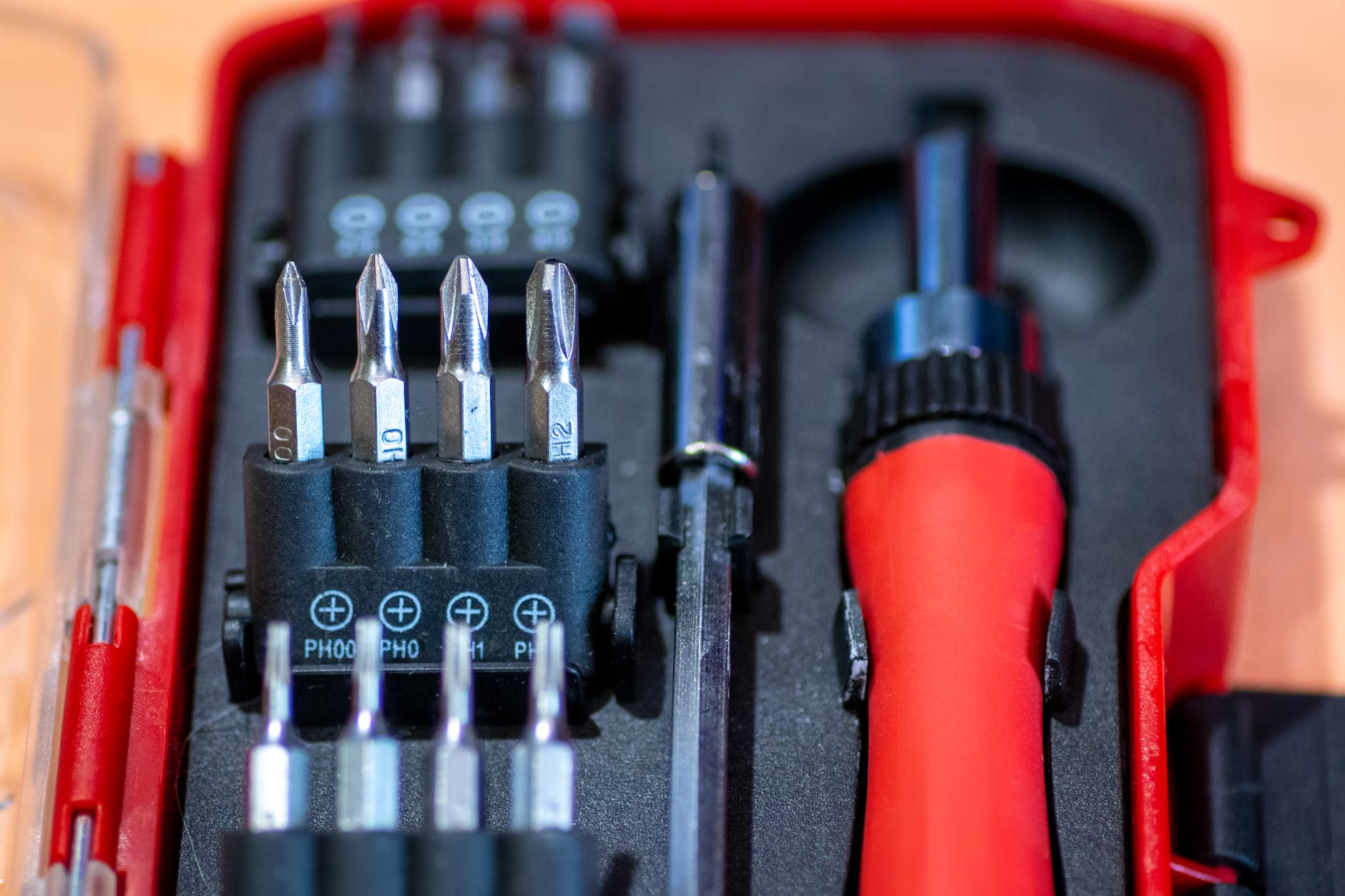
If you have never opened a piece of electronics before, start with a “repair-friendly” device rather than a fully modular one. Many manufacturers now provide official “Self-Repair Kits.” These are a fantastic middle ground. They include the specific screws, the official replacement part, and a step-by-step guide that is actually written for humans, not engineers.
Here is a decision rule for your next repair:
- The 30-Minute Rule: If the repair takes longer than 30 minutes in a guided video, and your hourly rate (or the value of your free time) exceeds the cost of a professional repair, pay the shop.
- The “Data-Safety” Factor: If your phone contains critical personal data that isn’t backed up, do not attempt a hardware repair yourself. Professional shops have the equipment to recover data if something goes wrong; you likely do not.
- The Warranty Check: Always check if your device is still under warranty. DIY repairs almost always void the manufacturer’s warranty. If you have six months left, let the company fix it for free.
What the Right-to-Repair Laws Actually Mean for You
Right-to-Repair is no longer just a fringe movement; it is becoming law. In the European Union, for example, new regulations are pushing for longer-lasting batteries and better parts availability. In the United States, several states have passed legislation requiring manufacturers to provide diagnostic tools and manuals to the public.
What does this mean for you? It means you have more options than ever. You are no longer forced to use the “authorized” repair center, which often charges a premium. You can now walk into an independent local repair shop, and they are increasingly likely to have access to the official parts they need to fix your device correctly.
However, be aware of the “Software Lock” issue. Some manufacturers use software to pair specific parts (like a fingerprint sensor or screen) to the mainboard. Even if you replace the part perfectly, the phone might disable the feature because it doesn’t “recognize” the new part. This is a common point of frustration. Before buying a replacement part, always check forums like iFixit to see if that specific model has software-linked components that require a proprietary calibration tool.
Practical Steps to Adopting a Repair-First Mindset
If you want to start saving money and reducing your tech waste, you don’t need to throw away your current phone today. Start by changing your habits for the next cycle.
- Research before you buy: Before your next upgrade, check the “Repairability Score” on sites like iFixit. If a phone gets a 2/10, consider if you are okay with that level of planned obsolescence.
- Invest in a high-quality case and screen protector: It sounds basic, but the most “repairable” phone is the one that doesn’t break in the first place.
- Keep the box and the tools: If you buy a repair kit, keep the specialized screwdrivers. They are often universal, meaning they will work on your next device, too.
- Use the cloud: If you are comfortable doing your own repairs, ensure your data is backed up to the cloud. This removes the “fear of loss” that often drives people to pay for expensive professional services.

We are currently in a transition phase. We are moving away from the era of “disposable” electronics toward a future where we treat our devices more like cars—things that we maintain, service, and keep for years rather than months.
If you are a parent, this is also an incredible teaching moment. Showing your children that things can be fixed rather than replaced is a valuable lesson in sustainability and critical thinking. It turns a broken piece of plastic into a project, a learning experience, and, ultimately, a saving for the family budget.
Ultimately, the Right-to-Repair is about autonomy. It is about you deciding how long your devices last, rather than a corporation deciding for you. It requires a bit of research, a bit of patience, and a shift in perspective, but the result is a more resilient, cost-effective, and sustainable way to live in our increasingly digital world.
For those looking to dive deeper into official resources and see how your current device stacks up, these are the best places to start:
- iFixit Repair Guides – The gold standard for DIY repair manuals and parts.
- The Repair Association – Information on the latest Right-to-Repair legislation and policy updates.
- EU Circular Economy Action Plan – Official documentation on the EU’s push for sustainable, repairable electronics.
Frequently Asked Questions
Q: Does opening my phone myself always void the warranty?
In many regions, the answer is legally “no,” but in practice, companies make it very difficult. If you break something while trying to repair it, the manufacturer will almost certainly deny a warranty claim. Always prioritize official repair paths if your device is still under its original warranty period.
Q: Are modular phones actually more expensive upfront?
Sometimes, yes. Because they are produced in smaller volumes and require a more complex design, the initial price tag can be higher than a mass-produced, non-modular equivalent. However, you must calculate the “Total Cost of Ownership.” A modular phone that lasts four years is cheaper than two non-modular phones that last two years each.
Q: I’m not tech-savvy; is this actually for me?
You don’t need to be an engineer. If you can follow a recipe or assemble flat-pack furniture, you can handle basic modular repairs. Modern repair guides are written with clear photos and step-by-step instructions. Start with something simple, like a battery swap, and don’t feel pressured to take on complex logic-board repairs until you are comfortable.
Stay patient, do your research, and don’t be afraid to open the back cover—just make sure you have the right screwdriver first.