Executive-function games are not a magic cure for behavioral challenges, but when used intentionally, they act as a structured “gym” for your child’s brain, helping them practice focus, emotional regulation, and planning in a low-stakes environment.
- Executive function is a skill set, not a personality trait: It includes working memory, cognitive flexibility, and inhibitory control, all of which can be developed through practice.
- The “Game” matters more than the “Screen”: Active, goal-oriented games that require strategy and patience are far more effective than passive, high-stimulation entertainment apps.
- The “Parenting Bridge” is essential: Games provide the practice, but real-world application requires parents to help children translate these digital skills into daily tasks like homework or morning routines.
If you have ever felt like you are repeating the same instruction for the tenth time while your child stares blankly at a half-finished math worksheet, you are already intimately familiar with the concept of executive function—or rather, its temporary absence. We often label this as “laziness” or “defiance,” but for elementary-aged children, it is frequently a developmental gap. Their brains are still building the “control tower” required to manage impulses, hold information in their heads, and switch tasks without a meltdown.
The marketplace is currently flooded with “brain training” apps that promise to boost IQ or focus. As parents, it is easy to feel overwhelmed by these claims. Let’s strip away the marketing hype and look at what actually happens when we use game-based learning to support these cognitive skills.
What Exactly Is “Executive Function” in a 7-Year-Old?
Think of executive function as the air traffic control system of the brain. It is the set of mental processes that allow us to plan, focus attention, remember instructions, and juggle multiple tasks successfully. For an elementary school student, this system is under constant construction.
There are three core components that matter most during these formative years:
- Working Memory: The ability to hold information in mind while working with it. Example: Remembering the steps of a two-part instruction like “Put your shoes on, then bring your backpack to the car.”
- Inhibitory Control: The ability to stop an automatic response and choose a more appropriate one. Example: Waiting for their turn to speak in class instead of blurting out the answer.
- Cognitive Flexibility: The ability to adjust to change. Example: Staying calm when a game rule changes or when a planned activity is canceled.
When these processes are weak, children struggle with “task initiation” (getting started) and “emotional regulation” (dealing with frustration). Game-based learning doesn’t magically fix these; it provides a controlled environment where the child can experiment with these skills without the high stakes of a graded exam or a social interaction.
Why Games Work Better Than Traditional Drills
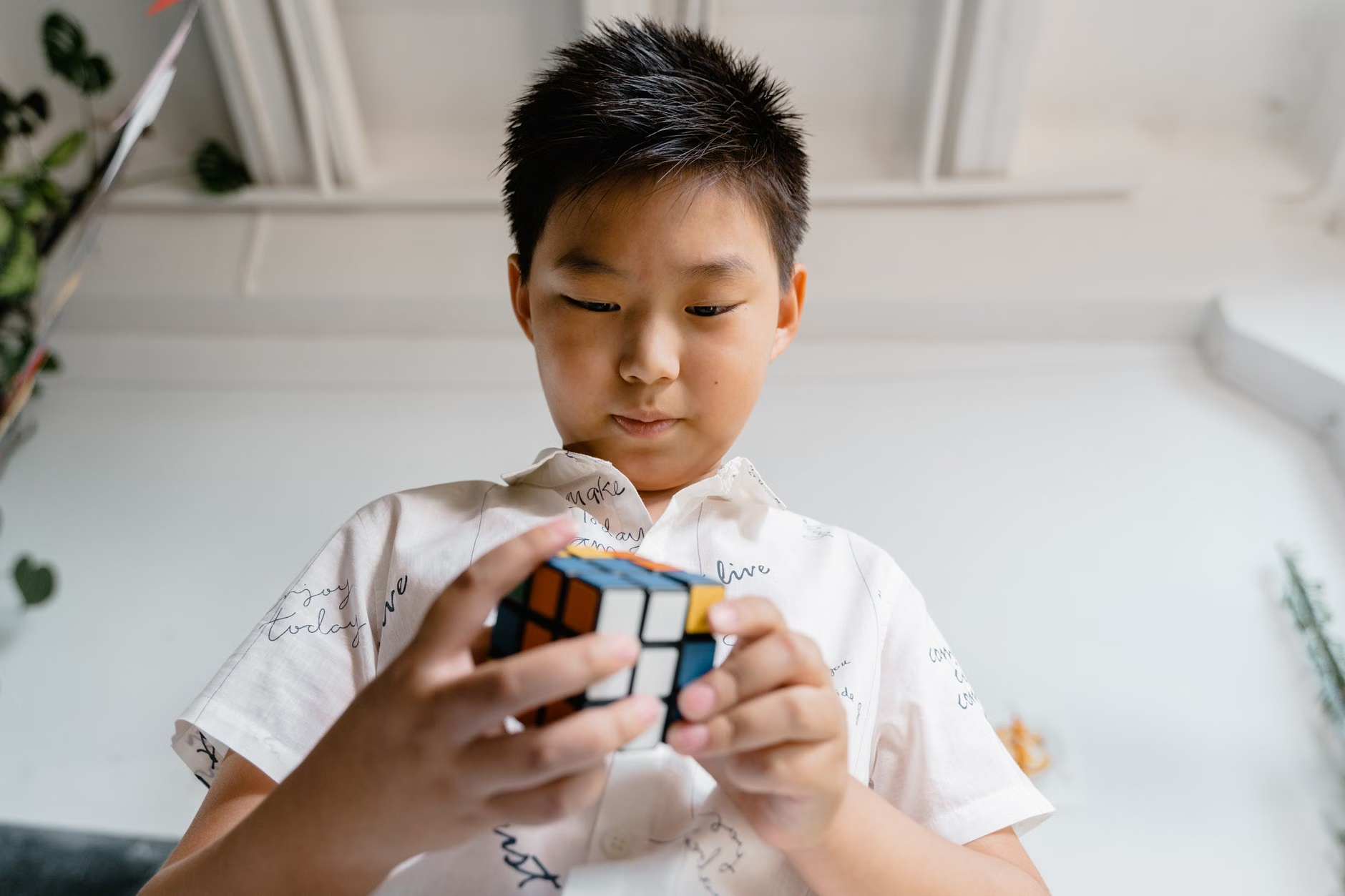
Traditional “drills” for executive function—like repetitive flashcards or endless worksheets—are often rejected by the very children who need them most because they feel like labor. Games, however, trigger a dopamine response. When a game is designed correctly, it sits in the “Goldilocks zone”: not so easy that it is boring, and not so hard that it induces anxiety.
This state, often called “flow,” is where the brain is most plastic. When a child is playing a strategy game, they are forced to use their working memory to keep track of resources, their inhibitory control to avoid impulsive moves, and their flexibility to adapt to an opponent’s strategy. Unlike a worksheet, where a mistake is a red X on a page, a game mistake is simply a prompt to try a different tactic. This lowers the fear of failure, which is a major barrier for children with executive function challenges.
Choosing the Right Tools: Digital vs. Analog
Many parents assume that “game-based learning” implies an iPad or a Nintendo Switch. While digital tools have their place, they are not the only, nor always the best, option. Here is how to evaluate the tools you introduce to your child.
| Type | Pros | Best For |
|---|---|---|
| Digital Strategy Games | Immediate feedback, adaptive difficulty | Independent practice, engaging visual learners |
| Physical Board Games | Social regulation, tactile engagement | Building patience and turn-taking skills |
| Physical Puzzles | Deep focus, spatial reasoning | Developing sustained attention |
The Hidden Trade-off: Digital games often have “variable ratio reinforcement schedules,” which is a fancy way of saying they are designed to keep the player hooked. If the game is too fast-paced, it can actually override the child’s ability to practice thoughtful inhibition. If your child is already prone to high-stimulation addiction, stick to turn-based digital games or physical board games where the pace is controlled by the players, not the software.
How to Implement This Without Turning Play into “Work”
The fastest way to kill the benefits of game-based learning is to hover over your child and lecture them on “how to focus.” If you turn game time into a therapy session, the child will lose interest, and the brain-training benefits will evaporate along with the fun.
Instead, try these three strategies to integrate these games effectively:
1. The “Observer” Approach
Play alongside them, but don’t teach. If you notice them struggling with a level, ask a curiosity-driven question rather than giving the answer. Instead of saying, “You need to plan ahead,” try, “What do you think will happen if you move that piece there?” This forces them to use their own cognitive flexibility to predict outcomes.
2. The “Bridge” Method
Explicitly point out the connection between the game and real life. After a game where they had to wait for their turn, you might say, “You did a great job waiting patiently during that game. It’s hard to wait when you’re excited, but you handled it really well. Do you think we can use that same ‘waiting skill’ when we’re standing in line at the grocery store later?”
3. Time-Boxing and Transitions
Children with executive function struggles often have trouble with the “stop” signal. Use a physical timer (not a phone timer, which is easily ignored) to signal the end of a session. This helps them practice the transition from high-stimulation play to the next task—a core executive function skill often called “task switching.”
Common Mistakes Parents Make (And How to Avoid Them)
One of the most frequent traps is choosing games that are “educational” in the academic sense (teaching math or spelling) rather than the “cognitive” sense (teaching how to think). A game that teaches long division might improve math skills, but it doesn’t necessarily improve executive function. To improve the control tower, look for games that emphasize:
- Planning: Games like Minecraft (in survival mode) or SimCity, where resources must be managed over time.
- Inhibition: Classic games like Red Light, Green Light or board games that require holding back an impulse to win immediately.
- Memory: Games that require recalling sequences or patterns, like Simon or card-matching games.
Another common mistake is expecting immediate results. Executive function is a muscle. If you take your child to the gym once, they won’t come out with defined muscles. Similarly, if they play a focus game for 20 minutes, they will not suddenly become organized students. Consistency is the key. Aim for short, regular sessions—15 to 20 minutes, three times a week—rather than marathon sessions on the weekend.
Why “It Depends” Is Actually a Strategic Choice
You will often hear experts say that “every child is different,” which feels unhelpful when you are looking for a concrete plan. However, this is actually a crucial piece of advice regarding sensory profiles. A child who is sensory-seeking might thrive on fast-paced, high-feedback digital games. A child who is sensory-avoidant (easily overwhelmed) may find those same games frustrating and anxiety-inducing. Use this as your decision rule: If the child is consistently frustrated or shutting down, the game is not “training” their brain; it is stressing their nervous system. Switch to a slower-paced or physical alternative immediately.

Building a Sustainable Routine
To make this work in a busy household, you need to embed it into your existing schedule. Do not add “executive function time” to an already packed calendar. Instead, replace a portion of “unstructured screen time” with “intentional game time.”
Start with a simple audit:
- Identify the pain point: Is it morning transitions? Homework completion? Impulse control at dinner?
- Select the tool: Choose one game that targets that specific skill (e.g., a planning game for homework, a turn-taking game for dinner behavior).
- Set the boundary: Use the timer method to ensure the game ends on a positive note before the child becomes overstimulated.
- Reflect: Ask the child what was hard about the game. This meta-cognitive reflection—thinking about how they think—is where the real growth happens.
Remember that you are not just teaching them to play a game; you are teaching them to recognize when their “control tower” is struggling and how to use tools to get it back online. This is a life skill that will serve them far beyond their elementary school years.
Frequently Asked Questions
Does this mean I should stop all other forms of screen time?
No. The goal is not to eliminate all entertainment, but to balance it. Think of “brain-training games” as a nutritious meal and “entertainment apps” as a dessert. You don’t have to ban the dessert entirely, but you want to ensure the “nutritious” play happens regularly and doesn’t get crowded out by passive consumption.
How do I know if the game is actually working?
Look for improvements in the target behavior, not in the game score. If you chose a game to help with impulsivity, do you notice them pausing more often before interrupting you during a conversation? If you chose a planning game, are they slightly better at gathering their own materials for school? Real-world transfer is the only metric that matters.
Are there specific apps you recommend?
While specific app recommendations can become outdated, look for those developed by reputable research institutions or those that explicitly state they are designed for “cognitive training” rather than “edutainment.” Look for apps that allow you to adjust the difficulty level. If you are looking for resources, check the Center on the Developing Child at Harvard University for evidence-based insights on executive function activities.
Ultimately, the best game for your child is one that you can play together, laugh over, and use as a springboard for conversations about how to navigate the challenges of daily life. Focus on the connection, keep the sessions short, and prioritize the process over the result.
Sources: