Key Takeaways
- The price cap is not a cap on your total bill: It limits the price per unit of energy, meaning your total costs still rise linearly with every extra hour your office equipment stays plugged in.
- Remote work shifts the peak: Working from home changes your consumption profile, often causing you to use energy during peak tariff hours when electricity is most expensive.
- Efficiency is the only true cap: Because you cannot control the unit rate set by regulators, the only way to lower your bill is to optimize your hardware usage and switch to off-peak habits.
If you are reading this while sitting at your home office desk, there is a good chance you are feeling the pinch of utility costs. For those of us in our 30s and 40s, juggling school runs, grocery budgets, and the ever-present hum of a computer tower, the term “Energy Price Cap” sounds like a safety net. We often assume it means our monthly bill is fixed at a certain, manageable amount. Unfortunately, that is a dangerous misunderstanding.
The energy price cap—a policy mechanism used in many countries like the UK to limit the maximum price suppliers can charge per unit of energy—is not a ceiling on what you pay. It is a ceiling on the rate. When you work from home, you are effectively running a small business out of your living room, and your energy consumption patterns are likely vastly different from your pre-remote-work life. Let’s break down what this actually means for your wallet and how you can stop the “home office drain” from inflating your household expenses.
Why the Price Cap Doesn’t Protect Your Bottom Line
To understand the disconnect between the price cap and your bank balance, we have to look at the math. The price cap is typically applied to the standing charge (the daily cost of being connected to the grid) and the unit rate (the price per kilowatt-hour, or kWh). It does not, and cannot, cap your total consumption.
When your company transitioned you to a remote or hybrid role, they likely didn’t pay for the increased electricity usage required to keep your monitors, high-performance laptop, and lighting running for 40+ hours a week. If you were previously out of the house from 8:00 AM to 6:00 PM, your home was largely “asleep” during the day. Now, you are actively heating or cooling that space, powering hardware, and likely running domestic appliances like the dishwasher or kettle more frequently.
The Hidden Variable: Many people fail to account for the “vampire load.” This is the power your devices draw even when they seem to be off or in sleep mode. Monitors, docking stations, and printers have standby power modes. When you work from home, these devices are rarely fully powered down. Over a month, this adds up to a noticeable percentage of your bill that is being charged at the maximum unit rate allowed under the cap.
The Shift in Consumption Patterns: Why Timing Matters
The biggest mistake remote workers make is assuming that because they are home, they are “saving” energy by not commuting. While you save on gas or train fares, you are shifting your energy consumption to the most expensive times of the day. In many regions, electricity providers utilize “Time-of-Use” (ToU) pricing, or simply have peak demand periods where the infrastructure is under the most stress.
If you are working from 9:00 AM to 5:00 PM, you are using energy during the exact window when the grid is typically under the highest pressure. While the price cap mitigates extreme spikes in market prices, it doesn’t eliminate the premium you pay for using energy during these peak hours if your tariff structure allows for it. Here is how the load changes for the average remote worker:
| Appliance | Pre-Remote Usage | Remote Work Usage | Impact on Bill |
|---|---|---|---|
| Home Office Setup | Minimal (evening only) | High (8-10 hours/day) | Significant increase |
| HVAC (Heating/Cooling) | “Away” mode (low) | Comfort mode (high) | Major driver of cost |
| Kitchen Appliances | Evening meals only | Lunch prep + coffee/tea | Moderate increase |
As shown in the table, your home office setup is a constant drain, but the real silent killer of your budget is climate control. If you are heating or cooling an entire house just to keep one room comfortable for your Zoom calls, you are essentially paying to condition empty space. This is a common oversight for parents who work from home while the rest of the house remains largely unused during the school day.
Actionable Steps to Regain Control of Your Energy Usage
Since you cannot change the government-regulated price cap, you must change your relationship with your hardware and environment. This isn’t about sitting in the dark; it’s about strategic energy management.
1. Audit Your “Vampire Load”
Walk around your home office. How many devices have a light on when they aren’t in use? A smart power strip is one of the best investments for a remote worker. It allows you to cut power to your entire workstation—monitors, speakers, printers, and chargers—with a single switch. By ensuring your devices are truly powered off when you clock out, you can save 5-10% on your monthly electricity bill.
2. The “Zonal” Heating and Cooling Approach
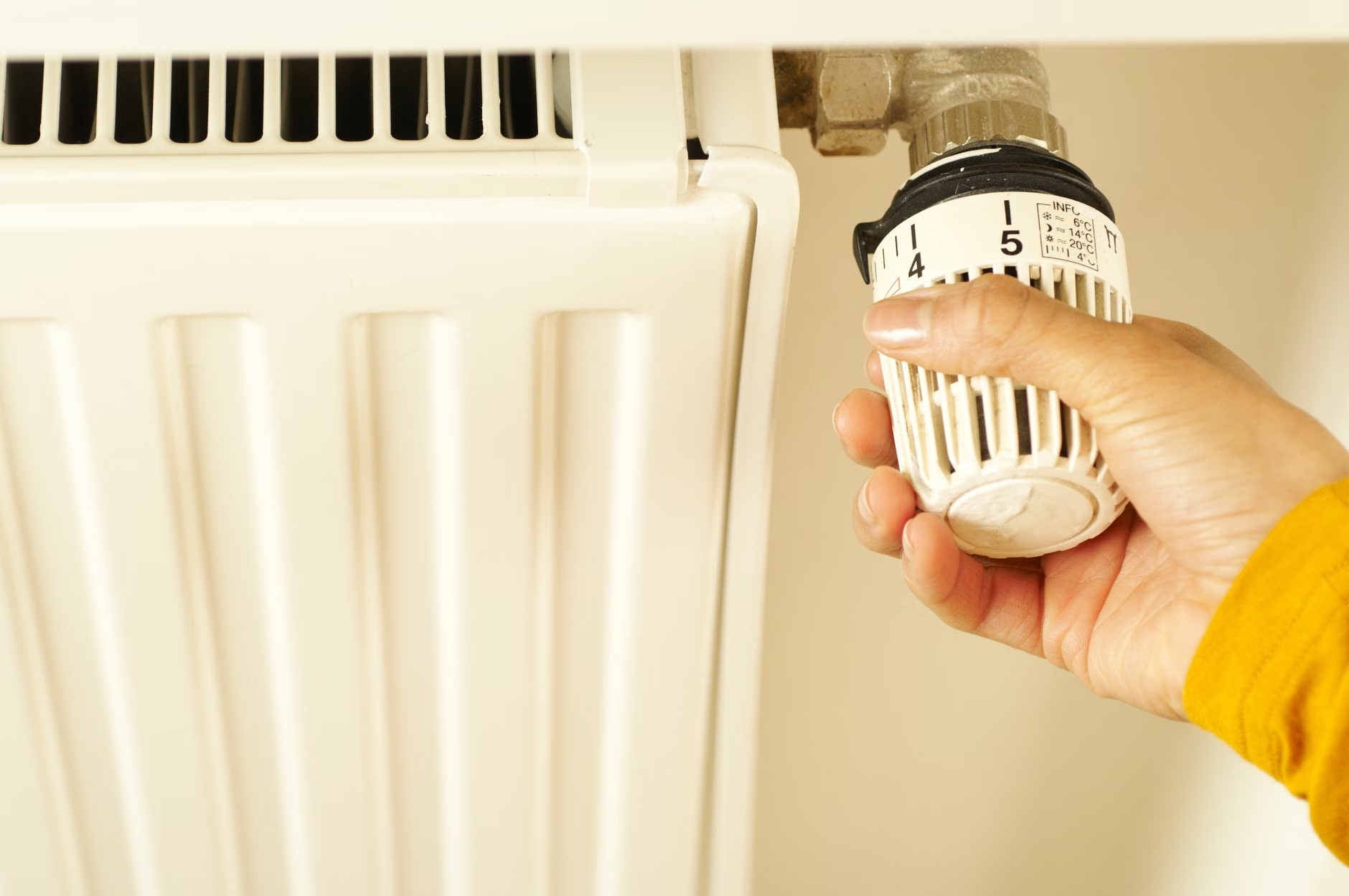
If you live in a multi-story home, the energy required to keep the temperature comfortable is immense. Instead of heating the whole house, consider using a high-efficiency space heater or a targeted cooling fan in your workspace during the day. Ensure your room is properly insulated (draft excluders on doors are inexpensive and highly effective). This allows you to keep the main thermostat set to a lower “eco” temperature for the rest of the house.
3. Optimize Your Hardware Settings
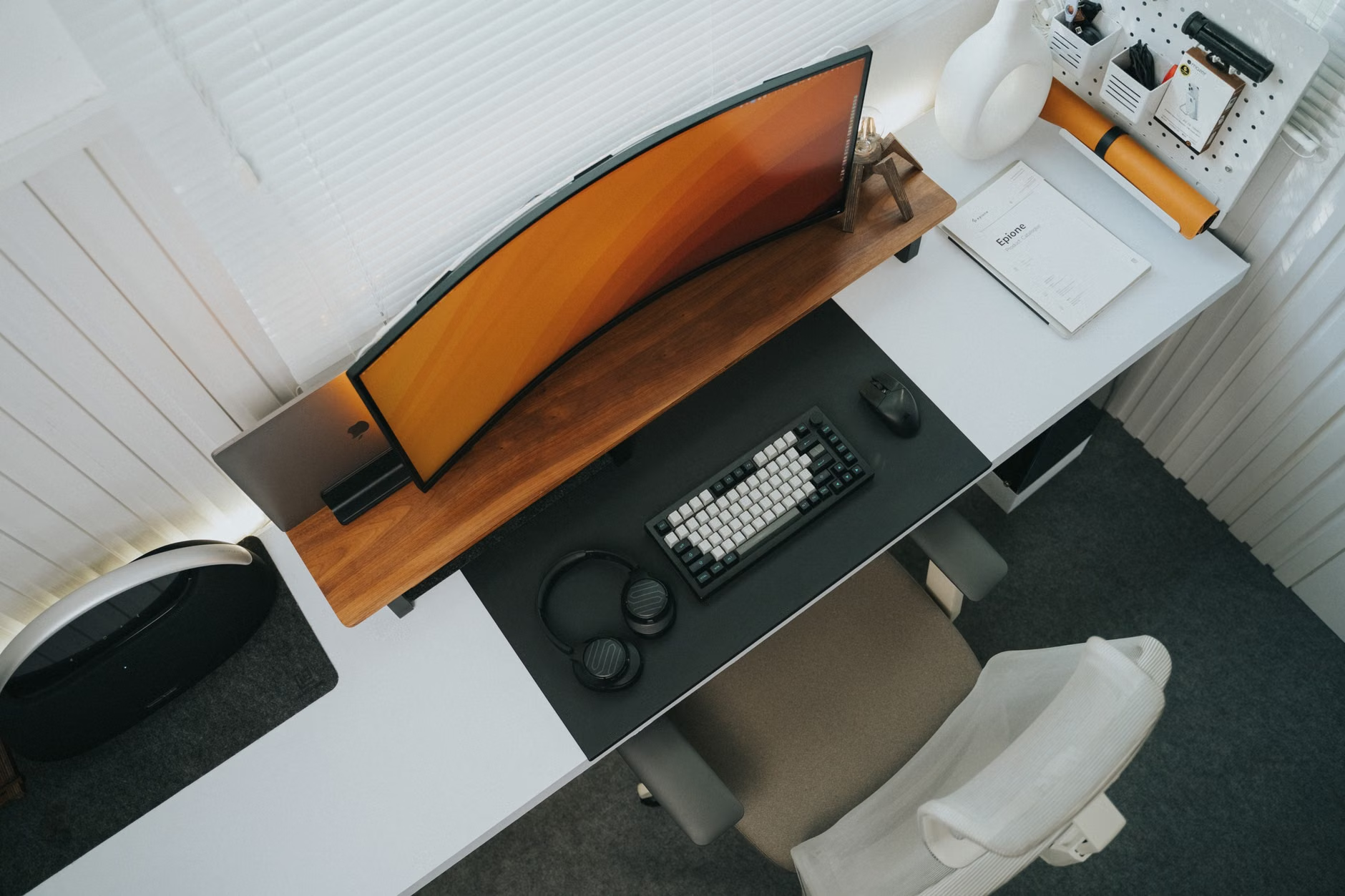
Most modern operating systems have “Energy Saver” or “Eco” modes. While you might want full performance for gaming, for standard office tasks like email, document editing, and video conferencing, these modes are more than sufficient. Reduce your monitor brightness; screens are notoriously power-hungry. A reduction from 100% to 70% brightness is barely noticeable to the eye but can reduce the monitor’s power draw by nearly 30%.
Common Misconceptions About “Green” Energy and Savings
A frequent trap for the well-intentioned parent is the belief that “green” or “renewable” energy tariffs are inherently cheaper. While they are great for the environment, they are not always the most cost-effective choice for a high-consumption remote worker. In some markets, renewable energy providers pass on the cost of the renewable energy certificates, which can make your unit rate higher than a standard grid-mix tariff.
Always check your actual unit rate (the price per kWh) rather than the “feel-good” factor of the plan. If your goal is strictly financial, look for a “fixed-rate” tariff if you believe energy prices are likely to rise, or a “variable” tariff if you can shift your heavy energy usage to off-peak hours (like running the dryer or dishwasher at night).
The Hidden Costs of Remote Work Equipment
We often ignore the energy consumption of the hardware provided by our employers. If your company provides a high-end workstation with a powerful graphics card or multiple large-format monitors, you are effectively paying the “energy tax” for that hardware. If you are in a position to do so, ask your employer if they have a policy for home office energy stipends. Many progressive companies are now offering small monthly allowances to help remote employees cover these exact costs. It is worth checking your contract or employee handbook.
Another overlooked variable is the age of your equipment. Older monitors and laptops are significantly less efficient than modern counterparts. If you have been using a five-year-old monitor as your primary screen, it is likely drawing double the power of a newer LED-backlit equivalent. If you have the choice, always opt for the most energy-efficient hardware provided by your IT department.

Is It Time for a Smart Meter?
If you don’t already have one, a smart meter is essentially a diagnostic tool for your home’s energy health. It provides real-time data on your consumption. For a remote worker, this is invaluable. You can perform an “audit” by checking your meter reading before and after you turn on your office equipment. This data allows you to see exactly how much your workday costs in dollars or cents. Once you see the numbers, you are far more likely to form the habit of turning off that extra monitor or closing the window curtains to keep the heat in.
However, be aware that smart meters do not “save” energy on their own. They only provide the visibility required to make informed decisions. The behavior change must come from you.
Refining Your Decision Framework: A Summary
To summarize, the energy price cap is a macro-economic tool, not a personal finance solution. As a remote worker, your best defense is a proactive approach to your home environment. Here is a simple decision framework to follow:
- Monthly Check: Review your bill against your previous month. Is the increase due to price hikes (out of your control) or increased usage (in your control)?
- Equipment Check: Can you eliminate standby power? Are your monitors set to eco-mode?
- Environment Check: Are you heating/cooling space you aren’t actually using?
- Employer Check: Does your company offer a home office utility stipend?
By treating your home office with the same efficiency standards that a corporate office building applies, you can significantly mitigate the impact of rising energy costs. Don’t wait for the next price cap announcement to take action. The most effective cap on your energy bill is the one you set yourself through conscious, daily habits.
Frequently Asked Questions
1. Does the energy price cap apply to both gas and electricity?
In most jurisdictions, yes, the price cap applies to the unit rates of both gas and electricity. However, they are often capped separately, and the “standing charge” for each may also be subject to different limits. Always check your specific utility bill to see how the cap is applied to each fuel type.
2. Can I claim my home office energy costs as a tax deduction?
This depends entirely on your country of residence and your employment status. In some regions, employees can claim a portion of their home utility costs if their employer does not reimburse them, but this usually requires strict documentation and a dedicated workspace. Consult a local tax professional or your national tax authority’s website to see if you meet the specific eligibility requirements.
3. Is it better to leave my computer on or turn it off during lunch?
For modern computers, the “start-up surge” myth is largely outdated. If you are going to be away for more than 30 minutes, it is almost always more energy-efficient to put the computer into “Sleep” or “Hibernate” mode, or shut it down completely. The energy consumed during a restart is negligible compared to the energy saved by not idling for an hour.
For more information on energy regulations and how to read your specific bill, check your national energy regulator’s website, such as Ofgem (UK) or the U.S. Energy Information Administration.