- Local Processing is Non-Negotiable: Choose systems that process commands on your local hub rather than relying on cloud servers, ensuring your lights work even when your internet connection is down.
- Protocol Matters: Prioritize Zigbee, Z-Wave, or Matter-over-Thread devices to create a self-healing mesh network that doesn’t clog your Wi-Fi router.
- Physical Control is Essential: Always maintain physical switches or “smart buttons” to ensure that family members or guests aren’t left in the dark during a technical glitch.
There is nothing quite as humbling as standing in your own hallway, waving your arms frantically at a motion sensor that has decided to ignore you because the internet is “down for maintenance.” You are in your 30s or 40s; you have a mortgage, a job, and perhaps children who need to get to bed. You do not have time to troubleshoot a cloud-based server in another country just to turn on the bathroom light.
If you have ever found yourself reaching for a flashlight because your “smart” home became remarkably dumb the moment the Wi-Fi dropped, you have experienced the primary failure of cloud-dependent ecosystems. The industry is finally shifting toward “offline-first” architecture, which prioritizes local control. This isn’t just for tech enthusiasts; it is the only way to ensure your home remains a functioning space rather than a collection of expensive, unresponsive plastic.
What “Offline-First” Actually Means for Your Daily Routine
In the early days of smart lighting, almost every command you issued—”Turn on the kitchen lights”—traveled from your device to your router, out to a server in a data center, and then back down to your light bulb. If your internet connection flickered, or if the manufacturer’s server was undergoing an update, your house stopped working. It was a fragile architecture that relied on a dozen variables outside of your control.
An “offline-first” system works differently. When you press a switch or trigger an automation, the command stays within the four walls of your house. Your local hub (a small piece of hardware that acts as the brain of your home) receives the command and executes it immediately. It doesn’t need to “call home” to the cloud to verify your identity or check the weather before it flips a relay.
Why this matters for your family:
- Latency is virtually zero: When you walk into a room, the light turns on instantly, not half a second after you’ve already started walking across the floor.
- Privacy by design: Your lighting habits—when you wake up, when you leave for work, when you head to bed—are not being logged on a corporate server.
- Resilience: If your ISP has an outage, your home automation continues to function perfectly. You still have control over your environment.
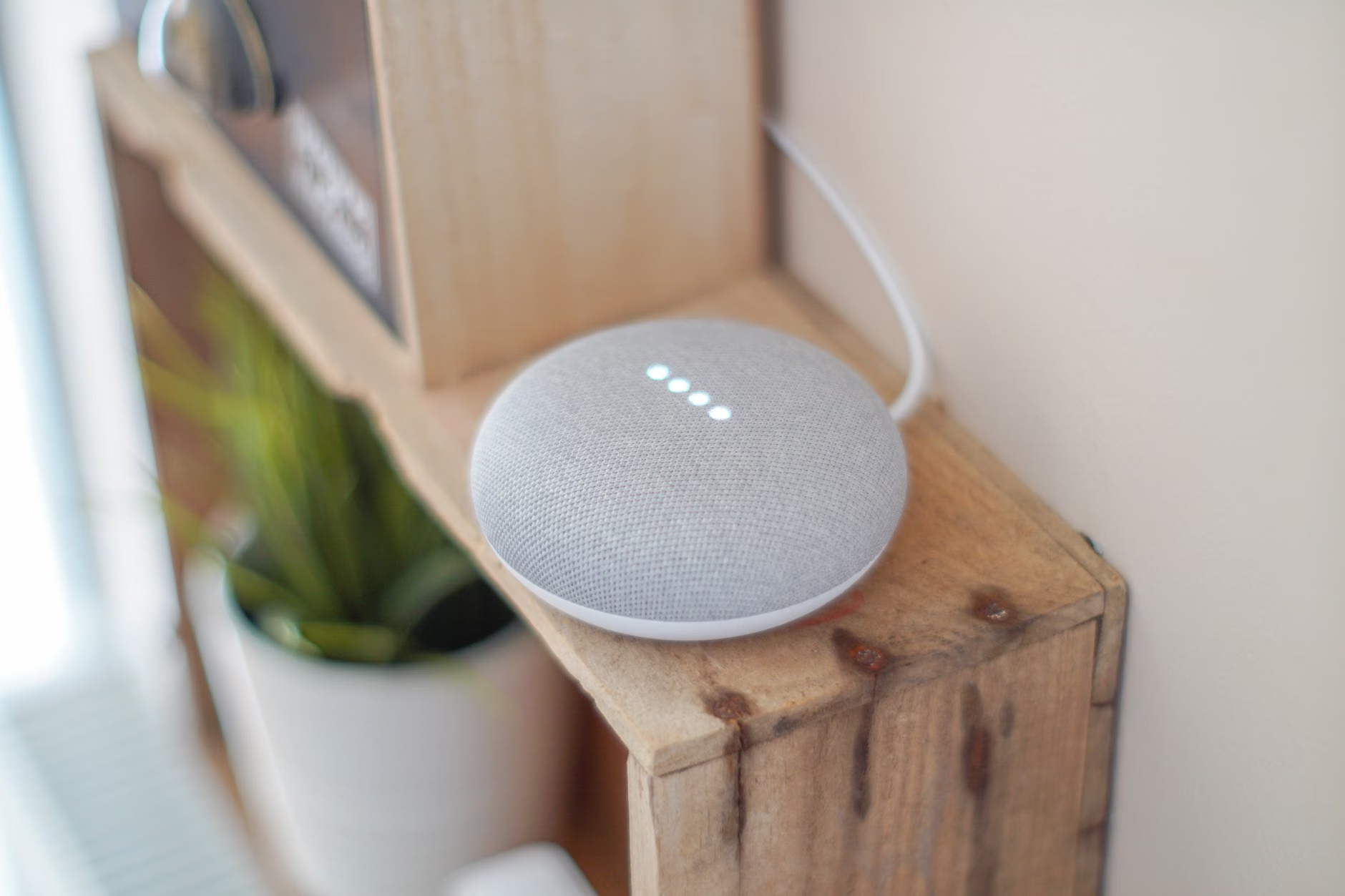
The Hardware Shift: Moving Beyond Wi-Fi Bulbs
The most common mistake people make when starting their smart home journey is buying dozens of inexpensive Wi-Fi-connected light bulbs. On the surface, they seem convenient: screw them in, connect them to your router, and you are done. However, this is a recipe for disaster. Most home routers struggle to handle more than 15–20 active devices. Once you add phones, laptops, tablets, and a house full of smart bulbs, your router will eventually choke, leading to dropped connections and sluggish responses.
Instead, look for devices that use dedicated automation protocols like Zigbee, Z-Wave, or Thread. These protocols don’t use your Wi-Fi. They use a low-power, short-range radio frequency to talk to a hub. Each powered device (like a smart plug or a wall switch) acts as a “repeater,” extending the signal to the next device. This creates a “mesh network” that actually gets stronger the more devices you add.
Comparing Networking Technologies
| Protocol | Reliability | Cloud Dependency | Best For |
|---|---|---|---|
| Wi-Fi | Low | High | One or two lamps |
| Zigbee/Z-Wave | High | Low/None | Full home automation |
| Matter-over-Thread | High | None | Future-proof setups |
If you are serious about building a robust system, you should avoid “Wi-Fi-only” lighting solutions entirely. They are the primary cause of the “my lights don’t respond” complaints that fill tech forums. Transitioning to a hub-based system (like Home Assistant, Hubitat, or even the newer Apple HomePod/Matter-enabled ecosystems) is the single most effective way to guarantee reliability.
The “Wife/Husband/Guest” Test: Why Physical Controls Still Win
There is a golden rule in smart home design: Your technology should never be a barrier to basic functionality. If a guest comes over and cannot figure out how to turn on the bathroom light because they are looking for a switch that you have replaced with a voice-command-only sensor, you have failed as a smart home designer.
Even in an “offline-first” setup, you must preserve physical control. This can be achieved through:
- Smart Wall Switches: These replace your existing light switches. They physically cut power or send a digital signal to the smart bulbs, maintaining the ability for anyone to walk into a room and flip a switch.
- Smart Buttons: Small, portable wireless buttons that can be placed on a nightstand or coffee table to trigger specific “scenes” (like “Movie Night” or “All Lights Off”).
- “State-Aware” Logic: If you use smart switches, ensure they are configured so that a manual press always toggles the state of the light, regardless of whether the hub is currently “thinking.”
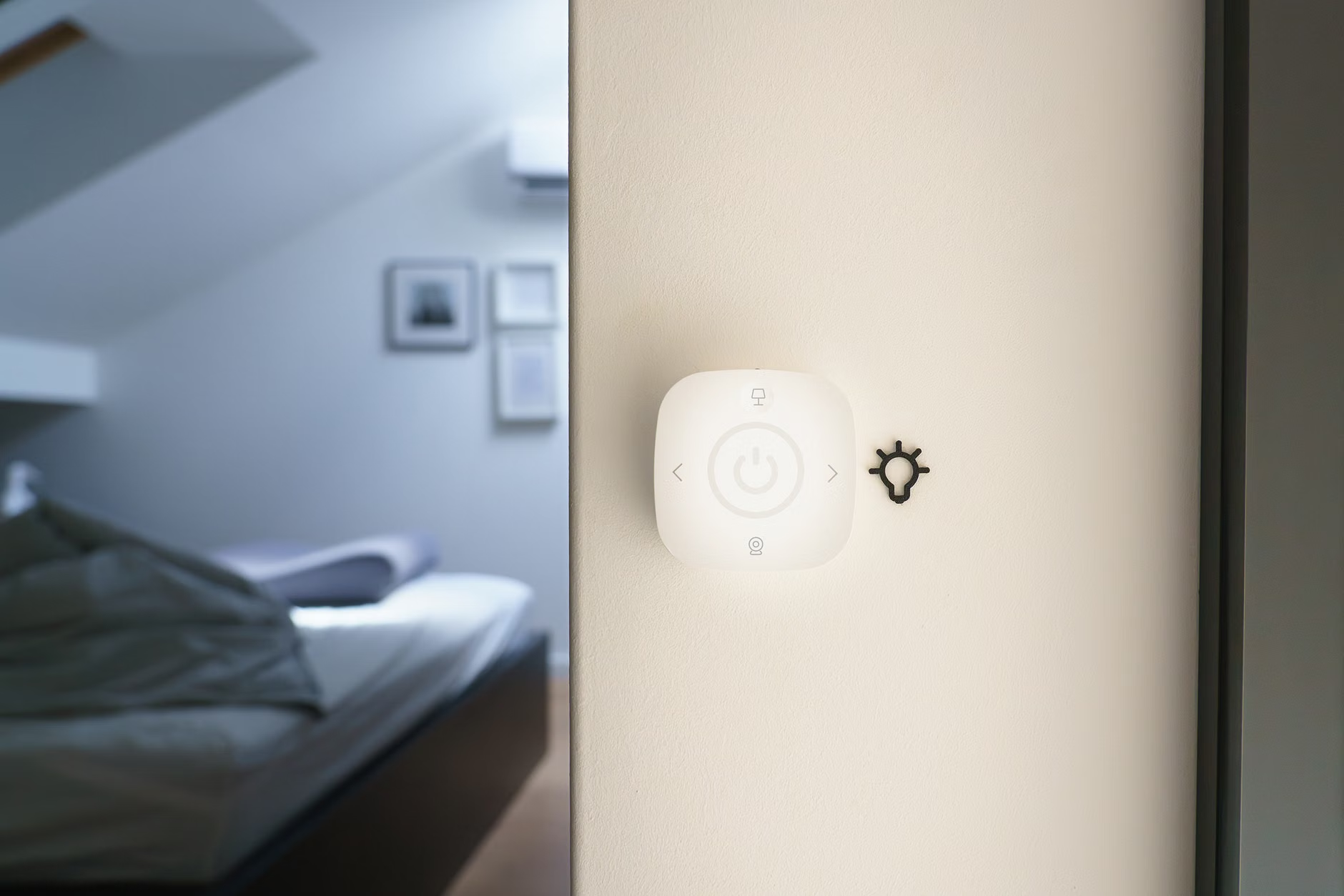
The common mistake here is buying “smart bulbs” and then teaching your family to never touch the wall switch. If someone turns off the wall switch, the bulb loses power, goes offline, and the automation breaks. This is why pros prefer smart switches over smart bulbs for overhead lighting. The switch stays “always on” (or uses a bypass), and the intelligence is either in the switch itself or a local hub managing the circuit. This ensures that the house feels like a normal house, just with extra capabilities.
Building Your Offline-First Roadmap: A Step-by-Step Approach
If you are starting from scratch or looking to migrate your current setup, do not attempt to overhaul the entire house in one weekend. The best smart homes are built incrementally. Here is the logical sequence to follow to ensure your system remains stable:
1. Choose Your “Brain” (The Hub)
You need a central controller that handles all local processing. For those who want a “set it and forget it” experience, ecosystems like Apple Home (with a HomePod or Apple TV as the hub) are increasingly offline-capable. For those who want granular control, Home Assistant running on a dedicated mini-PC (like a Raspberry Pi or an Intel NUC) is the gold standard for truly local, offline-first control.
2. Standardize Your Protocol
Pick one protocol and stick to it. If you choose Zigbee, ensure every device you buy is Zigbee-certified. This prevents the “hub-hell” where you need three different gateways just to turn on three different lights. Zigbee and Z-Wave devices are designed to talk to each other, creating a robust, self-healing mesh.
3. Prioritize Local API Support
When shopping for new devices, check the manufacturer’s documentation for “local API” or “Home Assistant integration.” If a product requires you to create a cloud account and log in just to pair the device, it is likely cloud-dependent. Avoid these if your goal is an offline-first home.
4. Set Up Automated Backups
Since your hub is now the brain of your home, you need to treat it like a computer. If your hub dies, your house dies. Ensure your chosen platform has a simple backup routine. Most modern hubs allow you to export your configuration to a USB drive or a local NAS (Network Attached Storage). A simple backup takes five minutes to set up and saves you days of re-pairing devices if your hardware fails.
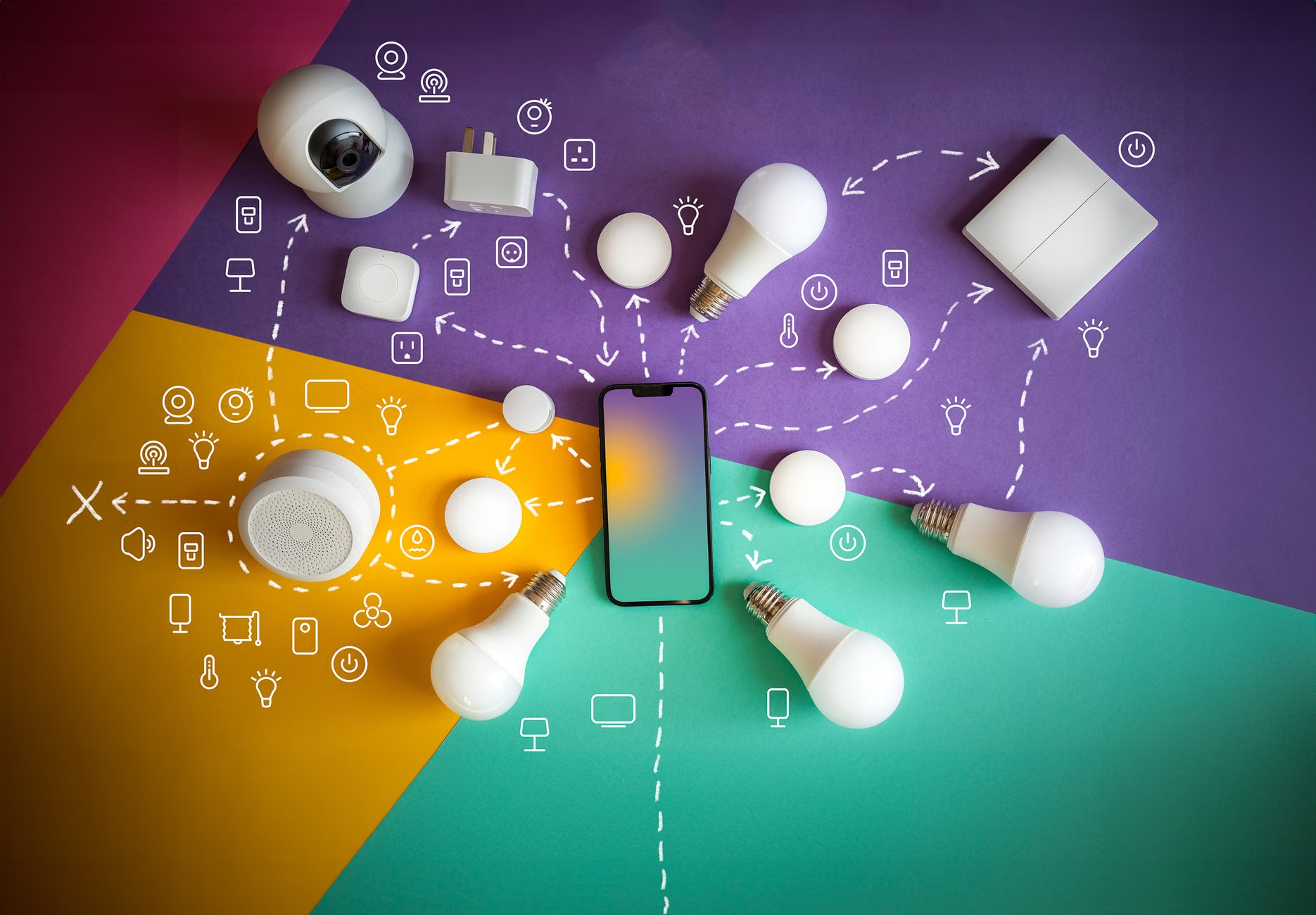
Common Pitfalls and Hidden Costs
Even with an offline-first mindset, there are variables that catch people off guard. Let’s look at the most common “gotchas” that could ruin your weekend:
The “Dead Hub” Scenario: As mentioned, if your hub goes down, your smart home becomes manual. This is why you should always choose a hub that has a “failsafe” mode. For example, some smart switches can be configured to default to “On” if they lose communication with the hub. This ensures that even in a worst-case scenario, you aren’t stuck in the dark.
The Firmware Update Trap: Many smart devices require periodic firmware updates. In a cloud-heavy system, this happens automatically and often breaks things without warning. In an offline-first system, you are the gatekeeper. You should manually schedule updates for your devices during times when you don’t need the lights, and always read the release notes. Never update your entire lighting system at once; start with one “test” bulb or switch to ensure the update doesn’t cause a regression.
Interference Issues: Zigbee and Wi-Fi often operate on the same 2.4GHz frequency. If you have a powerful Wi-Fi router sitting right next to your Zigbee hub, they will fight for airtime, causing your lights to stutter. The simple fix? Use a USB extension cable to move your Zigbee or Thread dongle at least 1–2 meters away from your router. It sounds like a minor detail, but it is the difference between a system that works 99% of the time and one that works 100% of the time.
The Future of Home Lighting: Why Matter is a Big Deal
You have probably seen the “Matter” logo on boxes recently. Matter is an industry-wide standard designed to make devices from different companies work together locally. This is a massive win for the “offline-first” movement. Because Matter is built on local IP-based communication, it removes the need for manufacturer-specific bridges.
If you buy a Matter-enabled light switch, it will talk directly to your Apple Home, Google Home, or Amazon Alexa hub via your local network. It doesn’t need to ping the manufacturer’s cloud server. As you upgrade your home, look for the Matter logo. It is the clearest signal that a device is designed for the modern, local-first era of smart home technology.
Final Thoughts: Your Home, Your Rules
Building a smart home that doesn’t rely on the “goodwill” of a cloud server is a shift in perspective. It moves you from being a consumer who is at the mercy of a manufacturer’s server uptime to being an architect of your own domestic environment. It requires more initial research and a bit more effort to set up, but the payoff is a home that feels solid, responsive, and—most importantly—predictable.
Start small. Replace one room’s lighting with a hub-based system. Experience the difference of a light that turns on the exact millisecond you hit the switch. Once you experience that level of reliability, you will never want to go back to the “cloud-dependent” way of living. Your home should serve you, not the other way around.
Frequently Asked Questions
Q: Does “offline-first” mean I can’t control my lights when I’m away from home?
A: Not at all. You can still access your home remotely via a secure VPN or by using a manufacturer’s app that provides a “tunnel” to your local hub. The difference is that the automation logic lives locally, so your schedules and motion sensors work even if that remote connection is severed.
Q: Is it expensive to switch to a hub-based system?
A: It can be a higher upfront cost than buying a cheap Wi-Fi bulb, but it is cheaper in the long run. You avoid the “subscription fatigue” that some smart home companies are now introducing, and you aren’t forced to replace your devices when a company decides to shut down its servers or change its business model.
Q: I’m not a tech expert. Is this too complicated for me?
A: If you can set up a Wi-Fi router, you can set up a hub-based system. Modern platforms like Apple Home or Hubitat have become significantly more user-friendly. Start with a “starter kit” from a reputable brand, and you will find that the setup process is often just as simple as the Wi-Fi alternative, just with a much more stable result.
For further technical reading on open-source local automation, check out the official documentation for Home Assistant. To understand the future of interoperability, visit the Connectivity Standards Alliance (CSA) page on Matter.