The most effective way to improve your productivity while working from home is to minimize sensory overload, which allows your brain to direct its limited energy toward deep work rather than filtering out environmental distractions.
- Visual noise is a primary productivity killer: Reducing clutter and choosing a neutral color palette can lower your cortisol levels and improve your ability to sustain attention.
- Sound management is non-negotiable: Passive noise reduction (like acoustic panels) combined with active technology (noise-canceling headphones) is the gold standard for parents working in busy households.
- Lighting dictates your circadian rhythm: Using tunable LED lighting that mimics natural daylight helps regulate your energy levels and reduces eye fatigue during long afternoon work blocks.
If you are in your 30s or 40s, you are likely balancing the demands of a high-pressure career with the unpredictable, high-sensory environment of a family home. You know the feeling: you’re trying to draft a report while your child is playing in the next room, the refrigerator is humming, and the visual clutter of laundry piles is pulling at your focus. It isn’t just a lack of discipline; it’s sensory overload.
When your brain is forced to constantly process background noise, erratic lighting, and physical clutter, your “executive function”—the mental toolkit you use to plan, focus, and manage time—begins to drain rapidly. Building a sensory-friendly home office isn’t about luxury; it’s about creating a functional barrier that protects your cognitive resources.

Understanding the Mechanics of Sensory Overload in the Home Office
To fix your focus, you must first understand why your brain is struggling. Sensory processing is the process by which the nervous system receives information from the senses and turns it into a response. In a professional office, environments are often designed to be “neutral” to prevent distraction. In your home, however, you are surrounded by personal triggers.
Visual clutter, for instance, acts as a constant “to-do” list. Every time your eye catches a stack of mail, a toy on the floor, or an unwashed dish, your brain performs a micro-evaluation: “Should I deal with that? Is it urgent?” This constant background processing consumes energy. When you are already managing parenting responsibilities, this “background noise” can push you into a state of cognitive fatigue by midday.
The goal of a sensory-friendly setup is to create a “low-arousal” environment. This doesn’t mean it has to be sterile or boring; it means the environment should not demand your attention. You want a space that feels like a blank canvas, allowing you to project your focus onto the work at hand rather than the environment itself.
The Psychology of Lighting and Focus
Most home offices fail because they rely on overhead “big light” or harsh, fixed-color-temperature lighting. Your eyes are highly sensitive to the blue-light spectrum. While blue light is great at 10 AM to keep you alert, it is jarring and exhausting by 3 PM.
The solution is to move toward tunable lighting. Look for desk lamps that allow you to adjust both brightness and color temperature (measured in Kelvins).
- Cool White (5000K-6500K): Best for early morning tasks where you need high alertness and focus.
- Neutral White (4000K): Best for general administrative work and reading.
- Warm White (2700K-3000K): Best for late-afternoon tasks when you want to reduce eye strain and signal to your brain that the day is winding down.
By adjusting your lighting throughout the day, you are essentially “tuning” your environment to match your biological needs. This prevents the late-afternoon “burnout” that many remote workers experience.
If you are a parent, silence is a luxury you rarely get. However, there is a difference between “noise” and “background ambiance.” The human brain is hardwired to identify and react to sudden, irregular sounds—like a child shouting or a dog barking. These sounds trigger an immediate “orienting response,” pulling your attention away from your screen.
To combat this, you need a two-pronged strategy: Acoustic dampening and active noise management.
Acoustic Dampening: The Hidden Fix
Many home offices have hard surfaces—wood floors, drywall, glass windows—that bounce sound around, creating “reverb.” This makes speech sounds sharper and more distracting. You can dampen this by adding “soft” elements to the room.
- Area Rugs: A thick rug under your desk can significantly reduce the echoing of footsteps and chair movement.
- Curtains: Heavy, floor-to-ceiling curtains are one of the most effective ways to dampen sound from both inside and outside the room.
- Wall Art: Canvas prints or wall tapestries aren’t just decorative; they break up flat surfaces that would otherwise reflect sound waves.
Active Noise Management
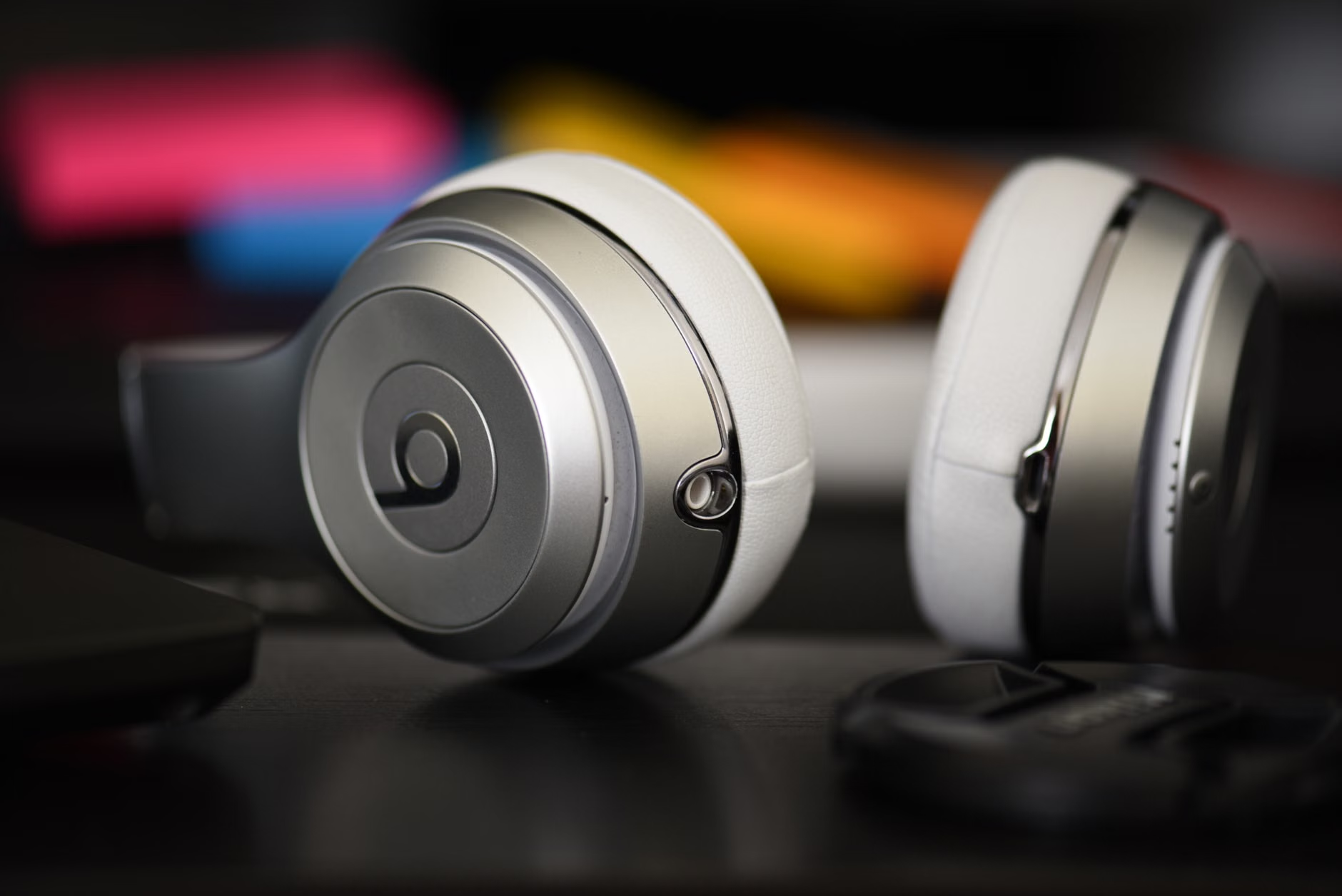
If you are in a high-traffic area, passive dampening won’t be enough. Active Noise-Canceling (ANC) headphones are the industry standard for a reason. When choosing a pair, look for “Hybrid ANC,” which uses microphones on both the inside and outside of the earcups to cancel a wider range of frequencies.
A common mistake: Using ANC headphones without any audio. For many, complete silence can be just as distracting as noise because it makes every minor sound feel amplified. Consider using “Brown Noise” or “Pink Noise” instead of music with lyrics. Unlike White Noise, which can be harsh and high-pitched, Brown Noise is deeper and more soothing, providing a consistent “blanket” of sound that makes it easier to ignore household activity.
Designing a Tactile and Ergonomic Workspace
Physical discomfort is a sensory input that your brain cannot ignore. If your chair is slightly too low, or your keyboard is at an awkward angle, your body is constantly sending “fix this” signals to your brain. This creates a low-level, persistent irritation that lowers your threshold for frustration—a dangerous state when you have to switch from “work mode” to “parent mode.”
The Rule of Three for Ergonomics
| Feature | The Goal | Why it Matters |
|---|---|---|
| Chair Adjustability | Feet flat, knees at 90 degrees. | Prevents lower back strain that distracts from focus. |
| Monitor Height | Top of screen at eye level. | Reduces neck tension and “tech neck” fatigue. |
| Input Surface | Wrists neutral, not bent. | Prevents repetitive strain and physical discomfort. |
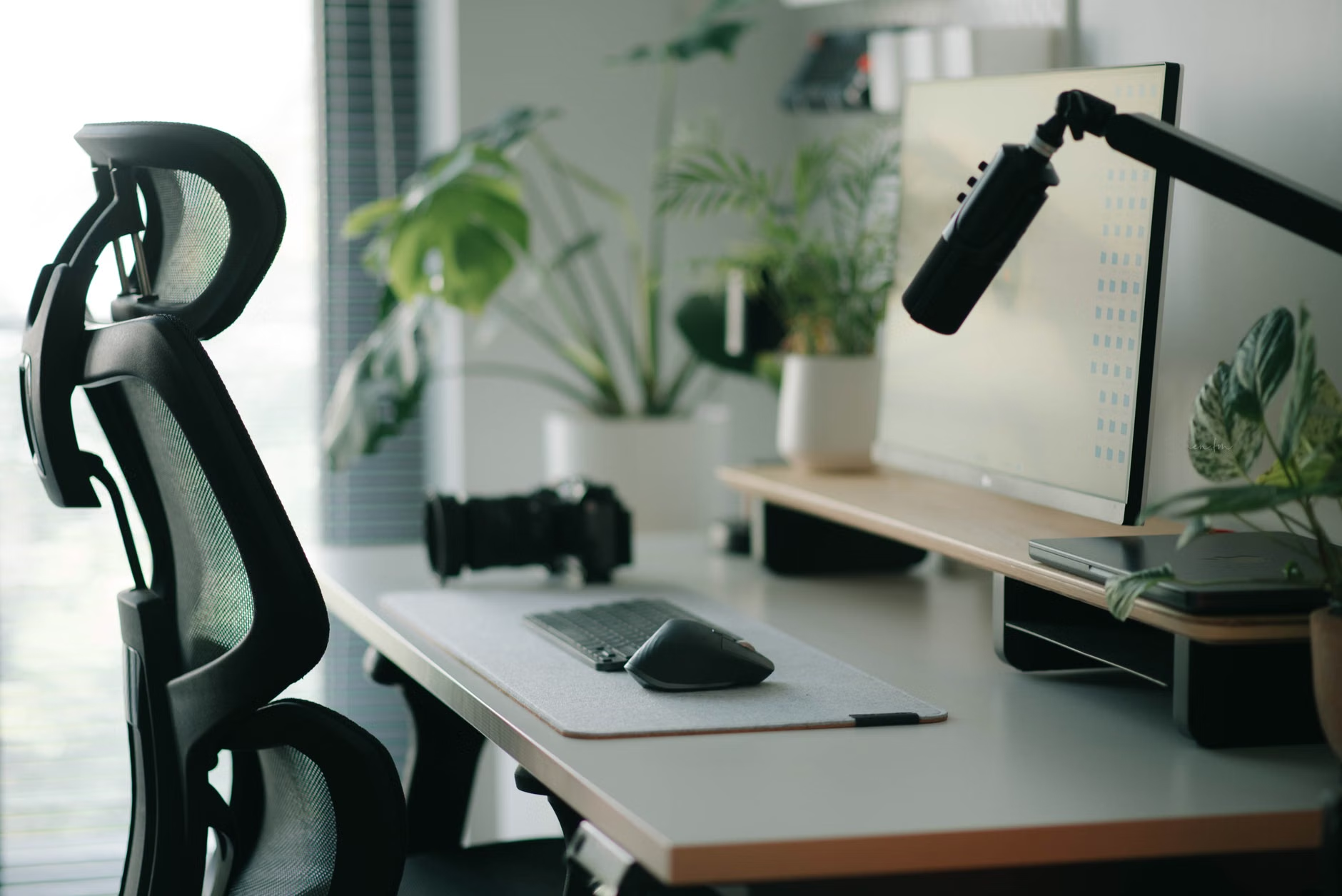
When you are in your 30s and 40s, your body is less forgiving of poor posture than it was in your 20s. Investing in a chair with adjustable lumbar support and breathable fabric is not an extravagance; it is a long-term health investment. If you are choosing a chair, prioritize breathability. Heat buildup on your back or seat is a common, overlooked sensory trigger that causes you to fidget and lose focus.
The “Reset” Protocol: Transitioning Between Roles
One of the hardest parts of working from home as a parent is the “role switching.” You are a professional at 2:00 PM and a parent at 2:05 PM. This rapid shift in mental state is a major cause of burnout. A sensory-friendly office should have a “closing ritual” that signals to your brain that the workday is over.
Your desk should not be a permanent storage space for your work materials. If you work in a shared space, use a “work box” or a dedicated drawer where you put away your laptop, notebook, and pens at the end of the day. Clearing your desk of visual work-reminders allows your brain to “let go” of the work stress.
Consider using scent as a transition tool. Many people find that using a specific essential oil (like peppermint or citrus) only while they are working creates a sensory association. When you turn off the diffuser or close the bottle, it acts as a Pavlovian cue that your professional responsibilities are paused.
Addressing Common Misconceptions About Productivity
There is a pervasive myth that “more is better”—that you need the most expensive standing desk, the triple-monitor setup, and the noise-canceling headphones to be productive. The truth is often the opposite. Over-complicating your setup adds more equipment to manage, more cables to organize, and more potential points of failure.
The “Cable Management” Factor: A mess of tangled cords under your desk is a significant source of visual noise. Even if you don’t look at them directly, your brain knows they are there. Taking 30 minutes to zip-tie your cables and hide them behind a sleeve or tray is a high-leverage activity that clears the “mental clutter” of your workspace.
The “Tech Minimalism” Approach: Before buying new gear, audit your current setup. If you have three monitors but you only use one for 90% of your work, remove the other two. The extra screen space might seem helpful, but it’s just more surface area for distracting notifications, browser tabs, and “visual debris” to collect.
Strategic Implementation: Where to Start
Don’t try to overhaul your office in a single weekend. Start with the “low-hanging fruit” that offers the highest return on investment for your focus.
- Week 1: Visual Audit. Clear your desk of everything except what you need for the task at hand. Use a drawer or a box for everything else.
- Week 2: Lighting Adjustment. Replace your overhead bulb with a smart bulb that allows you to change the color temperature, or add a dedicated task lamp.
- Week 3: Auditory Control. Invest in a high-quality pair of ANC headphones. Test them out with different types of “focus soundscapes” (Brown, Pink, or White noise) to see which helps you enter a flow state fastest.
- Week 4: Ergonomic Tweak. Use a stack of books to raise your monitor to eye level. See if it reduces your neck strain before committing to an expensive monitor arm.
If you find that you are still struggling with focus despite these changes, consider the Pomodoro Technique combined with a sensory boundary. Set a timer for 25 minutes of deep work, during which you use your noise-canceling headphones. When the timer goes off, you are allowed to “check in” with the rest of the house. This provides a clear, predictable structure that allows your brain to relax during the “off” periods, knowing that you have a dedicated “on” period coming up.
The Hidden Trade-offs and Cautions
While a sensory-friendly office is powerful, it is not a cure-all. Be aware of the “isolation trap.” By creating a perfectly controlled, quiet environment, you may find yourself feeling disconnected from your home life. It is important to intentionally build in “sensory breaks” where you step away from your controlled environment and engage with the rest of your home. This prevents the office from becoming a “bunker” and keeps you grounded in your life as a parent.
Furthermore, be wary of the “productivity trap.” Sometimes, your brain needs a change of scenery. If you find that your perfectly curated office is causing you to feel stifled or bored, don’t be afraid to take your laptop to a quiet corner of the kitchen table for an hour. The goal is to provide your brain with the *option* of a low-arousal environment, not to lock yourself into a rigid, singular way of working.
Final Thoughts
Building a sensory-friendly home office is an act of self-care. It acknowledges that your environment is not just “there”—it is actively shaping your mental state, your energy levels, and your ability to be present for both your work and your family. By reducing the ambient noise, controlling the light, and managing the physical clutter, you are giving yourself the gift of focus in an increasingly loud world.
Start small, observe how your brain reacts to these changes, and prioritize the elements that make you feel the most “at ease.” Your productivity will follow naturally when you stop fighting your environment and start working with it.
Frequently Asked Questions
1. Does a sensory-friendly office have to look minimalist?
Not necessarily. It should be “visually quiet.” You can have personal items, photos, or plants, but they should be curated and organized so they don’t create visual “clutter.” The goal is to avoid anything that draws your attention away from your work unintentionally.
2. Can I achieve a sensory-friendly setup on a tight budget?
Absolutely. Most of the improvements involve subtraction (removing clutter) or repositioning (moving your desk to face a wall). You don’t need expensive furniture to start. Focus on lighting and sound first; a simple desk lamp and a pair of mid-range noise-canceling earbuds can make a bigger difference than a new desk.
3. How do I handle sensory needs when I have to work at the kitchen table?
Use a “mobile office” kit. Keep all your work essentials in a dedicated bag or box that you can pack away instantly. Use noise-canceling headphones to create an “auditory bubble” and consider a small, portable desk lamp to create a focused light pool even in a shared space. The key is to create a consistent, portable ritual that signals to your brain that it is time to work.
Official Resources for Further Reading:
For those interested in the science of environmental psychology and its impact on performance, the American Psychological Association (APA) provides insights into environmental design and work performance. Additionally, you can research the NIOSH Ergonomics and Musculoskeletal Disorders page for detailed, science-backed guidance on setting up a workspace that prevents physical strain.