The single most effective way to lower your monthly electricity bill is not by turning off the lights when you leave a room, but by identifying and neutralizing the “vampire” appliances that are silently draining power even when they appear to be off.
- Standby power usage can account for up to 10% of your total residential electricity bill; smart plugs with energy monitoring are the most accurate tools to detect this.
- Smart home automation allows you to create “kill switches” for non-essential devices, effectively eliminating phantom energy loads without manual effort.
- Baseline data is king: You cannot manage what you do not measure, so a 30-day monitoring period is the minimum required to identify seasonal or usage-based energy spikes.
We have all been there: you open your utility bill, look at the total, and wonder how a family of three or four manages to use that much electricity. You swap out the old incandescent bulbs for LEDs, you try to keep the thermostat in a “reasonable” range, and you remind the kids to shut the doors. Yet, the bill remains stubbornly high. The culprit is rarely a single massive energy hog, but rather a collection of smart devices, chargers, and legacy appliances that never truly power down.
In your 30s and 40s, life is a balancing act. You do not have the time to sit down with a clipboard and track every watt used by every toaster and television. However, you do have the technology to do it for you. An energy-audit is no longer a professional service that requires an expert to visit your home; it is a DIY project you can complete over a weekend using the very smart devices you likely already own.
Understanding the “Vampire Load” and Why Your Smart Home is the Solution
The term “vampire load,” or standby power, refers to the electricity consumed by electronics when they are turned off or in standby mode. Think of your gaming console, your smart TV, your coffee machine with a digital display, and even your microwave. They are all waiting for a signal—the press of a button, a voice command, or a scheduled start time. To stay ready, they draw a constant, small amount of current.
Individually, these devices draw maybe 2 to 5 watts. It seems negligible. But multiply that across 20 or 30 devices in a modern household, and you are looking at a constant draw of 100 to 150 watts, 24 hours a day, 365 days a year. That is roughly the equivalent of leaving a bright lightbulb on in your house at all times, even when you are sleeping or on vacation.

This is where the “smart” in smart home becomes a financial asset rather than just a convenience. By integrating energy-monitoring smart plugs into your ecosystem, you turn your home into a laboratory. You aren’t just controlling your devices; you are gathering data points that tell you exactly where your money is going.
Step 1: The Inventory Phase – Identify the Prime Suspects
Before you start buying hardware, you need a map. Walk through your home and list every device that has a standby light, a clock, or a remote control. These are your primary suspects. Don’t worry about the refrigerator—that needs to stay on—or the Wi-Fi router. Focus on the “convenience” devices.
Common culprits include:
- Entertainment Centers: TVs, soundbars, gaming consoles, and streaming sticks.
- Home Office: Monitors, printers (which are notoriously power-hungry in standby), and external hard drives.
- Kitchen Countertops: Coffee makers, toaster ovens, and blenders with digital interfaces.
- Bedroom/Living Room: Smart speakers, floor lamps with dimmers, and air purifiers.
Once you have your list, prioritize them by “frequency of use.” If you use the coffee maker every morning, it is a high-priority target for automation. If you have a printer in the guest room that you use once a month, it is a perfect candidate for a hard cutoff.
Step 2: Deploying Measurement Tools – From Guesswork to Hard Data
To perform an audit, you need to see the numbers. You have two main options here: smart plugs with energy monitoring or a dedicated plug-in power meter. For a smart home user, the smart plug is the superior choice because it provides historical data rather than a snapshot.
When you plug a device into a smart plug that supports energy monitoring (such as those compatible with HomeKit, Google Home, or Alexa), the accompanying app will show you real-time wattage. Leave it plugged in for at least 48 hours. This allows you to capture the “active” usage cycle and the “standby” baseline.
The “A/B” Comparison Method:
| Device Type | Typical Standby Draw | Annual Cost (Est.) | Audit Action |
|---|---|---|---|
| Gaming Console | 10-15W | $15 – $25 | Use Smart Schedule |
| Inkjet Printer | 5-8W | $8 – $12 | Hard Power Off |
| Smart TV | 2-5W | $3 – $7 | Enable Eco Mode |
Note: These costs are estimates based on an average US electricity rate of $0.16/kWh. Rates vary significantly by region. If you live in Europe or parts of the UK, your costs per kWh may be higher, meaning your potential savings are even greater.
Step 3: Analyzing the Data – What Do the Numbers Actually Mean?
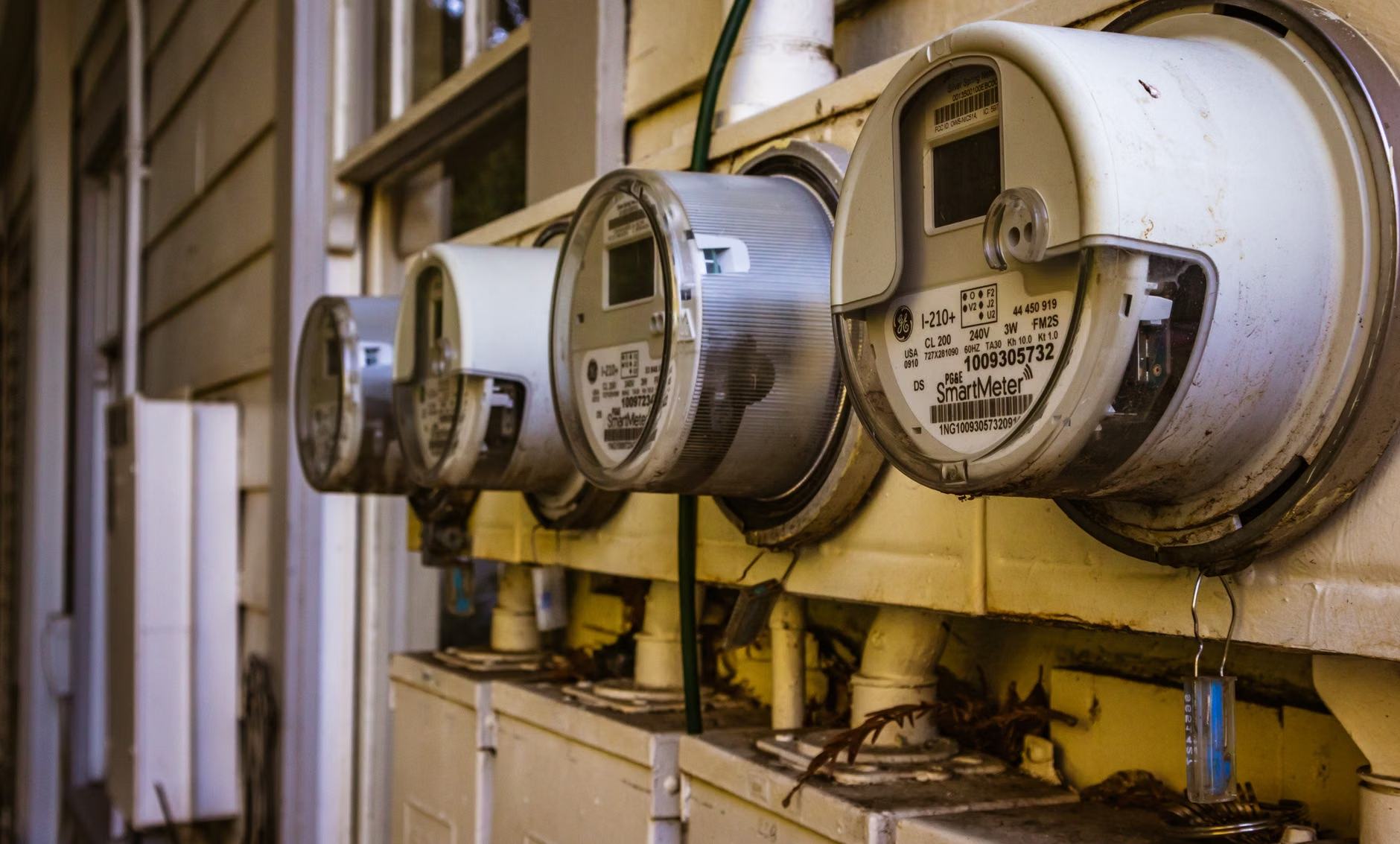
After you have collected your data, look for the “flatline” in your energy usage graph. When the device is not in use, the graph should drop to zero. If it stays at 5W or 10W, that is your vampire load. This is the energy you are paying for but receiving zero value from.
A common mistake is assuming that all smart devices are efficient. In reality, some smart hubs and Wi-Fi-enabled sensors can draw more power than the device they are controlling. If you find a device that consumes more power to stay “connected” than it saves you in efficiency, you need to rethink your strategy.
For example, if you have a smart plug that is only controlling a lamp, you are adding a small, constant load to your system. If that lamp is an LED, the energy the plug uses to stay on might be a significant percentage of the lamp’s total consumption. In these cases, it is better to use a dumb timer or simply accept the manual switch.
Step 4: Implementing the “Kill Switch” Strategy
Now that you have the data, it is time to take action. You do not need to turn everything off manually. That is the quickest way to abandon your energy-saving goals. Instead, leverage the automation features of your smart home platform.
The “Nightly Shutdown” Routine: Create an automation that triggers at 1:00 AM. This routine should turn off all non-essential smart plugs in the living room and office. You are likely asleep, and there is no reason for your printer, gaming console, or soundbar to be drawing power.
The “Away” Mode: If you use geofencing (a feature where your phone’s location triggers home settings), set your home to enter “Eco Mode” when you leave. This should cut power to all unnecessary kitchen and office appliances. When you return home, these devices can power back up, or you can set them to stay off until you specifically need them.
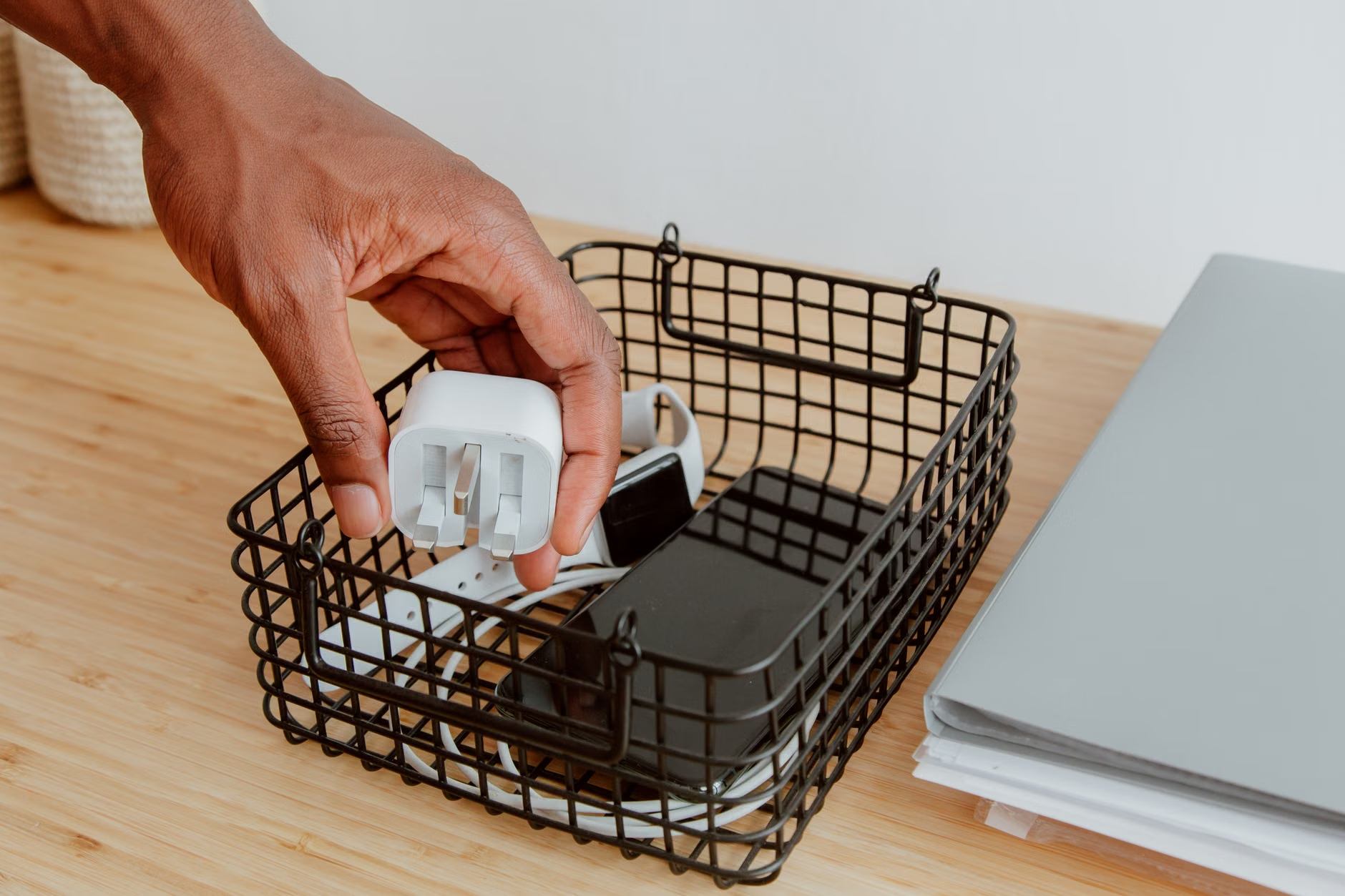
The “Smart Schedule” for Chargers: We often leave chargers plugged in, even without a device attached. This is inefficient. If you have a designated charging station, put it on a smart plug that only turns on for a few hours in the morning or while you are at work. This prevents the “trickle” loss that occurs when a charger is plugged in but idle.
Common Pitfalls and How to Avoid Them
Even with the best intentions, it is easy to fall into traps that negate your efforts. One of the most common mistakes is “over-automating.” If you have a device that takes a long time to boot up—like a high-end desktop computer or a complex home theater system—turning it off completely might be more of an annoyance than a benefit. If you have to wait five minutes for your TV to update its firmware every time you turn it on, you will eventually disable the smart plug. Balance is key.
Another overlooked variable is the “firmware update” cycle. Some smart devices perform background updates during the night. If you cut the power to your smart hub or bridge during an update, you could corrupt the software. Always ensure your central hubs, routers, and essential security systems remain powered 24/7. Only audit and automate the “peripheral” devices.
Lastly, consider the “hidden cost” of the smart plugs themselves. If you buy 20 cheap, inefficient smart plugs to save energy, you are adding to your base load. Look for Energy Star-rated plugs or those known for low idle consumption. Over time, the cost of the hardware itself must be weighed against the electricity savings.
Why This Matters for Your Household Budget
In your 30s and 40s, you are likely managing a budget that has to account for everything from childcare to potential retirement savings. Saving $10 or $20 a month on electricity might seem small, but when you compound that over a year, it adds up to a significant amount—often enough to cover a family dinner out or a small subscription service. Moreover, it is about creating a mindset of efficiency. When you see the data, you start to make better decisions about what you buy in the future. You might opt for an appliance with a better energy rating, or you might choose to consolidate your electronics to reduce the number of power bricks cluttering your outlets.
This audit is a one-time setup process with recurring benefits. Once your automations are in place, the system works for you. You don’t have to remember to turn things off; the house does it for you. It is a set-it-and-forget-it approach that aligns perfectly with a busy lifestyle.
Advanced Tips for the Data-Obsessed
If you want to take your energy-audit to the next level, look into whole-home energy monitors. Devices like Sense or Emporia install directly into your electrical panel (usually with the help of a professional electrician). These devices use machine learning to identify the “signature” of different appliances based on their power usage patterns. They can tell you exactly when your fridge compressor kicks in, when the HVAC is running, and how much power the clothes dryer uses.
While a DIY plug-based audit is great for individual devices, a whole-home monitor gives you the “big picture.” It allows you to see the correlation between your habits and your bill. You might discover, for example, that your water heater is cycling on far more often than it should, or that your HVAC system is losing efficiency due to a clogged filter. This is the gold standard of energy auditing.
Conclusion: Taking Control of Your Consumption
Performing an energy-audit is not about living in the dark or depriving yourself of the comforts of modern technology. It is about transparency. By using smart plugs and monitoring tools, you take the mystery out of your utility bill and turn “vampire” consumption into a manageable metric.
Start small. Pick three devices this weekend—perhaps your gaming console, your home office printer, and your coffee maker. Monitor them for 48 hours. Once you see the numbers, you will know exactly where your energy is leaking. Set up a simple automated schedule, and watch your standby power draw drop. You will not only save money, but you will also gain the peace of mind that comes with knowing your home is running as efficiently as possible.
For more information on energy efficiency and understanding your utility bills, you can refer to the following resources:
Frequently Asked Questions
1. Will turning off my smart devices at night cause them to lose their settings or require a long reboot?
Most modern smart devices are designed to handle power cycles gracefully. They store their settings in non-volatile memory, meaning they will reconnect to your Wi-Fi and resume their previous state once power is restored. However, some high-end hubs or devices that perform scheduled cloud-based updates might experience a slight delay. Test your specific devices with a manual power cycle before setting up an automated schedule to ensure they behave as expected.
2. Is it worth the cost of buying smart plugs to save a few dollars a year?
The “payback period” for a smart plug depends on the device it is controlling. If you use a $15 smart plug to control a device that wastes $10 of electricity per year, the plug pays for itself in less than two years. Beyond the direct financial savings, the real value is in the data. You may find that some devices are wasting much more power than you anticipated, or you may find that some don’t waste any at all, allowing you to focus your efforts on the true energy hogs.
3. Can I use these energy-monitoring tools to detect if an appliance is failing?
Yes, absolutely. This is one of the most useful “hidden” benefits of energy monitoring. An appliance that is drawing significantly more power than its rated specification or one that shows erratic, frequent cycling is often a sign of a failing component—such as a dying compressor in a refrigerator or a failing pump in a dishwasher. By monitoring your power usage, you can often identify these issues before the appliance breaks down completely, potentially saving you from a costly emergency repair or food spoilage.
SoCooly Disclaimer: Please ensure that any electrical work or installation of hardware on your main electrical panel is performed by a qualified professional. Always follow the manufacturer’s instructions for any smart home device to ensure safety and compatibility with your home’s electrical system.