Key Takeaways:
- Local-mesh networks process data inside your home, meaning your video feeds and sensor data never leave your four walls to reach a third-party server.
- Latency is significantly reduced because your devices communicate directly with each other rather than routing through an external cloud provider.
- Reliability is improved during internet outages; your smart locks, lights, and local sensors will continue to function even if your ISP goes down.
If you have ever felt that weird, creeping sensation that your smart home devices are “talking” to a server halfway across the world just to turn on a kitchen light, you are not alone. Most of us in our 30s and 40s have built homes filled with convenience—smart cameras for the nursery, thermostats that learn our schedules, and lights that dim when we start a movie. But that convenience comes with a hidden cost: your personal data is constantly being funneled to cloud servers owned by tech giants.
The “Local-Mesh” network is the shift away from this dependency. It is not just a tech buzzword; it is a fundamental change in how your home devices talk to one another. By keeping your data local, you aren’t just gaining speed and reliability; you are taking back ownership of your private life. Let’s dive into why this matters and how you can actually make it work in your home.
What Exactly is a Local-Mesh Network?
To understand a local-mesh network, you first have to understand the current “Cloud-First” standard. When you buy a standard smart bulb or camera, it typically connects to your Wi-Fi, which then sends data to the manufacturer’s cloud server. If you want to turn that light on, your phone sends a signal to the cloud, which then sends a signal back to your bulb. It’s a massive detour for a simple command.
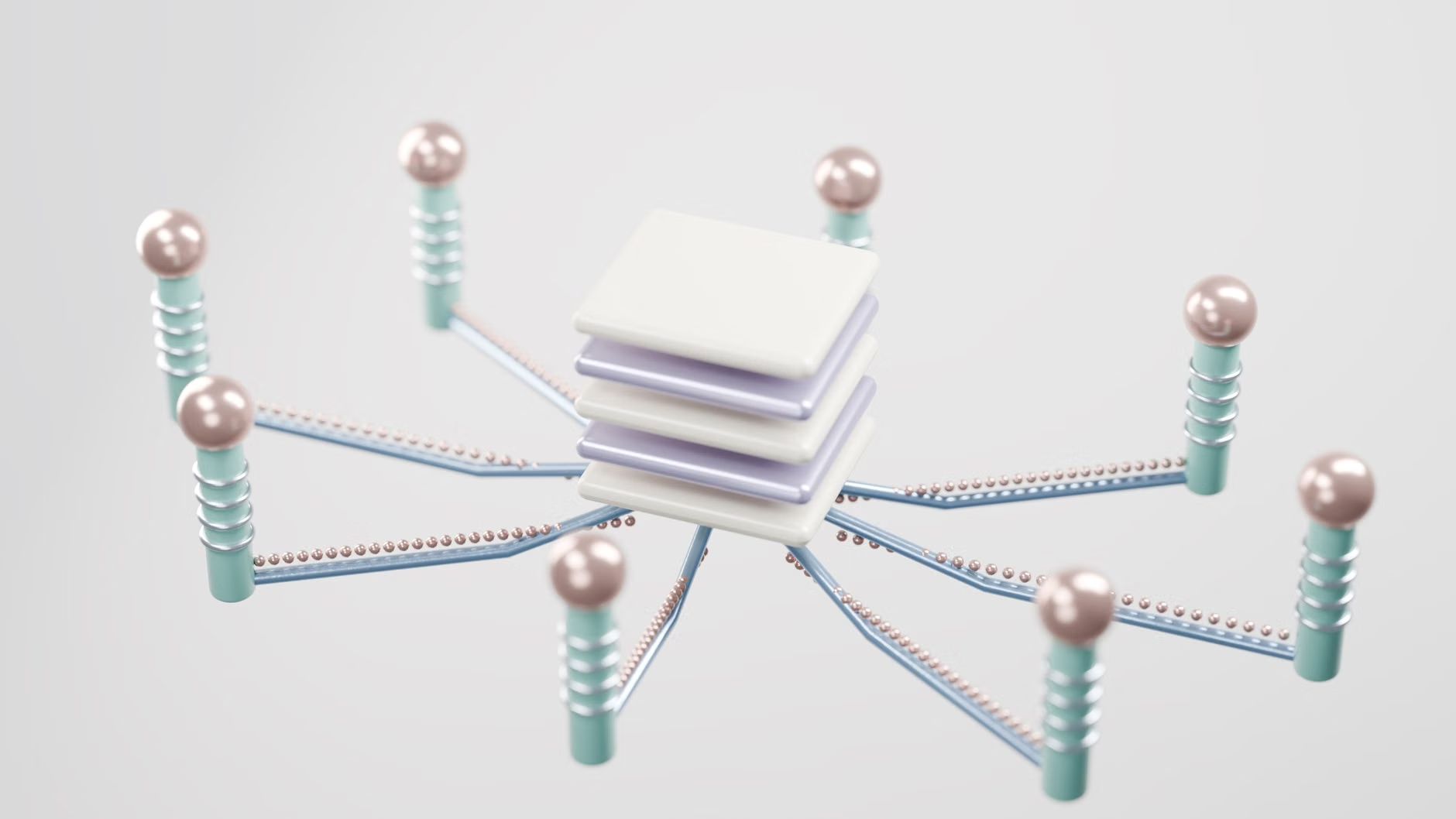
A local-mesh network changes the architecture. Instead of relying on a central cloud server, your devices communicate with a local hub or gateway inside your home. They form a “mesh”—a web of interconnected nodes—where devices can talk directly to each other. If your internet connection drops, the system doesn’t care. It’s a closed loop that stays entirely within your walls.
This matters for parents because the data being sent to the cloud often includes sensitive information: when you are home, when you leave, the layout of your house, and even video clips of your children. By moving to a local-mesh system, you effectively build a digital moat around your household. You retain the convenience of smart automation without the privacy risk of third-party data mining.
Why Your Current Smart Home Might Be a Privacy Liability
It is easy to assume that because a device is “smart,” it is secure. Unfortunately, the business model for many IoT (Internet of Things) companies is based on data harvesting. Every time your smart thermostat adjusts the temperature, that data point is logged. Over weeks and months, a company can build a remarkably accurate profile of your family’s routine. They know when you wake up, when you leave for school drop-offs, and when you go to bed.
The risk isn’t just about privacy; it’s about attack surface area. Every time your device talks to a cloud server, it opens a connection that can potentially be intercepted. If a company’s server is breached, your home data is suddenly part of a database leak. In a local-mesh setup, there is no central server to hack. To compromise your data, an attacker would physically need to be within range of your local network, which is a much higher barrier to entry than a remote server exploit.
Beyond security, consider the “bricking” phenomenon. If a company goes bust or decides to shut down their cloud service to cut costs, your “smart” device instantly becomes a piece of plastic junk. We have seen this happen repeatedly with various smart home startups. Local-mesh protocols, such as Zigbee, Z-Wave, or the newer Matter standard, are designed to be hardware-agnostic. They don’t rely on a specific company’s server to exist; they rely on open, interoperable standards.

Comparing Network Architectures: What You Need to Know
Not all networks are created equal. When building or upgrading your home, it helps to see how these architectures stack up in real-world performance.
| Feature | Cloud-Dependent (Standard) | Local-Mesh (Private) |
|---|---|---|
| Latency | High (depends on internet speed) | Near-zero (instant response) |
| Privacy | Low (data stored on external servers) | High (data stays in the home) |
| Internet Outage | System fails/limited functionality | System remains fully functional |
| Complexity | Easy (plug-and-play) | Moderate (requires local hub setup) |
As you can see, the trade-off is primarily in setup complexity. A cloud-dependent device is designed to be “dumb-easy”—you scan a QR code and you’re done. A local-mesh system requires a bit more intentionality. You will likely need a hub (like Home Assistant, Hubitat, or specialized smart home gateways) to coordinate your devices. However, for a parent who wants to ensure that a baby monitor feed isn’t accessible from the public internet, the extra 30 minutes of setup time is a small price to pay.
Real-Life Implementation: How to Start Your Transition
You don’t need to rip out every device you own tomorrow. Transitioning to a local-mesh network is a process. Here is how to approach it strategically.
1. Audit Your Current Devices
Look at your devices. Do they require an account to work? Do they stop working when your Wi-Fi is off? If the answer is yes, they are cloud-dependent. Start by identifying which devices are the most sensitive—cameras, smart locks, and microphones—and prioritize replacing these with local-first alternatives.
2. Choose Your Protocol
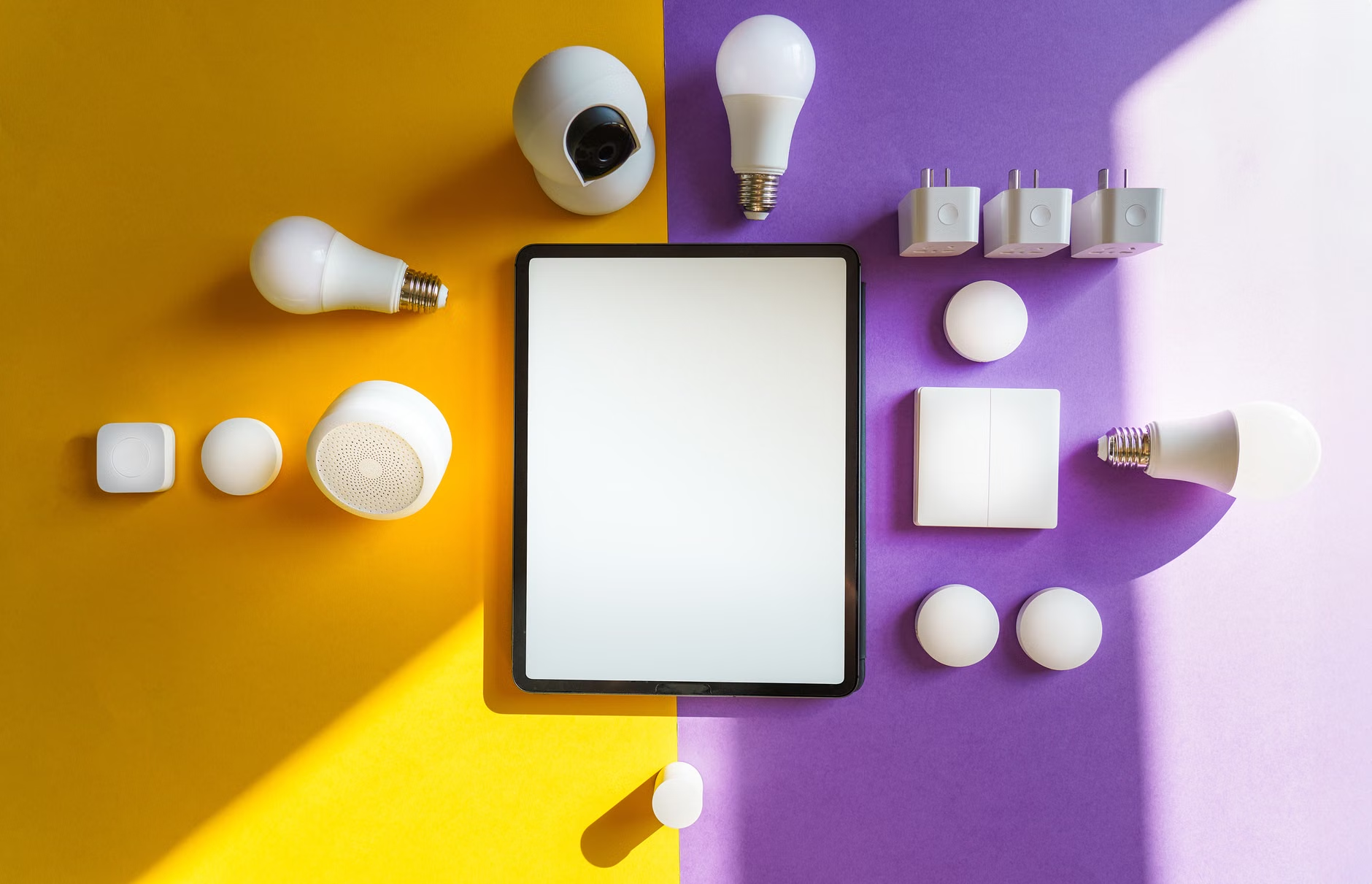
You will need to choose a communication language for your mesh. Zigbee and Z-Wave are the two titans of local home automation. They don’t use your Wi-Fi frequency (2.4GHz), so they don’t clog up your home internet. Matter is the new kid on the block, designed to allow different brands to communicate locally. When buying new devices, look for the “Matter” or “Zigbee” logo on the box.
3. Invest in a Local-First Hub
This is the brain of your operation. A hub like Home Assistant Green or an Aeotec SmartThings Hub acts as the central coordinator. It processes all the logic locally. Instead of the “If this, then that” command traveling to a server in another country, the command happens on the chip sitting on your bookshelf.
4. Isolate Your IoT Devices
Even with a local-mesh network, you might still have some cloud-based devices (like a smart speaker). A pro-tip for the tech-savvy parent is to set up a VLAN (Virtual Local Area Network). This separates your smart devices from your personal computers and phones. If a smart bulb is compromised, it cannot “see” your laptop where you do your banking.
Common Pitfalls and How to Avoid Them
The most common mistake people make is buying hardware based on “smart” marketing rather than “protocol” compatibility. Don’t buy a device just because it says it works with voice assistants. Check if it supports local control. A device might work with a voice assistant, but that doesn’t mean it isn’t also sending your data to the cloud.
Another pitfall is over-complication. You don’t need to be a software engineer to run a local-mesh network. Modern platforms have become incredibly user-friendly. If you get stuck, there are massive communities online (like the Home Assistant forums) where people are more than happy to help you troubleshoot a specific light switch or sensor.
Finally, remember that local doesn’t mean “set it and forget it.” You are now the administrator of your home network. You need to keep your hub’s firmware updated. Security is a moving target, and while local-mesh minimizes your exposure, it doesn’t eliminate the need for basic digital hygiene, like using strong passwords for your local hub and keeping your router software current.
Why This Matters for Your Family’s Future
We are living in an era where data is the new currency. By choosing to keep your home data local, you are making a conscious decision to prioritize your family’s privacy over the minor convenience of a cloud-based setup. It is a form of digital minimalism. You are saying that your home is a sanctuary, and what happens inside that sanctuary should stay there.
Beyond privacy, you are future-proofing your home. As we see more and more companies merge, pivot, or shut down, a local-mesh network ensures that your investment in smart technology remains valuable. You aren’t renting your smart home features from a corporation; you own them.
Start small. Replace that one cloud-heavy camera with a local-first alternative. Set up a local hub. Slowly, piece by piece, you will find that your home feels less like a data-collection point and more like a space that truly belongs to you and your family. It takes a little more effort, but the peace of mind is worth every bit of it.
Frequently Asked Questions
1. Do I need to be a programmer to set up a local-mesh network?
Not at all. While there is a learning curve, modern local-mesh hubs like Home Assistant or Hubitat come with intuitive, web-based interfaces. Most setups involve simple “drag-and-drop” logic to create automations. If you can set up a modern Wi-Fi router, you have the skills necessary to manage a local-mesh system.
2. Can I still use voice assistants like Alexa or Google Home with a local network?
Yes, but with a caveat. You can integrate these assistants into your local-mesh network, but you must realize that sending voice commands to these services inherently involves cloud processing. The key is to keep the control logic and device data local while using the voice assistant as a simple “input” method. For maximum privacy, some users choose to use offline voice assistants that process speech directly on the hardware.
3. Is a local-mesh network more expensive than a standard cloud-based setup?
Initially, it can be slightly more expensive because you need to purchase a dedicated hub. However, you often save money in the long run. Cloud-based systems often require monthly subscriptions for features like video storage or advanced automation. Local-mesh systems generally have no ongoing subscription fees, as all the processing and storage happen on your own hardware.
For more information on the standards mentioned, you can visit the official resources for the protocols that make local-mesh possible: