- Visual noise is a productivity killer: Moving from “open-shelf” storage to enclosed, opaque containers significantly reduces cognitive load for neurodivergent brains.
- The “Sensory Buffet” approach: Instead of aiming for total silence, use a combination of active noise-canceling (ANC) and “brown noise” to create a consistent acoustic environment that masks unpredictable household sounds.
- Lighting is a biological trigger: Avoid harsh overhead fluorescents; opt for layered, warm-temperature lighting (2700K–3000K) to regulate your circadian rhythm and signal to your brain that it is time to focus.
The most effective study station isn’t the one you see on perfectly curated social media feeds; it is the one that accounts for the specific sensory and executive function needs of your brain. For parents in their 30s and 40s, the challenge isn’t just about finding time—it’s about optimizing the limited windows of focus you have while managing the inevitable chaos of family life.
When we talk about a “neuro-inclusive” workspace, we aren’t just talking about aesthetic preferences. We are talking about environmental engineering that minimizes cognitive friction. If you find yourself constantly losing your place, feeling overwhelmed by visual clutter, or getting distracted by the hum of the refrigerator, your workspace may be working against your neurology rather than with it.
Why Your Current Setup Might Be Sabotaging Your Focus
Most home offices are designed for “ideal” conditions—total quiet, perfect lighting, and zero distractions. But for a parent, these conditions are a myth. If your brain has a tendency toward ADHD, sensory processing sensitivity, or simply the “mental load” fatigue common in our 30s, a standard desk setup often fails to provide the necessary structure to transition into “deep work” mode.
The primary culprit is usually cognitive load. Every object on your desk, every unread paper, and every flickering light bulb requires a micro-second of processing power from your brain. In a neuro-typical environment, this might be negligible. In a brain already juggling childcare logistics, work deadlines, and household management, these micro-distractions act like a thousand papercuts, eventually leading to a complete stall in productivity.
Furthermore, many of us attempt to “power through” by using willpower. Research into executive function suggests that willpower is a finite resource. By designing an environment that relies on external systems rather than internal discipline, you conserve that energy for the actual work. Think of your desk not as a piece of furniture, but as an external hard drive for your brain.

The Sensory Audit: Acoustics and Visuals
Before you buy a single piece of equipment, you need to conduct a sensory audit of your current workspace. Most people focus on ergonomics (the chair, the monitor height) but ignore the sensory input that keeps the nervous system in a state of “fight or flight” or “distracted wandering.”
Mastering the Acoustic Landscape
Total silence is rarely the answer. In fact, for many, absolute silence makes every distant sound—the dog barking, the neighbor’s lawnmower, the kids playing—seem louder and more intrusive. Instead, aim for acoustic consistency.
- Noise-Canceling Headphones (ANC): These are not just for music; they are for creating a “bubble.” Look for models that offer “transparency mode” so you can hear if someone calls your name, but block out the low-frequency hum of household appliances.
- Sound Masking: If you find yourself distracted by speech, use “Brown Noise” or “Pink Noise.” Unlike white noise, which can be harsh, these frequencies are deeper and more soothing, mimicking the sound of a steady rain or a distant waterfall.
- Soft Surfaces: If your office echoes, it’s going to make you feel on edge. Add a rug, heavy curtains, or even a few acoustic wall panels. These aren’t just decor; they are sound-absorbers that dampen the “sharpness” of the room.
Reducing Visual Overload
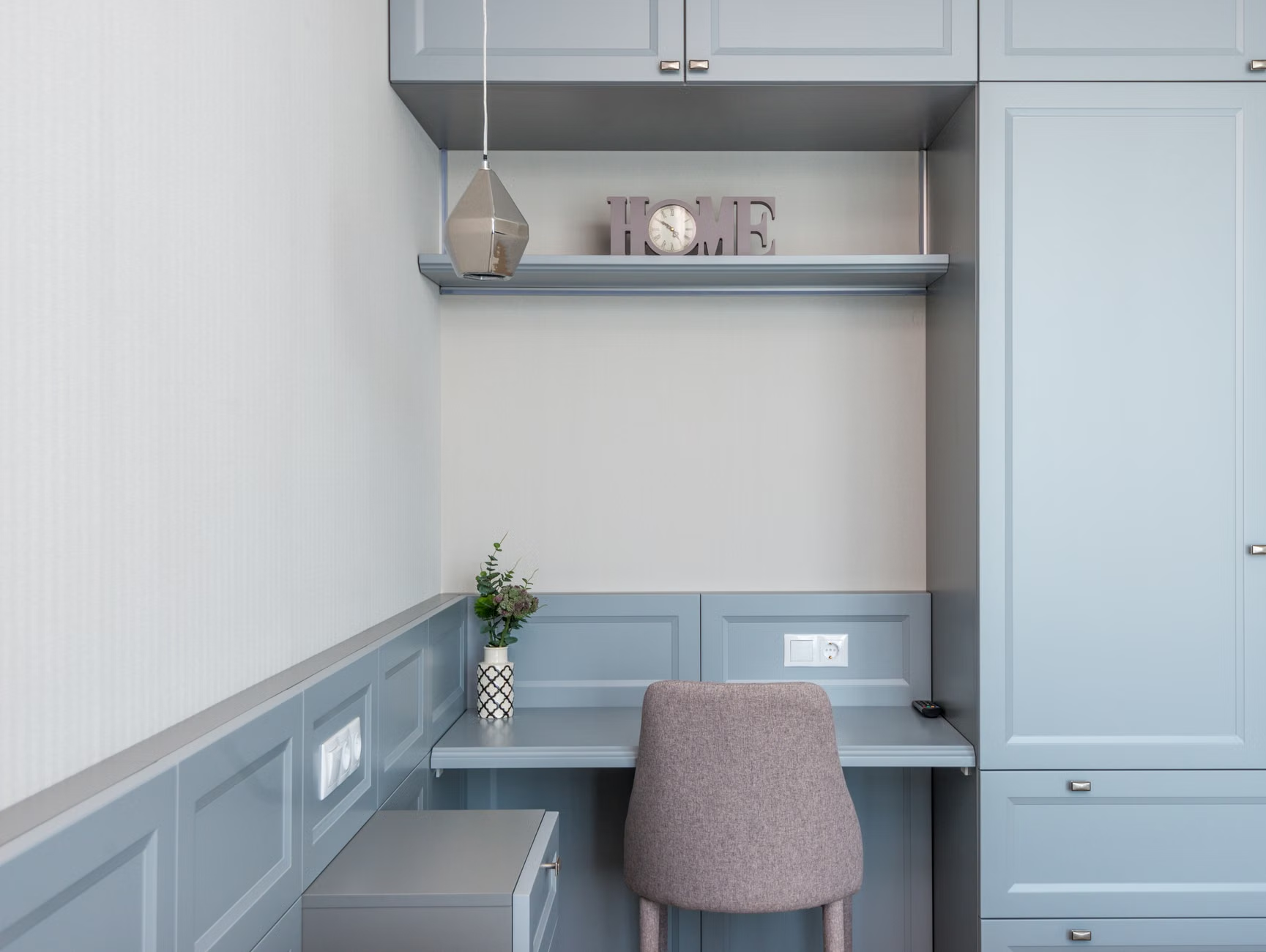
If you can see it, your brain is processing it. The “open concept” desk is often a nightmare for focus. If you have open shelving, you are constantly seeing the mess or the reminders of tasks you haven’t finished yet.
The Strategy: Opaque storage. Use bins, boxes, or desk drawers that you cannot see through. If your desk is in a shared space, consider a folding room divider or even a simple curtain. By creating a physical boundary, you create a psychological one. When you are inside the “zone,” you aren’t looking at the pile of laundry in the corner of the room.
Building Your “Transition Ritual” Station
One of the biggest hurdles for busy parents is the transition from “parent mode” to “work mode.” You have roughly 10 to 15 minutes to switch gears before your focus window starts to close. Your desk needs to be a “trigger-rich” environment that signals to your brain that it is time to execute.
| Feature | Neuro-Inclusive Purpose | Practical Implementation |
|---|---|---|
| Visual Timer | Externalizes time perception | Use a physical analog timer (e.g., Time Timer) so you can see time “disappearing.” |
| Task “Anchor” | Prevents task-switching | Keep only one physical paper/device on the desk related to the current task. |
| Lighting Control | Regulates Circadian Rhythm | Use a lamp with dimmable, warm-to-cool settings (2700K for focus/calm). |
The table above highlights how we shift from digital tools (which are often filled with distractions like notifications) to physical ones. A physical timer allows you to see the passage of time without checking your phone. Checking your phone is the “death knell” of focus for many; once you open that screen, you are at the mercy of email, social media, and news alerts.
The “Fidget” Factor: Why Movement Matters
There is a common misconception that stillness equals focus. For many people, particularly those with ADHD or high sensory needs, the opposite is true. Proprioceptive input—the sensation of pressure or movement—can actually help the brain settle down.
If you find yourself constantly shifting in your chair, tapping your pen, or feeling “itchy” while trying to work, you are likely experiencing a need for sensory regulation. Instead of fighting it, incorporate it into your station:
- Active Seating: A balance ball or a wobble stool can provide the micro-movements your body craves.
- Desk Fidgets: Keep a high-quality, quiet fidget tool (like a smooth stone, a metal spinner, or a textured pad) on your desk. The goal is to provide enough sensory input to keep the “bored” part of your brain occupied so the “thinking” part can focus on your work.
- Standing/Sitting Balance: A height-adjustable desk is not just a trend. Moving between standing and sitting every 45–60 minutes acts as a “reset” button for your focus.
Common Mistake: Don’t choose fidgets that are noisy or visually distracting. If you’re clicking a pen or spinning a toy that flashes lights, you are simply trading one distraction for another. The goal is subtle regulation.
Managing the “Parenting-Work” Boundary
For parents working from home, the biggest distraction is the “what if” anxiety. What if the kids need me? What if I miss a text from school? If you are constantly checking your phone for these reasons, you are never reaching a state of flow.
The Solution: The “Communication Gatekeeper.” If you have a partner or a caregiver, set up a specific, non-digital way to signal an emergency. A simple closed door means “do not disturb unless it’s a true emergency.” If you have an older child, a colored sign on the door (Green = come in, Red = knock only if it’s fire/blood) removes the need for you to be hyper-vigilant.
This allows you to “close” your brain to the possibility of interruption. When you know that someone will only interrupt you if it is truly critical, you can drop your guard and dive into the work.
The Technical Setup: Lighting and Ergonomics
Lighting is perhaps the most overlooked element of a neuro-inclusive station. Overhead lighting in most homes is designed for safety and cleaning, not for concentration. It is often too cool (bluish) and too bright, which can trigger headaches or sensory fatigue.
Invest in task lighting. A desk lamp with a high Color Rendering Index (CRI) and adjustable color temperature allows you to tailor the light to the time of day. In the morning, you might use a cooler, brighter light to wake up your brain. In the afternoon, you might shift to a warmer, softer light to maintain focus without the “glare” that causes eye strain.
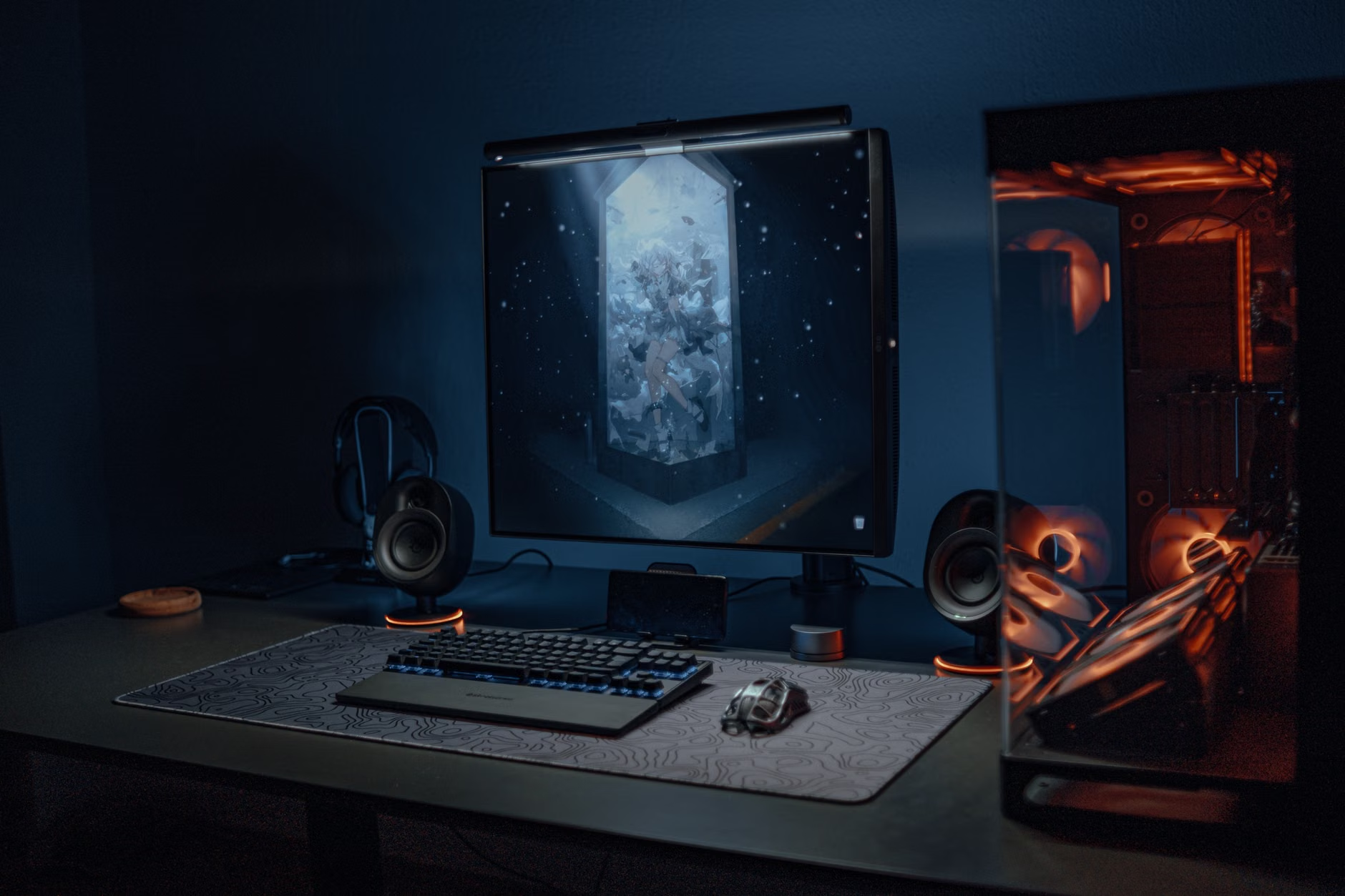
Regarding ergonomics: if you are in your 30s or 40s, your body is no longer forgiving of poor posture. A “study station” that causes neck pain is a station you will eventually avoid. Ensure your monitor is at eye level—if you are using a laptop, get a stand and an external keyboard. This is a non-negotiable step for long-term productivity.
Building Your Workflow: The “Shutdown” Protocol
A neuro-inclusive station is only as good as the habits you build around it. One of the best ways to ensure you can return to work tomorrow is to implement a Shutdown Protocol. At the end of your session, take three minutes to:
- Clear the “Visual Noise”: Put away the papers and close the browser tabs.
- Set the “Next Step”: Leave one single, easy task on your desk that you can start immediately when you return. This removes the “activation energy” required to begin.
- Reset the Sensory Environment: Turn off the task lamp, put away the fidget tool, and close the door (or pull the curtain).
This ritual signals to your brain that the “work” phase is over and the “parenting/rest” phase has begun. It helps prevent the “work-life bleed” that leads to burnout. By creating a physical and mental “off” switch, you are protecting your capacity for the next day.
Final Thoughts: Perfection is Not the Goal
The goal of a neuro-inclusive study station is not to build a perfect, static environment. It is to build a responsive one. You will find that your needs change—perhaps you need more sensory input on a day when you are tired, or less on a day when you are overwhelmed. That is perfectly fine.
Start with one change: perhaps move your desk away from the high-traffic area, or buy a pair of noise-canceling headphones. Test it for a week. Notice how your ability to focus changes. Then, adjust. Your workspace should be a living, breathing tool that evolves alongside your life as a parent and a professional.
For more research on environmental design and cognitive load, you can explore the resources provided by the American Psychological Association’s guide to workplace well-being and the ADDitude Magazine’s practical guides for neurodivergent workspaces.
Frequently Asked Questions
1. I don’t have a separate room for an office; how can I make a “study station” in my living room?
Use a “portable” setup. A rolling cart can hold all your work essentials (laptop, headphones, notebook, timer). At the end of the day, you can roll it into a closet. The key is to have a defined “start” and “end” to your workspace, even if it is a shared space.
2. How do I know if I need “Brown Noise” or just music?
Music with lyrics can be distracting because your brain tries to process the language. If you find yourself singing along or getting distracted by the lyrics, switch to Brown Noise or instrumental Lo-Fi beats. If the noise is still too much, try adding noise-canceling headphones on top of the music.
3. How much should I invest in office furniture?
Prioritize in this order: 1. A chair that supports your lower back (ergonomics). 2. A monitor height that prevents neck strain. 3. Task lighting. You don’t need expensive, high-end gear; you need gear that fits your body and your sensory needs. Start with a solid chair and build from there.