- Data transparency is your strongest tool: Apps that connect to your smart meter provide real-time insights, allowing you to identify “vampire” appliances that bleed electricity even when turned off.
- Focus on low-impact modifications: Since you cannot renovate, prioritize apps that integrate with plug-and-play smart devices like smart plugs and bulb-based sensors, which require zero wiring or landlord approval.
- The “Audit” approach wins: Use digital home energy audit apps to quantify heat loss, which provides a concrete basis for requesting energy-efficiency upgrades from your landlord under local housing standards.
If you are renting, you probably know the feeling of opening a utility bill and wondering why it’s so high despite your best efforts to keep the lights off. Renters are in a unique, often frustrating position: we want to be energy-efficient for the planet and our wallets, but we are limited by appliances we didn’t choose, insulation we can’t improve, and landlords who might not care about our heating bills.
The good news is that you don’t need to be a homeowner to exert control over your energy footprint. The shift toward “smart” living has created a suite of digital tools that allow you to hack your rental’s energy consumption. By using the right apps—not just for billing, but for diagnostics and automation—you can cut your usage by 10% to 20% without ever picking up a hammer or drilling a hole in the wall.

The Reality of “Vampire Power” and How to Kill It
Most renters assume their energy bill is tied to their heavy-duty appliances like the fridge or the AC unit. While those are major contributors, a significant portion of your monthly cost comes from “vampire power” or “phantom load.” This is the electricity consumed by devices that are plugged in but “off.” Think of your coffee maker, your gaming console, your secondary monitor, or even that smart speaker that’s always listening.
In a standard apartment, phantom loads can account for up to 10% of your total energy bill. If your bill is $150 a month, that is $15 being thrown away for absolutely nothing. To tackle this, you need an app that bridges the gap between your physical outlets and your digital habits. Apps like Kasa Smart or SmartThings, when paired with smart plugs, allow you to set “kill switches” for non-essential electronics.
The Strategy: Do not just buy a smart plug and leave it on. Create an “Away” or “Sleep” routine within the app. For example, instruct the app to cut power to your home office setup at 7:00 PM every night. This isn’t just about saving money; it’s about creating a psychological boundary between your work-from-home life and your personal time. When the power cuts, the distraction disappears.
Common Mistakes When Setting Up Smart Plugs
- The “Fridge Trap”: Never put a refrigerator or freezer on a smart plug. The potential for a power cycle to spoil your food outweighs the marginal savings.
- Over-automating: If your internet router is on a smart plug, ensure your schedule doesn’t cut the power while you are mid-stream or working. Always leave the router on a “never-off” schedule.
- Ignoring Standby Modes: Some modern TVs and consoles need to be in standby for updates. Check the power-saving settings on the device itself before automating a hard power-off.
Digital Energy Audits: Your Best Defense Against Drafty Windows
One of the biggest issues for renters in their 30s and 40s is the “character” of older rental units. High ceilings, original windows, and poor insulation are charming until the winter wind starts blowing through your living room. You cannot replace the windows, but you can identify exactly where the heat is escaping.
There are several apps and digital tools, such as HomeSelfe, that act as a virtual energy auditor. These apps guide you through a room-by-room walkthrough, asking you to identify window types, door seals, and insulation levels. While they sound like simple checklists, they provide a quantified “Energy Score.”
Why this matters: If you are in a region with tenant-friendly housing laws—such as parts of the EU or specific states in the US—you can use this data to advocate for your landlord to perform basic weatherization. If you can present a report showing that your apartment leaks air at twice the recommended rate, you have a stronger case for requesting better weather stripping or thermal curtains.
Smart Thermostats: The Rental-Friendly Version
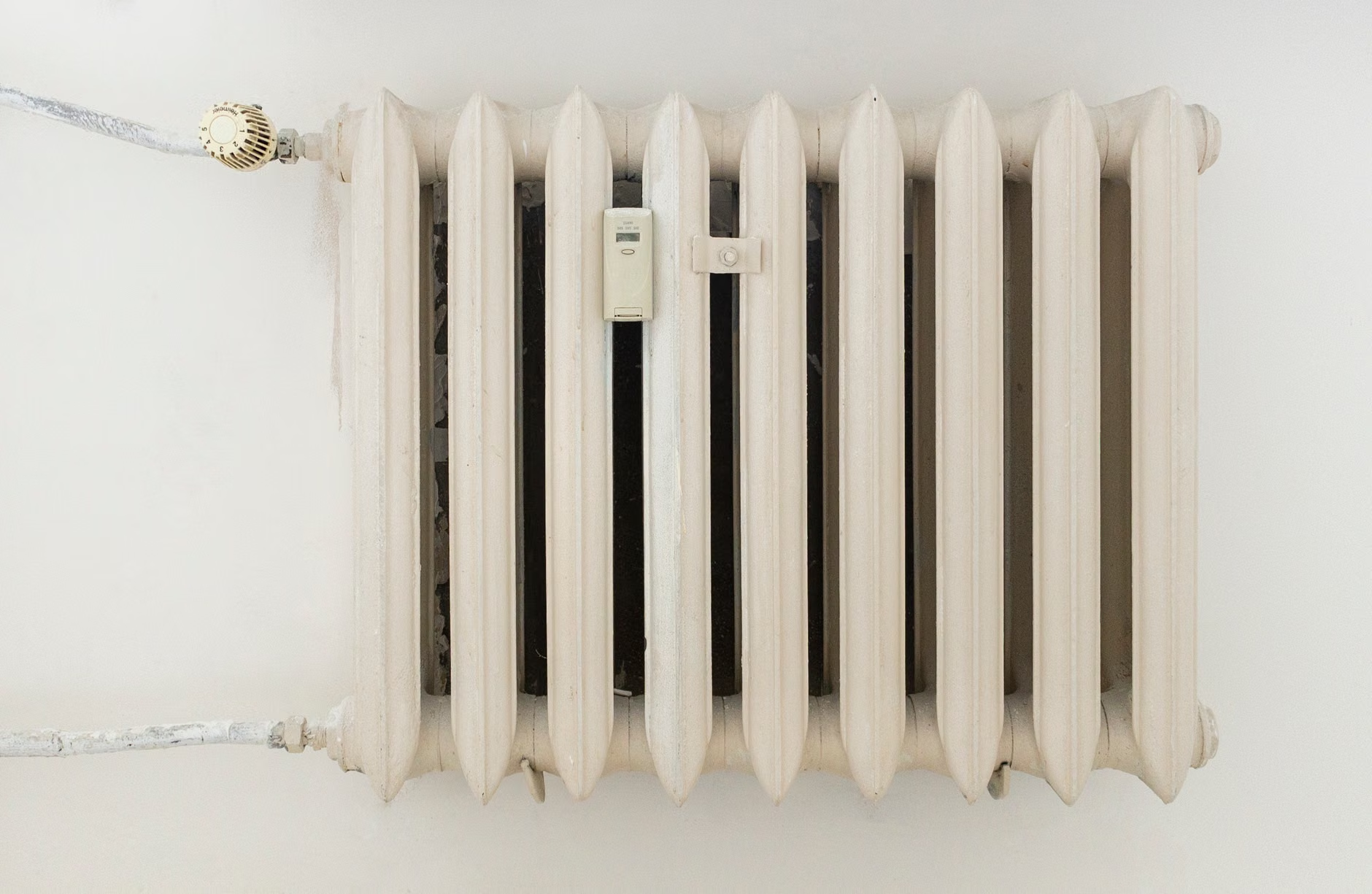
If you have a standard “dumb” thermostat, you are likely heating or cooling an empty apartment for at least 8 hours a day while you are at work or taking the kids to school. Upgrading to a smart thermostat like Google Nest or Ecobee is possible for renters, provided you choose the right model. Many of these devices are designed to be installed by the user in under 30 minutes.
Before you buy: Always check your current thermostat’s wiring. Many smart thermostats require a “C-wire” (Common wire) for constant power. If your rental doesn’t have one, don’t panic. Many manufacturers sell power adapter kits that plug into your existing setup without requiring a professional electrician.
The “Renters Rule”: Always keep your original thermostat in a safe place (like a kitchen drawer or a dedicated box). When you move out, you can reinstall the original unit and take your smart thermostat with you to your next home. Treat the smart thermostat as a portable piece of furniture, not a permanent fixture.
| Device | Difficulty | Primary Benefit |
|---|---|---|
| Smart Plugs | Very Easy | Eliminates vampire power |
| Smart Thermostat | Moderate | Automated climate control |
| Smart Bulbs | Very Easy | Lowers lighting costs |
Managing the “Parenting Premium” on Energy
For those of us balancing parenting and work, energy management often falls to the bottom of the priority list. You don’t have time to manually turn off every light in the house after the kids have gone to bed. This is where Automation Routines (available in Apple Home, Google Home, and Alexa) become essential.
Instead of manually controlling devices, create a “Goodnight” scene. With one voice command, your smart home can turn off all lights, lower the thermostat by two degrees, and ensure that the smart plugs connected to the gaming console or TV are powered down. This is the “set it and forget it” approach that actually works for busy families.
An overlooked variable: Consider the “hidden cost” of light. If you have children who leave lights on in every room, switching to smart bulbs allows you to set a “Master Off” timer. Even if a child forgets to flip a switch, the app ensures that the lights aren’t burning all night. This saves electricity and, quite frankly, saves you from the nightly ritual of walking through the house to check switches.
The Data Privacy Trade-off
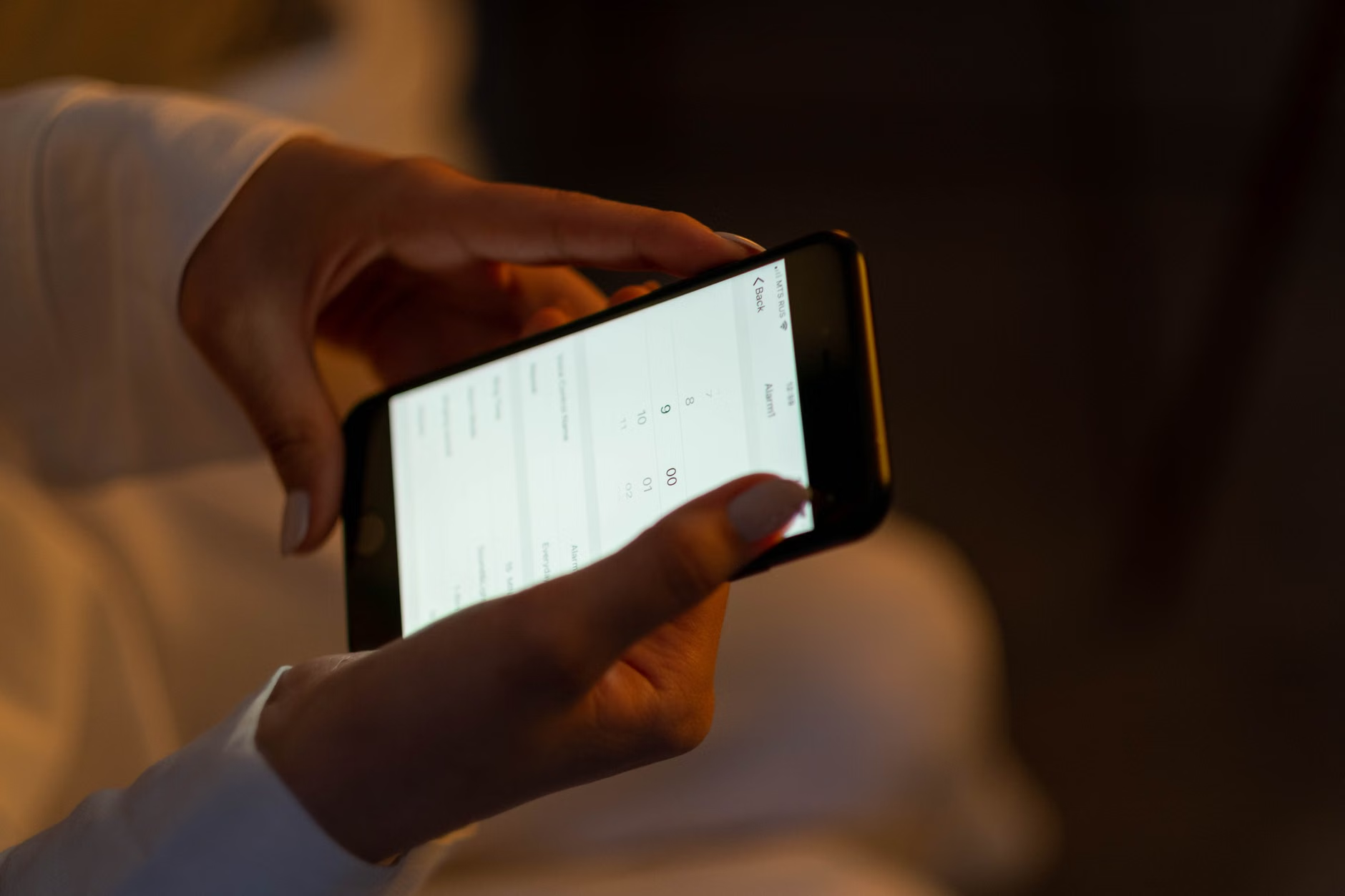
It is important to address the elephant in the room: smart apps collect data. When you connect your energy usage to an app, you are essentially giving a company a map of your daily life—when you wake up, when you leave the house, and when you go to sleep.
For renters, this is a trade-off. To minimize risk, choose platforms that offer Local Control. This means the app communicates with your devices over your home Wi-Fi rather than constantly sending data to the cloud. Brands like Philips Hue or devices compatible with the Matter standard are increasingly moving toward local-first communication. Always check the privacy settings in your app; disable “share usage data with third parties” and ensure your account has two-factor authentication enabled.
Advanced Tips for the Tech-Savvy Renter
If you really want to dive deep, look into Energy Monitoring Apps that connect directly to your smart meter. In many countries, the utility company provides a data feed that you can sync with apps like Sense or Emporia. These apps use machine learning to identify the “signature” of your appliances. It can tell you, “Your fridge compressor turned on 14 times today,” or “Your dishwasher used 20% more energy than usual.”
This level of data is transformative. If you see that your electricity usage spikes when the dishwasher runs, you know to run it only during off-peak hours (if your utility provider offers time-of-use billing). This is how you move from being a passive bill-payer to an active manager of your home’s resources.
Final Thoughts: Taking Control
Efficiency in a rental isn’t about massive upgrades; it’s about micro-adjustments that compound over time. By using smart plugs to kill phantom loads, a smart thermostat to manage climate, and automation to handle the chores you don’t have time for, you are effectively taking back control from a system that usually favors the landlord.
Start small. Don’t try to automate your entire apartment in one weekend. Begin with one smart plug on your most “vampire-prone” device and observe the results in your app for a month. Once you see the data, the motivation to expand your setup will come naturally. You are not just saving money; you are building a home environment that is more responsive, more efficient, and better suited to your actual lifestyle.
For more information on local energy regulations and tenant rights regarding energy efficiency, check your regional housing authority websites, such as the U.S. Department of Energy’s Energy Saver guide or the European Commission’s Energy Efficiency portal.
Frequently Asked Questions
1. Will smart devices increase my internet bandwidth usage?
Generally, no. Smart home devices use very little data. They primarily send small packets of information to check for updates or receive commands. They will not impact your streaming or gaming performance.
2. Can I take my smart devices with me when I move?
Absolutely. That is the beauty of the “renter-friendly” approach. Because you are using plug-in smart plugs, smart bulbs, and easily removable thermostats, these items travel with you. Think of them as part of your electronics collection rather than part of the apartment’s infrastructure.
3. What if my landlord forbids smart devices?
Most rental agreements allow for “non-permanent” modifications. As long as you aren’t drilling holes or rewiring the electrical panel, you are generally safe. Always check your specific lease, but simple plug-in devices and battery-operated sensors are rarely considered “modifications.”