If your smart home lights stop working the moment your Wi-Fi goes down or the manufacturer’s server has an outage, you aren’t actually living in a “smart” home—you are living in a cloud-dependent one. The only way to guarantee that your home automation remains reliable, lightning-fast, and private is to move to an “offline-first” hub configuration.
- Local Execution is Key: An offline-first hub processes automation commands within your four walls, meaning your lights and sensors work even if your internet service provider (ISP) goes offline.
- Privacy by Design: By keeping data off the cloud, you prevent your personal habits—like when you arrive home or when you go to bed—from being stored on third-party servers.
- Latency Elimination: Local processing removes the “round-trip” delay of sending data to a server and back, resulting in near-instant response times for your switches and sensors.
We’ve all been there. You walk into the kitchen with an armload of groceries, and you ask your voice assistant to turn on the lights. Nothing happens. You wait. You ask again. Still nothing. Finally, you pull out your phone, wait for the app to load, and manually toggle the switch. It’s a minor frustration, but when it happens repeatedly, it kills the convenience that smart home tech is supposed to provide. The culprit is almost always the “cloud round-trip.”
Why Your Current Setup is Probably Fragile
Most popular smart home devices are designed to talk to a cloud server. When you flip a switch, the signal goes from your device to your router, then to the internet, up to the manufacturer’s server in a data center, back down to your router, and finally to the light bulb. Even at the speed of light, this takes time. If your internet is slow, or if the manufacturer is performing server maintenance, your home stops being smart.
For parents juggling work, school runs, and household chores, this fragility is a massive drawback. You don’t have time to troubleshoot why the “Goodnight” routine failed because a server in another country is experiencing a glitch. An offline-first hub changes the architecture of your home. It acts as the “brain” that lives inside your house, not in someone else’s data center. It communicates directly with your devices using protocols like Zigbee, Z-Wave, or local Wi-Fi commands, bypassing the internet entirely.
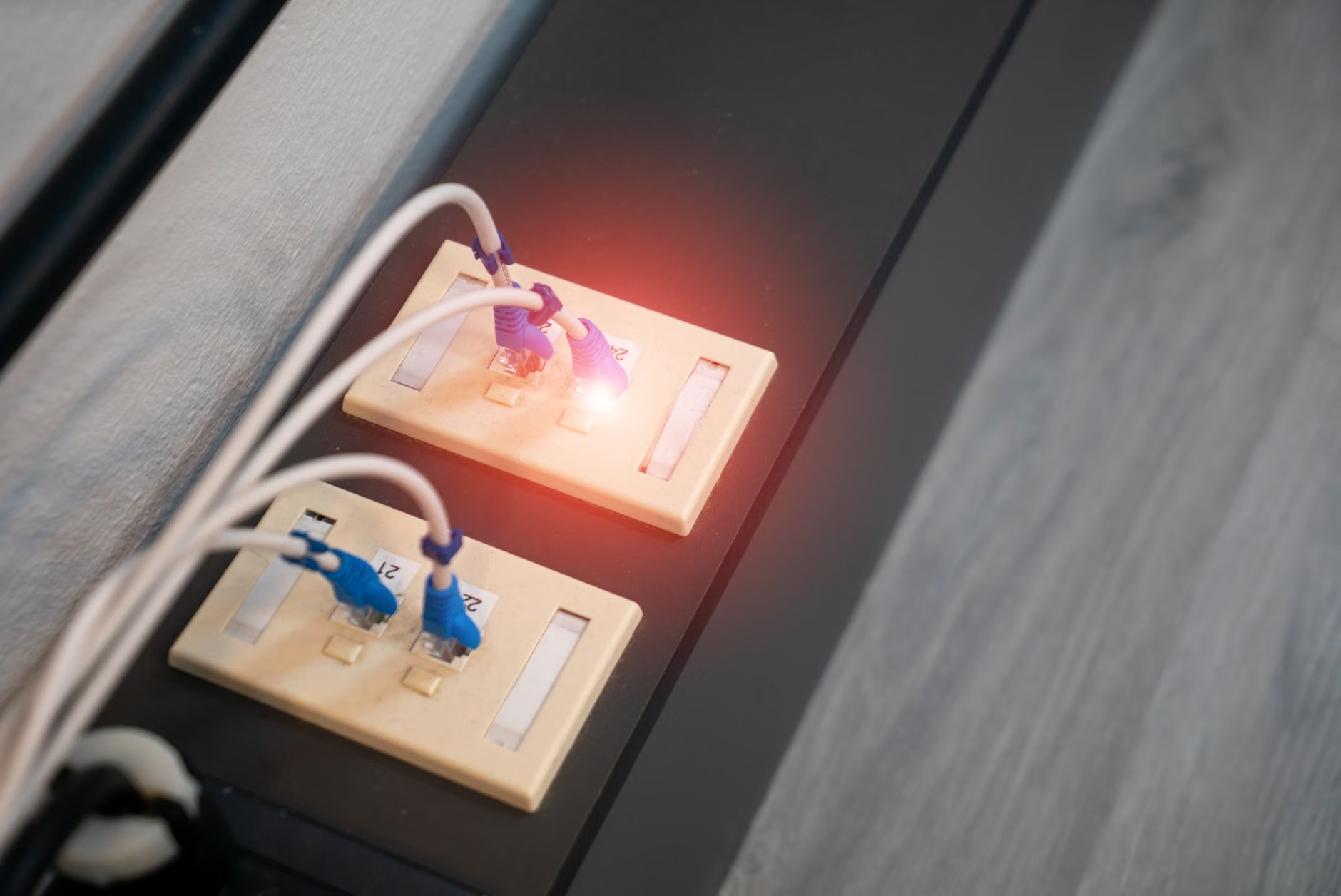
The Real-World Difference: Latency and Reliability
Let’s look at a concrete example: a motion-activated hallway light. In a cloud-dependent setup, the sensor detects motion, sends a signal to the cloud, the cloud processes the command, and sends a signal back to the light. This can take anywhere from 500 milliseconds to several seconds. In an offline-first setup, the sensor talks to the hub, and the hub talks to the light—all within your local network. The response is usually under 50 milliseconds, which is essentially instantaneous to the human eye.
Beyond speed, there is the issue of “dependency.” When you rely on a cloud ecosystem, you are at the mercy of the company’s business decisions. If they decide to shut down a service or change their subscription model, your hardware can become expensive paperweights. With an offline-first hub, you “own” your home’s automation logic. It will continue to function exactly as you set it up, regardless of whether the company that made your hub is still in business ten years from now.
Understanding the Architecture of an Offline-First Home
To move to an offline-first system, you need to think about your home as a local network rather than a series of cloud-connected gadgets. This involves three primary components: the hub, the protocols, and the devices.
| Component | Role | Requirement for Offline-First |
|---|---|---|
| The Hub | The central brain processing logic. | Must support local processing (e.g., Home Assistant, Hubitat). |
| Communication Protocol | How devices talk to the hub. | Zigbee or Z-Wave are preferred over Wi-Fi. |
| The Devices | Light bulbs, switches, sensors. | Must not require a mandatory cloud account. |
The biggest hurdle for most people is the “protocol” choice. Wi-Fi devices are popular because they connect easily to your existing router. However, they are often the most cloud-dependent. Zigbee and Z-Wave are mesh networking protocols. They don’t use your Wi-Fi at all. Instead, they create their own network, where each device (like a smart plug) acts as a signal repeater. This creates a robust, self-healing network that doesn’t compete with your Netflix streaming or your kids’ online gaming for bandwidth.
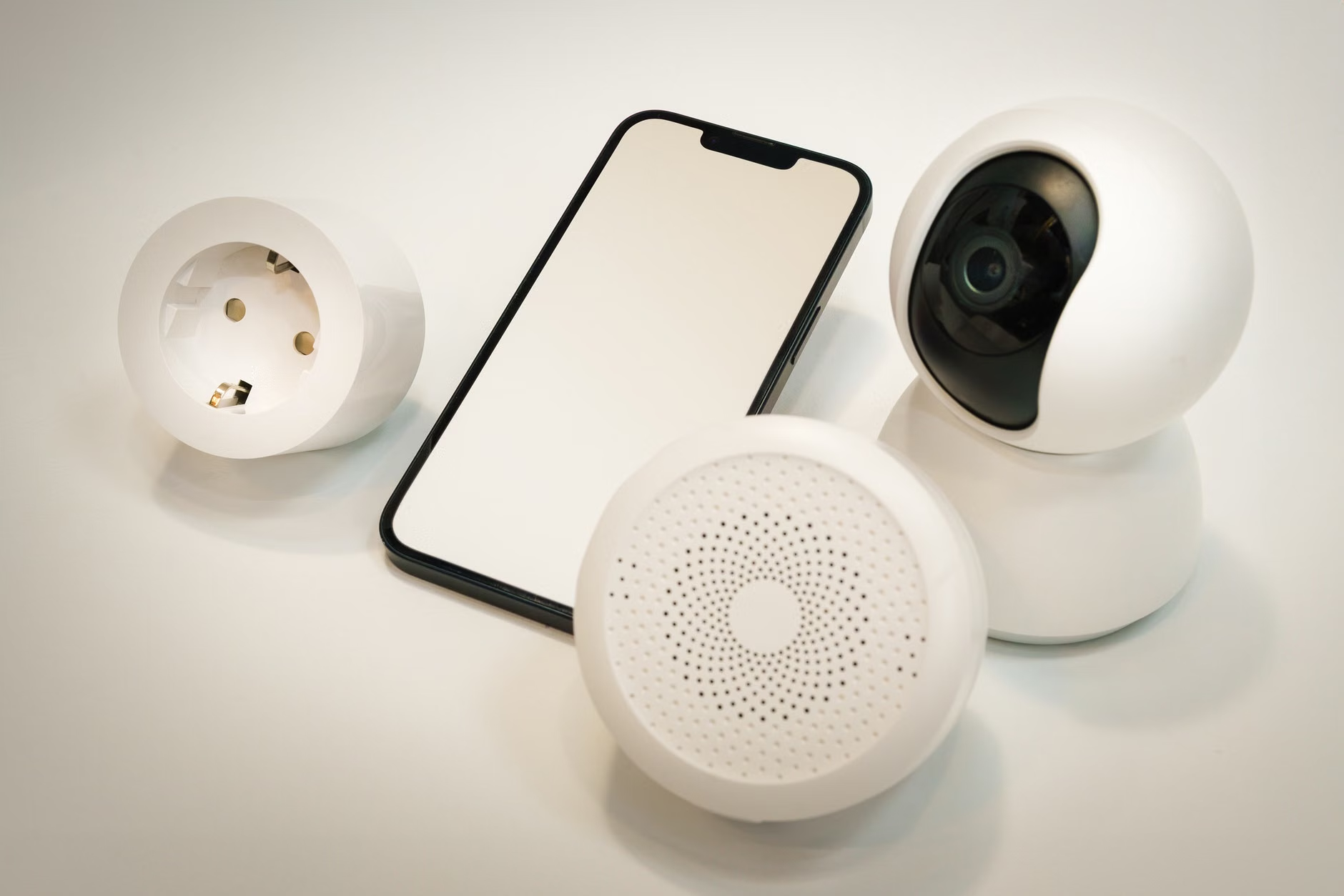
Choosing Your Offline-First Hub
When selecting a hub, you have two main paths: the “Plug-and-Play” route and the “Enthusiast” route. The Hubitat Elevation is a great example of the plug-and-play route. It is a dedicated piece of hardware designed specifically for local processing. You plug it into your router, and it handles everything locally. It’s perfect for people who want the benefits of local control without needing to be a software engineer.
The second path is Home Assistant. This is an open-source platform that you typically run on a small computer, like a Raspberry Pi or a mini PC. It is significantly more powerful and customizable than any commercial hub. If you want to integrate complex logic—like “If the front door is unlocked AND no one is home AND it’s after 10 PM, then lock the door and turn off the lights”—Home Assistant can do that with ease. However, it does come with a steeper learning curve.
The Hidden Costs and Trade-offs
Nothing in technology is truly free, and moving away from the cloud does come with some trade-offs you need to consider before you begin. The most significant is the “setup time.” Cloud-based ecosystems are designed to be easy—you scan a QR code, and you’re done. An offline-first system requires more effort. You have to pair each device, name them, and set up your automation rules manually.
Another trade-off is “remote access.” By default, an offline-first system is accessible only when you are inside your home. If you want to check the status of your home while you are on vacation, you have to set up a secure way to access your home network, such as a VPN (Virtual Private Network) or a secure remote access service. While this is more secure than relying on a cloud company’s remote server, it does require a bit of initial technical configuration.
Finally, there is the issue of “ecosystem compatibility.” Some high-end smart home devices, like certain smart cameras or fancy kitchen appliances, are built exclusively for their own cloud ecosystems. You might find that a specific device you love cannot be integrated into your offline-first hub. You have to be comfortable with the idea that you might need to swap out a few devices to achieve a truly local-only system.

Step-by-Step: How to Transition Your Home
You don’t need to rebuild your entire home in a single weekend. In fact, doing so is a recipe for frustration. Start by identifying the most critical parts of your home automation—the lights and sensors that you use every single day. Here is a recommended approach for making the switch:
- Audit Your Current Devices: Look at your current smart home inventory. Identify which devices are Wi-Fi based (cloud-heavy) and which are Zigbee/Z-Wave (local-friendly).
- Choose Your Hub: Decide between a dedicated commercial hub like Hubitat or a flexible, powerful platform like Home Assistant. If you are comfortable with computers, Home Assistant is the gold standard.
- Start with One Room: Move your bedroom or office to the new hub first. Pair your lights, your switches, and your motion sensors. Build your automations there and test them for a week.
- Bridge the Gap: For devices that only work in the cloud, look for “local bridges.” For example, some cloud-based devices can be integrated into Home Assistant via custom “integrations” that pull the data locally, even if the device itself is technically cloud-connected.
- Disable Cloud Access: Once you are confident in your local setup, start removing the cloud-based apps for your devices and rely solely on your hub’s dashboard.
Common Mistakes to Avoid
The most common mistake people make is trying to force “everything” to be local immediately. You might have a smart coffee maker that simply refuses to work without a cloud connection. Instead of obsessing over it, accept it as a “cloud-dependent island” in your otherwise offline-first home. The goal is to make the core infrastructure—your lights, locks, and security sensors—local. Secondary devices that are less critical can remain on the cloud if necessary.
Another mistake is neglecting network security. Because you are opening up your home network to potentially control it remotely, you must ensure your router is secure. Use a strong, unique password for your network admin panel, and ensure that your hub’s firmware is updated regularly. Just because you are off the cloud doesn’t mean you are immune to network-based security issues; it just means the attack surface is different.
Why This Matters for Your Daily Life
Think about the “parenting tax.” When you are trying to get the kids to bed, you want the lights to dim exactly when you say so. You don’t want to explain to a toddler why the “night mode” isn’t working because the internet is down. Reliability is the ultimate feature of a smart home. By moving to an offline-first configuration, you are reclaiming your home from the instability of the internet.
Furthermore, as we move into an era where privacy is increasingly being commodified, having a local system is a major advantage. Your home is a private space. The data about when you leave for work, when you get home, and what rooms you frequent is incredibly sensitive. Keeping that data within your own four walls is the only way to ensure it remains truly private. You are not just building a more reliable home; you are building a more secure one.
Final Thoughts: Taking Control
Transitioning to an offline-first smart home hub is not about being a “tech nerd.” It is about prioritizing reliability and control in a world that is increasingly pushing us toward subscription-based, cloud-dependent hardware. Whether you choose a simple Hubitat hub or the robust power of Home Assistant, the result is the same: a home that works for you, on your terms, without needing permission from a remote server.
Start small. Pick one room, get the local hub running, and experience the difference in speed and responsiveness for yourself. Once you see how much better a locally managed home feels, you won’t want to go back to the cloud. You’ll be able to rest easy knowing that even if the internet goes down for the entire neighborhood, your home will keep running exactly as it should.
Frequently Asked Questions
- Q: Will my voice assistants still work if I go offline-first?
A: Most voice assistants, like Amazon Alexa or Google Assistant, require a cloud connection to process your speech. However, you can connect these services to your local hub. The hub handles the logic locally, but the voice command itself still travels to the cloud for processing. For a truly offline voice experience, you would need to look into advanced local-only voice assistants like Wyoming Protocol or Rhasspy. - Q: Do I need to be a programmer to use Home Assistant?
A: Not anymore. While it used to be a project for coders, modern Home Assistant has a very user-friendly interface. Most of the setup can be done through a web browser, and there are thousands of community-made “Blueprints” that allow you to set up complex automations with just a few clicks. - Q: What happens if my internet provider goes down?
A: With an offline-first hub, your local automations (lights, locks, motion sensors) will continue to work perfectly. The only things that will stop working are services that explicitly require the internet, such as weather updates, streaming music, or remote access to your home from outside your Wi-Fi network.
For more information on the specific capabilities of local-first platforms, you can check out the official documentation for Home Assistant or the Hubitat Documentation.