- Don’t rely on a single master password: Use a reputable password manager with an ‘Emergency Access’ or ‘Legacy Contact’ feature to ensure your family can retrieve your credentials without needing to guess your passwords.
- Separate sentimental data from financial assets: Store photos, videos, and personal messages in cloud storage with shared access, but keep banking, crypto, and legal documents in an encrypted, offline-capable digital vault.
- Legal authority matters: A digital vault is a tool, not a legal document; you must explicitly grant access to your digital assets in your Will or Power of Attorney to ensure the executor has the legal right to manage those accounts.
The most important thing you can do for your family today isn’t buying more life insurance or updating your will—it’s organizing the digital life you’ve built over the last two decades. If you were suddenly unable to access your accounts tomorrow, would your partner know how to find your bank login, your child’s school portal credentials, or those thousands of photos trapped in a locked phone?
Most of us operate under the assumption that our digital lives are “in the cloud” and therefore accessible. The reality is that without explicit planning, that “cloud” becomes a digital brick wall for your survivors. Creating a digital legacy vault is no longer a task for the tech-obsessed; it is a fundamental responsibility for parents in their 30s and 40s.
Why Your Current “Mental Backup” is a Liability
We all have a system. Maybe you use the same three passwords for everything, or perhaps you keep your banking app on your home screen. This works for you, but it fails the moment you aren’t there to hold the phone. When we talk about a “digital legacy,” we aren’t just talking about your social media photos. We are talking about the infrastructure of your family’s daily existence.
Consider the “Digital Friction” scenario. If you manage the family finances, pay the utilities, and hold the primary email account for the kids’ medical records, your absence creates an immediate, high-stress administrative nightmare for your spouse. They shouldn’t have to spend weeks fighting with customer support at a utility company or a bank because they don’t have the login credentials to prove who they are.
The core problem is that modern security—two-factor authentication (2FA), biometric locks, and encrypted devices—is designed to keep people out. If you haven’t built a “backdoor” for your family, your security measures are effectively working against the people you love most.

The Three Pillars of a Functional Digital Vault
A digital vault isn’t just one app. It’s a strategy. To build a system that actually works, you need to categorize your digital life into three distinct buckets. Each bucket requires a different level of access and security.
1. The “Immediate Access” Bucket (The Essentials)
This includes the information your family needs within the first 48 hours of an emergency. Think of this as the digital equivalent of a “go-bag.”
- Device Passcodes: Does your partner know the PIN to your phone, tablet, and laptop?
- Primary Email: This is the “God account.” If they have access to your primary email, they can reset passwords for almost everything else.
- Financial Hubs: Access to your primary bank account and the main credit card used for household bills.
2. The “Administrative” Bucket (Long-term Management)
This is for the weeks following a crisis. It includes insurance policies, investment accounts, tax documents, and property deeds. These don’t need to be accessed daily, but they must be locatable when needed.
3. The “Legacy” Bucket (Memories and Sentiments)
This is the content that matters emotionally: photos, videos, personal journals, and perhaps letters you’ve written to your children. This category often gets lost in the shuffle because we prioritize the “functional” stuff. Don’t make the mistake of assuming these will be preserved by the platforms themselves.
Choosing the Right Tools: Digital Vault vs. Password Manager
Should you use a dedicated digital vault app or just a password manager? The answer depends on your comfort level and the complexity of your assets. Let’s break down the common options.
| Tool Type | Best For | Key Advantage |
|---|---|---|
| Password Manager (e.g., Bitwarden, 1Password) | Credentials, 2FA codes, and basic notes. | Automatic “Emergency Access” features that grant access after a set period of inactivity. |
| Cloud Storage (e.g., Google Drive, iCloud) | Photos, videos, and large document files. | Easily shareable folders with specific permissions for family members. |
| Physical Hardware (e.g., Encrypted USB) | Cold storage for crypto keys or highly sensitive legal documents. | Air-gapped security; immune to online hacking attempts. |
Recommendation: Use a password manager for your credentials and a secure, shared cloud folder for your documents. Avoid relying on a single “master” physical document (like a paper notebook) as your only source of truth. Paper can be lost, destroyed in a fire, or simply misplaced. If you do use a paper backup, it must be stored in a fireproof safe, and your partner must know the combination.

Step-by-Step: Building Your Vault Today
You don’t need to do this all in one day. In fact, doing it all at once often leads to half-baked systems that never get updated. Follow these steps over the next four weekends.
Step 1: The Audit (Weekend 1)
List every subscription, bank account, and service you use. Use your bank statement from the last 12 months as a guide. If you see a recurring charge, that service needs to be in your vault. Create a simple spreadsheet with three columns: Service Name, URL/App, and “Who needs this?”
Step 2: The Access Protocol (Weekend 2)
Set up “Emergency Access” or “Legacy Contacts” in your password manager. Most modern managers allow you to nominate a trusted person who can request access to your vault. If you don’t respond to the request within a set time (e.g., 48 hours), the vault unlocks for them. This is the gold standard for security and accessibility.
Step 3: The Document Dump (Weekend 3)
Collect your digital documents. Scan your physical birth certificates, marriage licenses, and house deeds into PDF format. Store these in a separate, encrypted folder within your cloud storage. Name them clearly: “2024_Home_Insurance_Policy.pdf” is much better than “Scan_001.pdf.”
Step 4: The Communication (Weekend 4)
This is the most overlooked step. You must tell your partner or executor that this system exists. A vault is useless if no one knows where to look. Walk them through the process. Show them where the emergency access link is, show them how to open the password manager, and ensure they know the master password (or have their own access granted).
The Hidden Risks: Why Your “Digital Will” Might Be Invalid
Many people assume that if they leave a list of passwords, their family can simply log in and manage their affairs. This is legally incorrect in many jurisdictions. If you log into someone else’s bank account after they pass away, you may be violating the terms of service of that bank, or even local computer fraud laws.
In many countries, you need to explicitly grant “Digital Executor” powers in your Will or Power of Attorney. This legal document gives your representative the authority to interact with tech companies (like Google, Apple, or Meta) to recover data or close accounts. Without this legal backing, companies are often legally prohibited from sharing your data with anyone, even a spouse.
Common Mistake: Don’t just share passwords. Grant legal access. Consult a local estate attorney to ensure your Will includes a clause that addresses your digital assets. This is particularly important for digital assets with monetary value, such as cryptocurrency or online business accounts.
Handling Photos and Sentimental Data
Photos are the most requested digital asset after a death. However, cloud services are notorious for “account locking.” If you have 50,000 photos in your personal iCloud, and no one has your Apple ID, those photos are essentially gone. Apple has a “Legacy Contact” feature for this exact reason. Go into your Apple ID settings right now and add a legacy contact. This allows them to request access to your photos and data without needing your password.
Do the same for Google. Their “Inactive Account Manager” allows you to decide what happens to your Gmail, Photos, and Drive if you are inactive for a certain period. You can choose to have it all deleted, or shared with a trusted contact. Set these up today. It takes five minutes.
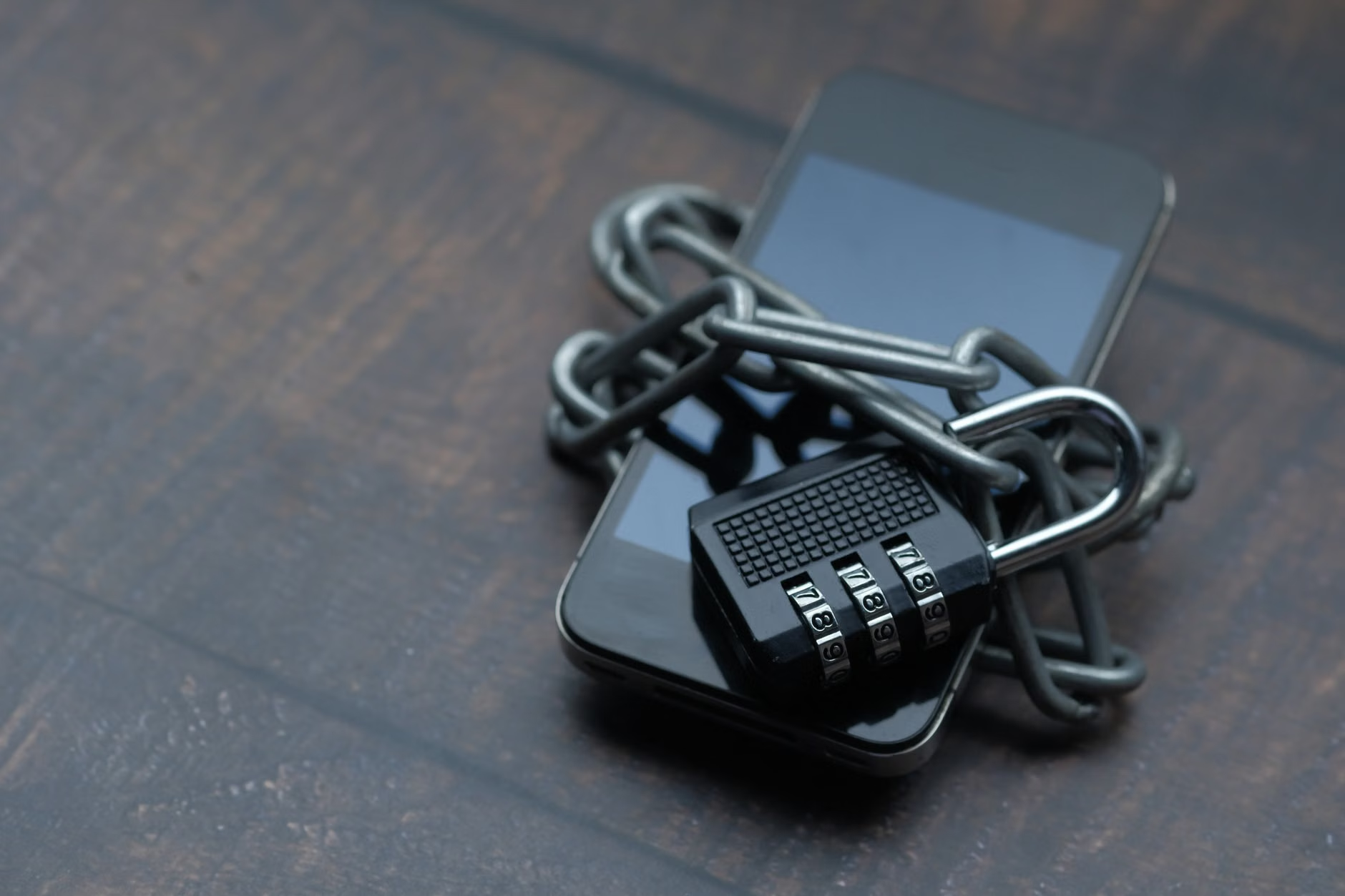
The “Maintenance” Trap: Why Your Vault Will Fail
A digital vault is a living thing. If you change your bank and update your password, but don’t update your vault, the vault becomes a source of frustration. The most successful people I’ve seen treat this as a seasonal chore.
Every time you change your clocks for Daylight Saving Time (or twice a year), do a “Digital Audit.” Spend 30 minutes verifying that your backup codes are still valid, that your legacy contacts are still accurate, and that your most recent important documents are stored in the secure folder.
If you don’t build this into a routine, the system will degrade. Think of it like changing the batteries in your smoke detector. It’s boring, it’s low-effort, but it’s the difference between a minor annoyance and a major catastrophe.
Addressing Common Misconceptions
There is a persistent myth that “encryption is enough.” Encryption protects you from hackers, but it doesn’t protect your family from the “black box” problem. You can have the most secure, military-grade encrypted vault in the world, but if the key to that encryption dies with you, the data is lost forever. You must balance security with accessibility.
Another misconception is that “the kids will figure it out.” Your children, even if they are tech-savvy, may not have the legal right to access your accounts. Furthermore, they are likely to be grieving. Expecting them to navigate a technical recovery process while in mourning is unfair. Do the heavy lifting now so they don’t have to later.
Practical Tips for 30s and 40s Parents
If you are in your 30s or 40s, you are likely at the peak of your digital complexity. You have work accounts, personal accounts, kids’ school accounts, and side-hustle accounts. Don’t try to make the vault perfect. Make it useful.
Start with the “Big Five”:
- Primary Email: The master key.
- Password Manager: The map to everything else.
- Main Financial Account: The source of household liquidity.
- Cloud Backup: The home for your family’s history.
- Legal Documents: The proof of authority.
If you have these five things organized and accessible to your partner, you have solved 90% of the potential problems. Everything else is secondary.
The Psychological Aspect: Why We Procrastinate
Let’s be honest: thinking about your own death or incapacity is uncomfortable. It’s much easier to scroll through social media or watch a show than it is to sit down and document your passwords. This avoidance is human, but it’s also a form of “digital debt.” Just like financial debt, it accumulates interest. The longer you wait, the harder it becomes to organize, and the more stress you are offloading onto your future survivors.
Instead of thinking of this as “death planning,” think of it as “family care.” It’s an act of love. You are giving your family the gift of clarity. You are ensuring that in their darkest moment, they don’t have to worry about a locked phone or an inaccessible bank account.
Final Thoughts: Don’t Let Your Legacy Vanish
The digital world has given us unprecedented convenience, but it has also created a new kind of fragility. Our lives are now stored on servers we don’t own, locked behind passwords we often forget, and protected by laws that haven’t fully caught up to the reality of our digital existence.
Don’t wait for a “better time” to start. The best time was yesterday; the second best time is today. Start by setting up your password manager’s emergency access. It’s the single most impactful step you can take. Your family won’t thank you for doing this because they’ll hopefully never have to use it—but the peace of mind you get from knowing they are prepared is worth every minute of effort.
Take charge of your digital footprint. Your family’s future stability depends on the preparation you do today.
Frequently Asked Questions
1. If I use a password manager, is it safe to store my master password in a physical safe?
Yes, storing a physical copy of your master password in a secure, fireproof safe is a recommended “failsafe.” However, ensure that the person who has access to the safe also knows that the password is there and how to use it to unlock your digital vault.
2. What happens to my digital assets if I don’t have a specific “Digital Executor” named in my will?
Without a designated digital executor or a clause in your will, your family may face significant legal hurdles. Tech companies are strictly bound by privacy laws and may refuse to turn over data to anyone other than a court-appointed executor. Always consult with a legal professional to ensure your Will is updated to reflect your digital estate.
3. Should I store my cryptocurrency private keys in the same digital vault as my passwords?
It is generally advised to keep cryptocurrency keys separate from your daily-use password manager. Cold storage (like a hardware wallet) combined with a paper backup stored in a highly secure, offline location is standard practice. If you must store them digitally, ensure they are in a heavily encrypted, offline-capable vault that is separate from your general credential management.
For further information on digital estate planning, you can review the guidelines provided by the AARP on Digital Assets or check your local government’s official resources on estate law and digital legacy.