- Digital sovereignty means you, not tech giants, maintain control over your family’s data footprint.
- “Sharenting” creates a permanent digital shadow for your children that can impact their future privacy, employment, and security.
- You can exercise your rights today by utilizing GDPR (EU/UK) or CCPA (California) “right to be forgotten” requests to purge unnecessary data from service providers.
The most important thing to know about your family’s data is that it is currently treated as a commodity, not an asset you own. Every time you upload a photo of your toddler to a social media platform or sign up for a school app, you are essentially trading a piece of your family’s digital identity for convenience. Digital sovereignty is the proactive process of reclaiming that control.
If you are in your 30s or 40s, you are likely the first generation of parents raising children whose entire existence is being archived by algorithms. We aren’t just talking about privacy settings; we are talking about the fundamental right to manage the digital version of your household. This isn’t about becoming a tech hermit; it’s about becoming a conscious curator of your family’s digital life.

Why Your Family’s Data is a Permanent Asset
Think of your digital footprint as a permanent record that follows your child into adulthood. When we post about our children—their milestones, their school names, their locations—we are building a profile that exists independent of their consent. This is known as “sharenting,” and the long-term consequences are only now becoming clear.
In the past, childhood mistakes were private. Today, a toddler’s tantrum or a school achievement is indexed by search engines and analyzed by advertising profiles. This data isn’t just sitting in a cloud; it is being used to build predictive models about your child’s future interests, health, and potential vulnerabilities. The “cost” of using free social media platforms is that the company owns the metadata attached to your family’s interactions.
The Reality Check: If you don’t manage your data, the companies that harvest it will. They optimize for engagement, which often means keeping your family glued to a screen. Digital sovereignty shifts the power dynamic. It forces you to ask: “Does this service actually need to know my child’s birth date, school, or location to function?” If the answer is no, you are oversharing.
Understanding the Legal Landscape: Your Right to Be Forgotten
Laws like the General Data Protection Regulation (GDPR) in Europe and the California Consumer Privacy Act (CCPA) in the United States have introduced the “Right to Erasure” or the “Right to be Forgotten.” This is a powerful tool for families. It means you can legally demand that companies delete your personal data if it is no longer necessary for the purpose it was collected.
However, these laws are not magic buttons. They require you to be the initiator. You cannot wait for a platform to decide it’s time to scrub your data. You must actively audit the services you use. For a busy parent, this sounds overwhelming, but it can be broken down into a simple quarterly audit.
How to Perform a Family Digital Audit
You don’t need a degree in cybersecurity to regain control. Start by listing every app or service your family uses that stores personal photos, location data, or behavioral profiles. Use the following table to categorize your risk and decide on an action.
| Service Type | Risk Level | Action Required |
|---|---|---|
| Social Media (Public) | High | Strictly limit tags, location, and identifiable faces. |
| School/Daycare Apps | Medium | Read the privacy policy; check if data is shared with third parties. |
| Cloud Storage | Low | Enable two-factor authentication (2FA) and end-to-end encryption. |
| Free Gaming Apps | High | Assume data is being sold to advertisers; delete if not used. |
Common Mistake: Many parents believe that setting an account to “private” makes it secure. It does not. Private accounts still share data with the platform’s parent company, which often aggregates that data with third-party brokers. True digital sovereignty involves minimizing the data you give them in the first place.
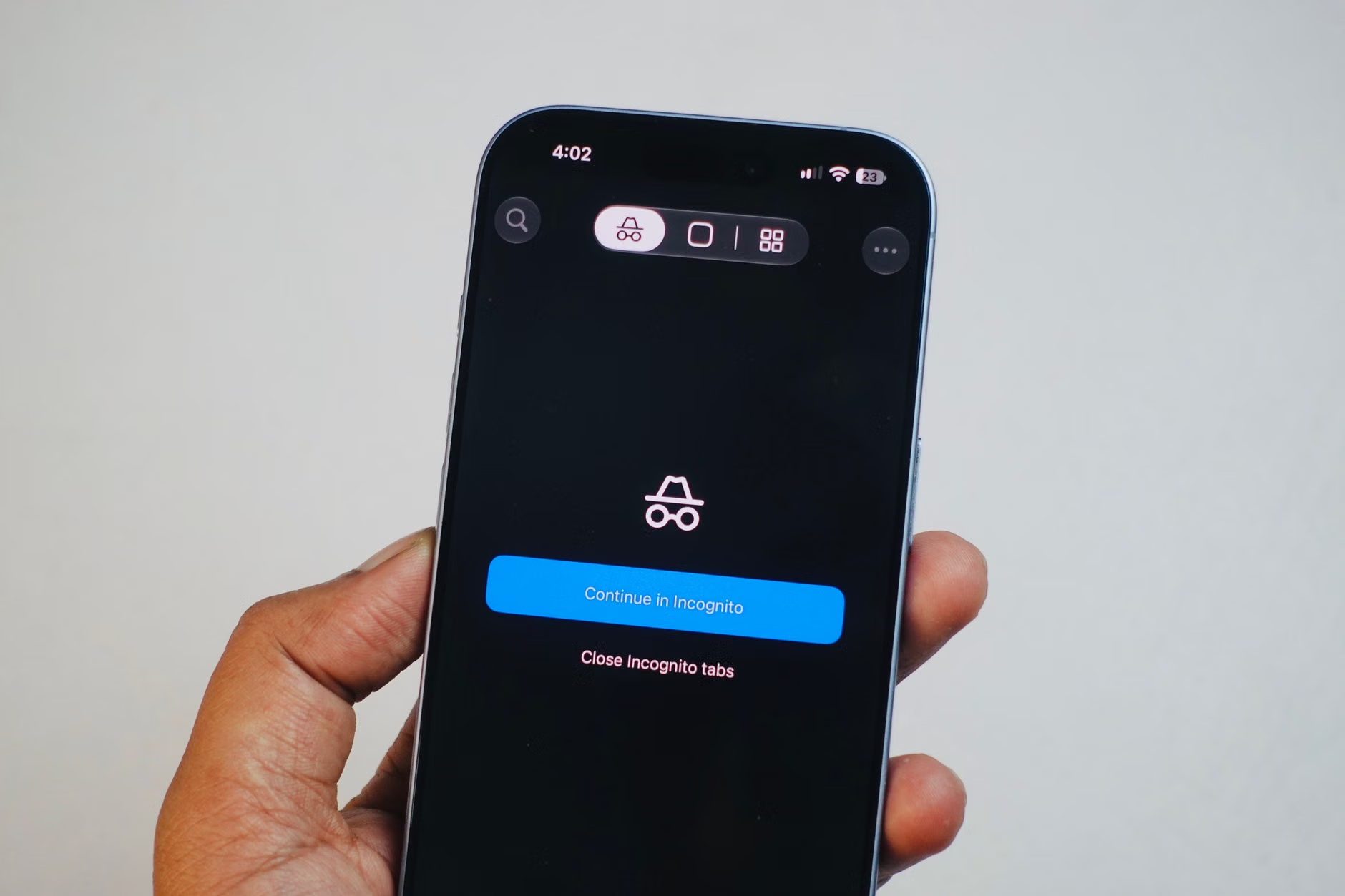
We all love sharing milestones. But there is a massive difference between sharing a photo with a group of trusted grandparents on a secure, encrypted messaging app and posting it on a public social network. The latter turns your child into a public figure before they can even speak.
A simple decision rule for parents: If you wouldn’t print the photo and pin it to a community bulletin board in a busy train station, don’t post it to a public social media profile.
Consider using “private family clouds” instead of social media. Services that offer end-to-end encryption ensure that only the people you invite can see your photos. These platforms don’t monetize your data because their business model is based on subscriptions, not advertising. This is the difference between being the “product” and being the “customer.”
Securing Your Digital Infrastructure at Home
Digital sovereignty also extends to the hardware in your home. Your router, your smart home devices, and your personal computers are the gateways to your family’s data. If your router has a default password or your smart thermostat is constantly pinging a server with your home occupancy patterns, you are leaking data.
Step-by-Step Security Hardening:
- Update Router Firmware: Manufacturers release security patches that fix vulnerabilities. If your router is more than five years old, it is likely no longer receiving these updates. Replace it.
- Use a Password Manager: Never reuse passwords across school, banking, and social media sites. A single breach at a minor site could compromise your entire digital life.
- Disable Unnecessary Permissions: On every device, go through the app settings. Why does a flashlight app need access to your contacts or location? If an app asks for permissions it doesn’t need for its core function, delete it.

The Hidden Cost of “Free” Services
A common misconception is that if you aren’t paying for an app, it costs nothing. This is false. You are paying with your attention, your behavioral data, and your family’s privacy. When a company offers a “free” family tracking app or a “free” photo backup service, they are usually building a profile on your family’s habits.
Consider the trade-offs. A paid service, such as a secure cloud backup or a privacy-focused calendar app, costs a few dollars a month. In exchange, you get a contract that guarantees your data is not sold. This is a small price to pay for the long-term security of your family’s digital future.
Actionable Insight: Check your “Data Download” options on major platforms like Google or Meta. You might be shocked by the sheer volume of data they have accumulated—every search, every location ping, and every ad interaction. Downloading this data once provides a stark realization of how much you have already shared.
Practical Next Steps for Busy Parents
You don’t need to quit the internet, but you do need to be more intentional. Start by establishing a “Family Digital Policy.” This is a set of rules for your household that everyone—including the kids as they get older—follows.
- No Location Tagging: Never share real-time locations or geotagged photos of children.
- Consent-First Sharing: Once your children are old enough to understand, ask for their permission before posting photos of them. This teaches them about digital agency.
- Privacy-First Tools: Transition to privacy-focused browsers (like Brave or Firefox with tracking protection) and search engines (like DuckDuckGo).
- Regular Cleanup: Every six months, go through your cloud accounts and delete old photos, documents, and apps that are no longer in use. Data that doesn’t exist cannot be stolen.
This process is not about fear; it is about empowerment. When you take control of your digital identity, you are not just protecting your data; you are setting a standard for your children. You are showing them that their privacy is valuable and that they have the right to curate their own digital footprint.
The digital world is not going away, but the way we interact with it is entirely within our control. By treating your family’s data with the same level of security as your financial records, you create a safer, more intentional environment for your children to grow up in. Start small, be consistent, and remember that every piece of data you keep private is a win for your family’s long-term digital sovereignty.
For more detailed information on your specific rights based on your region, you can consult official resources such as the EU GDPR Information Portal or the California Attorney General’s CCPA guide. These documents provide the legal framework for how you can request the deletion of your data from service providers.
Frequently Asked Questions
1. Is it possible to completely remove my family’s data from the internet?
No, it is not possible to be 100% invisible if you use modern technology. However, you can significantly minimize your footprint by deleting old accounts, using privacy-focused services, and being extremely selective about what you share publicly. The goal is to move from “publicly exposed” to “privately contained.”
2. Does using a VPN actually protect my family?
A VPN (Virtual Private Network) encrypts your internet traffic, preventing your Internet Service Provider (ISP) from seeing exactly what you are doing. It is an excellent tool for security, especially when using public Wi-Fi, but it does not prevent the apps you log into from tracking your behavior. Use a VPN as one layer of a multi-layered security strategy.
3. How do I explain digital sovereignty to my children?
Explain it in terms of “digital clothing.” Just as we don’t walk around in public without clothes, we don’t share everything about our lives with strangers. Teach them that their photos and information are “theirs” and that they have the right to decide who gets to see them. This empowers them to think critically before they post as they grow older.