Key Takeaways for Co-Parenting Success
- Centralize Everything: Use a single, cloud-based digital calendar that both parents can edit; fragmented communication through text or email is the primary cause of missed appointments and scheduling conflicts.
- Implement Color-Coding: Assign specific colors to each child, extracurricular activity, and school event to visualize the week at a glance and prevent double-booking.
- Define “Read-Only” vs. “Edit” Permissions: Establish clear ground rules for who can modify recurring custody schedules versus one-off appointments to maintain transparency and trust.
The most effective way to manage a shared-parenting calendar is to stop treating it like a negotiation and start treating it like a shared project management file. When you are balancing school runs, dentist appointments, sports practice, and the inevitable last-minute changes that come with raising children, relying on memory or fragmented text threads is a recipe for high-stress friction. By centralizing your logistics into a single, synchronized digital ecosystem, you remove the emotional labor of constant “checking in” and replace it with a transparent, reliable source of truth.
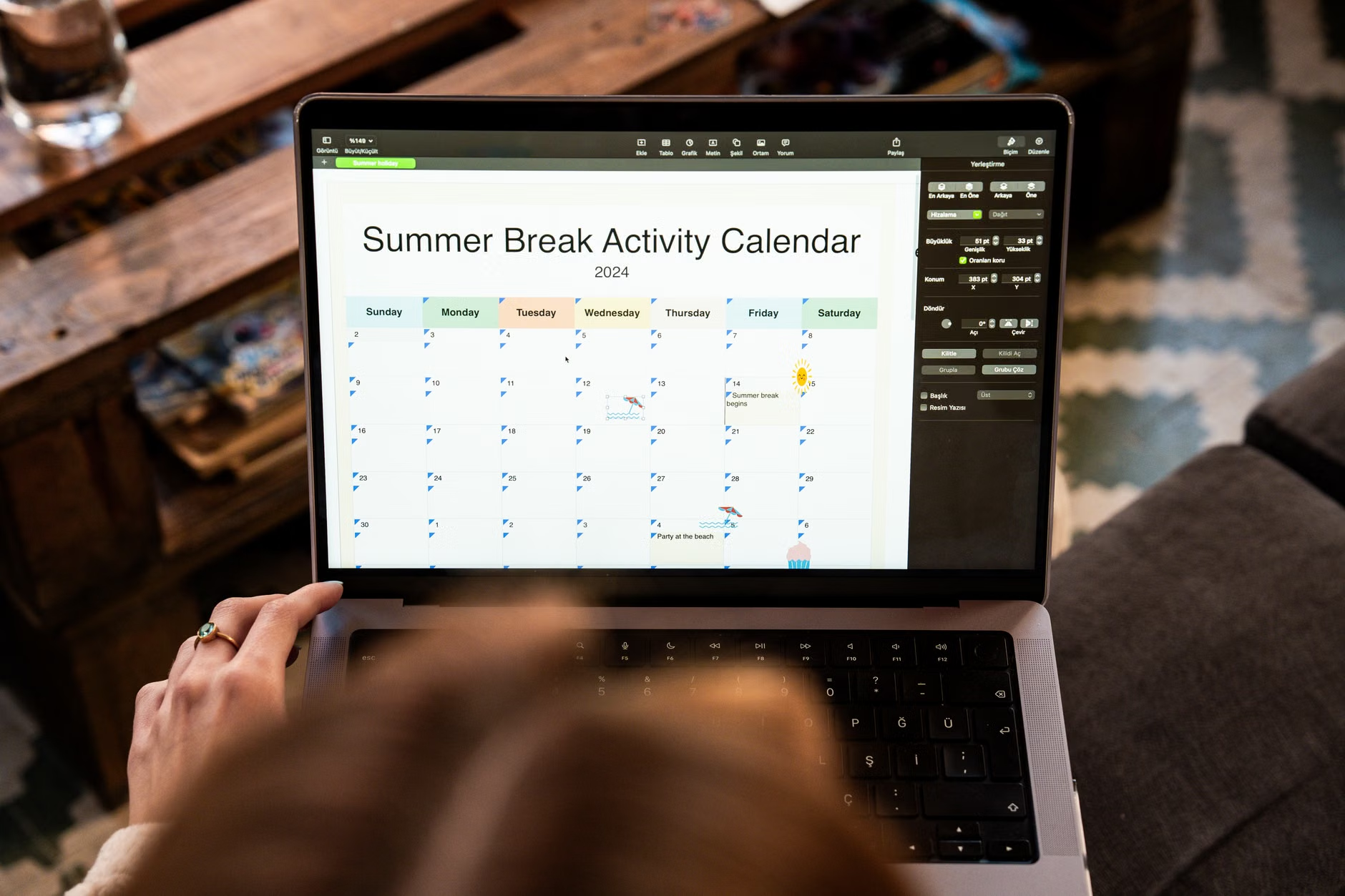
Why Your Current Scheduling Method is Likely Failing
Most parents in their 30s and 40s find themselves stuck in a cycle of “scheduling drift.” This happens when information is scattered across three different platforms: a physical wall calendar, a series of school emails, and a chaotic chain of WhatsApp or iMessage threads. The problem with this decentralized approach isn’t just the risk of forgetting a pick-up time; it is the underlying cognitive load it places on both parents.
When you have to ask, “Did you see the email about the soccer game on Tuesday?” you aren’t just asking about a time—you are initiating a conversation that requires a response, verification, and memory retention. If that information isn’t recorded in a shared, accessible space, the mental burden of “holding” that data remains active. For busy professionals, this is a significant source of burnout. A shared digital calendar acts as an external hard drive for your family’s logistics. It moves the responsibility from your brain to a system that doesn’t forget, get tired, or lose its temper.
Consider the “Common Conflict Scenario”: A child has a doctor’s appointment. Parent A schedules it but forgets to tell Parent B. Parent B shows up for a planned activity, only to find the child is at the doctor. This is rarely about malice; it is almost always a failure of the information pipeline. By moving to a shared calendar, you shift the accountability from remembering to inform to checking the shared source.
Selecting the Right Tool for Your Family Dynamic
Not all calendar apps are created equal. When choosing a platform, you need to prioritize accessibility, real-time synchronization, and ease of use. If the technology is too cumbersome, you will stop using it, and the system will collapse.
| Tool Category | Best For | Key Limitation |
|---|---|---|
| Standard Cloud Calendars (Google/Outlook/iCloud) | High accessibility, free, integrates with email. | Lacks specific features like expense tracking or secure messaging. |
| Dedicated Co-Parenting Apps (e.g., OurFamilyWizard, TalkingParents) | High-conflict situations, legal documentation, court-admissible records. | Often requires a subscription fee and can feel overly formal. |
| Family Organization Apps (e.g., Cozi, TimeTree) | Shared grocery lists, meal planning, and calendar sync. | Can become cluttered if too many features are used simultaneously. |
For most parents, the best solution is the one that minimizes friction. If you and your co-parent have a relatively cooperative relationship, a shared Google Calendar is often sufficient. It is free, universally understood, and syncs instantly across all devices. However, if your communication is strained or if you need a documented record of exchanges, dedicated co-parenting apps are worth the investment. These platforms provide a “neutral ground” that keeps logistics separate from personal communication, which can be a game-changer for reducing tension.

Setting Up Your Synchronization Rules
The technology is only 20% of the solution; the remaining 80% is the “operating agreement” you and your co-parent establish. Without clear rules, even the best app will become a source of confusion. You need to standardize how you input data so that it remains legible for both parties.
1. Standardize Color-Coding
Visual clarity is essential. Use a consistent color scheme that everyone understands at a glance. For example:
- Blue: School-related events (projects, parent-teacher conferences).
- Green: Extracurricular activities (sports, music lessons).
- Red: Medical or urgent appointments.
- Yellow: Custody transition times or holiday schedules.
By keeping these colors uniform, you can look at the month view and instantly identify the “rhythm” of the week without reading every individual entry.
2. The “No-Surprise” Policy
Establish a rule that any change to the schedule must be entered into the calendar before it is considered “official.” If one parent makes a verbal agreement to swap a weekend, that agreement does not exist until it is reflected in the digital calendar. This removes the “he said, she said” dynamic and provides a clear, objective record of the plan.
3. Defining Permissions
Decide whether you want a “democratic” calendar where both parents have full editing rights, or a “primary/secondary” structure. In most cases, full editing rights are best for equality, but it requires a high level of mutual respect. If you find that one parent is constantly deleting or moving events without notice, you may need to revert to a system where changes require a “request” or a shared discussion before they are finalized.
Handling Edge Cases and Unexpected Changes
Even with a perfect system, life happens. A child gets sick, a flight is delayed, or an emergency meeting pops up at work. This is where many parents fail, not because the calendar was wrong, but because the communication protocol for handling changes was undefined. When an emergency occurs, the calendar might not be the right place for the initial negotiation, but it must be the place where the resolution is documented.
When a change is necessary, use the “Three-Step Protocol”:
- Direct Communication: Call or text your co-parent to discuss the situation.
- Agreement: Once a solution is reached, the person responsible for the change updates the calendar.
- Notification: Ensure the calendar app is set to send an automatic notification or email alert to the other parent whenever an event is modified.
This ensures that the calendar remains the “single source of truth” even when the path to getting there was messy. Never rely on the “I told you about this over the phone” excuse. If it isn’t on the calendar, it isn’t real.

The Hidden Benefits of Digital Synchronization
Beyond the obvious benefit of not missing a pickup, digital synchronization provides a psychological benefit: it creates a sense of predictability for the children. When parents are organized, the transition between households becomes smoother. Children in shared-parenting arrangements often struggle with the “unknown” of which house they will be at or what activities are coming up. By allowing them access to a simplified version of the calendar (or by simply being able to answer their questions immediately), you reduce their anxiety.
Furthermore, this system serves as a historical record. At the end of the year, you can look back and see how much time was spent on specific activities, which can be useful for planning future years or adjusting custody schedules as the children grow and their needs change. It moves the conversation from emotional arguments about “fairness” to data-driven discussions about what is actually happening in the children’s lives.
Common Mistakes to Avoid
One of the most common mistakes is “over-calendaring.” If you put every single minor event—like “15 minutes of reading homework”—on a shared calendar, it becomes so cluttered that you stop looking at it. Keep the shared calendar restricted to logistical events: drop-offs, pick-ups, appointments, school events, and extracurricular activities. Keep daily chores or minor homework tasks on a separate, household-specific list that doesn’t need to be shared across households.
Another mistake is failing to set up notifications correctly. Many people assume that because they edited an event, the other person knows. Check your app settings to ensure that “Push Notifications” or “Email Alerts” are enabled for all shared calendars. If you don’t receive an alert, you won’t know that a change has occurred, and you’ll fall back into the habit of having to manually check the calendar every hour, which defeats the purpose of the automation.
Refining Your Workflow for the Long Term
As your children enter different stages of life, your calendar needs will evolve. In the early years, you might be focusing on nap times and daycare pick-ups. By the time they reach their teens, you will be managing driver’s ed, social events, and part-time jobs. Periodically, perhaps once every six months, sit down (or have a brief, calm email exchange) with your co-parent to audit your system. Ask: “Is this color-coding still working? Are we getting too many notifications? Is there anything we’re still communicating about via text that should be on the calendar?”
This “calendar maintenance” is a vital part of co-parenting. It shows that you are committed to the system and, by extension, to the stability of the parenting arrangement. It prevents the slow creep of resentment that builds up when one parent feels they are doing more “logistical heavy lifting” than the other. When the system is transparent, the division of labor becomes visible, and it is much easier to correct imbalances.
Practical Implementation: Getting Started Today
If you don’t have a shared system yet, start this weekend. Don’t try to input the entire year at once, as that is overwhelming and prone to error. Start with the next two weeks. Sit down with your co-parent, open the calendar, and input the known events. If you are doing this as a solo parent for the first time, it might feel like a chore, but think of the hours you will save in the coming months by not having to clarify, confirm, and re-confirm plans. The time you invest today is essentially a down payment on your future peace of mind.
Remember that the goal is not perfection; the goal is reliability. There will be times when you forget to hit “save,” or the app glitches, or a last-minute change happens so fast that no one has time to update the screen. That is okay. The system is there to support you, not to govern you. If a mistake happens, don’t blame the tool. Use it as a moment to discuss how to prevent that specific type of error in the future. Was it a notification failure? Was it a lack of clear communication? Adjust the process, update the calendar, and move on.
Ultimately, a shared-parenting calendar is a tool for autonomy. It allows you to manage your life with confidence, knowing that the logistics of parenting are handled. It allows you to focus your energy on the actual time you spend with your children, rather than the stress of coordinating the time you spend without them. By choosing to be organized, you are choosing to prioritize your children’s stability and your own mental health. It is a small change in process that yields a massive return in quality of life.
Frequently Asked Questions
If your co-parent is resistant to digital tools, try to identify the underlying cause. Is it a lack of technical comfort, or a desire for control? Start by proposing a “trial period” of one month using a very simple tool like Google Calendar. If they still refuse, you may need to implement a “one-way” system where you maintain the calendar and send them a weekly summary email every Sunday evening. While not ideal, it ensures you have a record of what you communicated, which is vital for your own organization.
2. How do I handle recurring events like school pick-ups that change every semester?
Use the “Recurring Event” feature found in almost all calendar apps, but always set an “End Date.” For example, set the school pick-up event to repeat every weekday until the end of the current school term. When the new term begins, update the series. This prevents the calendar from showing outdated information during school holidays and forces you to re-verify the schedule periodically, which is a good habit for staying on top of changing school routines.
Privacy is a valid concern, especially when using third-party apps. Always check the privacy policy of the service you choose. Avoid using your primary, work-linked calendar for shared parenting if you are concerned about data exposure. Create a separate, dedicated “Family” email account (e.g., familyname.schedule@gmail.com) that is used exclusively for shared parenting logistics. This keeps your personal and professional calendars entirely separate from your co-parenting duties, adding a layer of security and digital hygiene.
For further reading on effective co-parenting strategies, you can visit the HelpGuide resource on co-parenting, which provides additional context on managing the emotional aspects of these logistical transitions.