The most effective way to preserve your family legacy is not by hoarding physical boxes of unsorted photos, but by creating a centralized, searchable, and narrative-driven digital archive that your children can actually engage with.
Key Takeaways
- Digitize with intent: Quality matters more than quantity; prioritize scanning at 600 DPI to ensure your digital copies can be reprinted or enlarged in the future.
- Context is the legacy: A digital photo without a name, date, or story is just a file; use the “Ancestral-Roots” framework to attach metadata and narrative to every asset.
- Accessibility is key: Store your digital heritage on redundant cloud services and offline hard drives to ensure that technical obsolescence doesn’t erase your family history.
We have all been there. You are cleaning out the attic or a spare closet, and you find a shoebox filled with unlabeled, fading photographs. You recognize a few faces—maybe your grandparents—but the rest are strangers. You feel a pang of guilt, a sense that a piece of your identity is slipping away, but you have no idea how to store it, let alone how to pass it down to your own kids without it becoming just another burden in their lives.
This is where the “Ancestral-Roots” digital storytelling project changes the game. It moves away from the traditional, static genealogy charts that feel like homework and shifts toward a living, breathing digital narrative. It is about converting “stuff” into “stories” that your family will actually want to look at on a Sunday afternoon.
Why Digital Storytelling is the Modern Heirloom
In our 30s and 40s, we are the “sandwich generation.” We are busy maintaining our own households, raising children, and often caring for aging parents. We are the bridge between the analog past and the digital future. The problem with physical heirlooms—the dusty photo albums, the letters in trunks, the cassette tapes—is that they are fragile and isolated. If a fire, flood, or simply a move happens, those items are lost forever.
Digital storytelling, as framed by the Ancestral-Roots project, isn’t just about scanning photos. It is about curation. When you digitize, you are making a choice about what matters. You are deciding which stories define your family. By turning these assets into a digital format, you make them accessible from anywhere in the world. Your daughter in college can pull up a story about her great-grandfather, or your brother across the country can add his own perspective to a shared digital album.
The core philosophy here is that data without context is noise. If you just dump 5,000 photos into a cloud folder, nobody will ever look at them. The Ancestral-Roots approach mandates that every digital asset must have a “story bridge”—a small snippet of text, an audio clip, or a video explanation that connects the past to the present.
Step 1: The Audit and Triage Phase
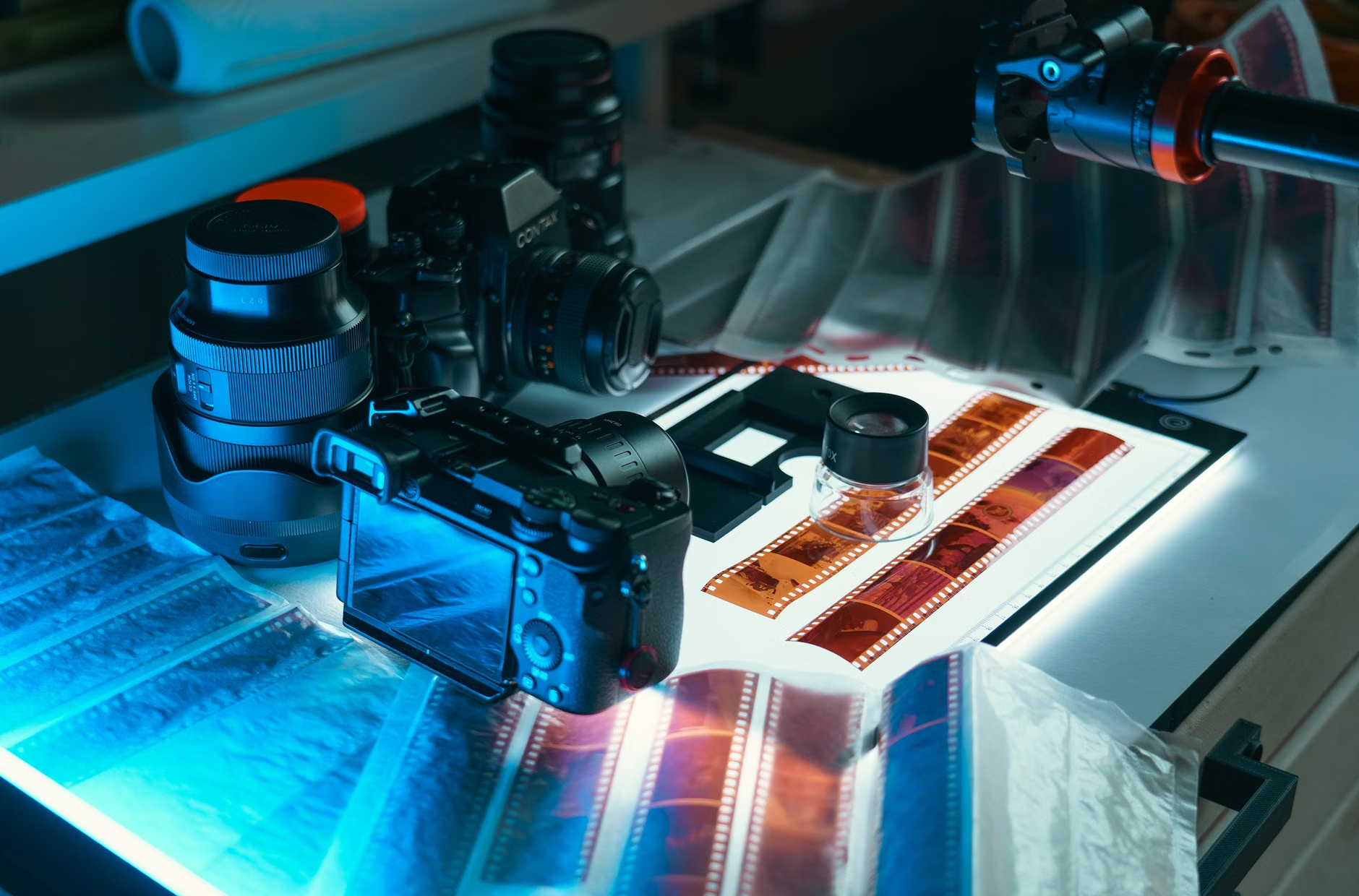
Before you buy a single piece of software or a high-end scanner, you need to perform an audit. This is the stage where most people get overwhelmed. The secret to success is to stop thinking about your entire family history as one monolithic task. Instead, break it down into “clusters.”
A cluster could be “The 1950s Summer Vacations,” “Grandmother’s Recipes,” or “Military Service Records.” By focusing on one cluster at a time, you create manageable milestones. If you attempt to archive your entire family history in one weekend, you will burn out by Sunday night.
| Category | Priority | Digital Strategy |
|---|---|---|
| Unique physical photos | Critical | High-res scan (600 DPI) + cloud backup |
| Correspondence | High | OCR text transcription + original photo |
| Video/Audio tapes | Time-sensitive | Professional digitization service |
Common Mistake: Many people scan at 150 or 300 DPI (dots per inch). While this looks fine on a phone screen, it is insufficient if you ever want to print that photo again or zoom in to see details. Always scan at a minimum of 600 DPI for standard photos, and 1200 DPI for small negatives. This is your “master copy.” You can always make a smaller version for social media, but you cannot make a high-quality version from a low-quality file.
The Technical Foundation: Setting Up Your Archive
Once you have your digital files, where do they go? You need a system that balances security with ease of use. A common error is relying on a single platform, like a social media site or a free cloud account, as your primary storage. If that company changes its terms or goes out of business, your history is at risk.
We recommend a “3-2-1” storage rule for your digital legacy:
- 3 copies of your data: One on your main computer, one on an external hard drive, and one in the cloud.
- 2 different media types: For example, a local SSD drive and an encrypted cloud storage provider.
- 1 off-site location: This ensures that if your house suffers a disaster, your digital family history remains safe in the cloud.
When selecting your cloud provider, look for services that allow for metadata tagging. Metadata is the “hidden” information attached to a file, such as the date taken, the location, and the names of the people in the image. If you search for “Grandpa 1984” in your archive, the metadata allows the system to find that specific file instantly. Without metadata, you are just looking at a file named “IMG_0042.jpg,” which is useless for future generations.
Narrating the Story: Moving Beyond Names and Dates
Genealogy is often mistaken for a list of names and birth dates. That is not a story; that is a database. The Ancestral-Roots project emphasizes the “narrative layer.” This is where you add the “Why” and the “How.”
If you have a photo of your mother standing in front of a specific building, don’t just tag it “Mom, 1975.” Add a note: “This was the bookstore where Mom worked during college. She met Dad here because he kept coming in to buy books he never read, just to talk to her.” That one sentence turns a static image into a piece of family lore.
The “Interview” Technique for Your Elders
If you have living parents or grandparents, they are your most valuable primary source. However, asking them “Tell me about your life” is too broad and usually leads to generic answers. Instead, use the Object-Triggered Interview method.
Pick a specific item—a piece of jewelry, an old tool, a photograph—and ask about that object. “What is the story behind this watch?” “Where did you buy this coat?” Objects act as physical anchors for memories. They help people recall specific details that they might otherwise overlook. Record these conversations using a high-quality audio app on your smartphone, and then transcribe them (or use free AI transcription tools) to pair with the digital photo of the object.
Addressing Common Hurdles: Time and Tech
Let’s be realistic: you are busy. You have work, school runs, and a life. The most common excuse for not doing this project is “I don’t have enough time.” The Ancestral-Roots methodology accounts for this by suggesting the “Micro-Archive” approach.
Instead of setting aside a whole weekend, commit to 15 minutes a week. Every Sunday, digitize one small item or write one story. In a year, that is 52 stories. Over five years, you have built a massive, comprehensive family archive. The key is consistency, not intensity.
Another hurdle is technical anxiety. You might think, “I’m not a digital archivist.” You don’t need to be. Start with a simple flatbed scanner (or even a high-quality scanning app on your phone if the resolution is sufficient) and a structured folder system on your computer. You can always upgrade your tools later, but you cannot “upgrade” your family’s memories if the originals are lost or discarded.
Ensuring Longevity: The Future-Proofing Strategy
Technology changes rapidly. Remember floppy disks? CD-ROMs? If you have family files on those, they are likely already inaccessible. A critical part of the Ancestral-Roots project is format migration. Every five years, check your digital archive. If a file format is becoming obsolete (e.g., an old proprietary video format), convert it to a modern, universal standard like MP4 for video or JPEG/TIFF for images.
Also, consider the “Access Pass.” What happens to your digital archive if something happens to you? Make sure your spouse or your children have the passwords to your cloud accounts and your external hard drives. Create a simple “Digital Legacy Plan” document that explains how to access these files. Without this, your hard work will simply become a “digital ghost” that no one can open.
Practical Next Steps for Your Family
If you are ready to start, here is your immediate action plan:
- The Box Hunt: Gather all your physical photos and documents into one central location. Don’t organize them yet; just bring them together.
- The Setup: Purchase or borrow a reliable flatbed scanner. If you are doing this at home, ensure your workspace has good, non-glare lighting.
- The First Cluster: Choose one theme (e.g., “My Childhood”) and start scanning. Name your files using a consistent format, such as
YYYY-MM-DD_Description.jpg. - The Narrative Layer: Spend time recording your own thoughts on these photos while you scan them. What do you remember? What do you want your children to know about these moments?
Remember, this is not just an academic exercise. It is a gift to your future self and your children. When your kids are in their 30s, they won’t care about the high-tech scanner you used. They will care that you took the time to preserve the faces, the places, and the stories that made them who they are today.
Start small, stay consistent, and keep the narrative alive. The roots of your family history are already there; you are simply giving them a place to grow in the digital age.
Frequently Asked Questions
1. Should I use a professional digitization service instead of doing it myself?
It depends on your volume and budget. Professional services are excellent for fragile, high-volume, or specialized media like 8mm film reels or large-format negatives. However, for standard 4×6 photos, doing it yourself with a flatbed scanner allows you to add the necessary narrative context and metadata as you go, which is often lost in bulk professional services.
2. What is the best file format for long-term storage?
For photographs, use TIFF for your “master” archive because it is an uncompressed format, and JPEG for your “working” copies that you share with family. For documents, PDF/A is the international standard for long-term digital preservation, as it is designed to remain readable by future software.
3. How do I get my children interested in this project?
Don’t force them to “study” the archive. Instead, integrate it into family life. Use digital photos as screensavers on your TV, or create a shared digital photo album where they can see photos of themselves or their ancestors. When they ask questions about a photo, that is your opportunity to share the story you have already archived.
For more information on digital preservation standards, you can visit the National Archives’ guide on preserving family archives.